AI Christmas Photo Generator: Turn One Photo into Christmas Pictures
An AI Christmas photo generator turns one uploaded picture into a festive portrait with new clothing, lighting, and a holiday background. Results are digital pictures and wallpapers, not a studio session. Try PiXmas online or on iPhone.


What an AI Christmas photo generator actually does
An AI Christmas photo generator takes one clear phone photo and rebuilds a festive scene around the person in it. It can change the background, lighting, clothing, and seasonal props while trying to keep a recognizable face. The result is a digital Christmas picture or wallpaper, not a studio session and not a printed card by itself.
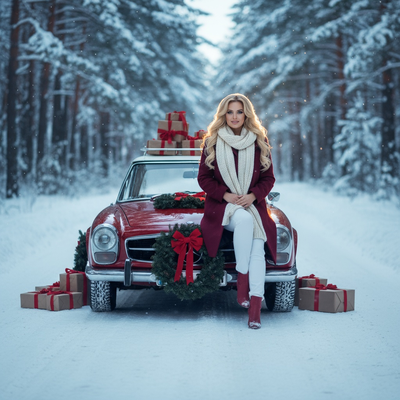
That is different from a holiday filter. A filter tints the original photo or drops a hat sticker on it. A generator redraws the scene: a fireplace room, a snowy street, Santa's workshop, a card-ready portrait, or a phone wallpaper crop. PiXmas is one iOS example of that one-photo workflow, with 800+ styles across 20 categories.
What photo works best
Use a sharp, well-lit, front-facing photo with the face unobstructed. A simple background helps. Avoid sunglasses, heavy beauty filters, motion blur, and extreme angles. Group shots can work when every face is large and evenly lit; crowded or overlapping faces are less consistent.
Pets can appear when the style supports animals and the source shows the pet clearly. Hands, glasses, jewelry, and small text are the details that most often need a second look before you share or print.
Christmas wallpaper, cards, and family pictures
The same one-photo flow covers Christmas wallpaper, social portraits, and files you can send to a printer. Export size and crop matter: a square profile picture is not the same as a 5×7 card or a phone lock screen. Review faces and edges after you crop.
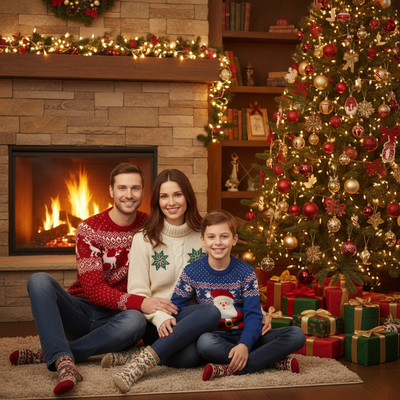
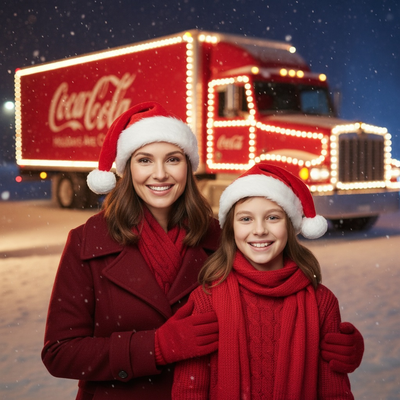
Families can generate matching looks from separate uploads, or try one group photo. A professional photographer is still the better choice when you need exact poses, a real location, or guaranteed print quality. An AI portrait is faster and cheaper; it is a generated picture, not proof that the scene happened.
How this compares with a photoshoot
| Factor | One-photo generator | Professional photographer | DIY home setup |
|---|---|---|---|
| Time | Minutes in-app | Scheduling plus shoot time | Hours of setup |
| Cost | Free download; credits for extra styles | Session fee plus prints | Props, lights, wardrobe |
| Setup | One photo upload | Studio or location | Physical set |
| Likeness | Usually close on a clear face; can drift | Exact, if the session goes well | Exact, if you can pose everyone |
Honest limits
Generated Christmas pictures can warp hands, invent objects, soften faces in groups, or misread hats and glasses. Busy holiday demand can slow generation. Review privacy, retention, and deletion before you upload a child's photo. If you would not want that picture stored, use a safer one.
How it works
- Upload. Pick one clear selfie from your camera roll.
- Choose style. Santa, snow, fireplace, card, or wallpaper.
- Generate. AI builds a full festive scene around you.
- Save & share. Download cards, wallpapers, or social posts.
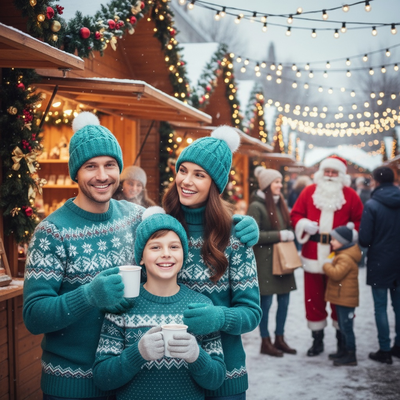
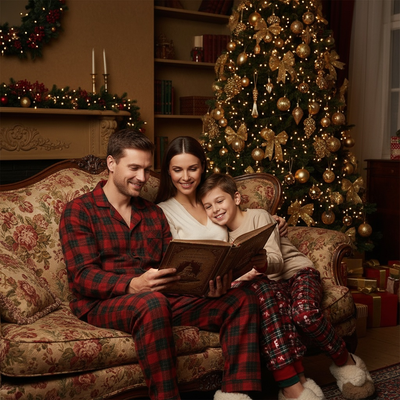
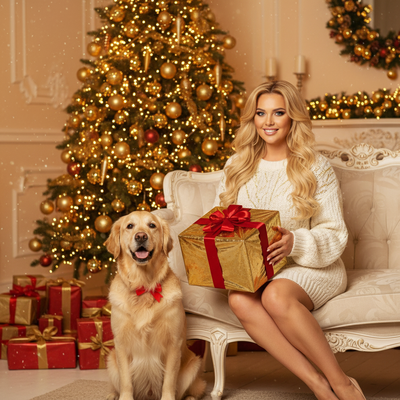
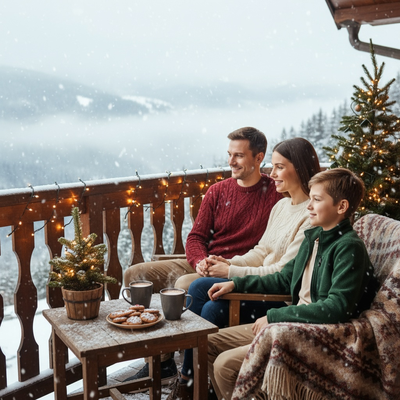
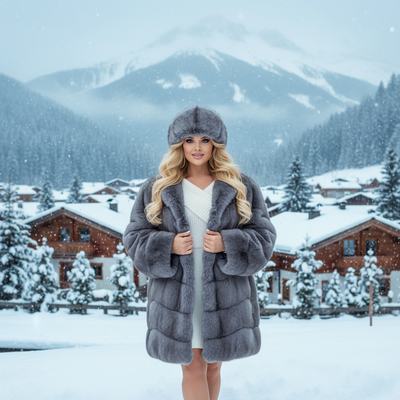
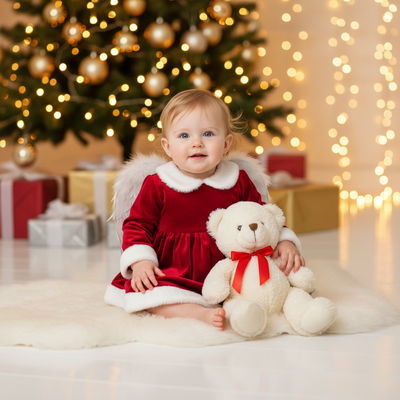
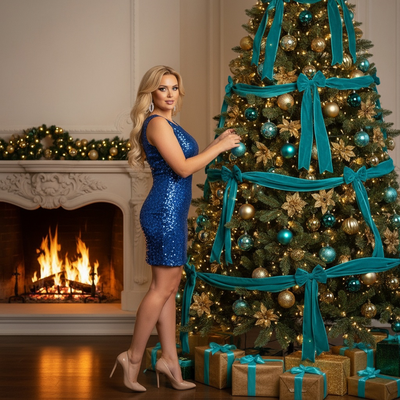
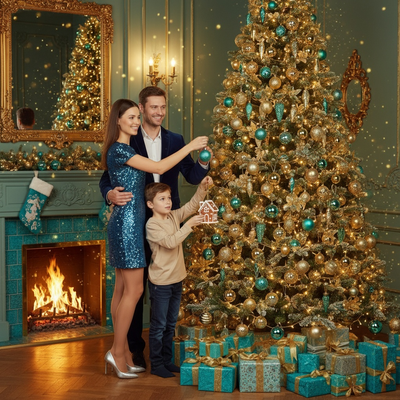
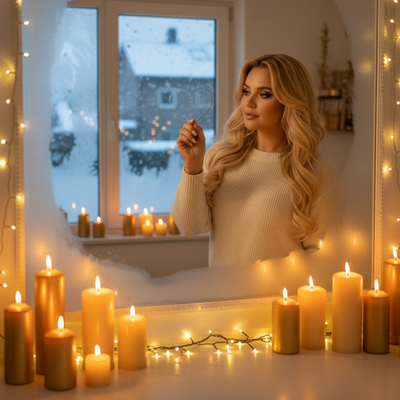
Indoor Cozy Home
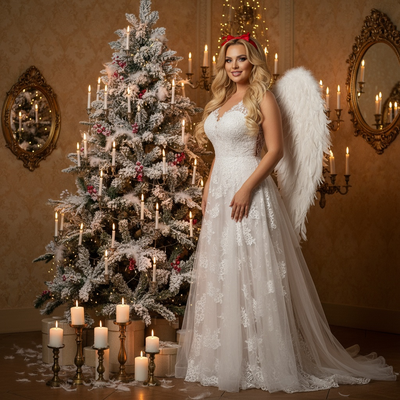
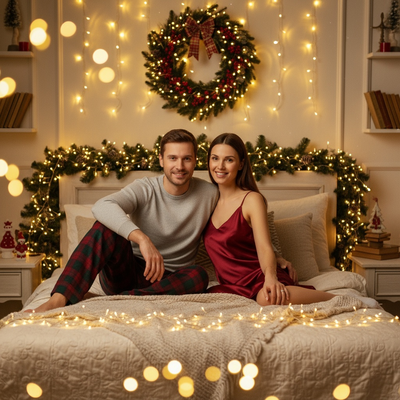
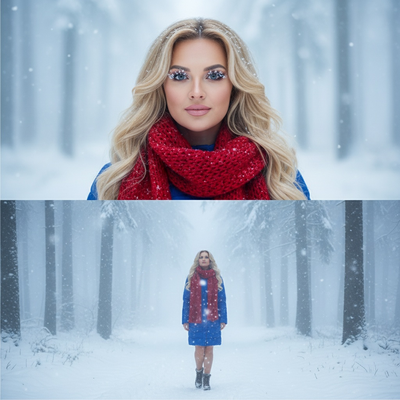
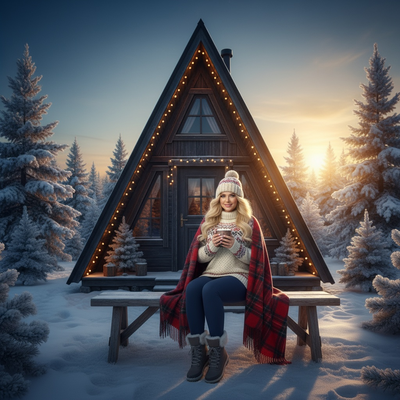
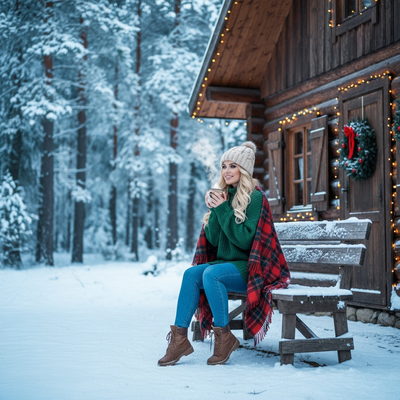
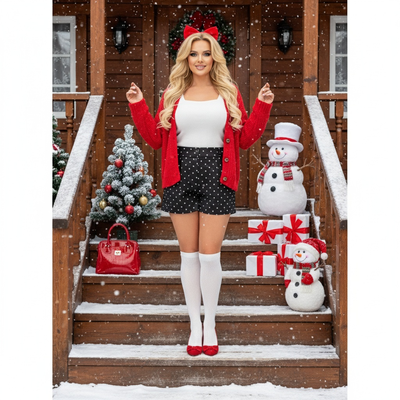
Outdoor Snow & Nature
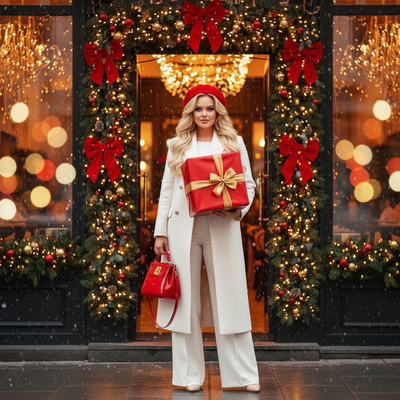
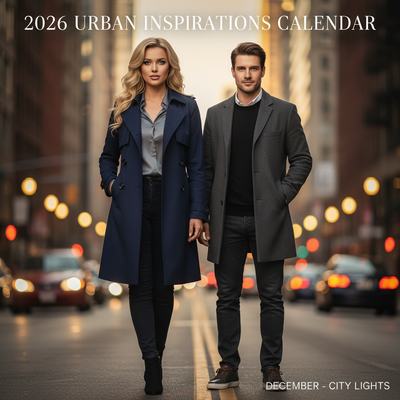
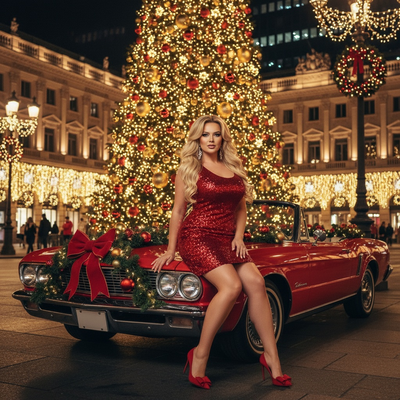
Urban & City Lights
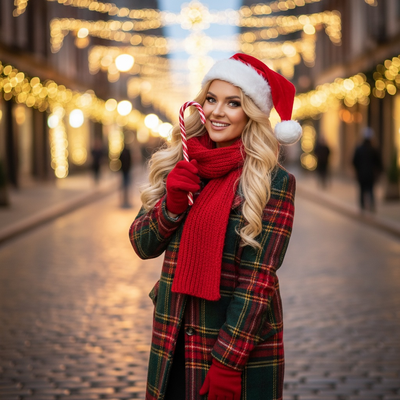
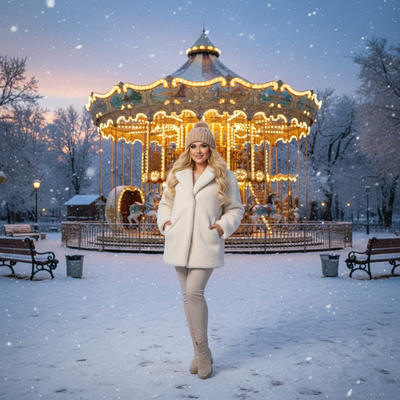
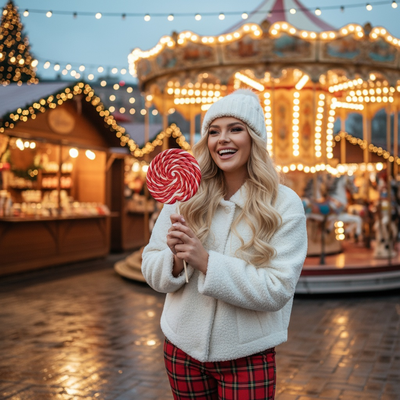
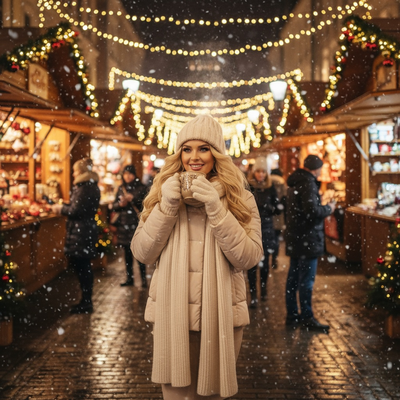
Santa & Workshop Encounters
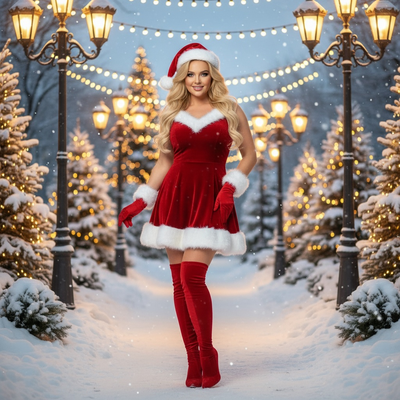
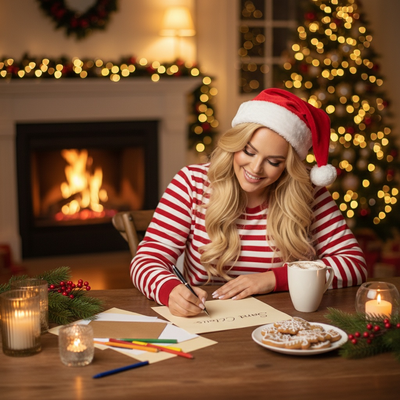
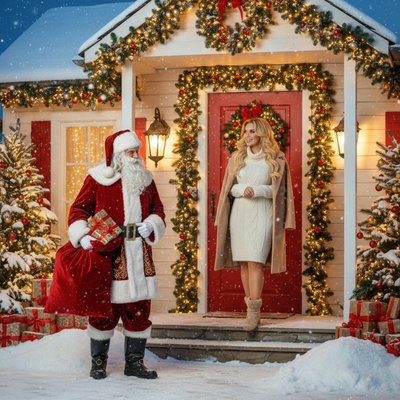
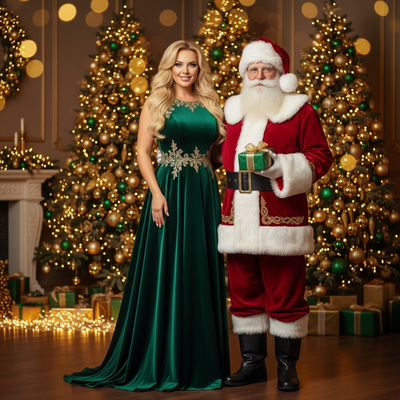
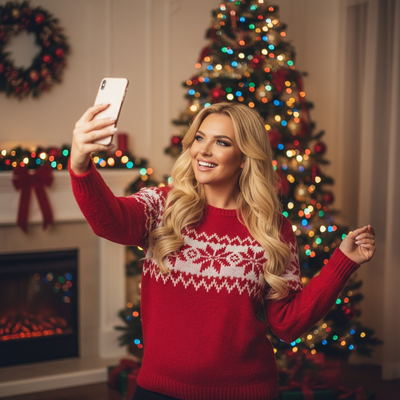
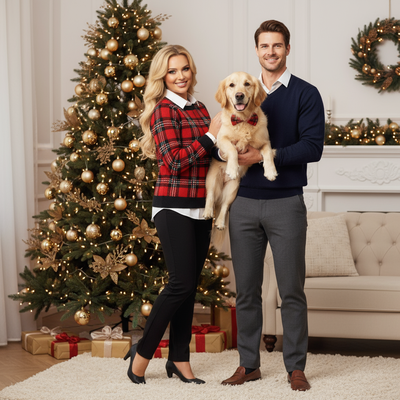
Family & Group Portraits
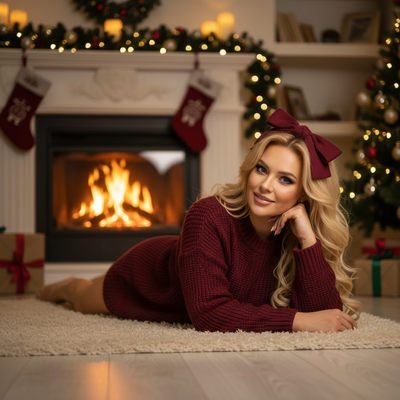
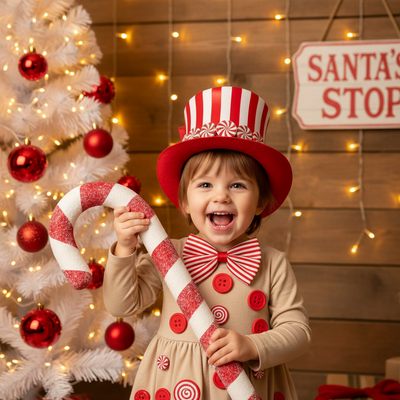
Babies & Kids Magic
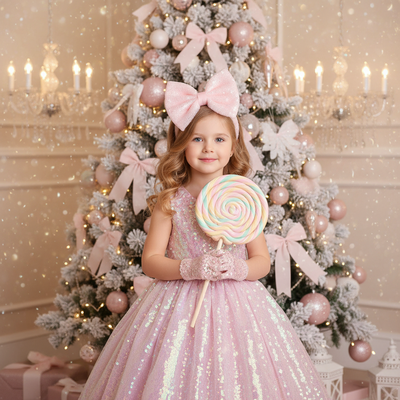
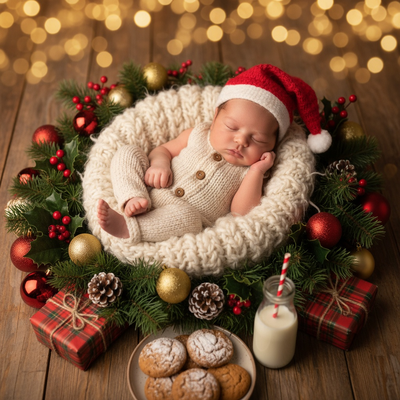
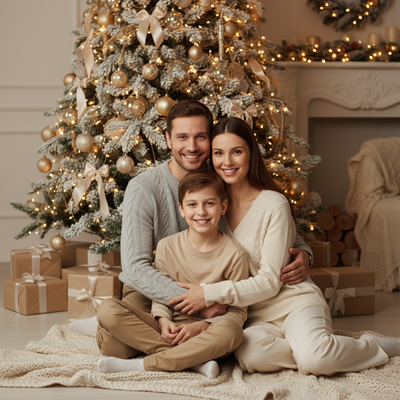
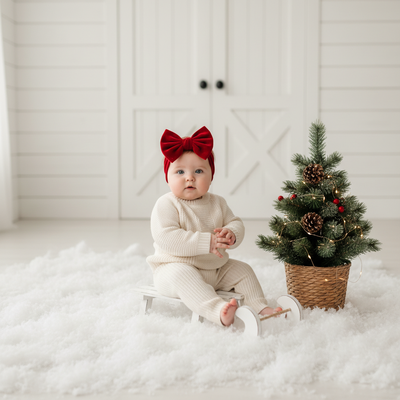
Studio Minimal & Modern
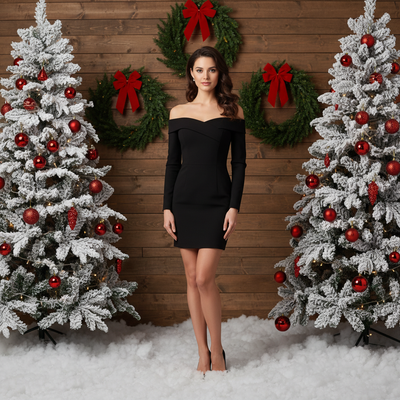
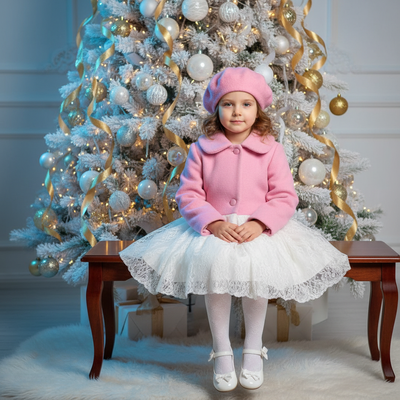
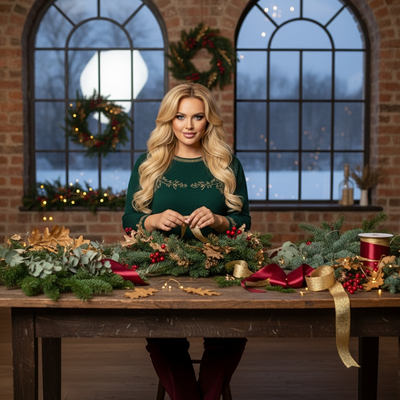
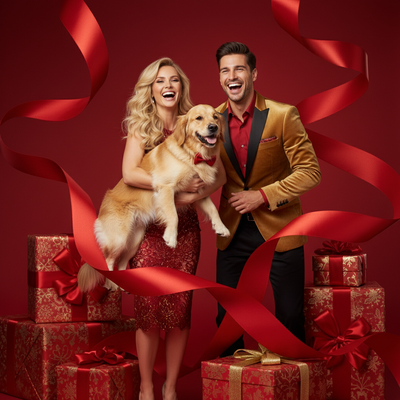
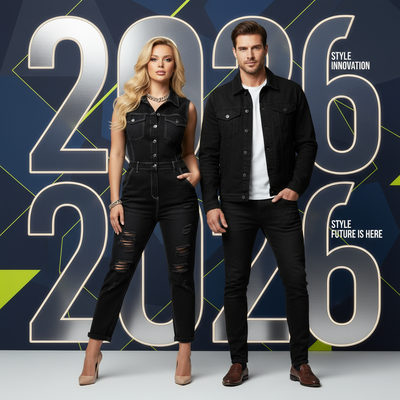
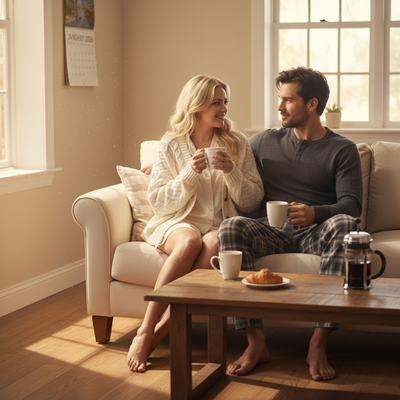
High-Fashion & Editorial
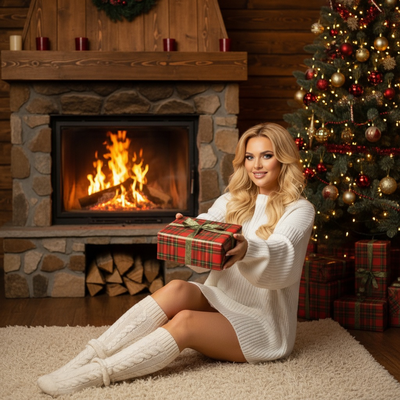
Rustic Cabin & Wood
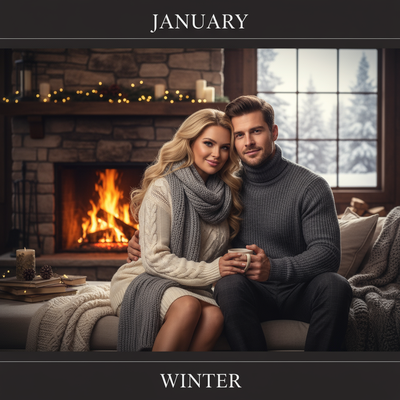
Couples & Romance
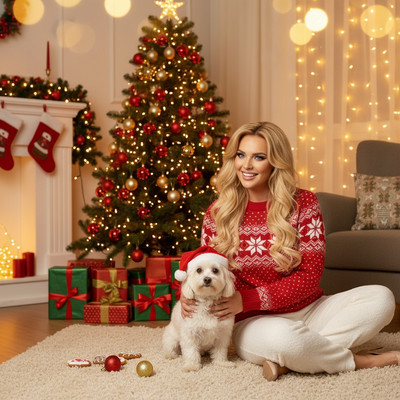
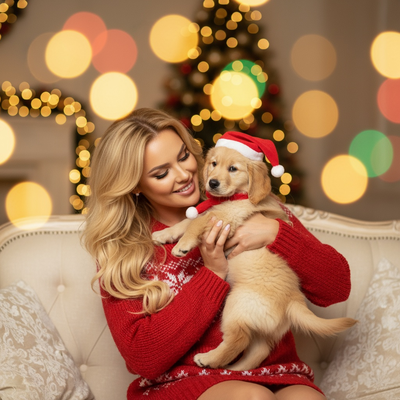
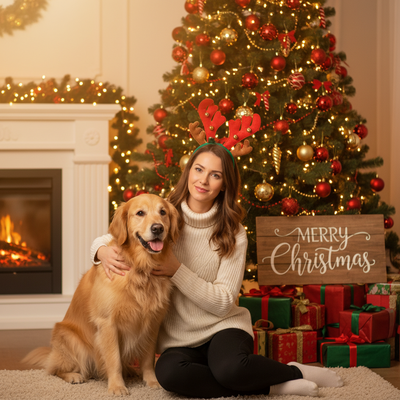
Pets & Animal Companions
Tree Decorating & Gifts
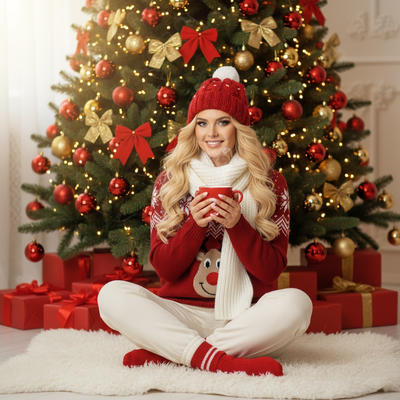
Pajamas, Morning & Bedtime
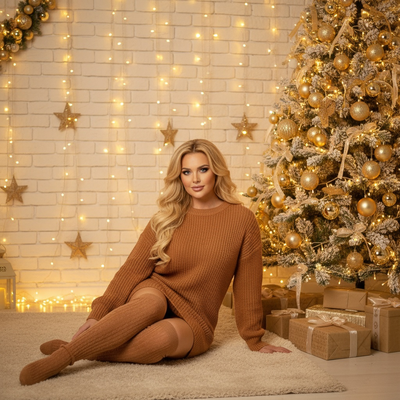
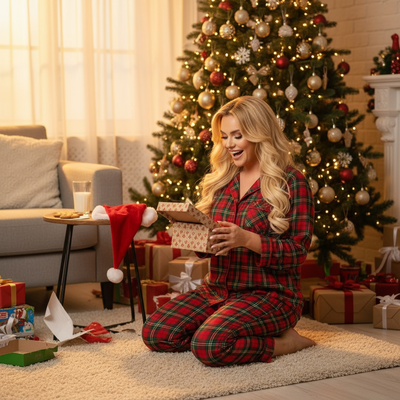
Candy, Pink & Pastel Play
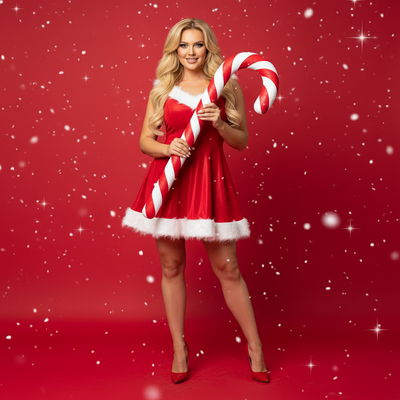
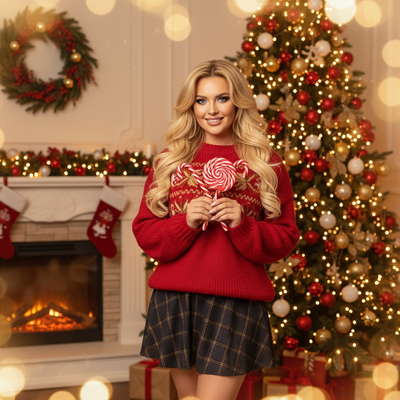
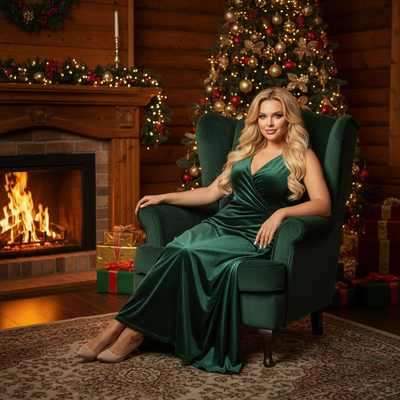
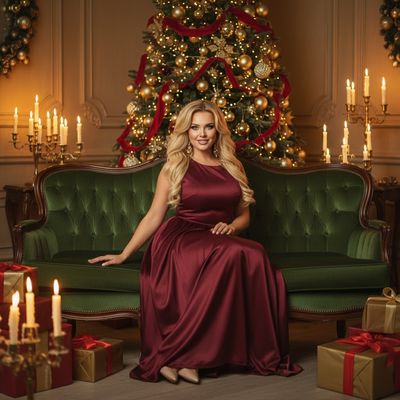
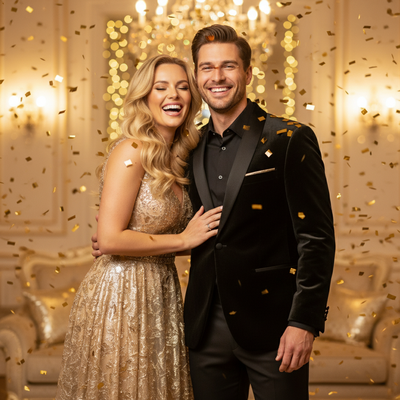
Gold & Emerald Luxury
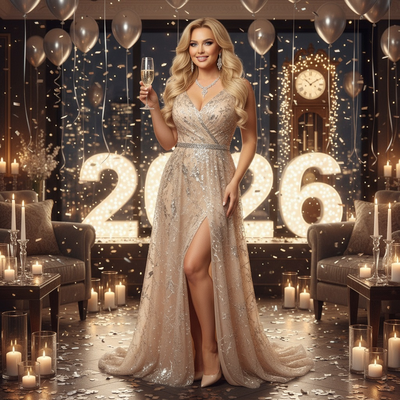
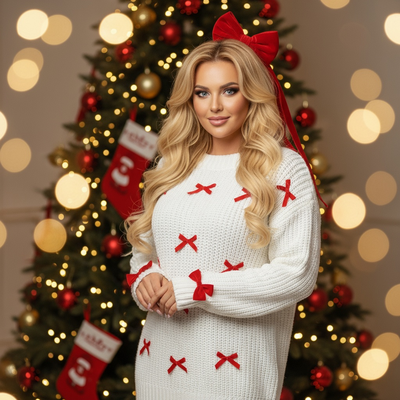
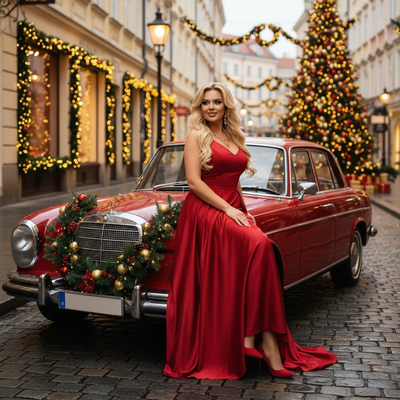
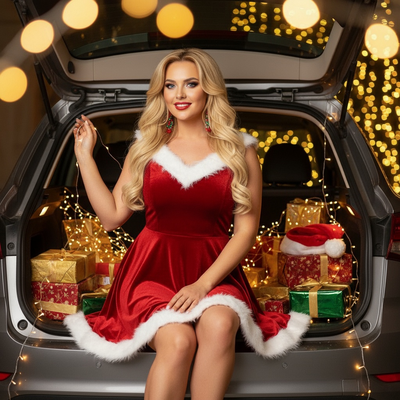
Red Velvet & Crimson Classics
White, Silver & Frosted
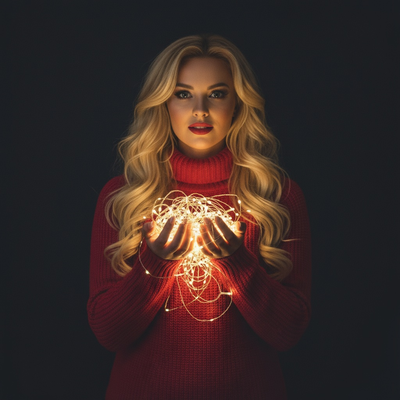
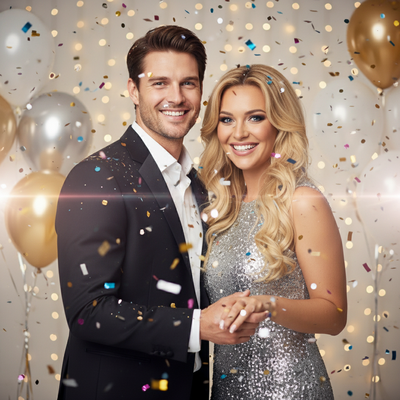
New Year's Eve & Fireworks
Confetti, Disco & Neon Party


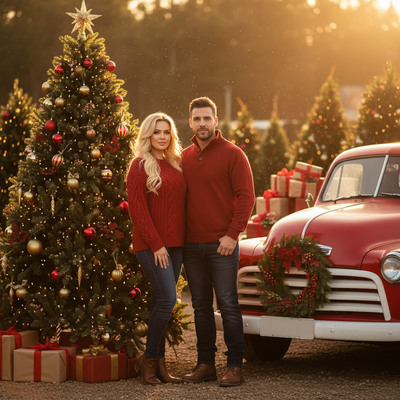
Vehicles & Vintage Props
When to Plan Christmas Photos
Christmas photo planning is easiest before holiday schedules become crowded. Photography educators report that interest in Christmas card photos begins rising around September or October and peaks in December (Tech Photo Guy – Google Trends for Photographers, 2018). Google also reports that many Christmas-related searches in the US consistently spike in December (Google – Holiday Trends, 2025). Use that seasonal pattern to prepare source photos, choose visual themes, and review generated details before you need cards, profile images, or wallpapers. Starting in the fall also leaves time to try another source image if faces, hands, clothing, or background objects need improvement.
Christmas photo guides
- AI Christmas Photo Generator: Best Options Compared
- Before After Christmas Photo Ideas
- Christmas Photo Captions and Social Ideas
- Collage Dump Christmas Photo Ideas That Actually Pop
- Retro and Decade Christmas Portraits
- Distance Military Christmas Photo Ideas
- Faith & Nativity Christmas Photo Ideas
- Family Baby and Kids Christmas Photos
- First Christmas Photo Ideas That Actually Work
- Free AI Christmas Photos From One Selfie
- Funny Christmas Photos and Novelty Styles
- Inclusive Christmas Photo Ideas for Every Family
- Life Moments Christmas Photo Ideas
- Best Christmas Photo Apps and Free Tools
- Christmas Photo Look Styles & Ideas
- New Year Photo Ideas That Actually Stand Out
- Christmas Photo Outfit Ideas
- Pajamas & Sweaters Christmas Photo Ideas
- Pet Christmas Photos Made Easy
- Photo Booth Party Christmas Photo Ideas (No Booth Needed)
- Christmas Photoshoot Ideas for Every Style
- Polaroid Film Christmas Photo Ideas
- Christmas Photo Ideas & Prompts to Try
- Santa Photo Ideas and Call Santa Options
- AI Christmas Photo Styles by Subject
- Christmas Wallpaper and Profile Pictures
- Workplace Christmas Photo Ideas That Actually Work
When you are ready to turn a clear photo into a holiday portrait, PiXmas is the natural next step.
Frequently asked questions
What is an AI Christmas photo app?
An AI Christmas photo app uses a reference image to generate a new, holiday-themed portrait rather than merely placing stickers over the original. It can change the setting, lighting, clothing, and seasonal details, but the result is a stylized generated image and may not preserve every feature perfectly.
What photo should I upload for an AI Christmas picture?
A clear, well-lit, front-facing image usually gives the generator the strongest facial reference. Keep the face unobstructed, use a neutral or natural expression, and avoid sunglasses, heavy filters, deep shadows, and extreme camera angles. A simple background can also make the subject easier for the system to interpret.
Can AI Christmas photo apps handle group pictures?
AI Christmas photo apps can process group images, but consistency may decline when the frame contains many faces. Start with a sharp, evenly lit photo in which every face is visible and reasonably large. Review hands, facial details, and overlapping subjects carefully before sharing or printing the result.
Can I include a pet in an AI Christmas photo?
Pets can appear in AI Christmas pictures when the selected style supports animals. Use a sharp image with the pet’s face and body clearly visible, ideally without motion blur or obstructing accessories. Generated fur, paws, collars, and interactions with people should be checked because small details can look inconsistent.
Can AI Christmas pictures be printed as cards?
AI Christmas pictures can be printed if the saved file has enough resolution for the intended product and the printing service accepts it. Check the crop, aspect ratio, facial details, hands, and any generated text before ordering. The app creates a digital image; printing requires a separate card or photo service.
What lighting is best for an indoor Christmas photo?
Soft window light is usually the simplest choice for an indoor Christmas portrait. Place the subject facing or slightly angled toward the window, avoid harsh overhead light that creates mixed color or deep shadows, and keep decorative lights behind the subject. Those lights add atmosphere but may not illuminate a face adequately.
What are the limitations of AI Christmas photos?
AI-generated Christmas photos can contain inaccurate hands, text, jewelry, clothing edges, or background objects. Likeness may also vary, especially with obstructed faces, unusual angles, or crowded group shots. Treat the output as a stylized image, inspect important details closely, and use a real photographer when exact documentation matters.
Sources
- Tech Photo Guy – Google Trends for Photographers (2018)
- Google – Holiday Trends (2025)
- Apple App Store product page (app id 6755126821)