Confetti, Disco & Neon Party Christmas Pictures
Confetti bursts, disco balls, neon/cyberpunk clubs, and energetic party vibes
Christmas party pictures in this collection place your uploaded portrait in confetti showers, disco settings, neon clubs, and New Year city scenes. Choose a look based on the mood you want, from polished studio sparkle to colorful cyberpunk nightlife, without arranging a real party set.
Browse Confetti, Disco & Neon Party Christmas Styles

Confetti Cloud Portrait
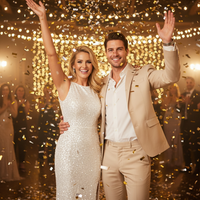
Confetti Shower – 2026 Countdown Glow
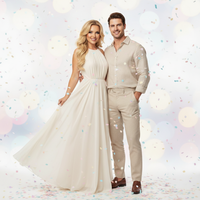
Confetti Shower – Aesthetic 2026 Shimmer
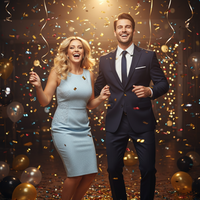
Confetti Shower – Dynamic 2026 Celebration
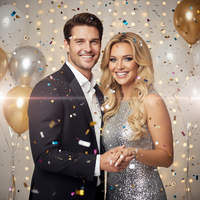
Confetti Shower – Festive 2026 Splash
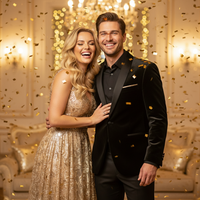
Confetti Shower – Golden New Year Moment
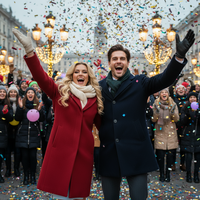
Confetti Shower – Grand 2026 Cascade
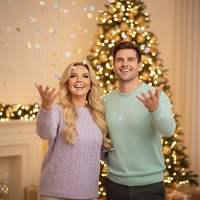
Confetti Shower – Joyful New Year Family
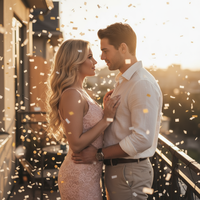
Confetti Shower – Romantic 2026 Spark
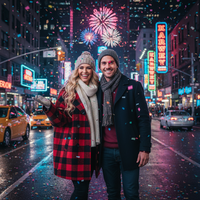
Confetti Shower – Street Countdown Joy (new)
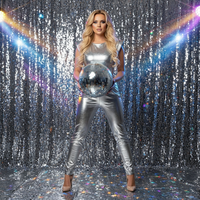
Disco Spark – Silver Studio Burst
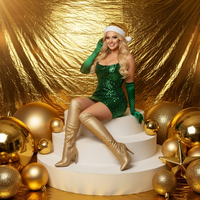
Emerald Fantasy – Golden Holiday Stage
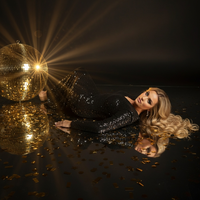
Golden Reflection – Midnight Luxe
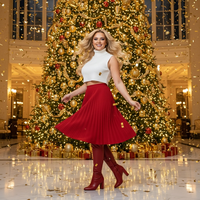
Golden Tree Celebration
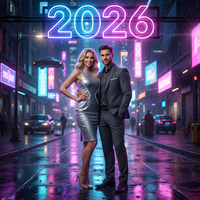
Neon Night – 2026 Glow Portrait
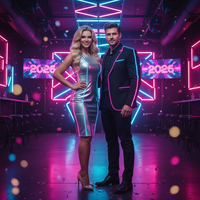
Neon Night – Backstage Club Vibe
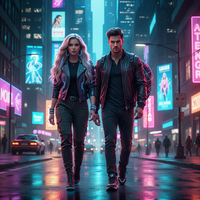
Neon Night – Cyberpunk Pulse
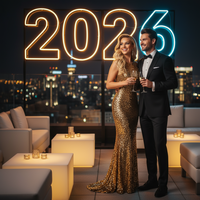
Neon Night – Exclusive New Year’s Eve Bash
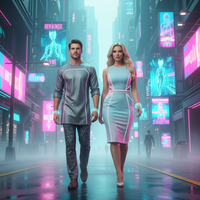
Neon Night – Holographic Dreamwalk
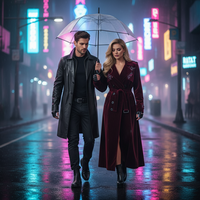
Neon Night – Reflective Rain-Kissed Street
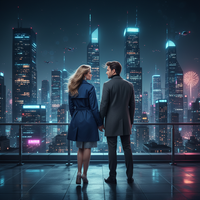
Neon Night – Rooftop Cityscape Perspective
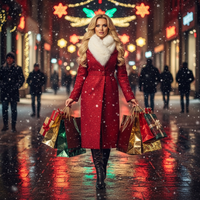
Neon Stroll – Fashion Editorial Night
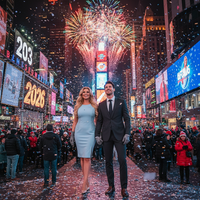
New Year Fireworks – Manhattan Spark
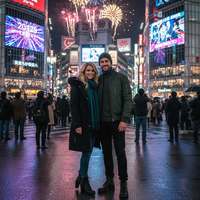
New Year Fireworks – Tokyo Shibuya Lights

New Year – Classic Countdown
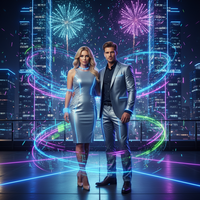
New Year – Futuristic NYE Bash
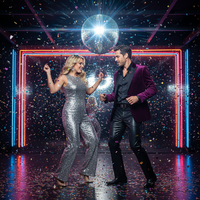
New Year – Psychedelic Disco Fever
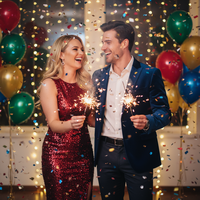
New Year – Vibrant Midnight Countdown
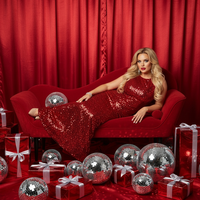
Red Disco Noel
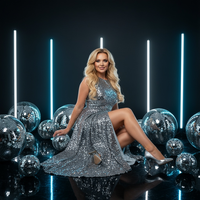
Silver Radiance – Modern Studio Glam
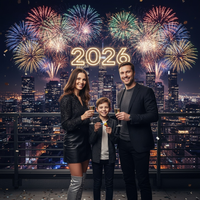
Skyline Countdown – New Year 2026
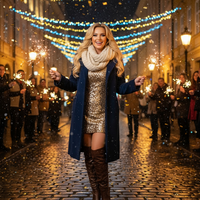
Street Celebration Spark
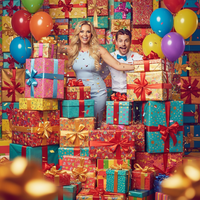
Surprise from the Box – Birthday Box Burst
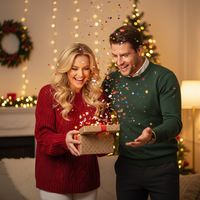
Surprise from the Box – Confetti Surprise
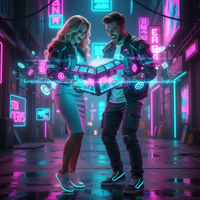
Surprise from the Box – Gamer’s Loot Drop
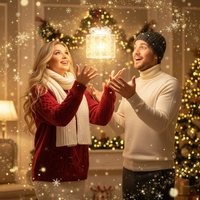
Surprise from the Box – Magical Santa Drop (new)
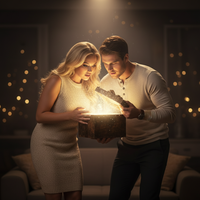
Surprise from the Box – Mystery Box Reveal
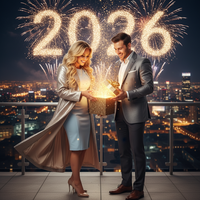
Surprise from the Box – New Year’s Spark Unwrap (new)
Create Stunning Confetti, Disco & Neon Party Christmas Pictures
Transform your holiday moments into magical Christmas pictures with our confetti, disco & neon party collection. Confetti bursts, disco balls, neon/cyberpunk clubs, and energetic party vibes. Download our app: Santa Pictures.
Why Choose PiXmas for Your Confetti, Disco & Neon Party Christmas Photos?
Whether you're creating Christmas wallpapers for your phone, printing holiday cards, or sharing festive pictures on social media, our AI technology ensures every photo looks professionally crafted.
Our confetti, disco & neon party collection features carefully curated Christmas themes that bring your holiday photos to life. From warm lighting to festive decorations, every style is designed to create authentic Christmas memories you'll treasure forever.
Perfect Christmas Pictures in Seconds
Creating beautiful Christmas photos has never been easier. Simply upload your photo, choose from our confetti, disco & neon party styles, and watch as our AI transforms it into a stunning Christmas picture.
Our Christmas wallpapers feature is perfect for personalizing your devices with holiday cheer. Create custom festive pictures that showcase your family, pets, or favorite moments in beautifully designed confetti, disco & neon party settings.
Share Your Holiday Joy
Once you've created your perfect Christmas pictures, share them instantly with family and friends. Our Christmas app makes it easy to download high-resolution Christmas photos for printing, social media, or creating Christmas wallpapers.
Explore More Christmas Picture Categories
Warm holiday interiors like living rooms, fireplaces, bedrooms, kitchens, and porches with soft ligh...
⭐ Outdoor Snow & NatureWinter nature settings such as forests, lakes, mountains, snowy paths, cabins, and decorated doorste...
⭐ Urban & City LightsCity streets, markets, plazas, rooftops, and balconies adorned with festive lighting and seasonal de...
⭐ Studio Minimal & ModernClean studio or staged setups with minimal backdrops, bokeh, and elegant props...
⭐ High-Fashion & EditorialCouture and editorial glam portraits with gowns, sequins, and styled looks...
⭐ Rustic Cabin & WoodLog cabins, wooden interiors/exteriors, wreaths, lanterns, and rustic textures...
⭐ Santa & Workshop EncountersSanta Claus appearances, workshops, letters to Santa, and Santa hats or motifs...
⭐ Family & Group PortraitsMulti-person family or group compositions and classic posed portraits...
⭐ Couples & RomancePair-focused scenes with hugs, kisses, dances, and intimate moments...
⭐ Babies & Kids MagicBabies, toddlers, and children as the main subject; newborn and whimsical child setups...
⭐ Pets & Animal CompanionsPets like dogs and cats featured prominently; includes animal encounters (e.g., reindeer, huskies)...
⭐ Tree Decorating & GiftsTrimming trees, wreath crafting, tying bows, exchanging/unwrapping presents, and ornament moments...
⭐ Pajamas, Morning & BedtimePajama scenes, morning coffee/cocoa, bed or cozy lounge moments in soft light...
⭐ Candy, Pink & Pastel PlayCandy canes, sweets, pink/pastel palettes, and playful whimsical sets...
⭐ Gold & Emerald LuxuryGold/emerald palettes, metallic decor, luxe interiors, and chic glam styling...
⭐ Red Velvet & Crimson ClassicsRed-themed styling, velvet/satin textures, and classic crimson holiday scenes...
⭐ White, Silver & FrostedWhite/silver/icy palettes, frosted trees, snow sparkle, and winter elegance...
⭐ New Year’s Eve & FireworksNYE countdowns, 2026 typography, fireworks, rooftop and balcony celebrations...
⭐ Vehicles & Vintage PropsCars, trucks, sleighs, bicycles, and other transport or large prop-centered scenes...
Explore this PiXmas Christmas picture style.
What makes this style different from other Christmas photo styles?
Most holiday photo styles lean on cozy, warm-toned scenes like fireplaces or snowy cabins. Confetti, disco, and neon party styles do the opposite, using saturated color casts, moving light streaks, and bursts of confetti to create a nightlife energy suited to New Year's Eve and countdown moments.
Disco ball reflections, holographic backdrops, and neon signage give these images a club or stage feel rather than a domestic holiday feel, which makes them better suited to celebration posts than family greeting cards.
What photo should you upload for the best result?
A clear, front-facing photo with even lighting works best, since the neon and disco color grading is layered on top of your face and features. Avoid photos where your face is partially shadowed or turned far to the side.
Solo and couple photos tend to produce the most consistent results in these party styles, since the strong colored lighting is easier to apply evenly across one or two faces than across a large group.
Who is this Christmas photo style best for?
This category suits anyone posting New Year's Eve countdown content, party invitations, or club and nightlife-themed holiday posts. Couples celebrating an anniversary around the holidays, friend groups planning a night out, and social media creators looking for high-energy visuals are all a natural fit.
It is less suited to traditional family greeting cards, where softer, warmer styles usually read better.
How does PiXmas compare to a photographer or DIY setup?
- Photography educators using Google Trends report that searches for terms like “Christmas card photos” remain fairly constant through much of the year, then trend upward from September or October and spike in December. (Tech Photo Guy – Google Trends for Photographers, 2018)
- A general guide to using Google Trends recommends setting multi‑year ranges to spot seasonality, noting that Christmas‑related terms consistently show seasonal spikes that can guide when to publish holiday photo content. (Cemoh – How to Use Google Trends: A Complete Guide, 2026)
- Google’s Holiday Trends reports that many Christmas‑related queries in the US, including decorating and baking topics, spike each December, illustrating that demand for Christmas imagery and content concentrates late in the year. (Google – Holiday Trends (Year in Search 2025), 2025)
Limitations
These are AI-generated stylized images, not physical photos taken at a real party or club, so lighting, reflections, and confetti motion are digitally composed rather than photographed live.
Photos with multiple faces, especially in group shots with varied lighting, may render less consistently than solo or couple uploads. Results can also vary between different neon and disco styles depending on the original photo's angle and lighting.
PiXmas is a solid option if you want party-ready holiday images without booking a photographer or setting up disco lighting at home.
If you want New Year's Eve or nightlife-themed Christmas photos without renting a venue or club lighting, PiXmas turns a single phone photo into confetti, disco, and neon party portraits in minutes.
When to Make Christmas Party Pictures
Holiday photo interest typically builds in fall and reaches its strongest point in December. Photography educators using Google Trends report that searches for terms such as “Christmas card photos” stay fairly steady through much of the year, rise around September or October, and spike in December (Tech Photo Guy – Google Trends for Photographers, 2018). Create party images earlier if you need time to compare confetti, disco, and neon treatments, check crops, or prepare cards and social posts. For a New Year look, consider whether the image needs a countdown theme or a more reusable nightlife background before choosing a style.
Frequently asked questions
What are good Christmas party picture ideas?
Good Christmas party picture ideas include a confetti countdown, a mirrored disco setting, a neon dance floor, a rain-lit city street, or a rooftop celebration. Match the scene to the intended use: bold motion works for social posts, while cleaner backgrounds usually leave more room for card text.
What should I wear for a neon or disco Christmas picture?
Wear solid colors or simple metallic accents that separate clearly from the background. Avoid very fine patterns, reflective eyewear, and accessories that cover the face. For neon scenes, neutral clothing can pick up colored light naturally; for disco scenes, sequins or satin can support the theme without requiring a full costume.
How do I take a good photo for a neon Christmas effect?
Use a sharp, well-lit portrait with the face fully visible and the camera near eye level. Even lighting helps preserve facial detail when colored light and reflections are added. Avoid heavy shadows, motion blur, strong beauty filters, cropped hair, and objects crossing the face or hands.
Can I use a group photo for a Christmas party picture?
Yes, a group photo can work when everyone is clearly visible and photographed under similar lighting. Results may be less consistent when faces are very small, overlap, or sit at different distances from the camera. A simple background and an uncropped arrangement make it easier to apply party effects across the group.
Can Christmas party pictures be printed as cards?
Yes, party-style images can be used for printable holiday or New Year cards after you save the finished file. Check the crop, orientation, and image quality against the printer’s requirements before ordering. Leave calm space around faces and any planned message so confetti or bright lights do not compete with the text.
Will neon and disco lighting look realistic?
They can look convincing, but the result is intentionally stylized and depends on the source photo. Clean edges, balanced exposure, and a visible face help colored light feel integrated. Complex hair, reflective surfaces, deep shadows, or mixed lighting can produce uneven glow, unusual reflections, or less accurate facial detail.
How is a Christmas party picture different from a traditional portrait?
A Christmas party picture emphasizes celebration through confetti, dance-floor lighting, disco reflections, countdown motifs, or city nightlife. A traditional Christmas portrait usually relies on fireplaces, trees, snow, gifts, or cozy interiors. The party version suits energetic greetings and New Year posts, while the traditional version feels quieter and more seasonal.
When should I create Christmas party pictures?
Create them early enough to review the result and prepare any cards or posts. Search interest for Christmas photo terms tends to rise in fall and peak in December, so planning before the seasonal rush can reduce last-minute decisions (Tech Photo Guy – Google Trends for Photographers, 2018).