Urban & City Lights Christmas Pictures
City streets, markets, plazas, rooftops, and balconies adorned with festive lighting and seasonal decor
Urban Christmas pictures place your portrait in a festive city setting with illuminated streets, holiday markets, plazas, cafés, or rooftop skylines. AI styling can create the atmosphere without a location shoot, although faces, lighting, and background details may vary based on the uploaded photo and selected style.
Browse Urban & City Lights Christmas Styles
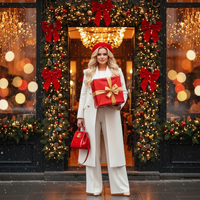
Cafe Entrance – Cream Tailoring Street Style
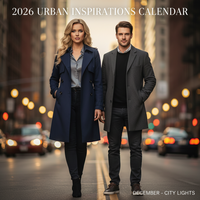
Calendar Edition – Urban New Year Vibe (new)
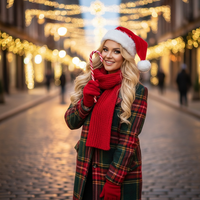
Candy Cane Kisses
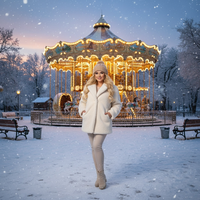
Carousel Christmas Dream
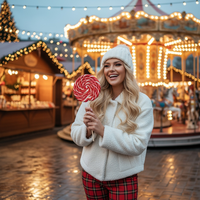
Christmas Market Candy Glow
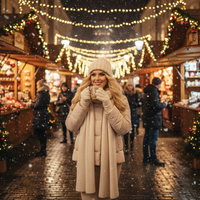
Christmas Market Glow
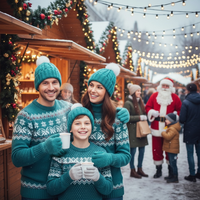
Christmas Market Warmth
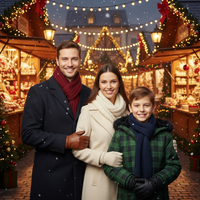
Christmas Market evening - family of 3
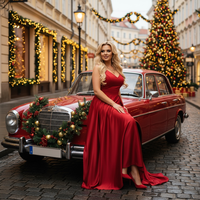
Christmas Red Glamour Street
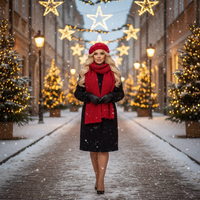
Christmas Starlight Stroll
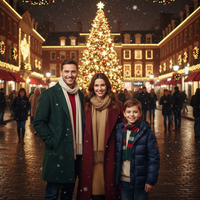
City Christmas Glow
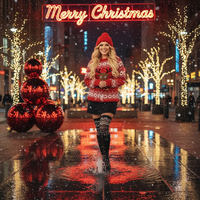
City Fountain – Festive Night Reflections
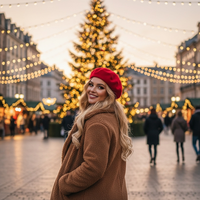
City Glow & Red Beret Joy
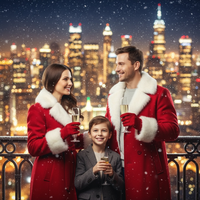
City Lights & Champagne
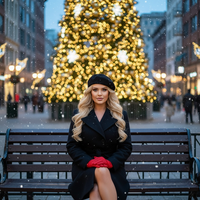
City Lights Christmas Chic
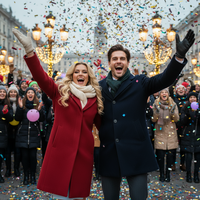
Confetti Shower – Grand 2026 Cascade
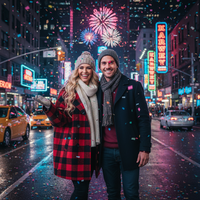
Confetti Shower – Street Countdown Joy (new)
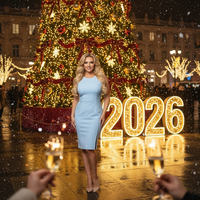
Countdown to Christmas 2026
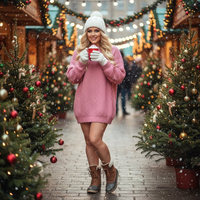
Cup of Cheer
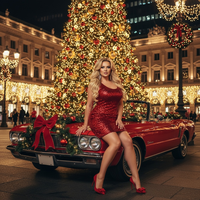
Downtown Christmas Lights
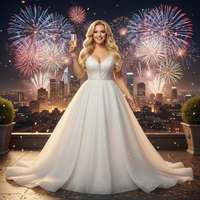
Fireworks Celebration – City Glam Night
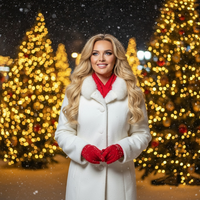
Golden Night Glow
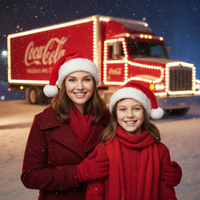
Holiday Coca-Cola Truck Magic
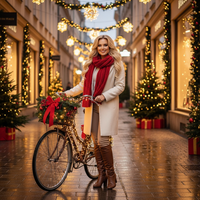
Holiday Ride – Festive City Lights
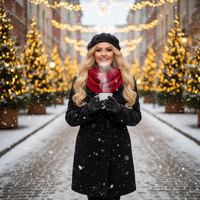
Holiday Street Coffee Glow
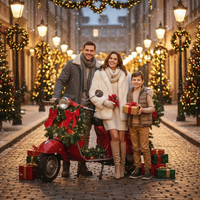
Holiday Street Magic & Vespa Glow
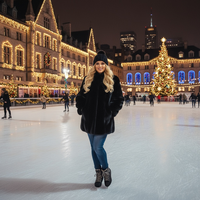
Ice Rink Elegance
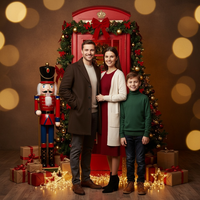
London Holiday Magic
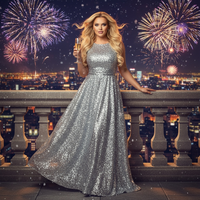
Midnight Fireworks Elegance
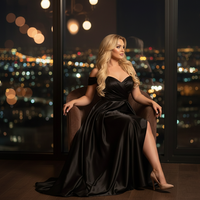
Midnight Reflection – City Lights Window Scene
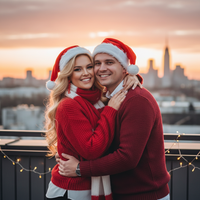
Mr. & Mrs. Claus
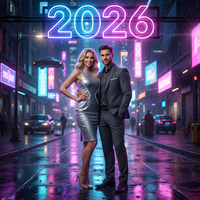
Neon Night – 2026 Glow Portrait
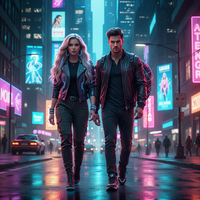
Neon Night – Cyberpunk Pulse
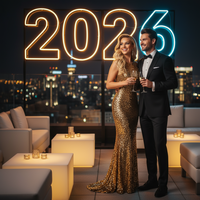
Neon Night – Exclusive New Year’s Eve Bash
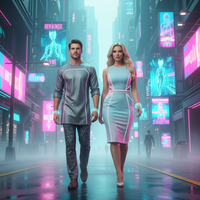
Neon Night – Holographic Dreamwalk
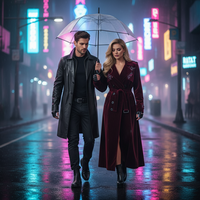
Neon Night – Reflective Rain-Kissed Street
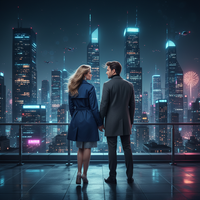
Neon Night – Rooftop Cityscape Perspective
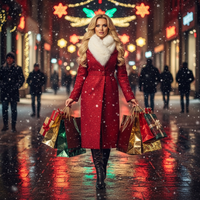
Neon Stroll – Fashion Editorial Night
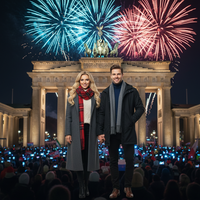
New Year Fireworks – Berlin Gate Celebration
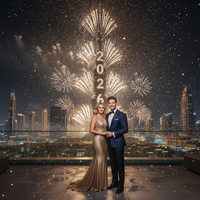
New Year Fireworks – Burj Khalifa Brilliance
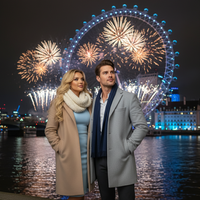
New Year Fireworks – London Eye Radiance
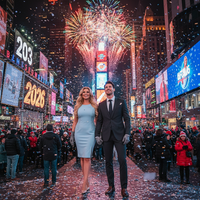
New Year Fireworks – Manhattan Spark
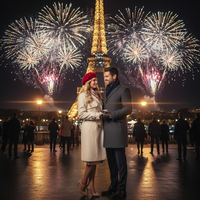
New Year Fireworks – Parisian Midnight Glow
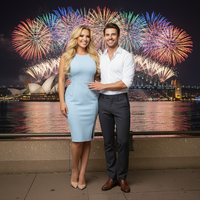
New Year Fireworks – Sydney Harbor Lights
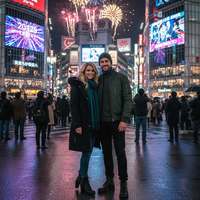
New Year Fireworks – Tokyo Shibuya Lights
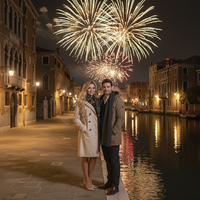
New Year Fireworks – Venetian Reflections
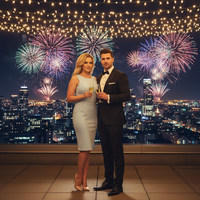
New Year – Elegant Rooftop
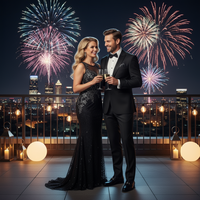
New Year – Moonlit Champagne Toast
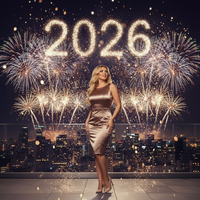
New Year’s Eve Fireworks Celebration – 2025 ➜ 2026
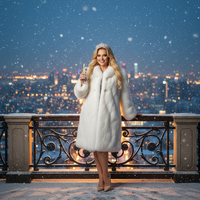
New Year’s Winter Royalty
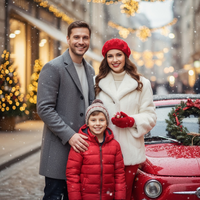
Parisian Red Winter Street
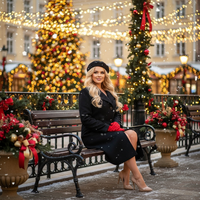
Park Bench Christmas Charm
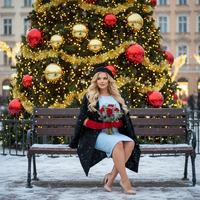
Park Bench Christmas Glow
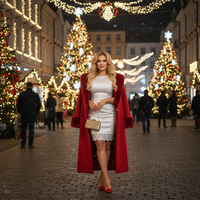
Red Elegance – City Christmas Night
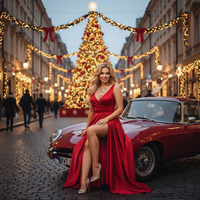
Red Velvet Glam in the City
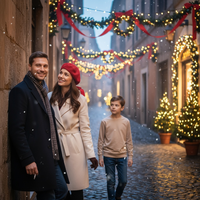
Roman Christmas Romance
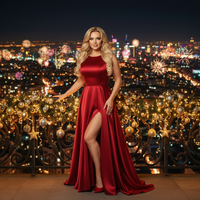
Scarlet Skyline – Night of Lights

Skyline Countdown – New Year 2026
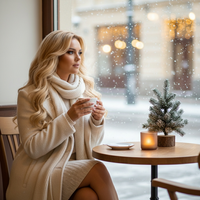
Snowfall Latte – Cozy Cafe
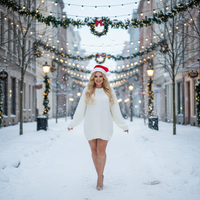
Snowfall and Santa Kisses
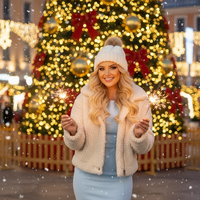
Sparkling Holiday Joy
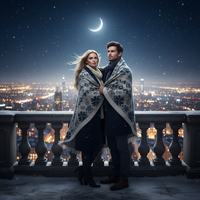
Starlit Balcony – Night Before Christmas
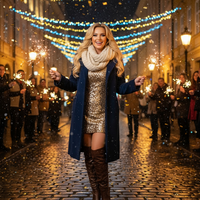
Street Celebration Spark
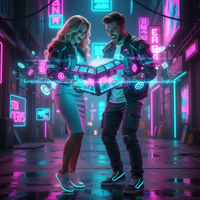
Surprise from the Box – Gamer’s Loot Drop
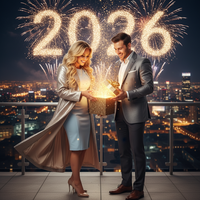
Surprise from the Box – New Year’s Spark Unwrap (new)
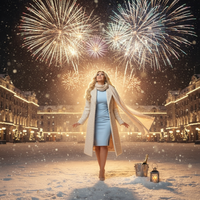
Winter Kiss at Midnight
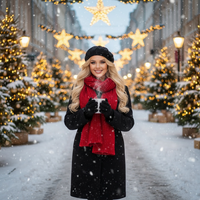
Winter Street Café Glow
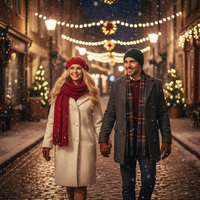
Winter Street Lights – Nighttime Christmas Walk
Create Stunning Urban & City Lights Christmas Pictures
Transform your holiday moments into magical Christmas pictures with our urban & city lights collection. City streets, markets, plazas, rooftops, and balconies adorned with festive lighting and seasonal decor Our AI-powered Christmas app makes it easy to create professional-quality Christmas photos and Christmas wallpapers that capture the magic of the season.. Download our app: Santa Pictures.
Why Choose PiXmas for Your Urban & City Lights Christmas Photos?
Whether you're creating Christmas wallpapers for your phone, printing holiday cards, or sharing festive pictures on social media, our AI technology ensures every photo looks professionally crafted.
Our urban & city lights collection features carefully curated Christmas themes that bring your holiday photos to life. From warm lighting to festive decorations, every style is designed to create authentic Christmas memories you'll treasure forever.
Perfect Christmas Pictures in Seconds
Creating beautiful Christmas photos has never been easier. Simply upload your photo, choose from our urban & city lights styles, and watch as our AI transforms it into a stunning Christmas picture.
Our Christmas wallpapers feature is perfect for personalizing your devices with holiday cheer. Create custom festive pictures that showcase your family, pets, or favorite moments in beautifully designed urban & city lights settings.
Share Your Holiday Joy
Once you've created your perfect Christmas pictures, share them instantly with family and friends. Our Christmas app makes it easy to download high-resolution Christmas photos for printing, social media, or creating Christmas wallpapers. Every image is optimized for both digital sharing and professional printing.
Explore More Christmas Picture Categories
Warm holiday interiors like living rooms, fireplaces, bedrooms, kitchens, and porches with soft ligh...
⭐ Outdoor Snow & NatureWinter nature settings such as forests, lakes, mountains, snowy paths, cabins, and decorated doorste...
⭐ Studio Minimal & ModernClean studio or staged setups with minimal backdrops, bokeh, and elegant props...
⭐ High-Fashion & EditorialCouture and editorial glam portraits with gowns, sequins, and styled looks...
⭐ Rustic Cabin & WoodLog cabins, wooden interiors/exteriors, wreaths, lanterns, and rustic textures...
⭐ Santa & Workshop EncountersSanta Claus appearances, workshops, letters to Santa, and Santa hats or motifs...
⭐ Family & Group PortraitsMulti-person family or group compositions and classic posed portraits...
⭐ Couples & RomancePair-focused scenes with hugs, kisses, dances, and intimate moments...
⭐ Babies & Kids MagicBabies, toddlers, and children as the main subject; newborn and whimsical child setups...
⭐ Pets & Animal CompanionsPets like dogs and cats featured prominently; includes animal encounters (e.g., reindeer, huskies)...
⭐ Tree Decorating & GiftsTrimming trees, wreath crafting, tying bows, exchanging/unwrapping presents, and ornament moments...
⭐ Pajamas, Morning & BedtimePajama scenes, morning coffee/cocoa, bed or cozy lounge moments in soft light...
⭐ Candy, Pink & Pastel PlayCandy canes, sweets, pink/pastel palettes, and playful whimsical sets...
⭐ Gold & Emerald LuxuryGold/emerald palettes, metallic decor, luxe interiors, and chic glam styling...
⭐ Red Velvet & Crimson ClassicsRed-themed styling, velvet/satin textures, and classic crimson holiday scenes...
⭐ White, Silver & FrostedWhite/silver/icy palettes, frosted trees, snow sparkle, and winter elegance...
⭐ New Year’s Eve & FireworksNYE countdowns, 2026 typography, fireworks, rooftop and balcony celebrations...
⭐ Confetti, Disco & Neon PartyConfetti bursts, disco balls, neon/cyberpunk clubs, and energetic party vibes...
⭐ Vehicles & Vintage PropsCars, trucks, sleighs, bicycles, and other transport or large prop-centered scenes...
Explore this PiXmas Christmas picture style.
What makes this style different from other Christmas photo styles?
Urban & City Lights styles lean on artificial and ambient city lighting rather than firelight or snowy natural scenes. Think string lights over a market stall, neon-tinted storefronts, wet pavement reflections, or a skyline glowing behind a rooftop balcony.
The mood is more cosmopolitan than cozy-cabin styles, with backdrops like carousels, fountains, cafe entrances, and confetti-lit countdown scenes standing in for fireplaces and knit blankets.
What photo should you upload for the best result?
A clear, well-lit photo where your face and shoulders are visible works best. Front-facing shots with minimal shadows or busy backgrounds tend to translate more accurately into a stylized city scene.
Avoid photos with sunglasses, extreme angles, or heavy filters already applied, since these can distort how the AI reconstructs facial detail against the new backdrop.
Who is this Christmas photo style best for?
This category suits anyone who identifies more with downtown holiday energy than rural or cabin aesthetics: couples who want a date-night market glow photo, friends recreating a city countdown moment, or solo portraits with a skyline or storefront backdrop.
Families can also use it for a modern alternative to a traditional living-room Christmas card, especially with market or plaza-themed options.
How does PiXmas compare to a photographer or DIY setup?
- A general guide to using Google Trends recommends setting multi‑year ranges to spot seasonality, noting that Christmas‑related terms consistently show seasonal spikes that can guide when to publish holiday photo content. (Cemoh – How to Use Google Trends: A Complete Guide, 2026)
- Photography educators using Google Trends report that searches for terms like “Christmas card photos” remain fairly constant through much of the year, then trend upward from September or October and spike in December. (Tech Photo Guy – Google Trends for Photographers, 2018)
- Google’s Holiday Trends reports that many Christmas‑related queries in the US, including decorating and baking topics, spike each December, illustrating that demand for Christmas imagery and content concentrates late in the year. (Google – Holiday Trends (Year in Search 2025), 2025)
Limitations
Results are AI-generated stylized images, not physical photographs taken on an actual city street or at a real market. Fine details like text on signage, hands, or complex lighting reflections may render imperfectly.
Photos with multiple faces uploaded at once may look less consistent than solo or couple portraits, since the AI has more detail to reconstruct per person.
For anyone wanting a downtown holiday photo without arranging a real city shoot, PiXmas turns one uploaded photo into an Urban & City Lights Christmas picture in minutes, making it a practical pick for this style.
When to Plan Urban Christmas Pictures
Plan urban Christmas pictures during fall if you need time to compare styles, prepare cards, or coordinate outfits. Photography search data shows that interest in Christmas card photos trends upward from September or October and peaks in December (Tech Photo Guy – Google Trends for Photographers, 2018). Starting before the December rush leaves more room to review facial details, test clothing colors against bright city backgrounds, and confirm that a finished image suits its intended use.
- For cards: Allow time to check cropping, text placement, and print quality.
- For social posts: Prepare alternate vertical and square crops.
- For gifts: Review the image at its intended print size before ordering.
Frequently asked questions
What are urban Christmas pictures?
Urban Christmas pictures are holiday portraits set against festive city scenes such as decorated streets, markets, plazas, cafés, balconies, or skylines. They emphasize artificial lights, seasonal displays, and an active downtown atmosphere rather than snowy forests, home interiors, or plain studio backgrounds.
How do you photograph Christmas city lights?
Photograph Christmas city lights by keeping the subject well lit while preserving visible detail in the decorations behind them. Avoid placing a face directly in front of the brightest display, keep the camera steady, and review the image for harsh shadows, glare, or distracting signs before leaving the location.
What should I wear for urban Christmas photos?
Wear colors and textures that remain distinct against busy lights and decorations. Solid coats, knitwear, tailored outfits, and simple accessories usually read more clearly than intricate patterns. Deep red, cream, black, green, or metallic accents can suit the setting, but the best choice depends on the selected background.
What photo works best for an AI city Christmas style?
A clear, well-lit portrait with an unobstructed face works best for an AI city Christmas style. Use a natural expression, avoid heavy shadows or motion blur, and choose an image where hair and clothing edges are easy to distinguish. Crowded group photos and cropped faces may produce less consistent details.
Will the Christmas city background show a real location?
The background may resemble a recognizable kind of city setting without accurately reproducing a real location. AI-generated architecture, signs, decorations, and skylines can contain altered or invented details. Treat the result as a stylized holiday scene rather than documentary evidence that the portrait was taken there.
Can urban Christmas pictures be printed as cards?
Urban Christmas pictures can be printed as cards if the finished file has suitable dimensions and looks clean at the intended print size. Check faces, hands, text-like details, and edge cropping before ordering. A digital image that looks sharp on a phone may reveal artifacts when printed larger.
Can couples, families, or pets appear in city Christmas pictures?
Couples, families, and pets can appear when the chosen style supports that subject arrangement, but results may vary. Confirm that every face is visible and well lit, and avoid overlapping heads or obscured features. Pet markings, small accessories, hands, and crowded poses may require especially careful review.