Family & Group Portraits Christmas Pictures
Multi-person family or group compositions and classic posed portraits
Family and group portraits Christmas pictures turn an uploaded group photo into a coordinated holiday scene. Styles can add matching pajamas, fireplace rooms, snowy cabins, illustrated settings, or formal studio backdrops, although faces and small details should always be checked after AI processing.
Family Christmas Portrait Planning Checklist
Start with the final use: a holiday card usually benefits from open space around the group, while a framed print can support a tighter composition. Choose a source photo in which faces are visible, expressions feel natural, and no important features are covered by hands, hair, or decorations. Keep clothing colors compatible rather than identical, and select a scene that matches the group’s level of formality.
- For indoor scenes: use soft, even light and avoid strong mixed color casts.
- For snowy or outdoor scenes: choose clothing and poses that look plausible in cold surroundings.
- For scheduling: begin before the late holiday rush; Christmas photo searches rise in fall and peak in December (Tech Photo Guy – Google Trends for Photographers, 2018).
Browse Family & Group Portraits Christmas Styles
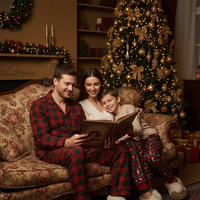
A Christmas Story at Home
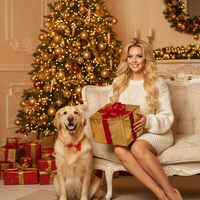
A Very Golden Christmas
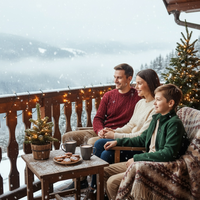
Alpine Christmas Balcony
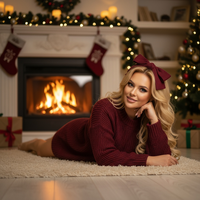
Burgundy Glow – Fireplace Charm
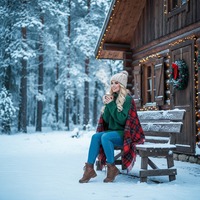
Cabin Retreat – Snowy Escape
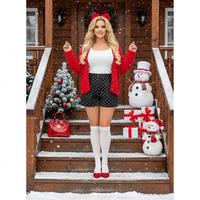
Cabin Steps – Cozy Korean Outdoor Style

Calendar Edition – Cozy Morning January (new)

Calendar Edition – Golden Hour Frame (new)

Calendar Edition – Modern Lifestyle Spread (new)

Calendar Edition – Seasonal Reflection (new)
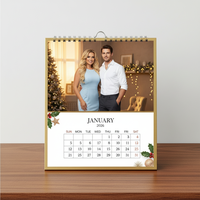
Calendar Edition – The Classic Desk Moment

Calendar Edition – The Minimalist Wall Layout
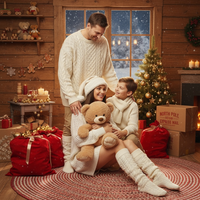
Christmas Bear
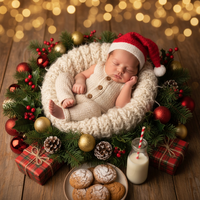
Christmas Cradle Magic
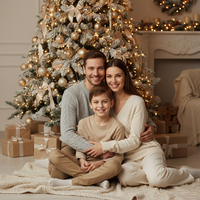
Christmas Harmony – Together at Home
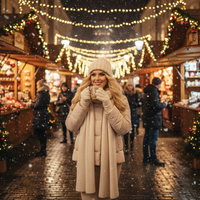
Christmas Market Glow
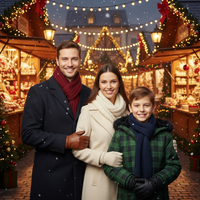
Christmas Market evening - family of 3
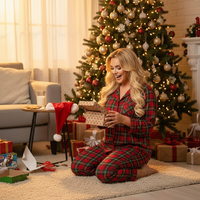
Christmas Morning Magic

Christmas Morning in Bed

Christmas Pyjamas
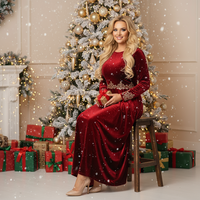
Christmas Studio
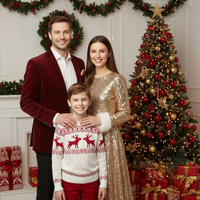
Christmas Studio Portrait - Family of 3
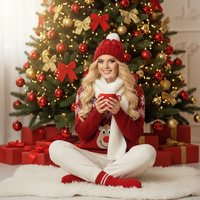
Christmas Tree
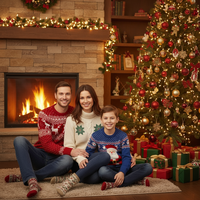
Christmas Tree Fireplace - Family of 3
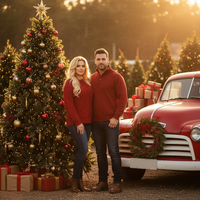
Christmas Trees
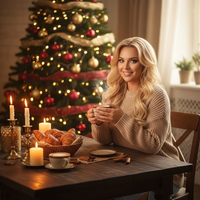
Cinnamon Warmth – Holiday Breakfast
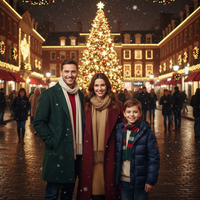
City Christmas Glow
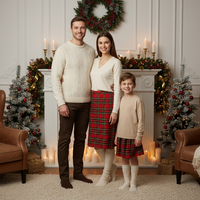
Classic Fireplace Charm
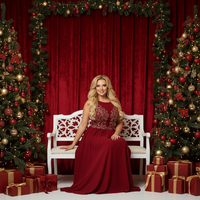
Classic Red & White Bench Portrait
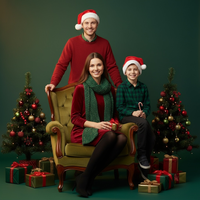
Classic Santa Chic
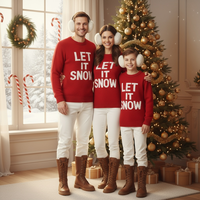
Coca-Cola Cozy Cabin

Confetti Shower – Joyful New Year Family
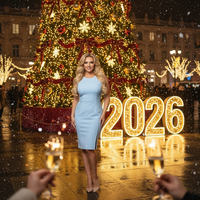
Countdown to Christmas 2026
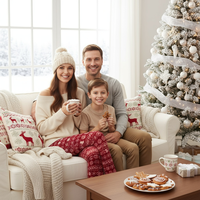
Countdown to Christmas Morning

Cozy Blanket Christmas Hug
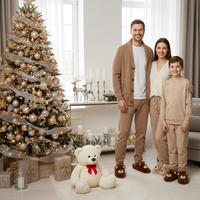
Cozy Camel-Toned Lounge Portrait
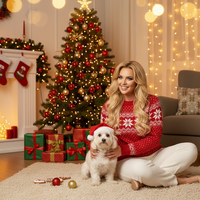
Cozy Christmas with My Pet
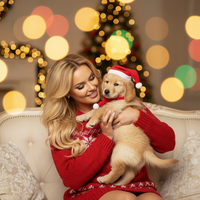
Cozy Companions – Holiday Pet Moment

Cozy Green Pajama
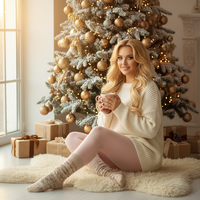
Cozy Morning by the Christmas Tree

Dapper Little Gentleman
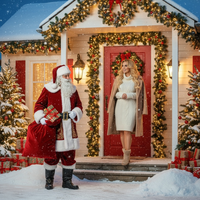
Doorstep of Christmas Magic

Elegant Christmas Studio Glow
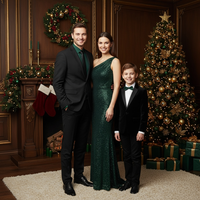
Elegant Formal Christmas Portrait
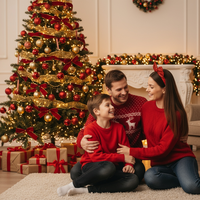
Festive Bow & Cozy Glow
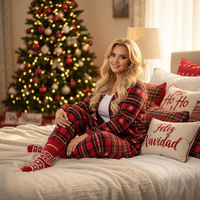
Festive Pajama Morning
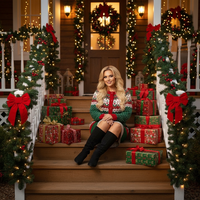
Festive Porch – Holiday Warm Welcome
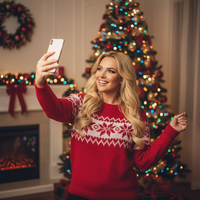
Festive Selfie – Santa & Grinch
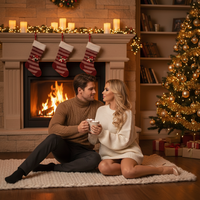
Fireside Glow – Evening Warmth Indoors
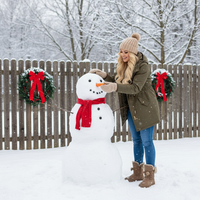
Frosty Friend – Snowman Moment

Gifts and elfs
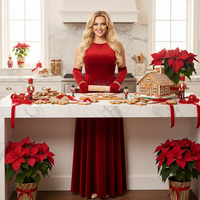
Gingerbread Kitchen Magic
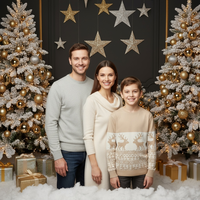
Gold & White Modern Family Portrait
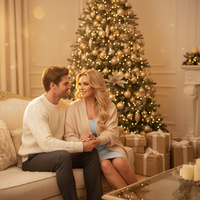
Golden Christmas Eve – Elegant Indoor Glow
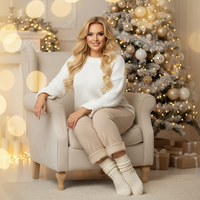
Golden Light – Gentle Holiday Glow
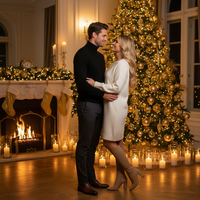
Golden Tree Glow – Chic and Modern Festivity
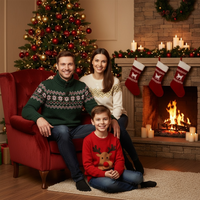
Hearthside Red & Green Classic
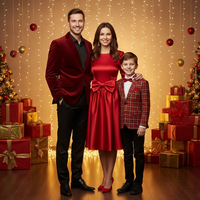
Holiday Mischief
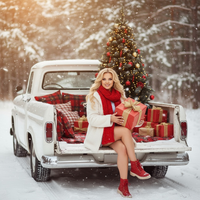
Holiday Pickup Truck Magic
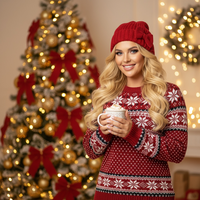
Hot Cocoa & Christmas Glow
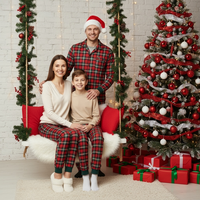
Joyful Swing Christmas Portrait
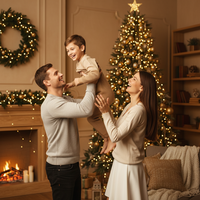
Lift of Joy – Holiday Air
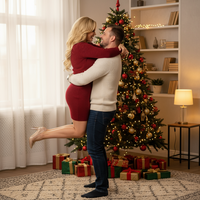
Lifted by Love
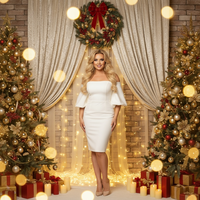
Light Brown & Gold Elegant Family Portrait
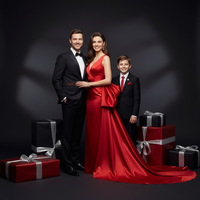
Luxury Family Vogue Christmas
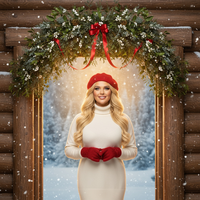
Mistletoe Moment
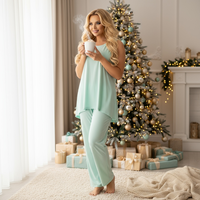
Morning Glow by the Tree
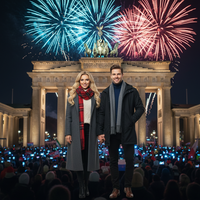
New Year Fireworks – Berlin Gate Celebration

New Year – Vibrant Midnight Countdown

New Year’s Eve Fireworks Celebration – 2025 ➜ 2026

Ornament Box – Classic Tree Trimming
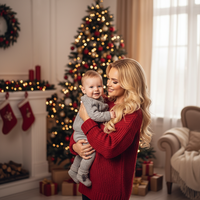
Our Dapper Little Gentleman
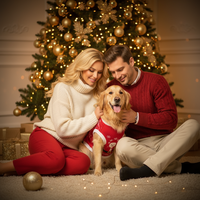
Pawsitively Festive
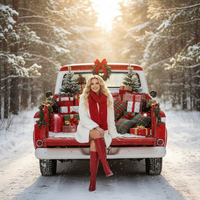
Pickup Wonderland

Playful Red-Background Family Portrait
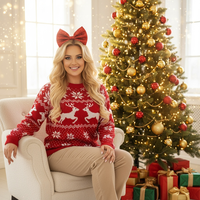
Playful Sweater & Bow
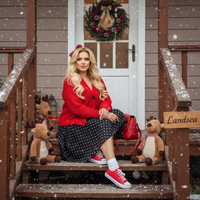
Porch Serenity – Korean Aesthetic
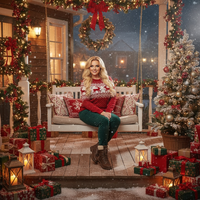
Porch of Christmas Dreams
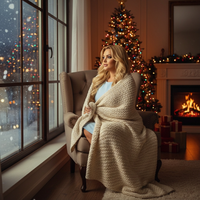
Quiet Christmas Home
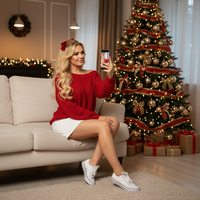
Red Glow – Cozy Christmas Eve Portrait
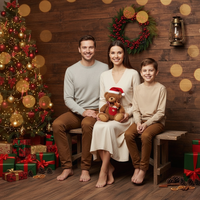
Rustic Cabin Christmas Portrait
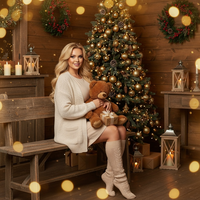
Rustic Christmas Cabin
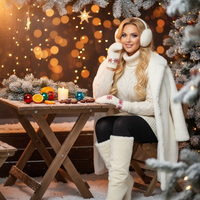
Rustic Glow – Outdoor Holiday Table

Santa & Family Portrait
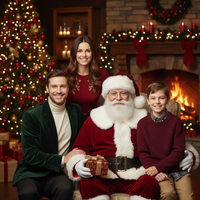
Santa Fireplace - Family of 3

Santa office - Family of 3

Santa presents - family of 3
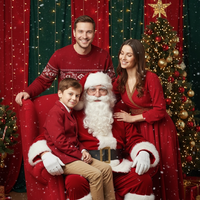
Santa’s Studio Magic

Silent Joy – Family by the Tree
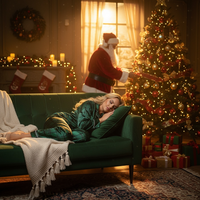
Silent Night – Santa’s Visit
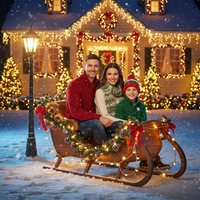
Sleigh Bells & Snowfall

Snow Angel Joy
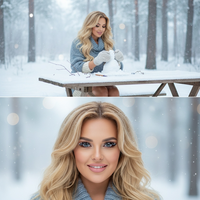
Snow Creation – Gentle Play Diptych
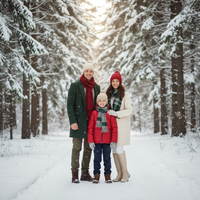
Snow Woods - Family of 3
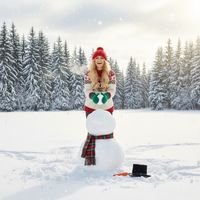
Snowman Makers

Snowman Outside - Family of 3
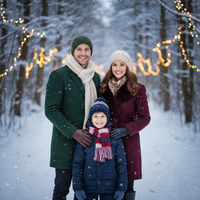
Snowy Forest
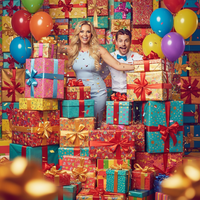
Surprise from the Box – Birthday Box Burst
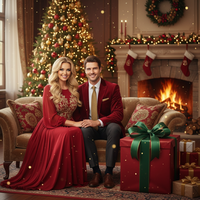
Surprise from the Box – Classic Gift Wonder
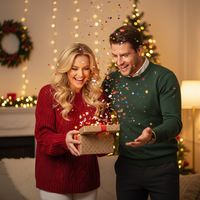
Surprise from the Box – Confetti Surprise
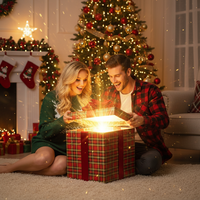
Surprise from the Box – Holiday Treasure Pop
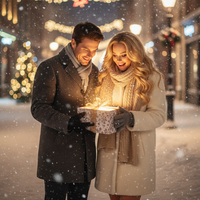
Surprise from the Box – Winter Glow Reveal (new)
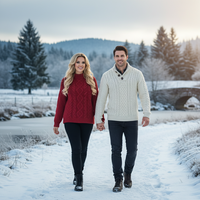
Sweater Cable Knit Cozy
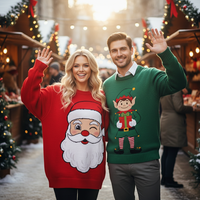
Sweater Character-Themed
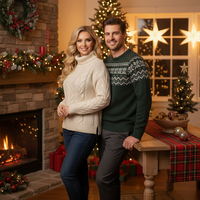
Sweater Cozy Indoor Knit
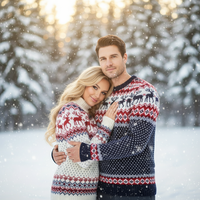
Sweater Fair Isle Nordic
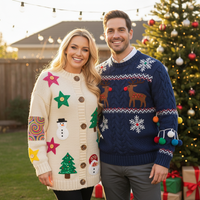
Sweater Handmade DIY
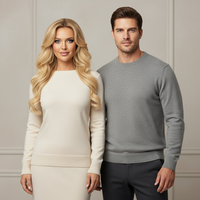
Sweater Minimalist
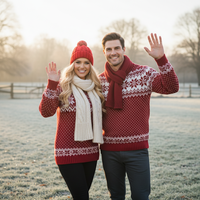
Sweater Nordic Family
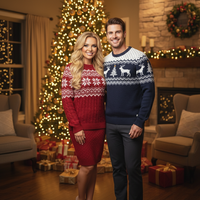
Sweater Original
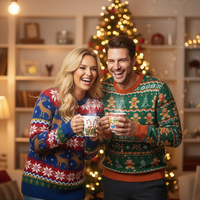
Sweater Playful Patterned
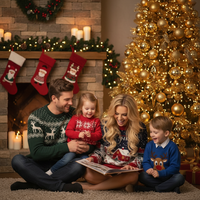
Sweater Storybook Illustrated
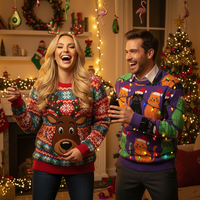
Sweater Ugly
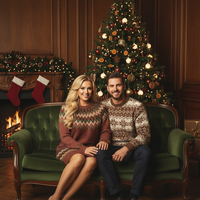
Sweater Vintage Retro
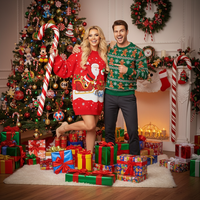
Sweater Whimsical Cartoonish
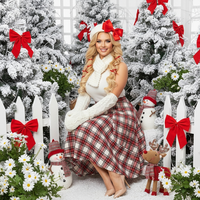
Sweet Garden – Playful Holiday Portrait
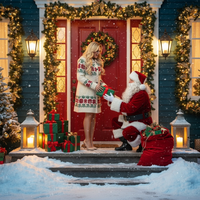
The Doorstep of Christmas Magic
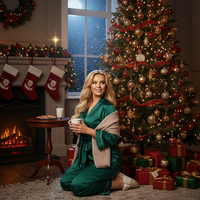
The Night Before Santa Arrives – Waiting by the Tree
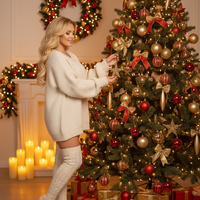
Trimming the Christmas Tree 2

Trimming the Tree
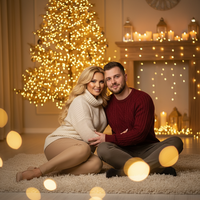
Warm Embrace
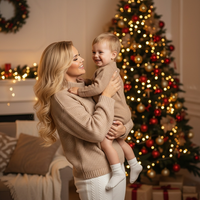
Warm Embrace – Christmas Connection
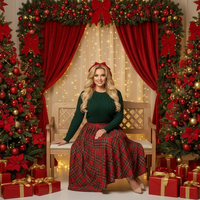
Warm Plaid Family Bench Portrait
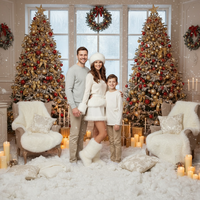
Winter Fairy Christmas Dream
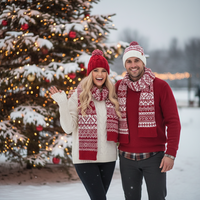
Winter – Classic Holiday Knit
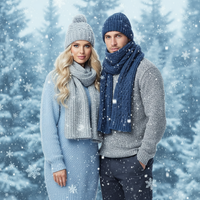
Winter – Frosty Knit Charm
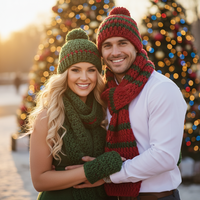
Winter – Handmade Crochet Vibe
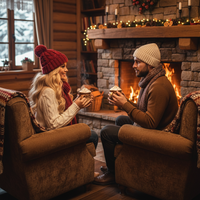
Winter – Hearthside Knits
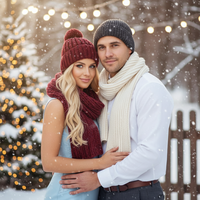
Winter – Knit Comfort
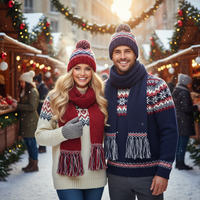
Winter – Nordic Winter Pattern
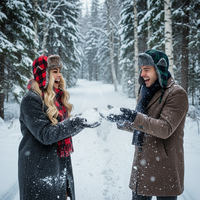
Winter – Plaid Trapper Warmth

Winter – Subtle Festive Knits
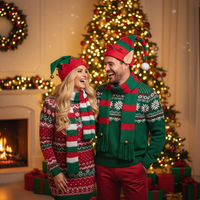
Winter – Whimsical Elf
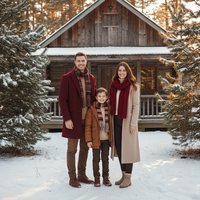
Wooden Cabin
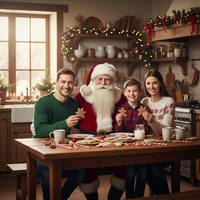
kitchen santa
Create Stunning Family & Group Portraits Christmas Pictures
Multi-person family or group compositions and classic posed portraits. Download our app: Christmas Pictures App.
Why Choose PiXmas for Your Family & Group Portraits Christmas Photos?
Whether you're creating Christmas wallpapers for your phone, printing holiday cards, or sharing festive pictures on social media, our AI technology ensures every photo looks professionally crafted.
Perfect Christmas Pictures in Seconds
Creating beautiful Christmas photos has never been easier. Simply upload your photo, choose from our family & group portraits styles, and watch as our AI transforms it into a stunning Christmas picture.
Our Christmas wallpapers feature is perfect for personalizing your devices with holiday cheer. Create custom festive pictures that showcase your family, pets, or favorite moments in beautifully designed family & group portraits settings. Each style in this category has been crafted to deliver professional-quality results that rival studio photography.
Share Your Holiday Joy
Once you've created your perfect Christmas pictures, share them instantly with family and friends. Our Christmas app makes it easy to download high-resolution Christmas photos for printing, social media, or creating Christmas wallpapers. Every image is optimized for both digital sharing and professional printing.
Our family & group portraits collection is constantly updated with new styles, ensuring you always have fresh options for creating memorable Christmas pictures.
Explore More Christmas Picture Categories
Warm holiday interiors like living rooms, fireplaces, bedrooms, kitchens, and porches with soft ligh...
⭐ Outdoor Snow & NatureWinter nature settings such as forests, lakes, mountains, snowy paths, cabins, and decorated doorste...
⭐ Urban & City LightsCity streets, markets, plazas, rooftops, and balconies adorned with festive lighting and seasonal de...
⭐ Studio Minimal & ModernClean studio or staged setups with minimal backdrops, bokeh, and elegant props...
⭐ High-Fashion & EditorialCouture and editorial glam portraits with gowns, sequins, and styled looks...
⭐ Rustic Cabin & WoodLog cabins, wooden interiors/exteriors, wreaths, lanterns, and rustic textures...
⭐ Santa & Workshop EncountersSanta Claus appearances, workshops, letters to Santa, and Santa hats or motifs...
⭐ Couples & RomancePair-focused scenes with hugs, kisses, dances, and intimate moments...
⭐ Babies & Kids MagicBabies, toddlers, and children as the main subject; newborn and whimsical child setups...
⭐ Pets & Animal CompanionsPets like dogs and cats featured prominently; includes animal encounters (e.g., reindeer, huskies)...
⭐ Tree Decorating & GiftsTrimming trees, wreath crafting, tying bows, exchanging/unwrapping presents, and ornament moments...
⭐ Pajamas, Morning & BedtimePajama scenes, morning coffee/cocoa, bed or cozy lounge moments in soft light...
⭐ Candy, Pink & Pastel PlayCandy canes, sweets, pink/pastel palettes, and playful whimsical sets...
⭐ Gold & Emerald LuxuryGold/emerald palettes, metallic decor, luxe interiors, and chic glam styling...
⭐ Red Velvet & Crimson ClassicsRed-themed styling, velvet/satin textures, and classic crimson holiday scenes...
⭐ White, Silver & FrostedWhite/silver/icy palettes, frosted trees, snow sparkle, and winter elegance...
⭐ New Year’s Eve & FireworksNYE countdowns, 2026 typography, fireworks, rooftop and balcony celebrations...
⭐ Confetti, Disco & Neon PartyConfetti bursts, disco balls, neon/cyberpunk clubs, and energetic party vibes...
⭐ Vehicles & Vintage PropsCars, trucks, sleighs, bicycles, and other transport or large prop-centered scenes...
What makes this style different from other Christmas photo styles?
Family and group portrait styles are built around multiple subjects sharing one frame instead of a single person or couple. The goal is a composition that reads like a planned sitting: everyone positioned together, consistent lighting across all faces, and a backdrop (fireplace glow, snowy cabin steps, studio set, or cozy living room) that ties the group together visually.
PiXmas includes this category among its broader library of 800+ styles, but the family and group set specifically prioritizes coordinated wardrobe tones and balanced framing so a household of three, a set of siblings, or a group of friends all look like they belong in the same scene.
What photo should you upload for the best result?
A clear, well-lit photo where every face in the group is visible and front-facing tends to produce the most reliable result. Avoid photos with heavy motion blur, extreme side angles, or people partially cut off at the edge of the frame.
For larger groups, a photo taken at a slight distance so everyone fits comfortably in the shot works better than a tightly cropped close-up. One uploaded photo is all the app needs to generate the styled portrait.
Who is this Christmas photo style best for?
This category suits nuclear families, multi-generational households sending a holiday card, groups of friends doing a festive get-together photo, or siblings who want a matching seasonal look. Pets can also appear if they are part of the original uploaded photo, since many family portraits naturally include a dog or cat by the tree.
How does PiXmas compare to a photographer or DIY setup?
- Photography educators using Google Trends report that searches for terms like “Christmas card photos” remain fairly constant through much of the year, then trend upward from September or October and spike in December. (Tech Photo Guy – Google Trends for Photographers, 2018)
- Google’s Holiday Trends reports that many Christmas‑related queries in the US, including decorating and baking topics, spike each December, illustrating that demand for Christmas imagery and content concentrates late in the year. (Google – Holiday Trends (Year in Search 2025), 2025)
- A general guide to using Google Trends recommends setting multi‑year ranges to spot seasonality, noting that Christmas‑related terms consistently show seasonal spikes that can guide when to publish holiday photo content. (Cemoh – How to Use Google Trends: A Complete Guide, 2026)
Limitations
Results are AI-generated stylized images, not physical photographs from an actual family photo session, so textures, framing, and lighting are interpreted by the app rather than captured on set.
Group photos with several faces may render with slightly less consistency than a solo portrait or couple shot, since the app is balancing multiple faces at once. If a result feels off, uploading a clearer source photo or trying a different style in PiXmas often improves the outcome.
For families, siblings, or friend groups who want a matching, cohesive Christmas portrait without scheduling a real photo session, PiXmas offers a fast way to turn one uploaded photo into a styled family scene.
Frequently asked questions
What counts as a family or group Christmas portrait?
Family or group Christmas portraits show several relatives, friends, or household members in a shared holiday composition. Common treatments include coordinated pajamas, formal studio poses, fireplace settings, snowy cabins, and illustrated scenes. The defining feature is a cohesive group arrangement rather than separate portraits combined without consistent lighting, scale, or background.
Can I include pets in a family Christmas portrait?
Yes, a pet can be part of the portrait when the animal is clearly visible in the uploaded photo. Choose an image where the pet is not hidden behind people and its face is reasonably sharp. AI styling may change fur texture, markings, collars, or small features, so inspect the finished image before using it.
What photo should I use for an AI family Christmas portrait?
Use a clear, well-lit photo in which every face is visible and reasonably sharp. Avoid heavy shadows, strong filters, covered features, motion blur, and tightly cropped heads. A simple background can also help the system distinguish people from surrounding objects, although the selected holiday style may replace most of that background.
How many people can be in a Christmas group portrait?
There is no universal ideal group size because results depend on face visibility, spacing, image quality, and the selected composition. Larger or tightly packed groups can be harder for AI tools to render consistently. Check each person’s eyes, hands, clothing edges, and position before choosing the image for a card or print.
What should a family wear for Christmas group pictures?
Coordinated colors usually look more natural than completely identical outfits. Start with a restrained holiday palette, then vary textures or shades so each person remains distinct. Avoid tiny patterns, reflective fabrics, and prominent text that may become distorted during processing. Clothing should also suit the setting, whether it is formal, fireside, or snowy.
What lighting is best for indoor Christmas group photos?
Soft daylight that reaches every face is generally the safest choice for indoor group photos. Position the group near a window without placing anyone in harsh direct sun. Avoid mixing strongly colored room lights with daylight, and treat decorative string lights as background accents rather than the main source of illumination.
When should I make Christmas pictures for holiday cards?
Create them early enough to review faces, compare styles, prepare the card, and allow for printing and mailing. Interest in Christmas photo topics rises during fall and peaks in December, suggesting that many families leave the task until late in the season (Tech Photo Guy – Google Trends for Photographers, 2018).
Can I make an illustrated family Christmas portrait from a photo?
Yes, an illustrated holiday style can reinterpret a group photo with painted, storybook, cartoon, or graphic details. It will not reproduce every facial feature or clothing detail exactly, especially when faces are small or partly covered. Use a sharp source image and review whether each person remains recognizable before sharing or printing it.