
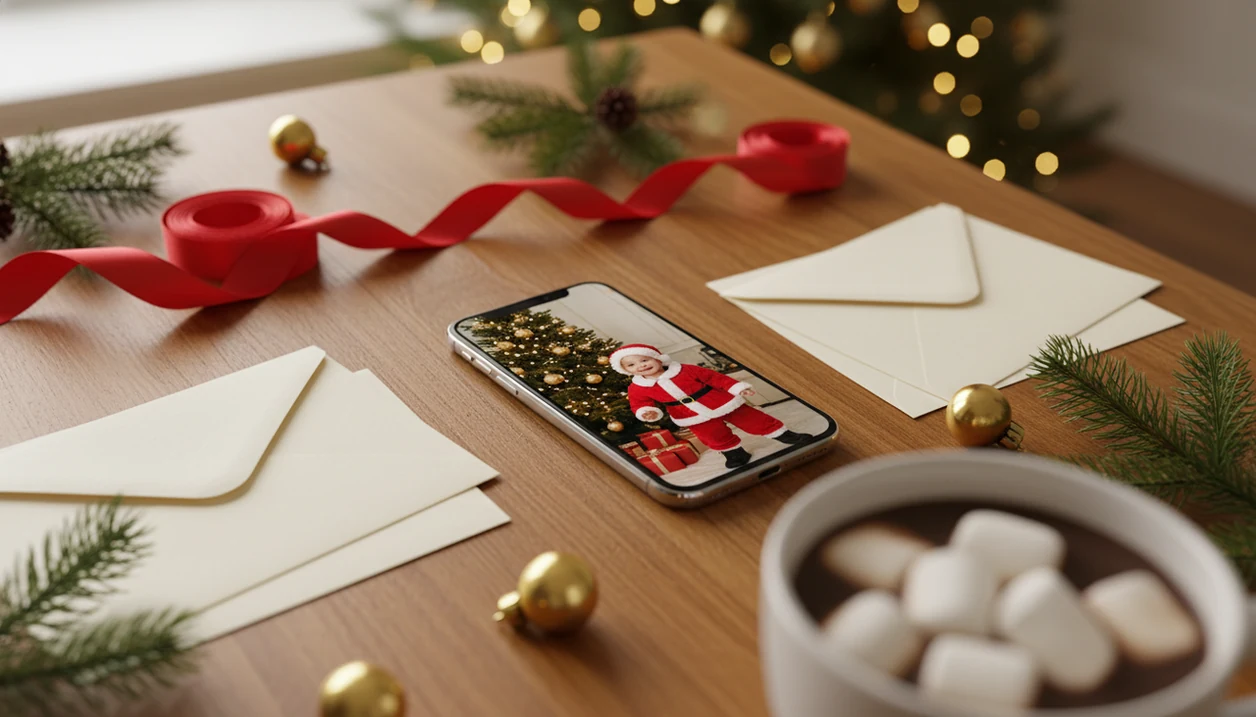

Definition: A Santa photo app for kids is a holiday photo tool that transforms a child's uploaded picture into a believable Santa scene, Christmas portrait, or holiday card image without requiring a professional photo shoot or advanced editing skills.
Best Santa Photo Apps for Kids: Named Shortlist
The practical path is simple: upload, choose a Santa or Christmas portrait style, preview, then save a card-ready image.
Capture The Magic works better as a proof-of-Santa novelty app. It can help stage the “Santa was here” moment, but it is less focused on turning a child’s face into a polished holiday portrait.
Catch Santa Claus In My House by Dualverse uses augmented-reality Santa evidence. That fits parents who want Santa in the living room, near the tree, or by the fireplace.
Generic editors like Canva, Picsart, and Photoleap can add Santa stickers, frames, or overlays. They give more manual control, but parents may spend time adjusting layers instead of finishing the image.
When the issue is a December 23 card photo after bedtime, a one-photo Santa picture app earns the top spot because the Christmas Pictures App uses a one-photo upload and festive style picker instead of a hand-built edit.
How We Chose the Best Santa Photo Apps for Kids
We chose the best Santa photo apps for kids by weighing believable results against parent realities: privacy, speed, and whether the final image can leave the phone.
The comparison included novelty apps, AR Santa evidence tools, sticker-based editors, and portrait generators. Each type can be useful, but they solve different holiday problems.
- Test realism first by checking whether the child still looked like themselves, including face shape, skin tone, lighting, and the way the scene framed the portrait.
- Review privacy signals with extra weight on child-photo handling, deletion language, storage clarity, and whether sharing or reuse terms were easy for a parent to understand.
- Measure workflow speed by favoring tools that could move from one clear upload to a finished Santa image without manual layer editing.
- Check exports twice by separating social sharing quality from print readiness, since a picture that looks fine in Messages can still look soft on a holiday card.
- Revisit the rankings as app policies, pricing, templates, watermarks, and export limits change during the season.
4 Criteria for Picking a Kids Santa Photo Generator
Parents should judge a kids Santa photo generator by realism, privacy, workflow speed, and export quality. The best choice is usually the one that preserves the child’s face while keeping the process short enough to finish on a phone.
| Criterion | What to check | Why it matters |
|---|---|---|
| Realism | Face shape, skin tone, lighting, and hands | A tiny face in a group shot can turn strange fast. |
| One-photo workflow | Single upload versus multiple angles or manual edits | Parents usually have one usable photo, not a studio set. |
| Child-photo privacy | Retention, deletion, third-party sharing, and ad tracking | Pew Research Center found that 81% of U.S. adults say the potential risks of companies collecting their data outweigh the benefits: https://www.pewresearch.org/internet/2019/11/15/americans-and-privacy-concerned-confused-and-feeling-lack-of-control-over-their-personal-information/. |
| Card readiness | Export dimensions, sharpness, and cropping options | A phone-share image can look soft when printed. |
For a parent-specific walkthrough, the Santa photo app for parents guide covers the same decision from a family workflow angle.
What PiXmas Does for Kids' Santa Photos
It is meant for families who want a finished holiday image without staging a mall visit or building layers in a manual editor.
The app starts with a single clear upload, keeps the child’s identity as the anchor, then renders festive settings around it. Parents can choose looks that feel like a Santa chair portrait, a North Pole workshop, a fireplace moment, a snowy outdoor scene, or a more polished Christmas-card portrait. Some results are best for texts, social sharing, and phone wallpapers; sharper, cleaner crops are better candidates for printed cards or small family gifts.
A practical use flow looks like this:
- Review privacy terms before uploading any child’s photo, especially storage, deletion, and sharing language.
- Pick a clear source image with a visible face and steady lighting.
- Choose a Santa or Christmas style that matches the final use, from playful share image to card portrait.
- Check the preview closely for face shape, skin tone, hands, and background realism.
- Save the right crop for cards, sharing, wallpaper, or gifting.
Source-photo quality still controls the ceiling. A blurry, dark, or tiny face will limit even the best Santa template.
Ready to create holiday photos?
Santa Picture App AI Workflow for Kids' Photos
A Santa picture app works by detecting the child’s face, mapping facial landmarks, and rendering a new holiday scene around that identity. In plain terms, it needs to understand where the eyes, nose, mouth, head angle, and lighting are before it can make the Santa scene feel believable.
Terms like “face detection” and “generative rendering” sound technical, but the parent-facing test is simpler. Does the child still look like themselves?
Good Santa apps deliver matched lighting and framing, not pasted-on costumes. The toy train circling Santa’s boots only works if the child’s face belongs in the room, not floating above it. Output realism usually depends more on source-photo clarity than on the app name, because warm yellow kitchen light, motion blur, and busy backgrounds can confuse the final render.
4 Steps to Use a Kids Santa Photo Generator
To use a kids Santa photo generator, start with the clearest child photo you already have, then choose a Santa style and review the result before saving. App access is broadly familiar for many families: the National Center for Education Statistics reported that 91% of U.S. children ages 3–18 had home internet access in 2021, and Pew Research Center reported that 95% of teens had access to a smartphone in 2022: https://nces.ed.gov/programs/coe/indicator/cch/home-internet-access and https://www.pewresearch.org/internet/2022/08/10/teens-social-media-and-technology-2022/.
- Choose a well-lit photo where your child’s face is clear, forward-facing, and not covered by a sleeve, hat, or motion blur.
- Select a Santa scene or holiday portrait style from the template library, such as Santa chair, workshop, snow, fireplace, or card-ready portrait.
- Download the finished image and compare the crop for sharing, wallpaper, or printing.
Parents trying to make Santa photo with child usually get the fastest result when they avoid screenshots and use the original camera-roll image. The portrait preview loading under the tree is the moment to zoom in before saving.
5 Facts About Santa Photo Apps for Kids
- Realism depends more on the source photo than on marketing claims. A sharp face in soft daylight beats a low-resolution party photo.
- One-photo workflow saves time versus multi-angle apps.
- Child-photo privacy policies vary widely. Read storage, deletion, and sharing terms before uploading a child’s picture.
- Holiday-card use needs higher quality than social sharing. A small image can look fine in Messages and soft on a printed card.
- Consistent quality across ages and skin tones separates good apps from gimmicks. The same Santa style should not only work for one sample child.
After bedtime, when there is no studio appointment left, a one-photo Santa picture app is a practical choice because the workflow turns one clear upload into multiple Santa and Christmas portrait options. Good Santa photo apps create believable holiday images, not guaranteed studio replacements.
Child-Photo Privacy in Santa Picture Apps

Child-photo privacy should be checked before any Santa picture app receives an upload. Look for clear language about data retention, deletion, third-party sharing, model training, and whether the app uses ad tracking.
Free apps are not automatically safer. Some free Santa picture apps may rely on ads, analytics, or broader data collection than paid tools. That matters because Pew Research found that 81% of U.S. adults are concerned about how companies use collected data.
Competitors like Canva, Picsart, and Photoleap may have broader editing ecosystems, which can mean different account, storage, and sharing settings.
Use this quick checklist before uploading:
- Check whether images are stored after generation.
- Look for deletion or auto-delete language.
- Avoid vague “we may use your content” terms.
- Prefer selected-photo access on iPhone when available.
- Skip apps that hide privacy details behind unclear menus.
For the broader question, is there an app that puts my child with Santa explains the privacy tradeoff in plain language.
5 Myths About Kids Santa Photo Generators
| Myth | Reality check |
|---|---|
| A realistic Santa app equals a professional photo edit. | AI can look convincing, but close-up prints may reveal odd edges or lighting. |
| Free Santa picture apps for kids are always safer. | Free can still mean ads, tracking, or longer storage. |
| One-photo generators work perfectly with any image. | A blurry sleeve, tiny face, or dark room can weaken the result. |
| Every Santa output is holiday-card-ready. | Some exports are made for phone screens, not printed cards. |
| More editing tools always mean better results. | Manual editors can help, but they take more time and judgment. |
Kids Santa photo generators tend to work best when the child’s face is clear and the lighting is not fighting the app, while sticker editors fit parents who want a quick joke image. For iPhone-specific steps, the how to make Santa pictures on iPhone guide is more direct.
What photo should you upload for the best result?
The best source photo is a recent, sharp, well-lit picture of the child's face looking roughly toward the camera. Even, natural light works better than dim indoor lighting or strong backlighting.
Avoid sunglasses, hats that cover the forehead, motion blur, or photos where the face is turned far to one side. A simple background is not required, since the app replaces the scene, but a clear, unobstructed face gives the most consistent Santa-style result.
For siblings, a photo where each child's face is visible and reasonably sized in the frame works better than a wide group shot where faces are small.
How does PiXmas compare to a photographer or DIY setup?
| Factor | PiXmas app | Professional Santa photographer | DIY costume and backdrop |
|---|---|---|---|
| Time | Minutes in-app | Scheduling plus shoot time required | Hours to days of setup |
| Cost | App-based pricing | Typically higher session cost | Varies with props, wardrobe, lighting |
| Setup | None, uses an existing photo | Studio or location shoot | Physical props, costume, and lighting |
| Best for | Fast digital results, multiple styles | Archival prints, in-person experience | Full creative control, no app needed |
For parents who want a quick, believable Santa photo of their kids without scheduling a shoot, PiXmas offers a practical, app-based option built around a single clear photo.
Limitations
Santa photo apps are useful, but they are not magic. Set expectations before uploading a child’s picture.
- AI cannot guarantee true photorealism in every image, especially when the original photo is dark, blurry, or low resolution.
- Some apps overpromise “magic” results, but output quality still depends on the child’s source photo.
- Privacy policies vary, and some apps may store, process, or reuse uploaded images in ways parents do not expect.
- A Santa photo app is not a substitute for a custom professional holiday photo shoot with controlled lighting.
- Some apps optimize for digital sharing only, so printed holiday cards may look softer than expected.
- Busy backgrounds, motion blur, tiny faces, and warm yellow kitchen light can degrade results regardless of app quality.
- Watermarks, export limits, or paid tiers may affect whether the final image works for cards, wallpapers, or family gifts.
On days when the goal is a share-ready Santa portrait before school drop-off, a one-photo Santa picture app fits because it keeps the workflow to upload, select, preview, and save. If price is the deciding factor, compare a free Santa photo app carefully against privacy and print needs.