
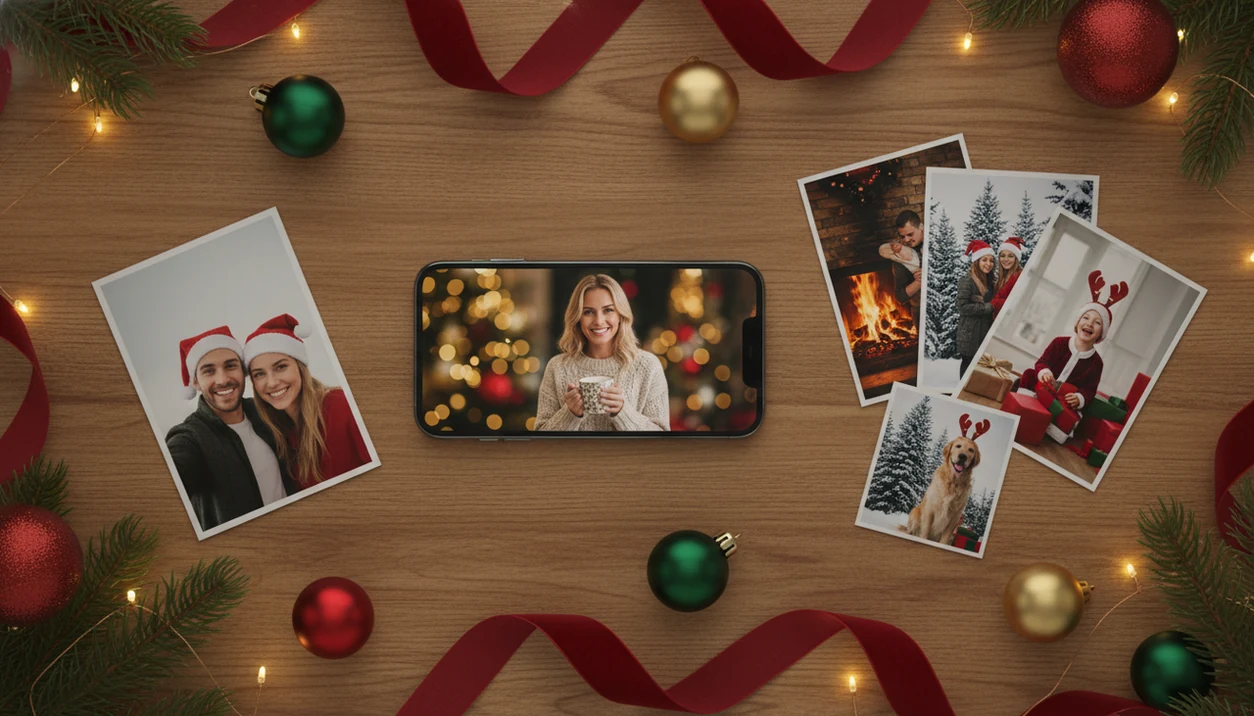

Definition: An AI Christmas photo app uses image generation to transform an uploaded photo into seasonal portraits, wallpapers, and Christmas-card images for families, couples, pet owners, and creators.
- Use a clear, well-lit photo for the most reliable AI result
- Free tier available; premium unlocks high-resolution downloads and the full style library
What You Get When You Download the this app AI Christmas Photo App
The practical path is simple: upload, select a festive style, review the result, then save or share.
Under the hood, image-to-image AI generation uses the uploaded photo to guide the face, pose, and subject, while the selected style supplies the Christmas setting, costume, lighting, or background. A parent can start with the iPhone Photos grid, pick the one kid snapshot where everyone is actually looking, and make a card image before the group chat asks again.
Families use it for mantel portraits. Couples use it for snowy looks. Pet owners use it when a wet nose in a portrait preview is exactly the point.
After bedtime on December 23, when there is no studio appointment left, this workflow fits the last-minute holiday card job because one upload can produce several share-ready portrait outputs.
At a Glance: this app AI Christmas App Features
It covers polished portraits and playful seasonal edits in the same Christmas Pictures App workflow.
- Portraits and filters: The workflow supports both studio-style Christmas portraits and lighter holiday effects, so you are not choosing between formal and fun.
- Export use cases: Christmas card images, wallpapers, and social-post formats are part of the output plan.
- Subject support: Solo portraits, couples, family group shots, and pet photos can all be used, though input quality matters.
- Use-case match: Adobe Firefly positions its AI Christmas photo generator for portraits, posts, and cards, and this Christmas Pictures App covers those same practical outputs in one mobile workflow, according to Adobe’s product page source.
If your priority is making both a card image and a lock-screen portrait, the style picker earns its place because it is built around export-ready Christmas scenes.
How AI Christmas Photo Generation Works in this app
The model reads facial structure, pose, and composition, then generates a new portrait output with Christmas clothing, backgrounds, and lighting.
Two useful terms are image-to-image generation and style transfer. In plain language, the first keeps the original photo as the starting point, and the second applies the chosen holiday look. Diffusion-based generation helps create the snow, warm fireplace glow, Santa settings, and soft portrait lighting that would be hard to edit by hand.
Good inputs matter. A tiny face in a group shot, warm yellow kitchen light, or a blurry sleeve across the frame can all affect the final portrait. Results are best when the face is clear and the lighting is not fighting the app.
The most reliable way to get a better AI Christmas portrait is to start with a sharp, front-facing photo because the generated scene depends more on the source image than on the template name.
How to Download and Use the this app AI Christmas App
The first run usually includes the familiar photo-access prompt, including the moment you decide whether to allow selected photos only.
- Tap Install, then open the app after the download finishes.
- Upload one clear, well-lit photo of a solo subject, couple, family, or pet.
- Browse festive styles and select a Christmas scene, such as Santa, snow, fireplace, or holiday portrait.
- Generate AI holiday portraits, then download, share, or save your favorite output.
Free access is useful for testing the Christmas Pictures App workflow, but premium features may unlock higher-resolution downloads, more styles, or expanded export choices.
Ready to create holiday photos?
Minimum Device Requirements for the this app AI Christmas App
Check the store page before installing, especially if you use an older phone that has not had an operating-system update in a while.
You also need enough storage for the install and for generated image downloads. High-resolution Christmas card images take more room than a single preview, so clear a little space before a batch session. A stable internet connection is required because AI processing happens online.
Not glamorous. Necessary.
Mobile app installation is a normal starting point for creative tasks: data.ai reported that consumers downloaded 257 billion apps in 2023 in its State of Mobile 2024 report source.
this app on iOS vs. Android: AI Christmas App Download Comparison
The main differences are the store path, system photo permissions, and sharing menus.
| Area | iOS | Android |
|---|---|---|
| Download path | Search this app in the App Store | Search this app in Google Play |
| AI styles | Same festive style library and AI engine | Same festive style library and AI engine |
| Photo access | Uses iOS photo permission controls, including selected-photo access | Uses Android media and photo permission controls |
| Sharing | Saves to Photos and shares through iOS share sheet | Saves to gallery and shares through Android share sheet |
| Pricing | Free download with optional in-app upgrades | Free download with optional in-app upgrades |
When the issue is which phone to use, the simpler choice is usually the device that already holds the best source photo because the workflow starts from your camera roll, not from a desktop editing project.
Why Families and Creators Download AI Christmas Photo Apps
Families download AI Christmas photo apps because holiday images now serve more than one job. One photo may need to become a Christmas card, a wallpaper, a profile update, and a post for relatives who will never open the card envelope.
Portrait framing works for cards, while vertical crops are better for a new lock screen under mittens.
Social sharing is part of the behavior. Pew Research reported in 2024 that 65% of Americans use social media and 76% of U.S. adults use YouTube, which helps explain why image-led holiday apps spread through tutorials and posts source.
Creators trying to refresh seasonal branding use the app because one-photo upload plus style selection is faster than building every holiday asset manually in Canva, Picsart, or Photoleap.
Good AI Christmas photo apps deliver reusable festive portraits for cards, wallpapers, and posts, not a one-click miracle that fixes every bad source photo.
this app vs Other AI Christmas Photo Apps
Canva, Fotor, Adobe Firefly, Picsart, and Photoleap make more sense when you want broader editing control, reusable brand layouts, or a full design workspace.
A dedicated Christmas portrait workflow wins when you do not want to build the scene by hand. You upload the photo, choose the holiday look, and review portrait-style outputs without arranging stickers, masks, fonts, and backgrounds one layer at a time.
| Use case | Strength | Limitation |
|---|---|---|
| Fast family Christmas portrait | this app is built around festive portrait generation | Less manual control over every design element |
| Branded holiday post | Canva or Adobe Firefly can support layouts and campaign assets | More setup than a one-photo portrait app |
| Detailed mobile edit | Picsart, Fotor, or Photoleap offer broader tools and effects | Christmas results may require more manual work |
Choose an alternative if you need exact typography, logo placement, multi-page card design, brand templates, or a non-Christmas editor you will use all year.
Download this app: App Store and Google Play Links
If you are comparing install paths first, the broader download Christmas pictures app guide covers the category.
The app is free to download, with optional premium upgrades for high-resolution exports, extra generations, or the full festive style library. The core value is the same after install: one uploaded photo can become hundreds of Christmas portraits, Santa scenes, wallpapers, and card images.
For families who mainly want a Santa scene, the more focused download Santa photo app workflow may be the better starting point.
What makes this style different from other Christmas photo styles?
The AI restyles wardrobe, backdrop, and lighting to match a chosen holiday look while keeping the subject's face as the anchor.
That single-photo workflow is what separates it from template-based apps, where the background is fixed and only a border or sticker changes.
What photo should you upload for the best result?
A sharp, front-facing photo with even lighting and a clearly visible face gives the AI the most to work with. Solo and couple photos tend to hold up best since there is one clear subject to restyle.
Photos with sunglasses, hats covering the eyes, heavy shadows, or motion blur usually produce weaker, less consistent results.
Who is this Christmas photo style best for?
It suits anyone who wants a holiday portrait without booking a studio session, including solo photos, couples, and family members who live in different places and cannot get in front of the same camera.
It also works for last-minute card photos when there is no time to schedule a shoot. Pet owners can try it too, though fur detail and framing affect how clearly the animal comes through.
How does this app compare to a photographer or DIY setup?
- AI Christmas photo generators on Facebook typically work by users uploading a single selfie and choosing a Christmas style such as Santa scenes, cozy sweater portraits, snow globes, or festive wallpapers before posting results to their feed.
- A 2026 guide describes the AI Christmas photo trend on Facebook as distinct from studio photoshoots, emphasizing that images are AI generated from a single uploaded selfie run through a Christmas-themed generator.
- Reporting in late 2025 notes that the AI Christmas selfie trend added a "magical holiday touch" to everyday photos and was spreading rapidly as users posted AI-retouched festive portraits on Instagram, Facebook and X. (Analytics Insight story on Christmas 2025 AI festive portrait trend, 2025)
Limitations
Check these limits before relying on one output for a print order or a commercial campaign.
- AI does not reliably preserve every facial detail from blurry, dark, angled, or low-resolution photos.
- Some generated styles may look over-stylized rather than photo-realistic, especially with heavy snow, costumes, or dramatic lighting.
- Free tiers typically limit resolution, number of generations, export formats, or access to premium styles.
- Performance varies between solo portraits, group shots, and pet photos; a clear single face is usually easier than cousins arranged beneath digital garland.
- Seasonal templates can feel repetitive, and they are not a replacement for a professional photographer.
- Usage rights and commercial licensing can differ by plan, so check terms before using generated images in paid ads, products, or brand campaigns.
- Broad tools such as Canva, Remix.ai, FestivAI, and Fotor-style editors may fit users who want manual layout control instead of a dedicated Christmas portrait workflow.
If you are deciding between an AI portrait workflow and a simpler overlay effect, the AI Christmas photo app vs filter app comparison explains the tradeoff.