
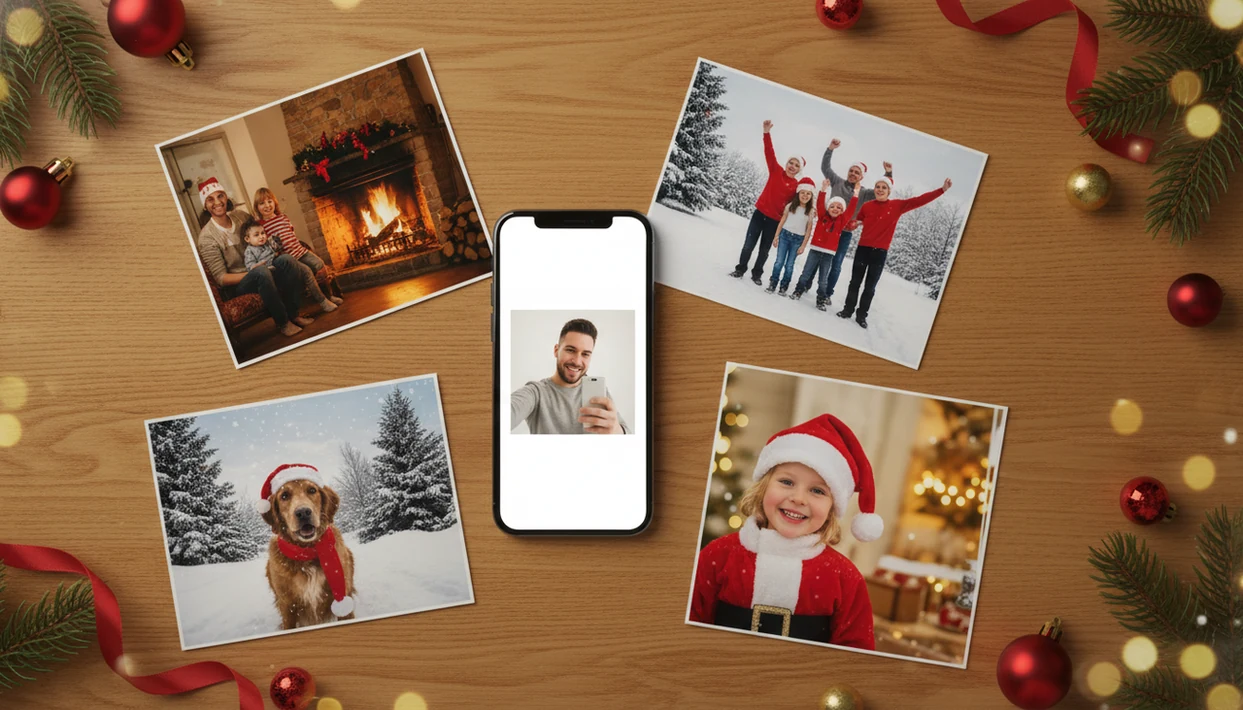

- Upload one clear selfie and get dozens of AI-generated Christmas portraits, Santa scenes, and holiday wallpapers.
- Available on iOS, download directly from the App Store with no studio visit required.
- AI rebuilds outfits, backdrops, and lighting so you skip the holiday photoshoot entirely.
What the this app Christmas Pictures App Does With One Photo
- The outputs include holiday portraits, Santa scenes, Christmas wallpapers, card-ready images, and profile pictures.
- Unlike frame editors, it rebuilds the full scene, including wardrobe, backdrop, props, and lighting.
- In 2023, 59% of U.S. adults said they enjoy holiday images, videos, or memes on social media, which explains the demand for fast festive visuals.
- The practical path is simple: upload, select a festive style, review the result, then save or share.
Parents who find one usable photo after dinner can use a one-photo Christmas Pictures App instead of trying to stage a new shoot. Good AI Christmas picture apps deliver rebuilt holiday scenes, not clip-art taped over a regular snapshot.
How AI Christmas Picture Generation Works Inside this app
AI Christmas picture generation works by reading the uploaded photo for facial features, pose, lighting direction, and image structure, then using generative AI to create a new holiday scene around that reference.
The model uses image embeddings, which are numerical summaries of what appears in the photo. It then reconstructs the background, clothing, props, and studio-style lighting. That is different from template editing, where a border or sticker sits on top of the original image. A tiny face in a group shot, warm yellow kitchen light, or a blurry sleeve can all affect the final portrait.
Grand View Research estimated the global computer vision market at USD 20.31 billion in 2023 and projected 19.8% compound annual growth from 2024 to 2030: https://www.grandviewresearch.com/industry-analysis/computer-vision-market For Christmas portraits, output quality usually depends more on the input photo clarity than on wearing festive clothes first.
How to Download and Use the Christmas Pictures App this app
Most people searching for a Christmas pictures app download want the fastest route from camera roll to Christmas portrait.
- Tap Download or Get to install the Christmas Pictures App.
- Open it and upload one clear, well-lit photo from your camera roll.
- Choose a festive style, such as a Santa scene, holiday portrait, Christmas wallpaper, or card image.
- Save or share the generated Christmas pictures to messages, Instagram, Facebook, or another app.
On iPhone, the photo access prompt is worth reading. Some users prefer selected-photo access only. Pew Research Center reports that 90% of U.S. adults owned a smartphone as of 2023, which is why a phone-first Christmas photo workflow matters: https://www.pewresearch.org/internet/fact-sheet/mobile/ For a broader install guide, the download AI Christmas photo app page covers related options.
Minimum Requirements for the Christmas Pictures App Download
You need an internet connection because AI processing happens through online generation, not a simple offline sticker pack.
Use a photo with a clear face, steady focus, and lighting that is not fighting the generation. Avoid sunglasses, heavy filters, very dark selfies, or low-resolution screenshots. The iPhone Photos grid often has six almost-identical kid snapshots; choose the one where everyone is actually looking at the camera.
The right fit for iPhone users is a phone-friendly workflow: install, allow photo access, upload one image, preview styles, and export.
Ready to create holiday photos?
It uses AI to rebuild backgrounds, lighting, and outfits from a single…
this app vs Frame-and-Sticker Christmas Photo Editor Apps
Many search results for Christmas photo editors show frame, border, and sticker apps, but that is not the same job as AI holiday portrait generation.
| App type | What it changes | Typical output | Better for |
|---|---|---|---|
| Frame-and-sticker editors | Adds borders, clip-art, text, and filters | Quick decorative overlay | Fast social posts |
| this app AI workflow | Rebuilds scene, outfit, lighting, and props | Share-ready holiday portrait | Santa scenes, cards, wallpapers |
| Broad design apps like Canva or Picsart | Manual layouts, templates, and editing tools | Depends on user editing time | Custom graphics |
A 2023 survey found that 32% of U.S. adults have used AI for creating images, text, or other content. Anyone dealing with cluttered editor results should compare the AI Christmas photo app vs filter app difference before downloading.
Evidence and Privacy Checks Before You Download a Christmas Pictures App
Before downloading a Christmas pictures app, verify where it comes from, what photo access it requests, and how it describes data use. This matters most when uploading child photos, family portraits, or any image you would not want copied into an unknown app.
Smartphone ownership data supports the mobile-first pattern already described above: most users want to create and share holiday images from the phone in their hand. The safer route is the official App Store listing, because it reduces the chance of installing a clone app with a similar name, copied icon, or misleading ad.
- Review the App Store privacy labels and look for what data may be collected, linked to you, or used for tracking.
- Choose selected-photo access if you only want the app to see the one picture you upload.
- Check the developer name, ratings, recent reviews, in-app purchase notes, and privacy policy before installing.
- Avoid uploading child photos if the app is vague about storage, deletion, training use, or third-party sharing.
- Expect variation in AI results because blurry inputs, tiny faces, and model behavior can change likeness, hands, and background details.
Best Holiday Photo Styles to Generate After You Download this app
A December 23 parent making a Santa portrait after bedtime is exactly this use case.
Christmas pajama family portraits: Matching-pajama styles work well when the original faces are clear, even if nobody actually wore holiday clothes.
Festive wallpapers: Phone lock screens need vertical framing, so choose a Christmas wallpaper style when the final image is meant for daily use.
Holiday greeting cards: Card-ready images are useful when the real question is, “Can I use this for a card and a wallpaper?”
Profile pictures: Festive headshots work well for Instagram, Facebook, and messaging apps.
Tips for the Clearest Christmas Pictures From the App
Use a front-facing, evenly lit photo where the face is visible and not blocked.
Skip sunglasses, hats covering the eyes, heavy beauty filters, and motion blur. The gold lights reflected in glasses can look festive in real life, but reflections may confuse the AI. If a hand, sleeve, or pet ear looks odd, re-run the generation or try another style.
Small artifacts happen.
Couples trying to make a quick holiday profile photo can compare multiple festive styles before saving one. For more one-photo recommendations, use the best AI Christmas photo app guide.
Download the this app Christmas Pictures App Today
Then start with the photo you already have, choose a festive style, and save the generated Christmas pictures.
When the issue is last-minute holiday content, the short workflow helps because the steps are upload, select, preview, and export. Reputable photo apps should follow platform rules and publish privacy policies, so check the App Store privacy details before granting access. If Santa is the main output you need, the download Santa photo app guide narrows that path.
Who is this Christmas photo style best for?
Solo users can turn a single selfie into a holiday card image in minutes. Couples and families can upload a group photo for a coordinated seasonal look without matching outfits ahead of time. Parents documenting a child's holiday season and pet owners wanting a festive pet portrait are also common use cases, since only one clear photo is needed to start.
How does this app compare to a photographer or DIY setup?
- Reporting in late 2025 notes that the AI Christmas selfie trend added a "magical holiday touch" to everyday photos and was spreading rapidly as users posted AI-retouched festive portraits on Instagram, Facebook and X. (Analytics Insight story on Christmas 2025 AI festive portrait trend, 2025)
- AI Christmas photo generators on Facebook typically work by users uploading a single selfie and choosing a Christmas style such as Santa scenes, cozy sweater portraits, snow globes, or festive wallpapers before posting results to their feed.
- The same 2026 guide reports that popular AI Christmas photo tools can offer hundreds of styles from one selfie, including portraits, Santa scenes and festive wallpapers that users download and share on social platforms.
What are the limitations of downloading a Christmas pictures app?
Lighting, texture, and small details may look different from a traditional camera portrait. Photos with multiple faces, side angles, or heavy shadows may produce less consistent results than a solo or couple photo taken in good lighting. Style availability, pricing tiers, and export options can also change over time, so checking the current App Store listing before downloading is worthwhile.
Limitations
- AI cannot guarantee exact likeness, perfect hands, or flawless anatomy every time.
- Dark, blurry, heavily filtered, or low-resolution input photos usually produce less realistic portraits.
- Free or trial access may include watermarks, fewer styles, or generation caps.
- AI-generated portraits do not replace an in-studio photoshoot with real props, controlled lighting, and a photographer.
- Platform updates, iOS changes, or device performance can occasionally affect compatibility.
- Group photos with many faces may reduce per-person accuracy, especially when faces are small.
- Internet access is required for generation, so offline use is limited.
- Competitors like Photoleap, Remix, FestivAI, Canva, and Picsart may fit better if you want broader design editing instead of focused Christmas portraits.
For family cards, individual or small-group uploads are often easier than large group photos because the AI has more face detail to preserve.