
>
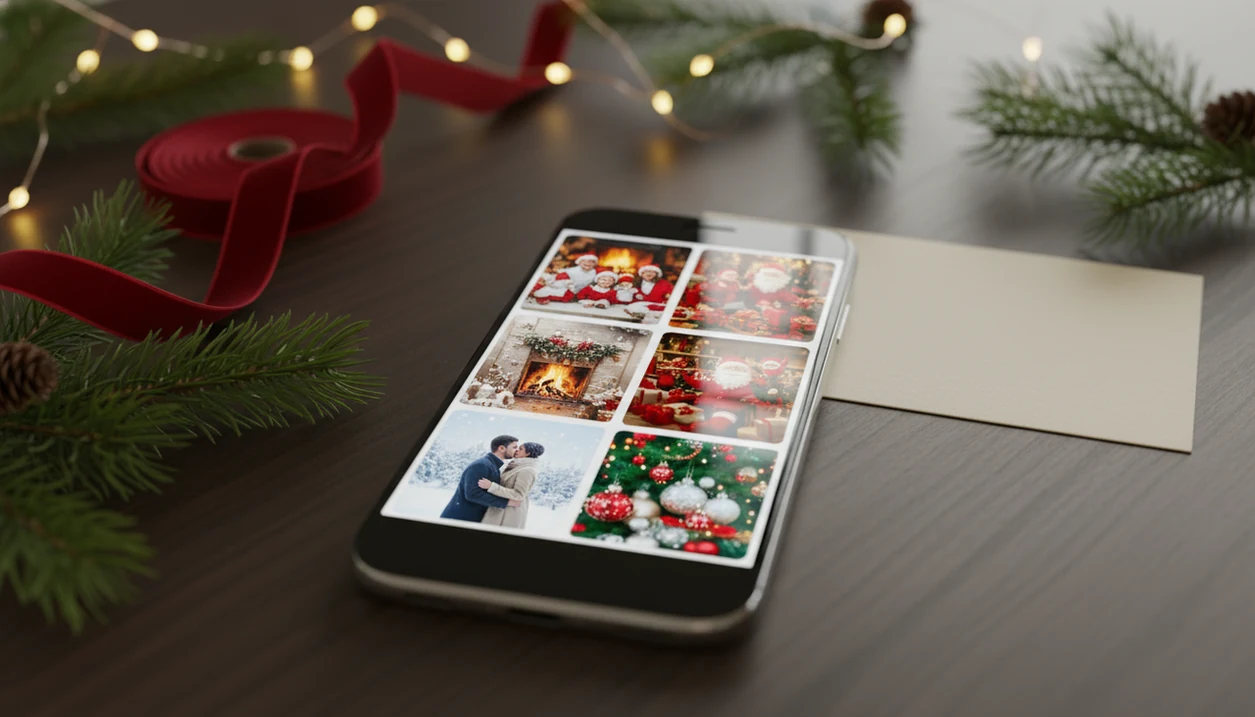
- One selfie can become hundreds of AI-generated Christmas portraits, Santa scenes, cards, and wallpapers.
- The app requires a clear, well-lit source photo and an internet connection for cloud-based AI processing.
What Works in this app for Android
- Santa scene styles: Android users can choose Santa workshop, sleigh, fireplace, and winter wonderland looks when they want a more story-like image.
- Holiday card exports: Finished images can be saved for digital cards, family updates, and last-minute December messages.
- Android wallpapers: Portrait outputs can be used as Christmas wallpaper for Android lock screens and home screens.
- Social sharing: Exports are phone-friendly for Instagram, WhatsApp, Facebook, email, and family group chats.
If the priority is a fast Christmas card image on December 23, the workflow fits because it starts with the photo you already have and ends with a share-ready export. We usually test with the iPhone Photos grid equivalent on Android: six almost-identical kid snapshots, one where everyone is actually looking.
Tiny differences matter.
For Santa-specific ideas, the download Santa photo app guide focuses on kid-friendly scenes and family holiday setups.
Minimum Requirements for this app on Android
A compatible Android device, current-enough operating system support, stable internet, and permission to access the photo you want to upload are enough to start. Since AI processing runs in the cloud, a weak hotel Wi-Fi signal can be more frustrating than an older phone.
Use a clear, sharp, front-facing source photo when possible. Warm yellow kitchen light, a blurry sleeve near the cheek, or a tiny face in a group shot can all reduce the quality of the generated portrait. Leave enough storage space for saved images, card exports, and wallpaper versions.
Android may ask for camera access, gallery access, or selected-photo access. Read that prompt before tapping. If you're only making one holiday card image, selected-photo permission is often the cleaner choice. The finger smudge across the upload button is common; the permission choice still deserves a pause.
How AI Christmas Photo Generation Works in this app
In plain terms, the app does not just put a sticker on top of your photo; it rebuilds the image around the chosen Christmas style.
The system uses signals similar to image embeddings and style transfer. Image embeddings help the model understand what is in the source photo. Style transfer guides the new portrait toward a Santa workshop, snowy outdoor scene, cozy fireplace, ornament background, or card-ready composition.
Processing happens server-side, not fully on the Android device. That explains the internet requirement and why device hardware matters less than photo quality and connection stability. Good AI Christmas photo apps deliver fast scene generation from a normal phone photo, not manual background editing in twenty tiny layers.
When a parent makes a Santa portrait after bedtime because no studio appointment is left, the cloud render is the whole point.
How to Use this app for Android Holiday Photos
The workflow is meant to move from camera roll to Christmas portrait without prompt writing.
- Download from the official source and avoid look-alike APK pages or unrelated printer apps.
- Upload a clear, front-facing selfie or family photo with steady lighting and no heavy blur.
- Browse and select a Christmas style such as Santa scene, winter portrait, cozy fireplace, or holiday card image.
- Wait for the AI render while the cloud system rebuilds the photo into the selected scene.
- Save the finished image to your Android gallery, or export it as a card or wallpaper.
- Share directly to social media, messaging apps, or email as a digital holiday card.
When the real question is “Can I use this for a card and a wallpaper?”, the save flow supports portrait output, holiday card image use, and Christmas wallpaper exports.
For broader install guidance, use the download AI Christmas photo app page before choosing a style.
Ready to create holiday photos?
The practical path is…
this app on Android vs iOS: Platform Differences
Android also matters at scale; StatCounter reports Android at about 70% of global mobile operating system share in 2024 source.
| Area | Android | iOS |
|---|---|---|
| User base | Larger global mobile OS share | Smaller global share, strong in some markets |
| Photo access | Gallery, camera, and selected media permissions vary by Android version | Photos permission may allow selected images |
| Wallpaper exports | Needs Android lock screen and home screen sizing checks | Needs iOS lock screen framing checks |
| Performance | Mostly cloud-based, so connection matters | Mostly cloud-based, so connection matters |
| Privacy settings | Depends on Android permissions and app terms | Depends on iOS permissions and app terms |
Wallpaper framing usually depends more on crop and subject position than on the phone brand.
Mobile Demand for AI Holiday Photo Apps on Android
Mobile-first holiday photo workflows are growing because people already capture, edit, and share seasonal images on phones. DataReportal reports that about 92% of internet users access the web by mobile phone in 2024 source.
Pew Research Center reports that most U.S. adults own a smartphone and that social media use remains widespread among adults source source. That makes Android a natural home for Christmas photo app Android searches when the finished image is headed to WhatsApp, Instagram, Facebook, or a family thread. Remove the McKinsey CAGR sentence unless the exact forecast URL is added inline.
On days when the family photo preview is already sitting in the group chat, the app earns the spot because it can turn the same image into a card, Santa scene, or Christmas wallpaper. A dedicated Christmas Pictures App is often easier than Canva or Picsart when you want the whole holiday scene generated, not assembled by hand.
this app for Android vs Canva, Picsart, and Photoleap
Canva, Picsart, and Photoleap are stronger when you want manual layout control, brand polish, or detailed edits.
Generated Christmas scenes replace the template workflow: instead of picking a background, cutting out a face, adding snow, resizing text, and nudging layers, you choose a style and wait for the render. That is useful for late cards, kid portraits, couple photos, and wallpapers where “good and festive” beats perfect typography.
| Use case | this app | Canva / Picsart / Photoleap |
|---|---|---|
| Cards | Fast image generation | Better text grids and print layouts |
| Portraits | Strong one-photo holiday scenes | Better retouching and manual fixes |
| Wallpapers | Quick festive phone backgrounds | Better exact crops and overlays |
| Text control | Limited | Stronger fonts, spacing, and captions |
- Choose Canva when the card layout, fonts, and printable design matter most.
- Choose Picsart when stickers, effects, collages, and social edits are the goal.
- Choose Photoleap when you want more hands-on compositing and image manipulation.
How to Verify a Legitimate this app Android Download
Before installing anything, verify that the source is the official website or a verified download link.
Check the developer name, app icon, store description, screenshots, and permission requests. A real AI holiday photo app Android listing should describe one-photo upload, Christmas portrait output, Santa scenes, cards, and wallpapers. A printer utility will talk about scanning, ink, and device setup.
Avoid sideloading APKs from third-party sites unless the official download page explicitly directs users there. Google recommends using Play Protect and trusted app sources to reduce the risk of harmful or misleading apps source.
If the thumb is hovering over the camera roll permission, slow down. Selected access may be enough.
Download this app for Android
The install path should clearly describe AI Christmas portraits, Santa scenes, holiday card images, and Android wallpaper exports.
Android users who want a broader app install path can use the download Christmas pictures app guide. After installation, confirm the icon, developer details, and permissions before uploading a face photo.
If you just need one phone photo turned into a festive result, the workflow stays practical: upload, pick a style, render, save, and share.
What photo should you upload for the best result?
The strongest source photo is a clear, front-facing shot with even lighting and an unobstructed face.
Avoid dim rooms, harsh backlighting, sunglasses, or hats that cover facial features, since the rendering process relies on visible detail to build the Christmas scene around the face.
A recent photo taken on a phone camera is enough; professional studio lighting is not required for a usable result.
Who is this Christmas photo style best for?
This one-photo approach suits anyone who wants a holiday portrait, family card, or festive profile picture without booking a studio session.
It works well for solo portraits, couples, and individual family members who want a Santa-scene or winter backdrop added quickly from a phone.
Group photos with several faces can still be processed, though a single clear subject typically renders more predictably than a crowded scene.
How does this app compare to a photographer or DIY setup?
The comparison below outlines general differences in time, cost, and setup rather than exact pricing, since photographer rates and DIY costs vary widely.
| Factor | this app (app-based) | Professional photographer | DIY home setup |
|---|---|---|---|
| Time | Minutes, processed in-app | Scheduling plus a dedicated shoot | Hours to days of setup and editing |
| Cost | App-based pricing | Typically a higher session cost | Varies with props, wardrobe, and lighting gear |
| Setup | None beyond one photo upload | Studio or location shoot required | Physical props, backdrop, and lighting needed |
Limitations
Check these tradeoffs before uploading.
- The app re-generates images rather than lightly editing them, so subtle facial feature changes can happen.
- The app requires an active internet connection and does not work offline.
- Group photos, pets, hats, glasses, and unusual accessories may render incorrectly or merge subjects.
- Cloud processing can slow down during peak December demand on shared infrastructure.
- Uploaded face data may be stored or used for model training depending on the current terms of service.
- Low-light, blurry, or partially blocked photos can produce distorted or unusable results.
- Canva, Photoleap, and Picsart may be better when you need manual text layout or precise object editing.
If you are comparing generated portraits with basic filter apps, the AI Christmas photo app vs filter app guide explains the tradeoff. For Android users, generated-scene workflows are often faster than manual editing because they create the whole Christmas scene from one source photo.