
Free Santa Photo App Options, Costs, Privacy, And Tradeoffs
A free Santa photo app can add Santa to an existing picture at no initial charge, but free use may be limited by watermarks, ads, styles, or export quality. Before uploading a child’s photo, check how the app processes, stores, shares, and deletes images, then confirm that the saved file meets your printing or sharing needs.
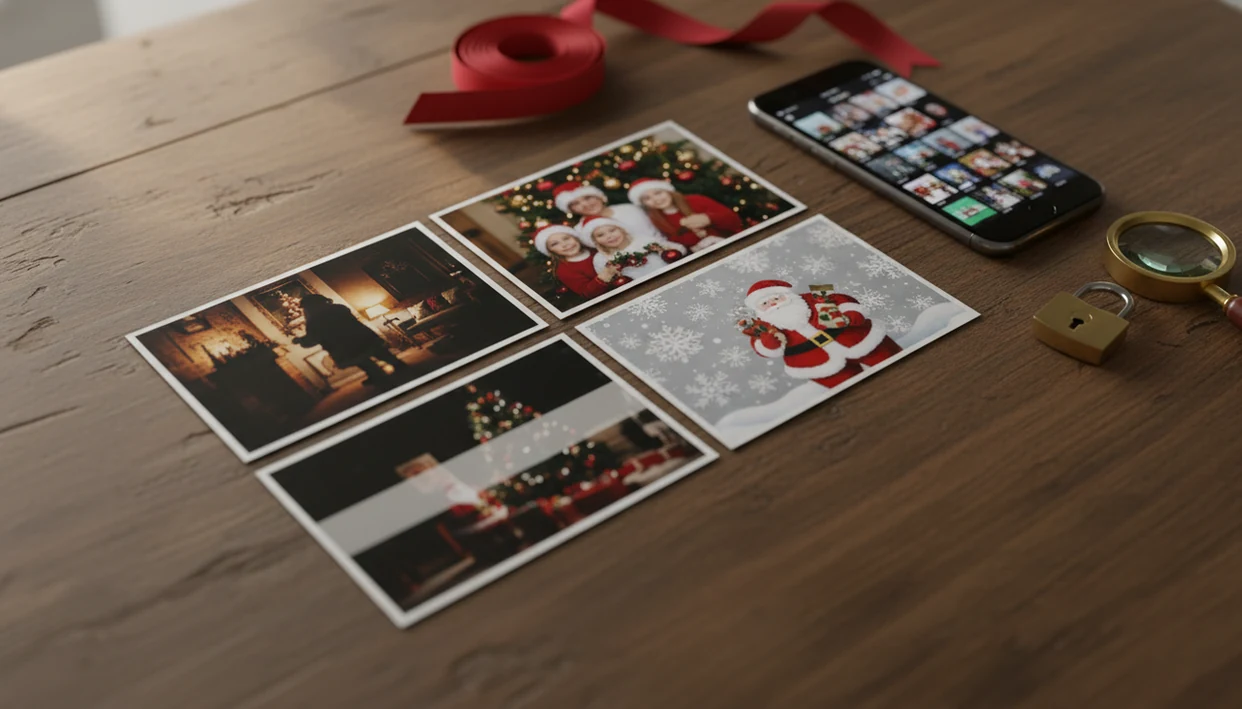
A free Santa photo app is useful for quick “Santa was here” images, but the right choice depends on whether you need realistic AI blending, watermark-free exports, child-photo privacy controls, or just a simple Santa sticker.
- Choose a simple Santa overlay app for fast proof-of-visit photos, but expect less realism.
- Choose an AI Santa photo generator for portraits, wallpapers, and more natural lighting, but review privacy and processing rules.
- Before using kids’ photos, compare watermarks, export resolution, storage duration, deletion options, and whether images may be used for AI improvement.
How free santa photo app options and tradeoffs look
Side-by-side captures of the compared products. Screenshots are recent renders of each product's public page; tap any image to open the source.

Free Santa Photo App Choices By Holiday Photo Goal
The easiest way to choose a free Santa photo app is to start with the final image you need. A living-room proof photo, a kid portrait, and a card-ready family image do not need the same workflow.
| App type | Best use | Common free limits | Realism | Privacy checks |
|---|---|---|---|---|
| Sticker overlay app | Fast “Santa visited” room photo | Ads, basic stickers | Low to medium | Photo access, ad tracking |
| Catch-Santa app | Santa placed in a room | Paid poses, watermark removal | Medium | Storage, device identifiers |
| AI Santa generator | Child portrait or Santa scene | Style credits, HD paywall | Medium to high | Cloud processing, deletion |
| PiXmas-style Christmas portrait app | Cards, wallpapers, family portraits | Limited free styles or exports | High when the source photo is clear | AI training language, retention |
Free Santa picture apps should deliver a usable holiday image, not a mystery checkout screen after ten minutes of editing. If you are making a family card, the best family Christmas photo app choice is often the one that lets you test one export before committing.
Best Free Santa Picture App Shortlist By Use Case
Not every free Santa picture app is trying to solve the same problem. Compare the category first, then compare the download page, privacy label, and export limits.
PiXmas-style AI Christmas photo app
It works best when the face is clear and the lighting is not fighting the app.
Catch-Santa-in-your-house app
Catch Santa-style apps fit parents who want a living-room proof photo, such as a red velvet Santa chair beside tiny sneakers. They usually rely on room photos and Santa overlays.
Santa sticker and collage app
Generic sticker apps are fine for a fast decorative post. They are less convincing when faces, shadows, or depth need to match.
Web-based Santa photo generator
Web tools can be convenient on a laptop, but check upload rules before using child photos. For parent-specific decisions, use a Santa photo app for parents checklist.
How We Chose Free Santa Photo App Options
We chose free Santa photo app options by matching them to real holiday jobs, not by ranking whichever app has the loudest download page. The shortlist is organized around what someone is trying to make: a proof-of-visit room photo, a child portrait, a card image, or a quick decorative post.
Our review process looked at the practical details that show up after the first upload:
- Grouped apps by user goal so sticker tools, Catch Santa apps, AI generators, and portrait apps were not judged as if they were identical.
- Checked realism, including face quality, lighting match, shadows, and whether Santa looked pasted on.
- Compared free limits, watermarks, HD export rules, ads, and whether the saved file was useful beyond a group chat.
- Reviewed privacy signals, with child-photo handling weighted heavily for parent use cases.
- Tested ease of use against December reality: a tired parent, a camera roll, and not much time.
- Looked at nearby alternatives such as Canva, Picsart, Photoleap, and Catch Santa apps.
Pricing, free credits, and holiday promotions can change quickly in November and December, so recheck limits before uploading a full batch.
Five Free Santa Photo App Facts Parents Should Know
Parents should treat free Santa apps like photo-editing apps, not harmless toys. The fun part is fast, but the upload and export rules still matter.
- Most free Santa apps are freemium; they may charge for extra styles, HD exports, or watermark removal.
- Static overlays place Santa on top of a photo, while AI generators may adjust faces, bodies, lighting, and backgrounds.
- Child-photo privacy varies by app, so read the privacy policy before uploading a school-day grin from your camera roll.
- Free exports may be capped, compressed, or too small for cards and framed prints.
- Storage duration, AI model-training language, and deletion controls matter more for AI apps than for basic sticker tools.
When the issue is a December 23 bedtime project with no studio appointment left, the fastest route is usually a one-upload style picker with a preview before export.
How A Free Santa Photo Generator Works
A free Santa photo generator either places a fixed Santa image onto your photo or uses AI to rebuild the scene around your uploaded image. The difference is scene understanding.
Simple apps use stickers, masks, or overlays. You pick a Santa pose, drag it into the room photo, resize it, and save. AI systems use image embeddings and segmentation, which means they read visual patterns such as faces, bodies, objects, depth, and lighting cues. In plain English: they try to understand what is in the photo before creating the Christmas result.
The tradeoff is real. Better blending can take longer and may require cloud processing, which raises more privacy questions than a local sticker layer.
Tiny faces in group shots cause problems.
How To Use A Free Santa Photo App Safely
Use a free Santa photo app safely by checking privacy first, testing one export, and choosing a source photo that gives the app enough detail. The practical path is not complicated.
- Check the privacy policy before uploading child photos, especially retention, deletion, third-party sharing, and AI training language.
- Choose a clear, well-lit image with visible faces, not warm yellow kitchen light or a blurry sleeve across the frame.
- Limit photo access if your phone offers selected-photo permission instead of full library access.
- Test one free export before editing a whole batch of Christmas images.
- Compare the saved file for watermark, compression, and size before using it on a card.
- Save the best image locally and delete uploads if the app allows it.
For a child-specific walkthrough, the make Santa photo with child guide focuses on source-photo choice and safer review steps.
Watermarks, Ads, And Export Quality In Free Santa Picture Apps
Free Santa picture apps often make money through watermarks, ads, style limits, or paid exports. That does not make them bad, but it changes what “free” means.
| Free model | What you may see | Good for | Watch before using |
|---|---|---|---|
| Watermarked export | Logo on saved image | Group chat preview | Bad for cards |
| Ad unlock | Watch ads for styles | One-off social post | Time and tracking |
| Limited poses | Few Santa options | Quick proof photo | Repetitive results |
| Subscription upgrade | HD, no watermark, more styles | Printing or batches | Renewal terms |
A wallpaper saved before the commute can tolerate more compression than a printed card. If the priority is a card or framed gift, choose an app that lets you preview the portrait output before paying for HD or watermark removal.
Paying for HD or watermark removal may be worth it when the image will be printed, mailed, or used as the family holiday card.
Child-Photo Privacy Checks For A Free Santa Photo App
“Is a free Santa photo app safe for kids’ photos?” The honest answer is: it depends on the app’s privacy policy, data practices, and whether editing happens on-device or through cloud upload.
A 2022 Pew Research Center survey reported that 46% of U.S. parents are very or extremely concerned about how much information social media companies collect about their children (https://www.pewresearch.org/internet/2022/03/09/parents-and-their-children-are-concerned-about-their-digital-privacy/). Separate research on child-directed Android apps found that about 67% transmitted persistent identifiers to third parties (https://petsymposium.org/popets/2018/popets-2018-0021.php).
Older children and teens may download these tools themselves, too: Pew Research Center reported that 95% of U.S. teens ages 13 to 17 have access to a smartphone (https://www.pewresearch.org/internet/2022/08/10/teens-social-media-and-technology-2022/). For iPhone-specific steps, use the how to make Santa pictures on iPhone guide.
The pocket check is real.
Common Myths About Free Santa Photo Generators
Free Santa photo generators are easy to misunderstand because many listings use similar holiday language. The differences show up after upload, especially around realism, pricing, and data handling.
Myth one: free means every feature is free forever. In practice, many tools charge for HD export, extra Santa poses, or watermark removal.
Myth two: every Santa generator uses advanced AI. Some apps still place 2D Santa stickers on top of a room photo.
Myth three: holiday photo apps do not collect meaningful data. Many photo apps use analytics or advertising tools, so privacy labels matter.
Myth four: all apps handle child photos the same way. Storage, deletion, and model-training terms can differ sharply.
Myth five: every export is good enough for printing. It is not. Social sharing usually depends more on composition than resolution, while print quality depends on file size, compression, and watermark status.
What makes this style different from other Christmas photo styles?
A Santa photo style focuses on placing a family or child convincingly into a Santa scene, adjusting lighting, wardrobe cues, and background so the result reads as a cohesive portrait rather than a sticker overlay.
Unlike generic filters, an AI-generated Santa style adapts pose and framing to the uploaded photo instead of forcing a fixed template onto every face.
What photo should you upload for the best result?
A clear, well-lit photo where faces are unobstructed and forward-facing gives the most consistent Santa-scene result.
Group photos work best when each person is visible and not partially cropped, since overlapping faces can reduce accuracy.
Who is this Christmas photo style best for?
Parents wanting a quick Santa portrait without a mall-line wait or studio booking are the main audience.
Families with young kids who resist sitting still for a real Santa photo often find an app-based version easier to plan around nap times or moods.
It also suits last-minute card printing when a scheduled Santa visit was missed.
How does PiXmas compare to a photographer or DIY setup?
- In 2025, the Bass Pro Shops Santa's Wonderland Jingle Bells package is priced at $35 and includes multiple prints plus a high‑resolution digital image. (Tsawwassen Mills – Santa's Wonderland at Bass Pro Shops, 2025)
- In 2025, Bass Pro Shops offers a standalone digital download of the Santa photo for $30, including a free 4×6 print. (Tsawwassen Mills – Santa's Wonderland at Bass Pro Shops, 2025)
- Bass Pro Shops and Cabela's Santa's Wonderland offers one free 4×6 photo with Santa per guest, with paid photo packages available. (Tsawwassen Mills – Santa's Wonderland at Bass Pro Shops, 2025)
For families wanting a realistic, printable Santa portrait without studio scheduling, PiXmas offers a straightforward one-photo workflow across 800+ styles, though results remain AI-generated stylized images rather than a physical Santa photo shoot.
Limitations
Free Santa photo apps are useful for quick holiday images, but they cannot guarantee a studio-grade result or a risk-free upload. Check the tradeoffs before using kids’ photos or building a full card batch.
- Free apps often limit exports, styles, resolution, Santa poses, or watermark removal.
- AI can mis-detect faces, hands, bodies, pets, ornaments, or background objects.
- Low-light, blurry, crowded, or heavily cropped photos may reduce realism.
- A tiny face in a group photo can produce weaker portrait output.
- Privacy policies can change, so review them close to the day you use the app.
- Some AI Santa results may require cloud processing rather than on-device editing.
- Professional printable quality may require payment, manual retouching, or another tool such as Canva, Picsart, or Photoleap.
- A free Santa photo generator may work for a social post but fail for a folded card.