
Christmas photo frames 2027: 12 free PNG frames
By PiXmas Editorial Team · Updated November 20, 2026
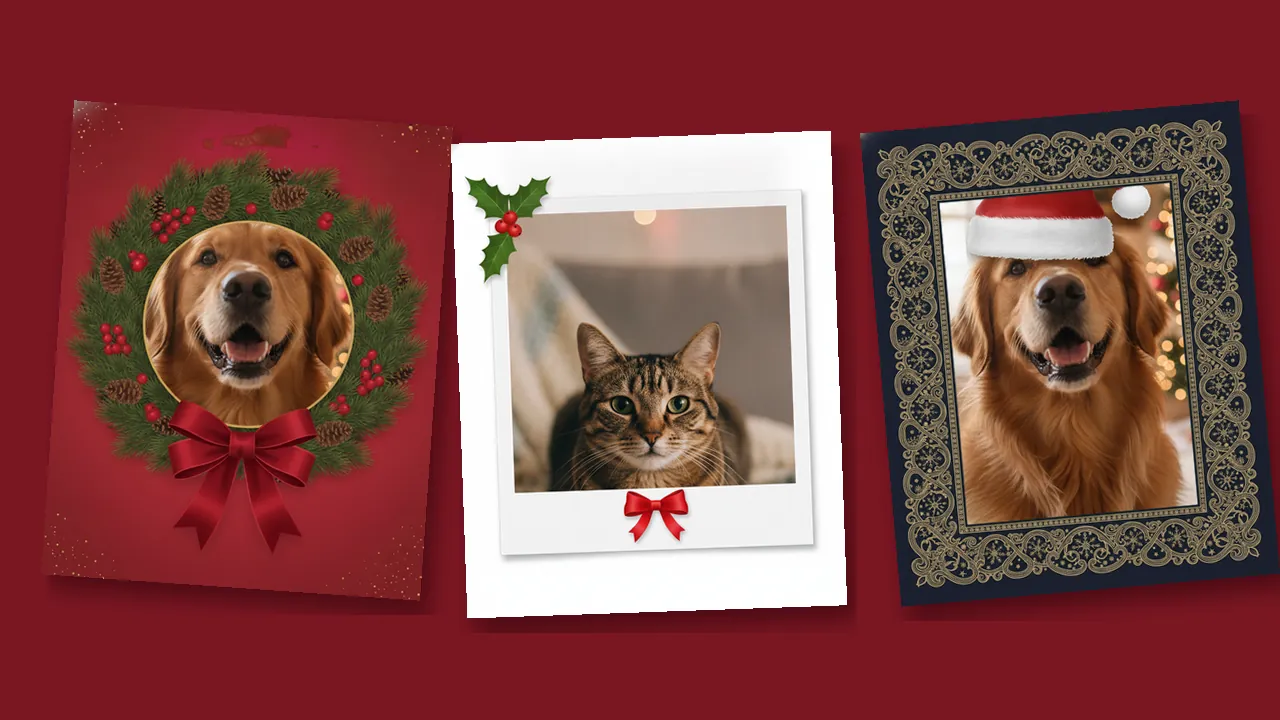
Pick a frame below, download the PNG, and put your photo underneath it in a free editor such as Canva, Photopea or Google Slides. All 12 Christmas frames come in two sizes, a 1080 x 1080 square and a 1080 x 1350 portrait (4:5), with a transparent window where your photo shows through. A 12-page PDF version prints as paper frames.
-
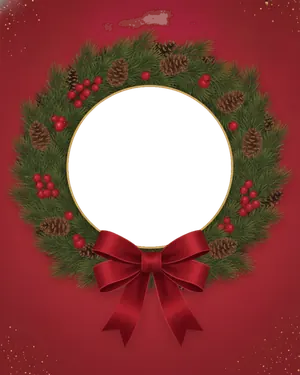 Pine wreath 4:5 PNG Square PNG
-
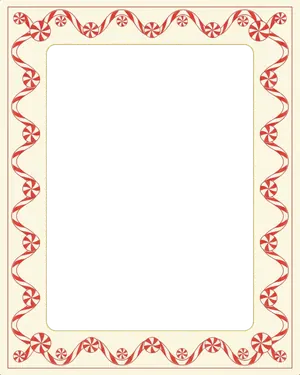 Candy cane border 4:5 PNG Square PNG
-
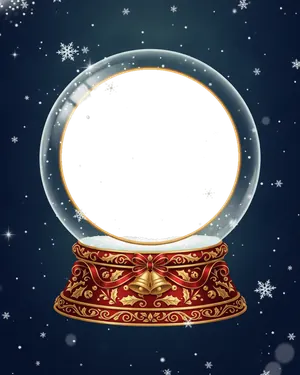 Snow globe 4:5 PNG Square PNG
-
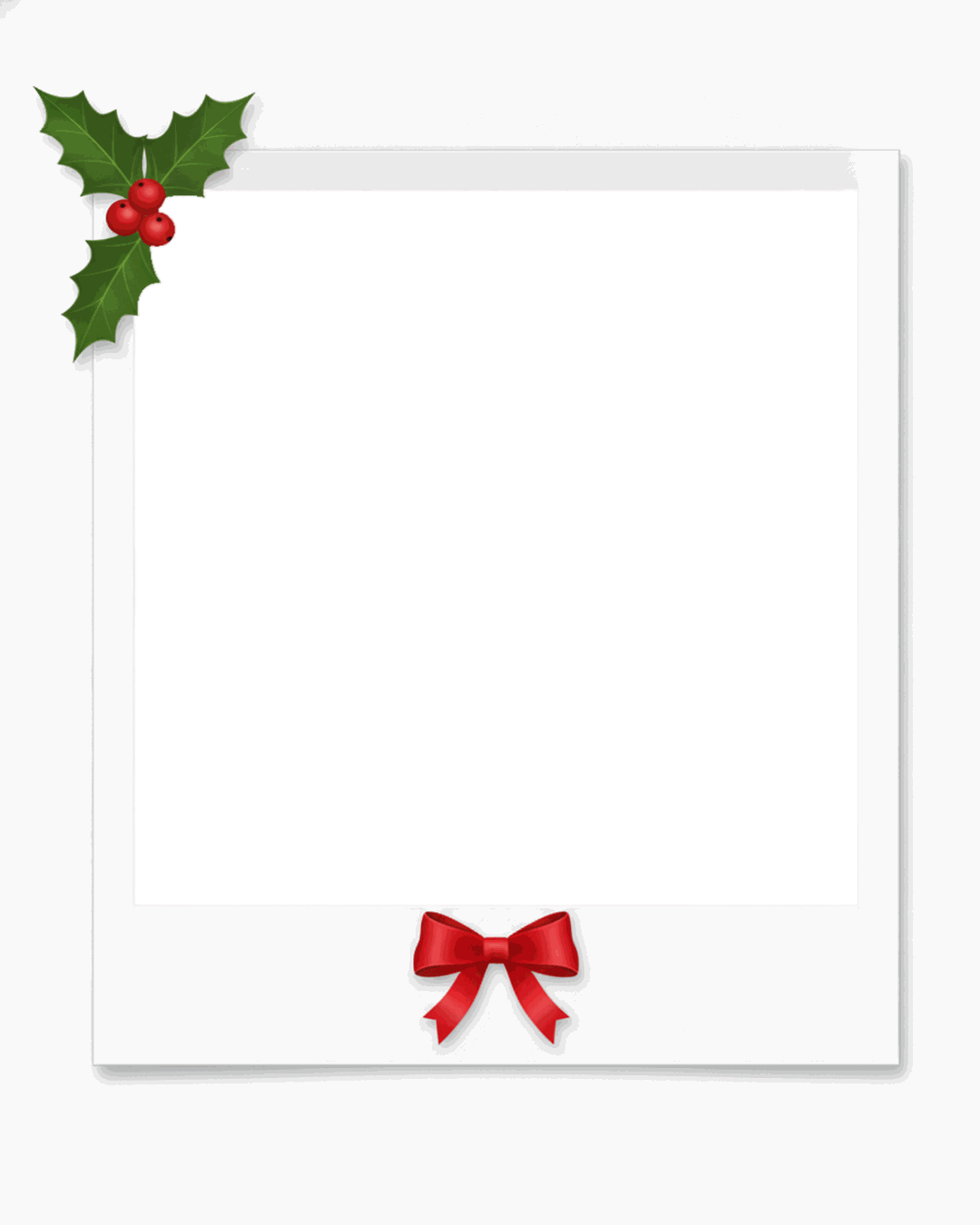
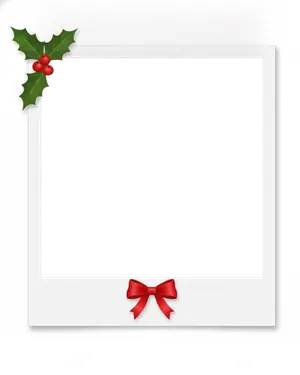 Instant film with holly 4:5 PNG Square PNG
-
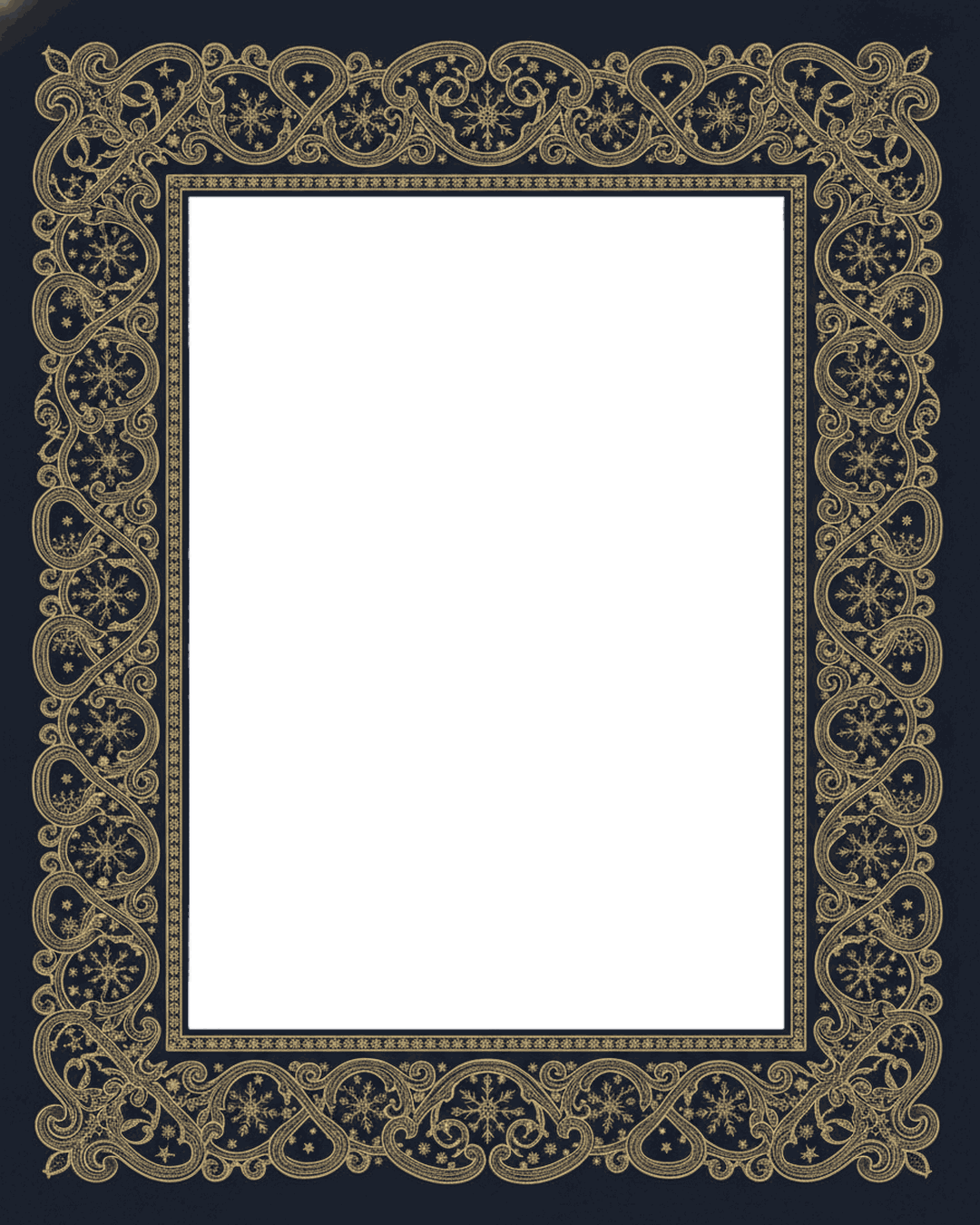
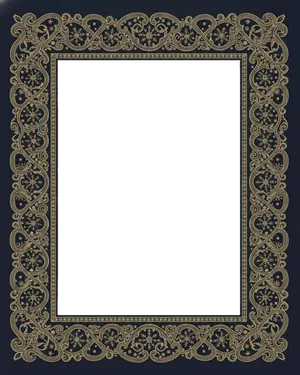 Gold elegant 4:5 PNG Square PNG
-
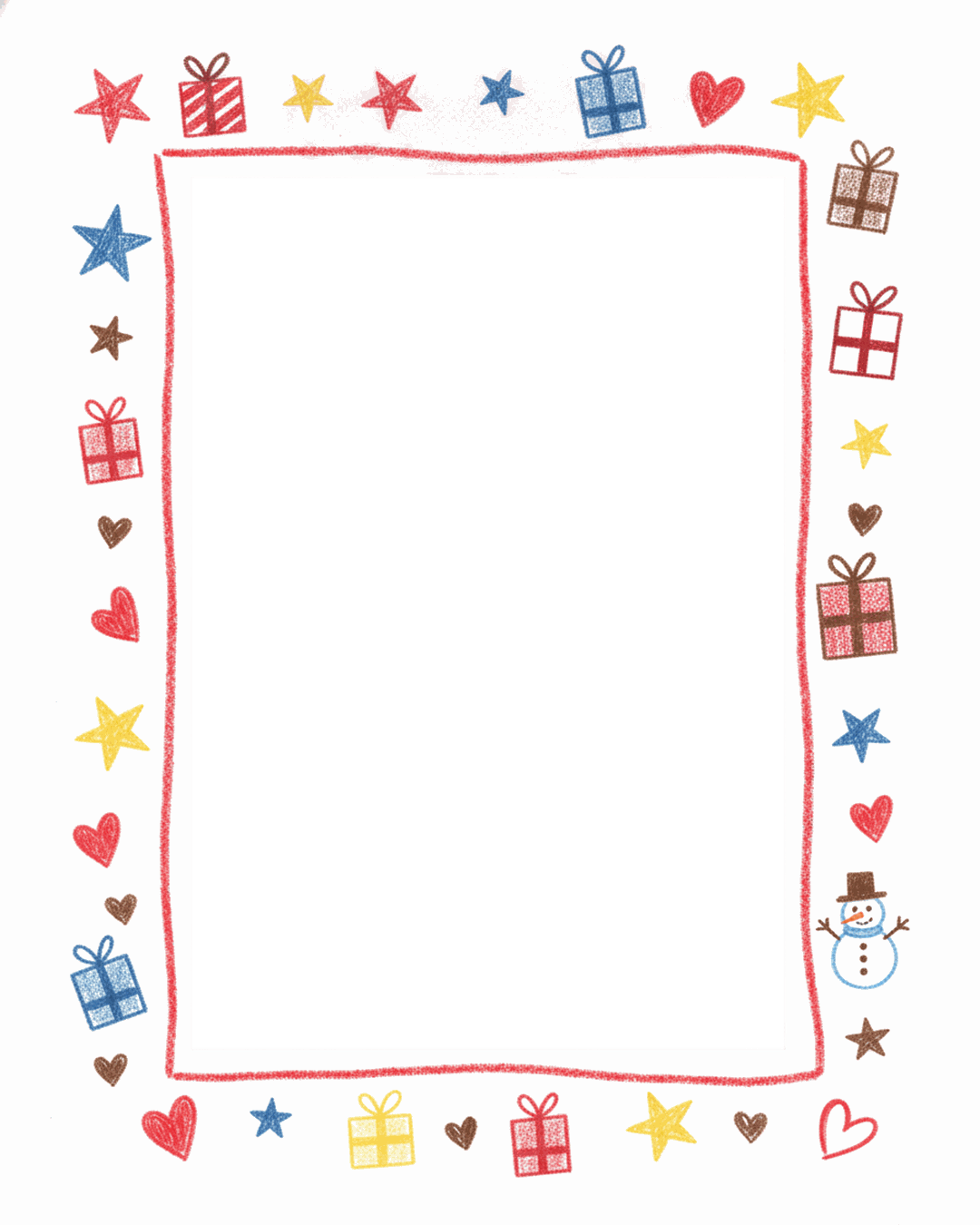
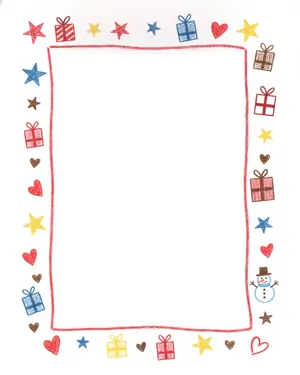 Kids crayon doodles 4:5 PNG Square PNG
-
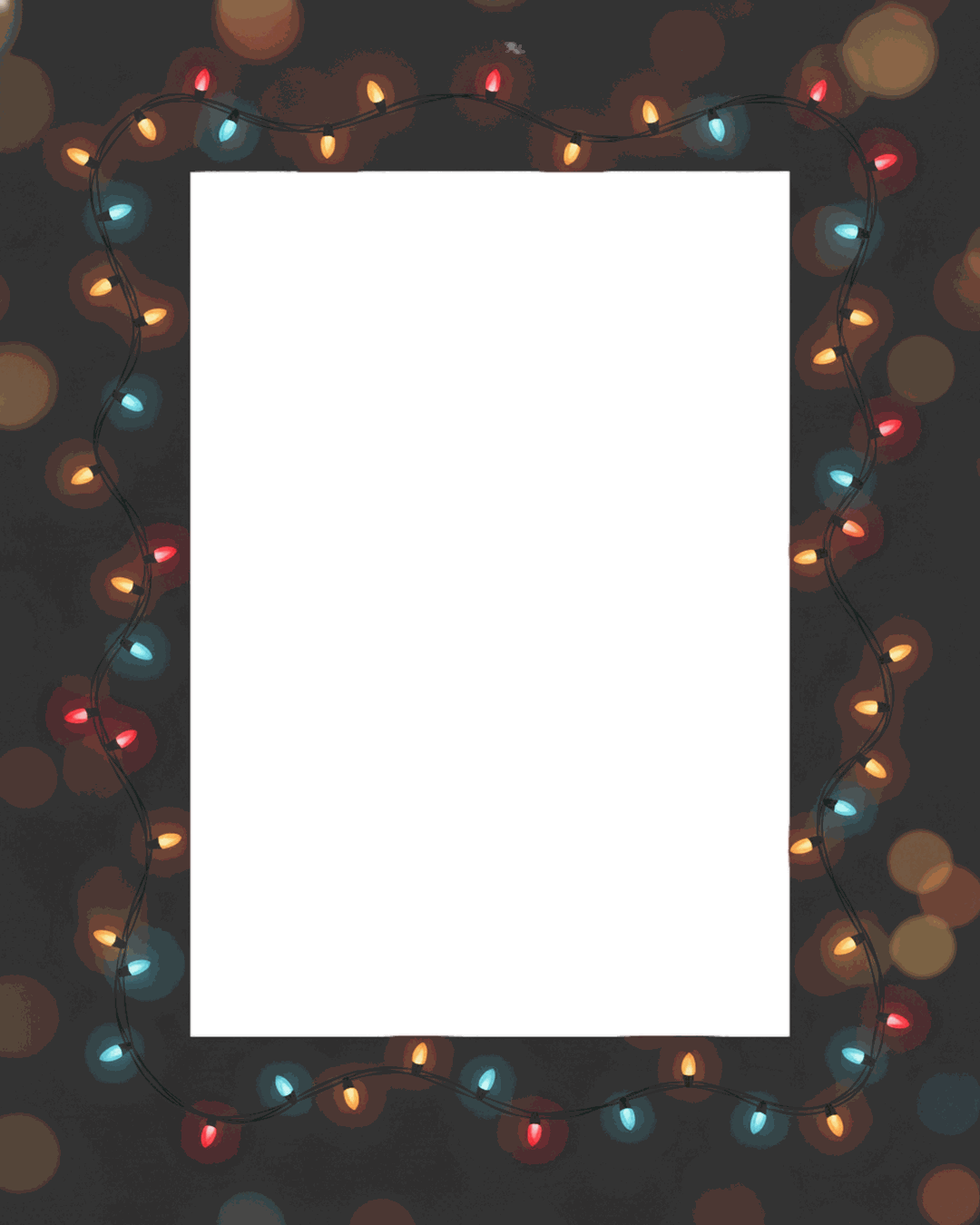
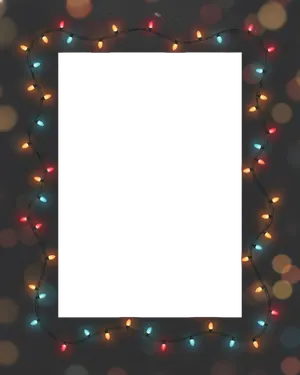 String lights 4:5 PNG Square PNG
-
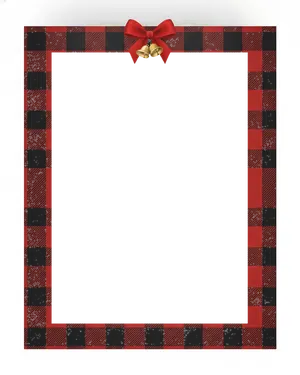 Buffalo plaid 4:5 PNG Square PNG
-
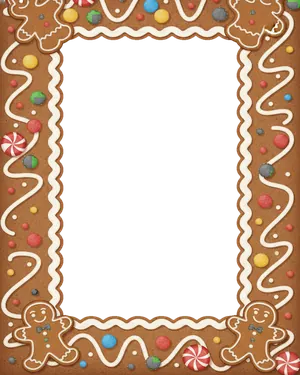 Gingerbread cookie 4:5 PNG Square PNG
-
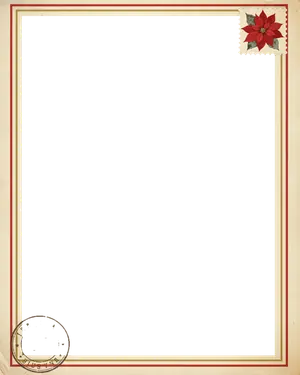 Vintage postcard 4:5 PNG Square PNG
-
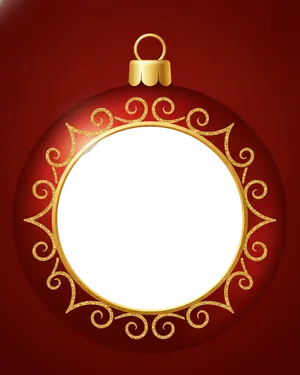 Ornament circle 4:5 PNG Square PNG
-
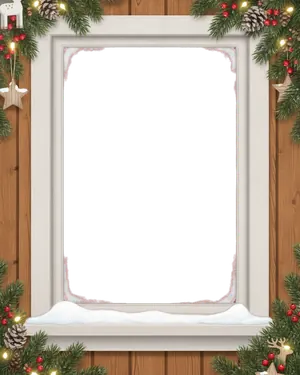 Snowy cottage window 4:5 PNG Square PNG
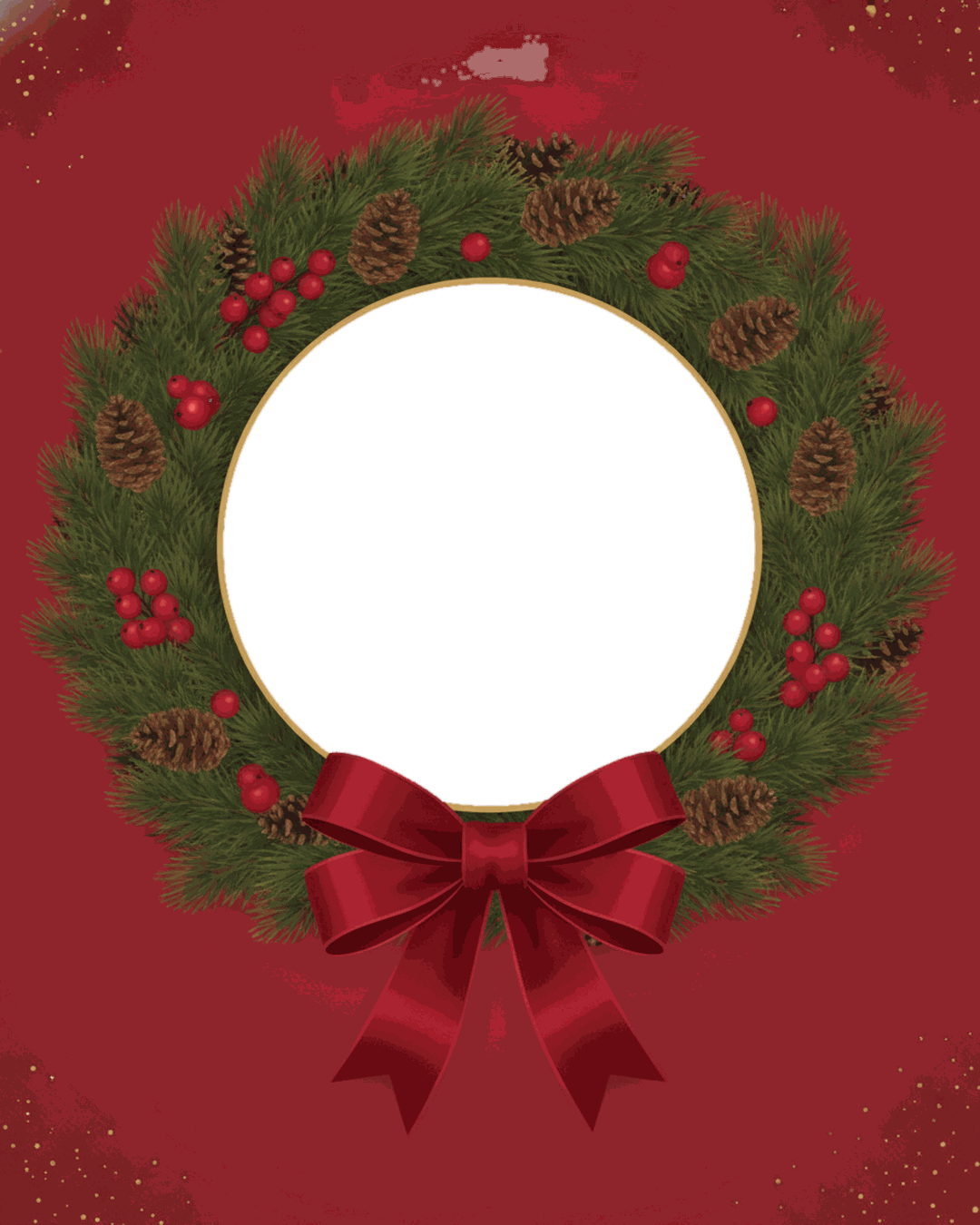
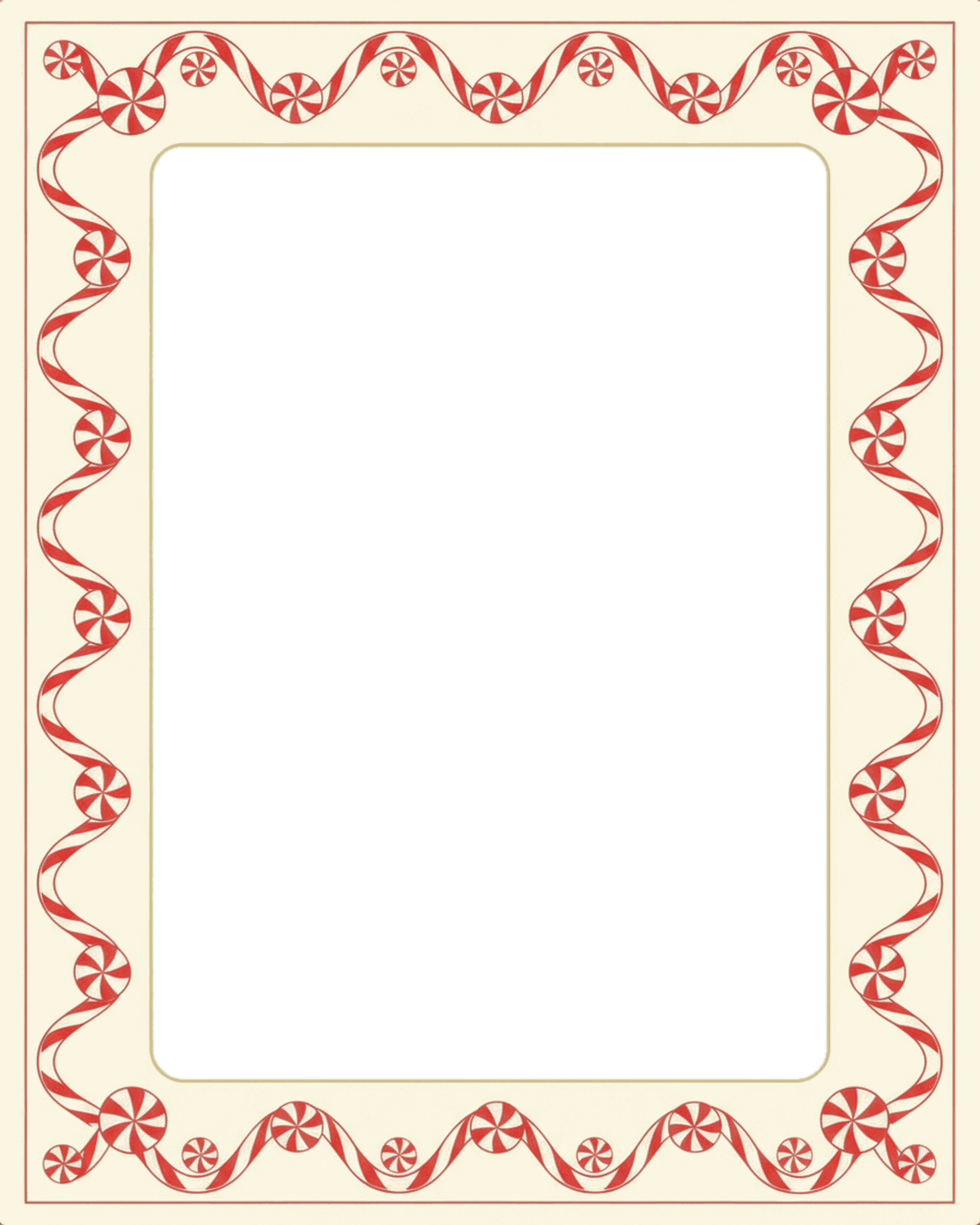
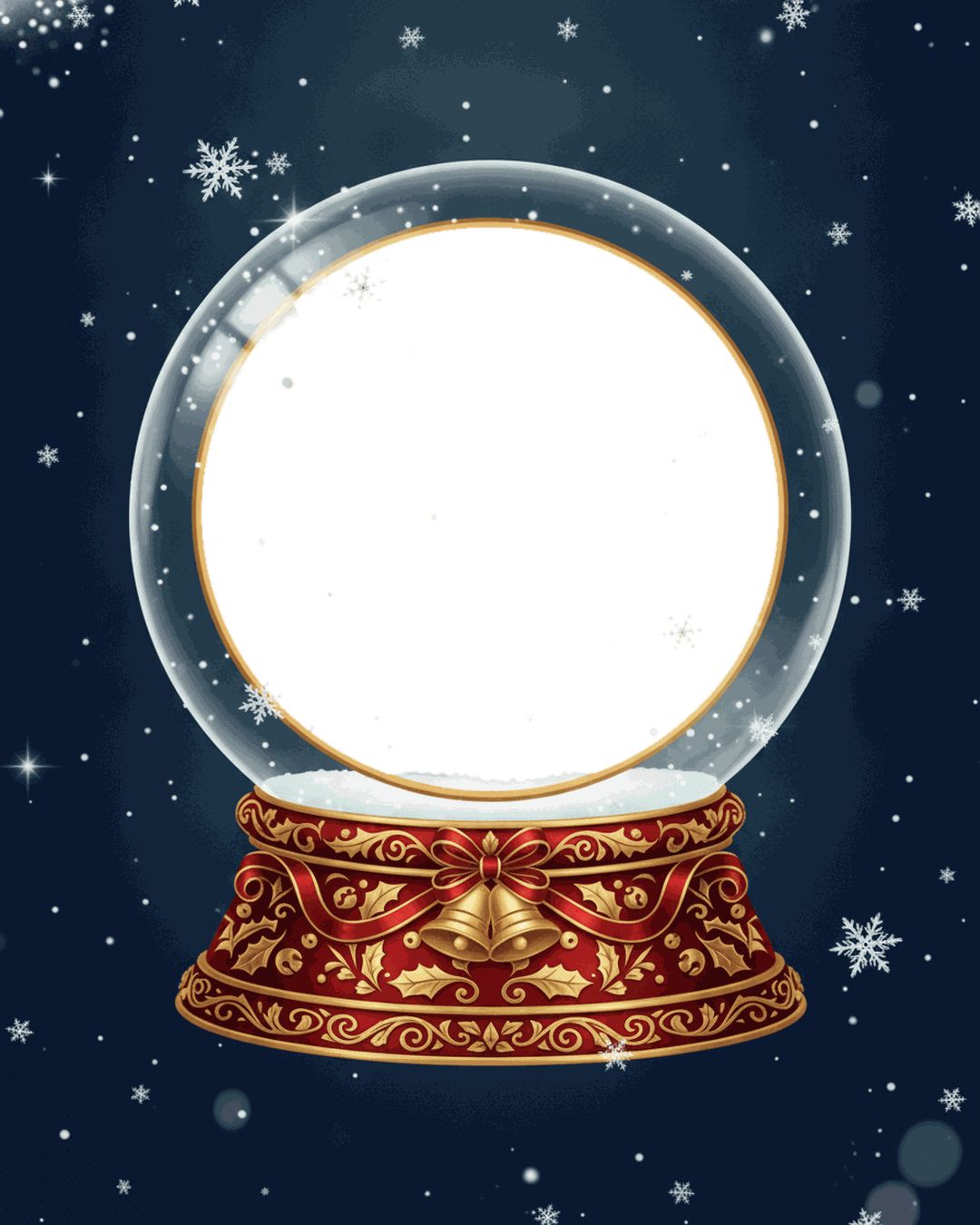
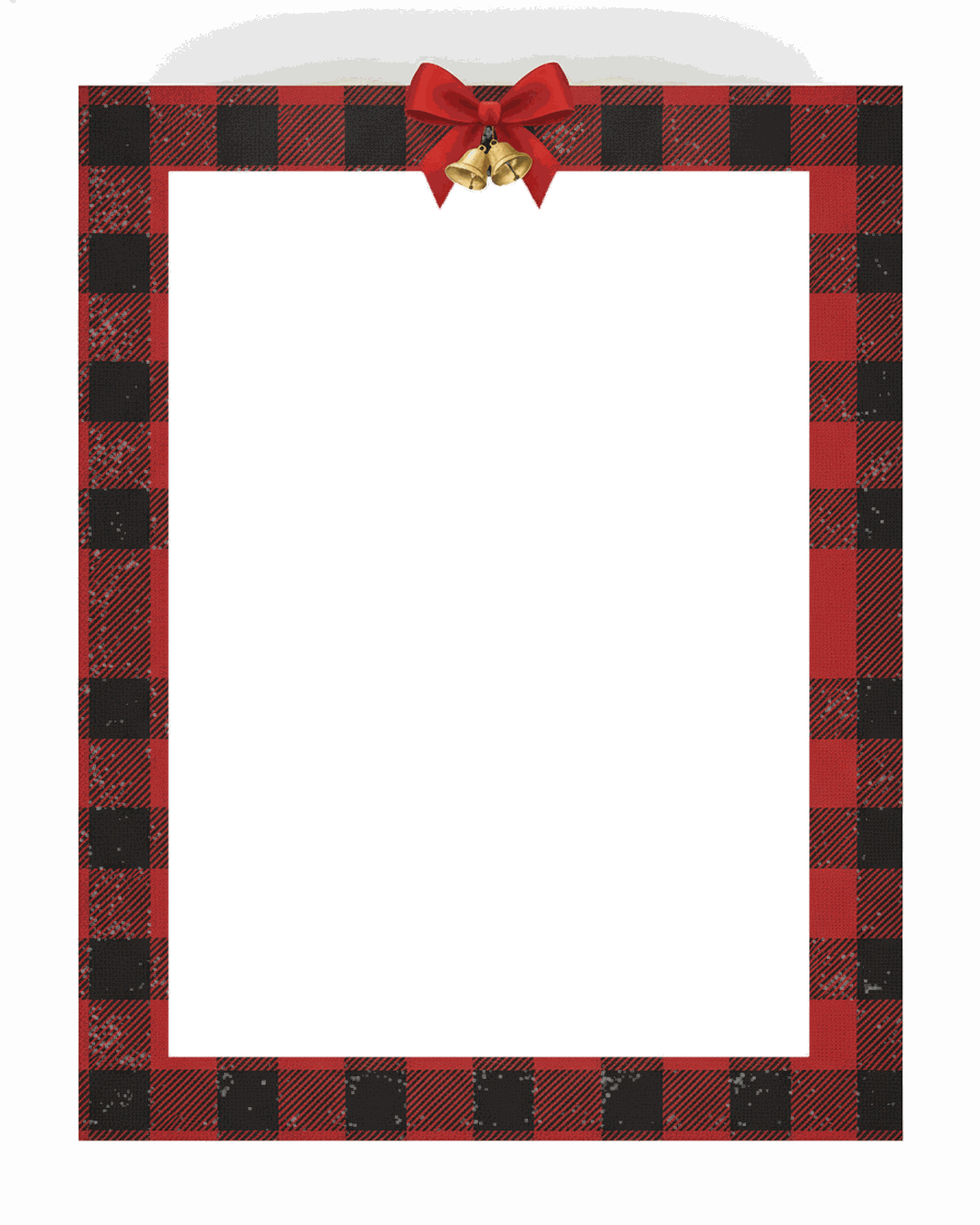
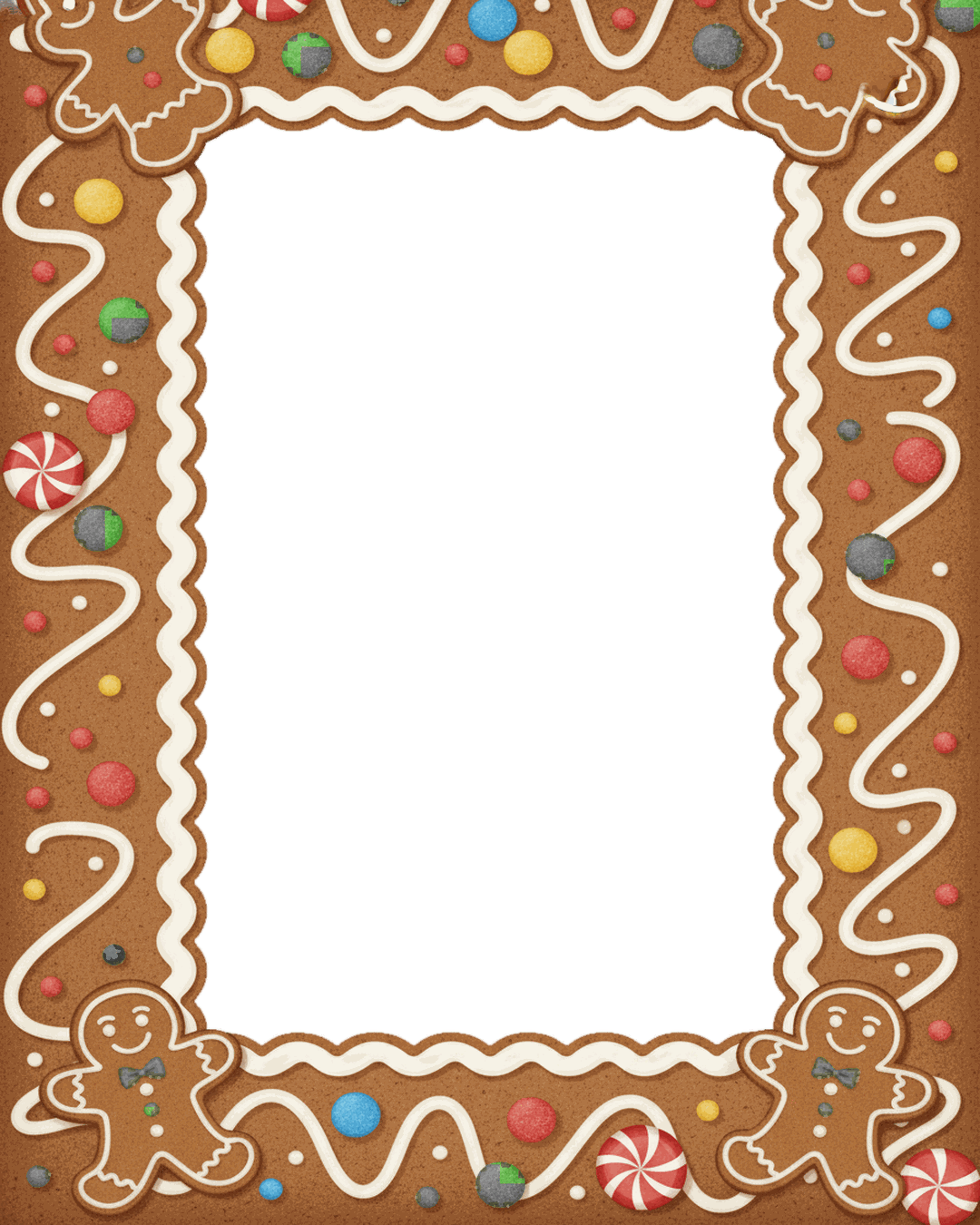
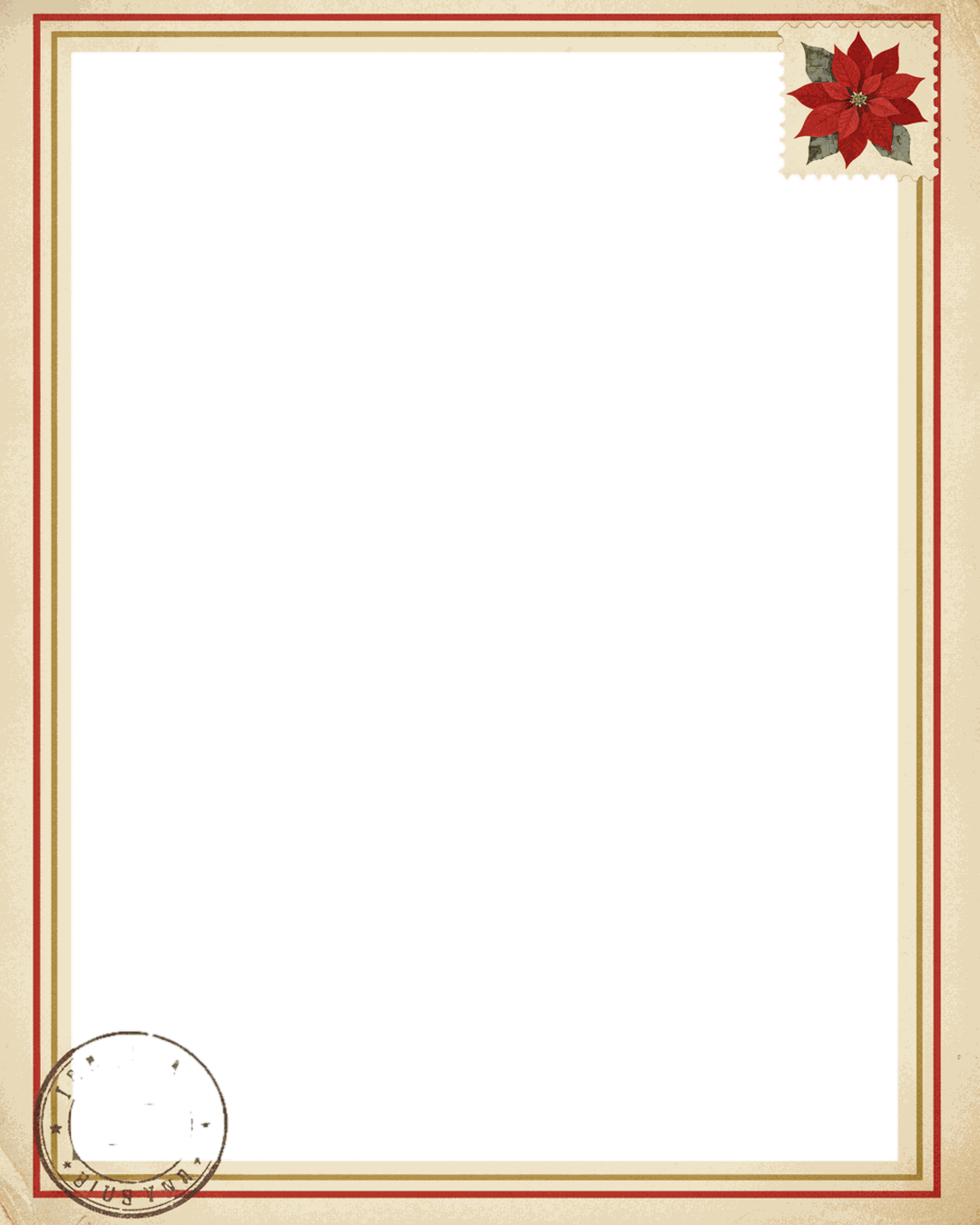
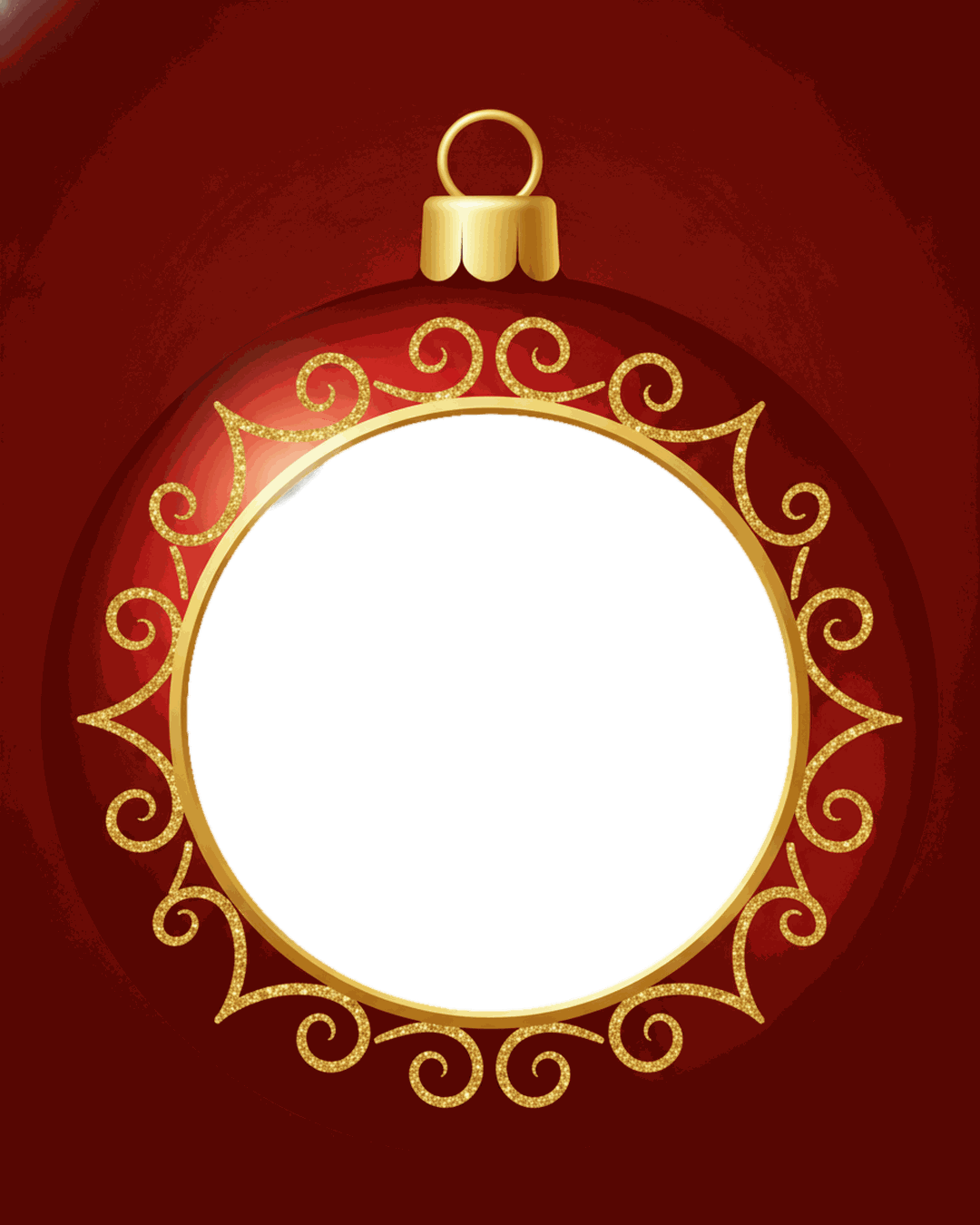
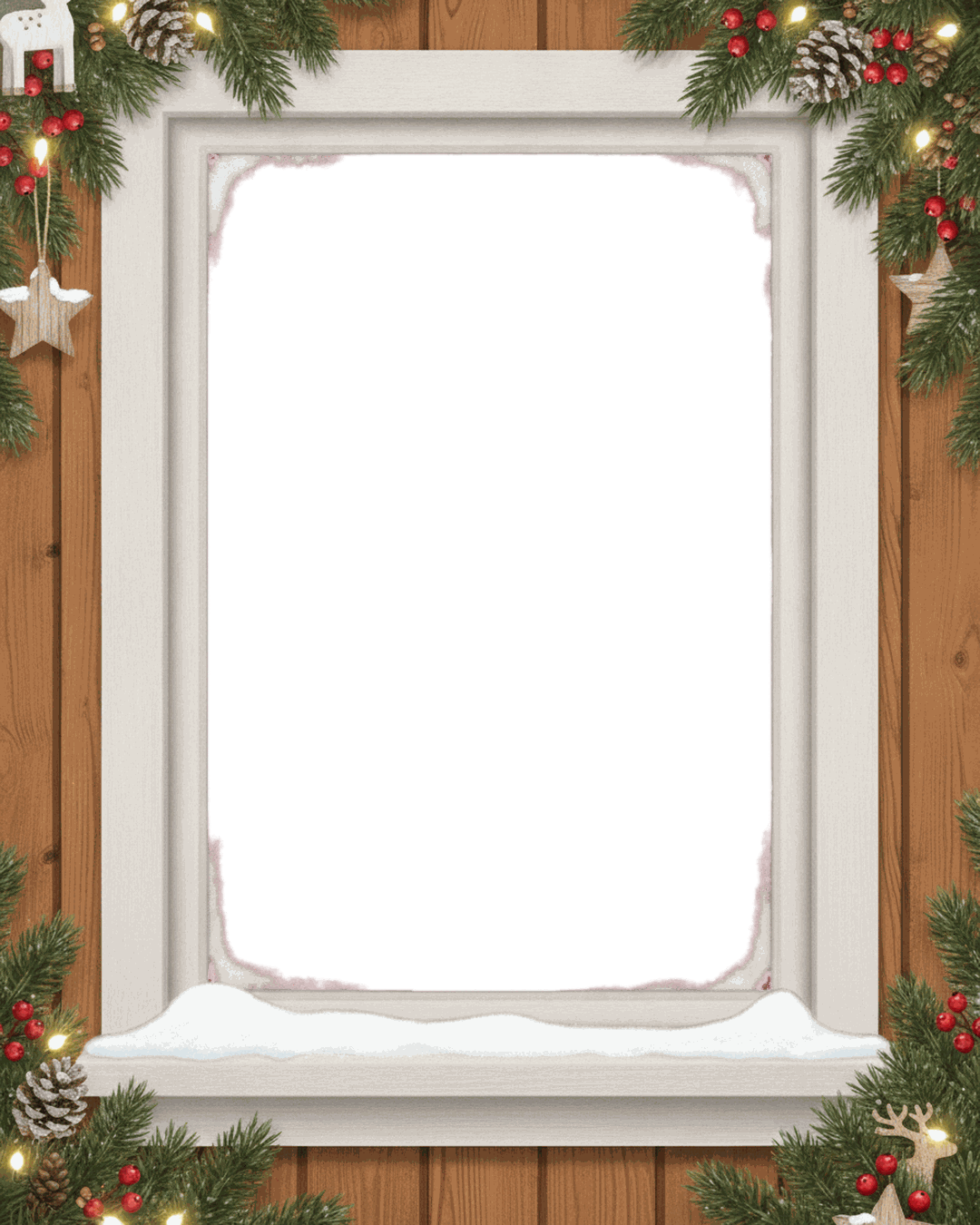

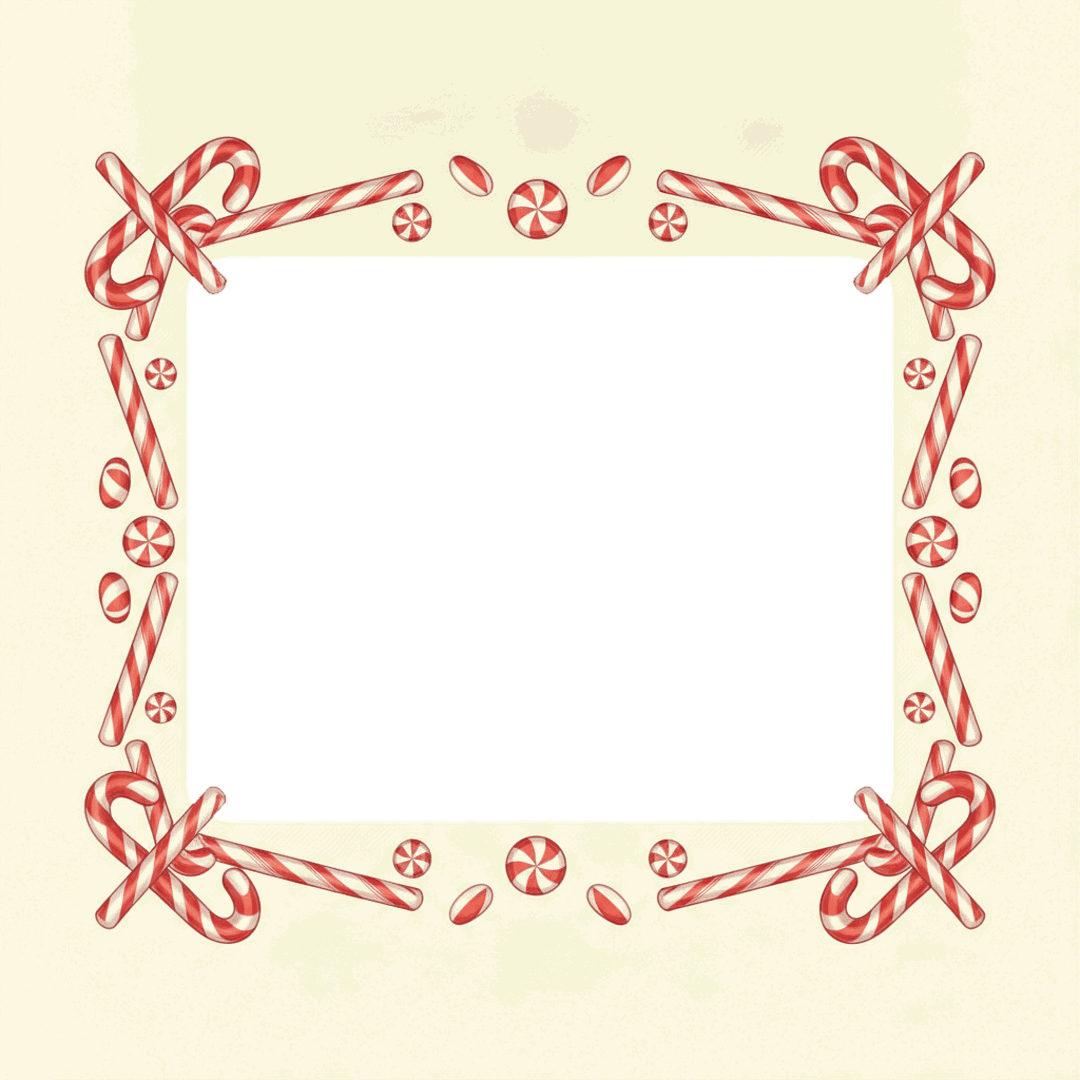

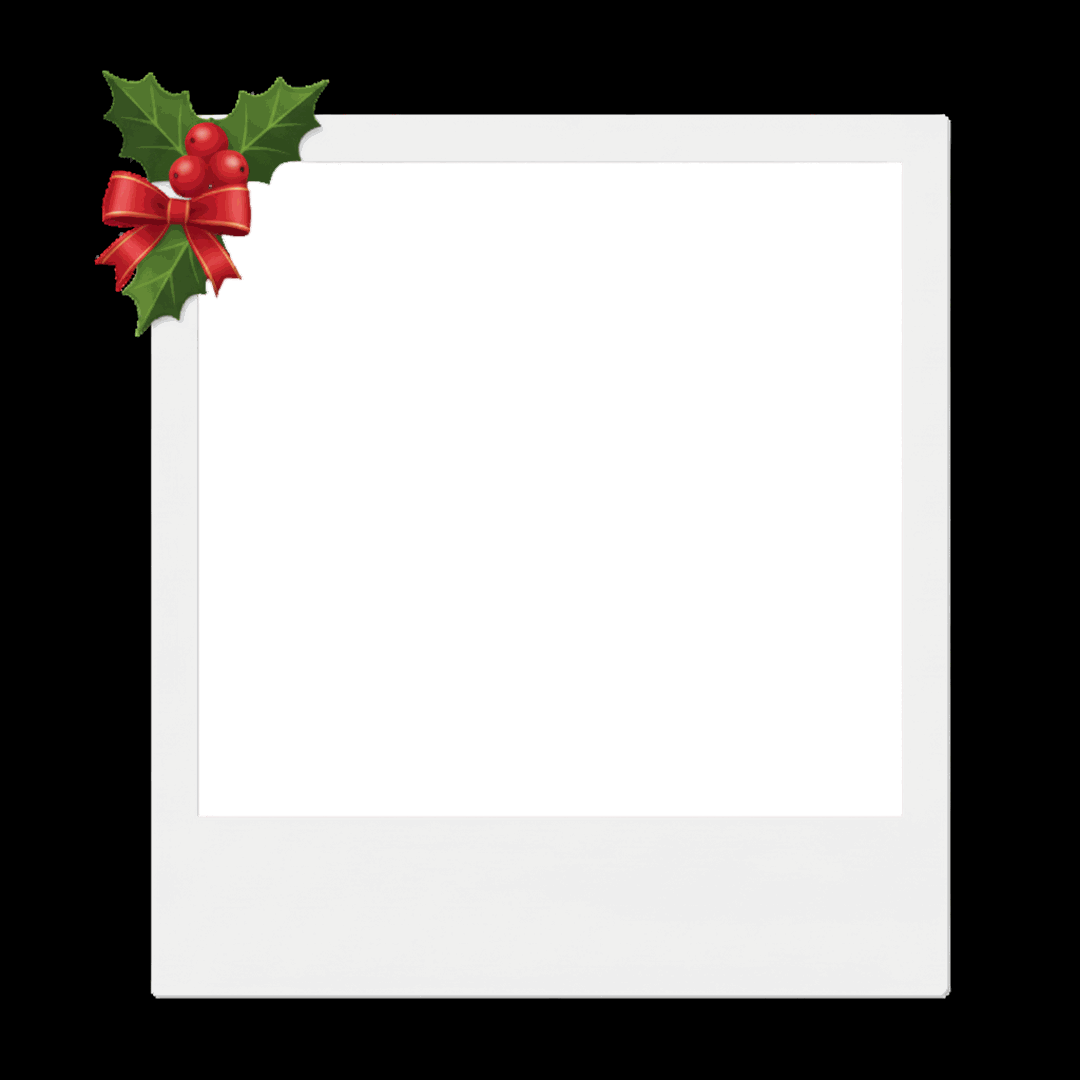
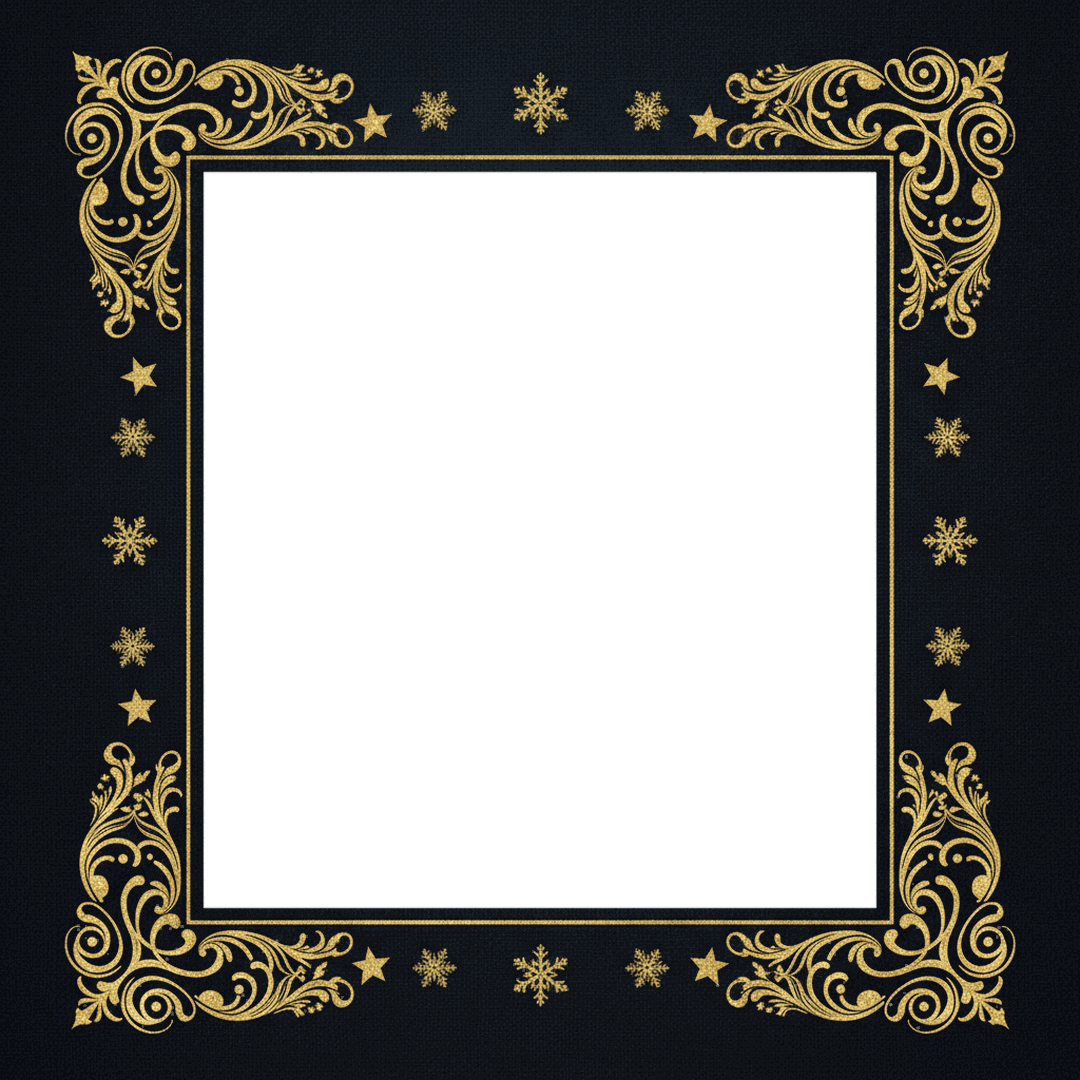
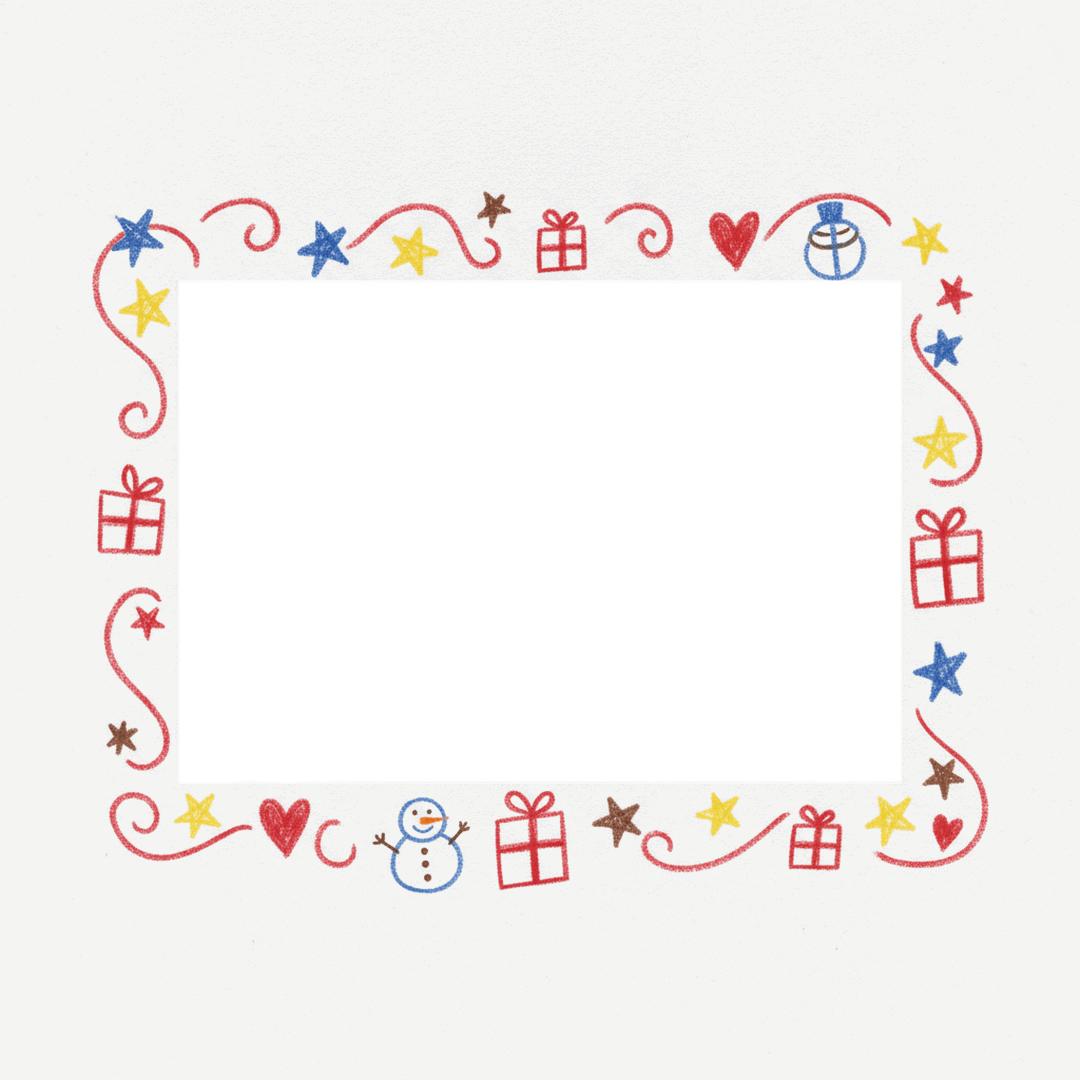
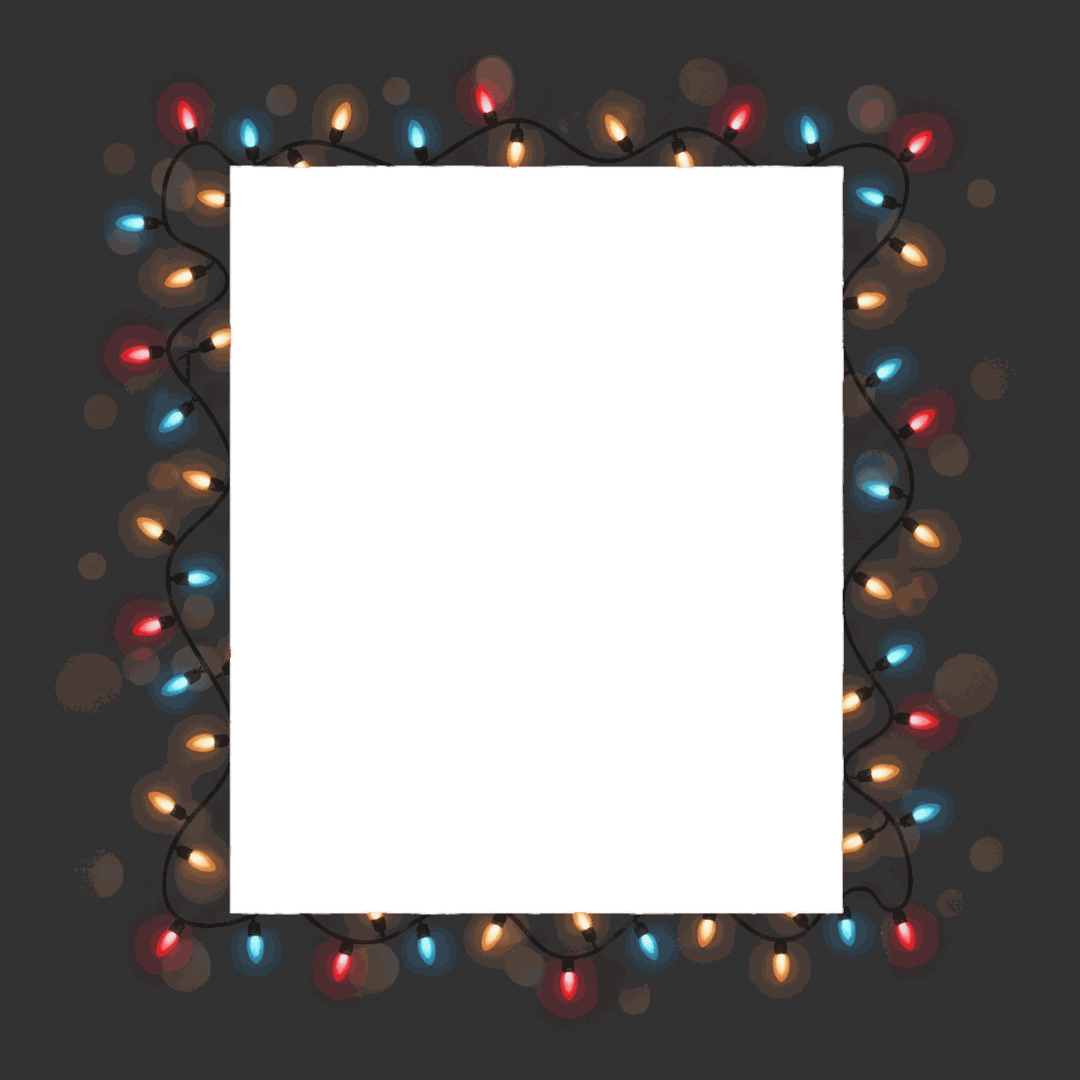
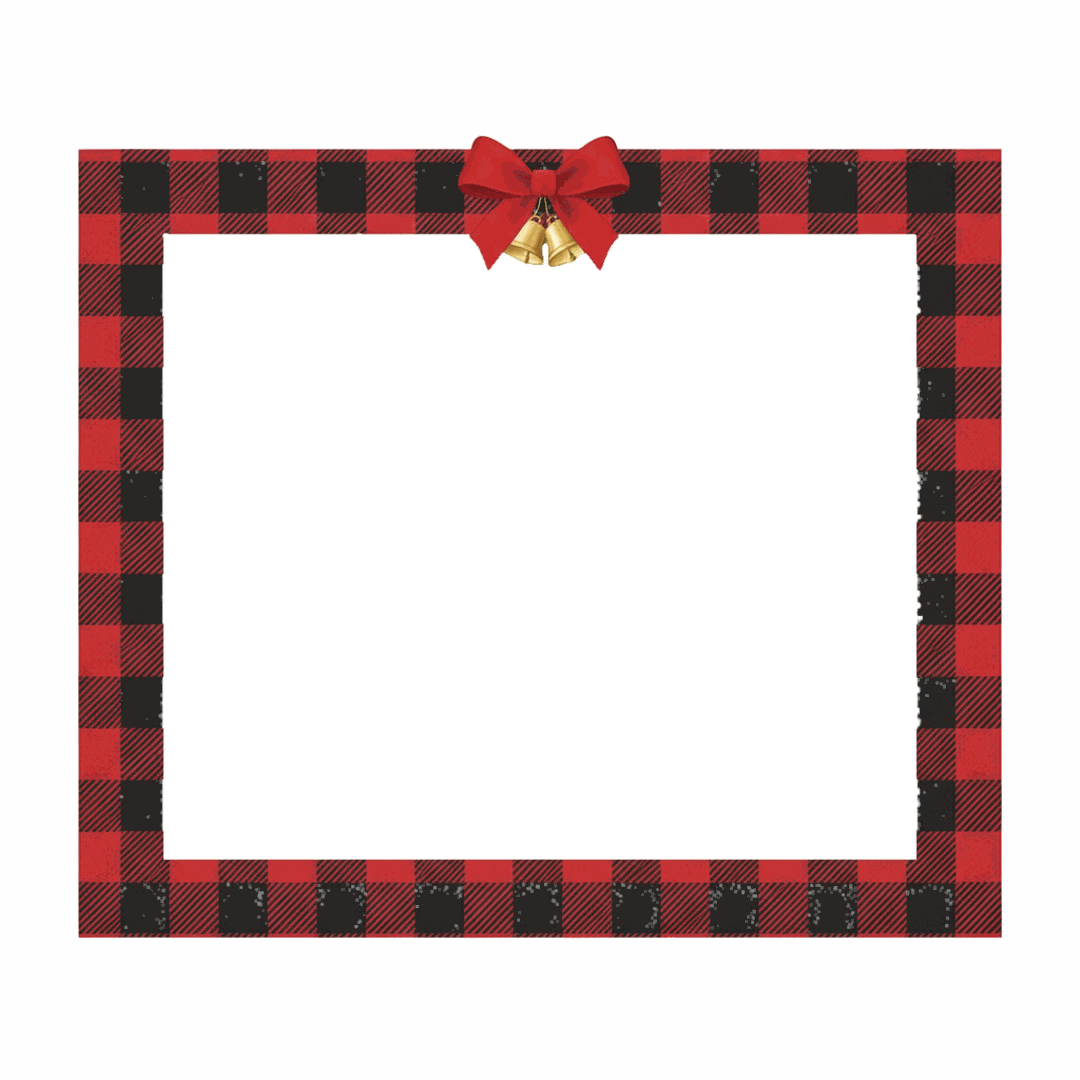
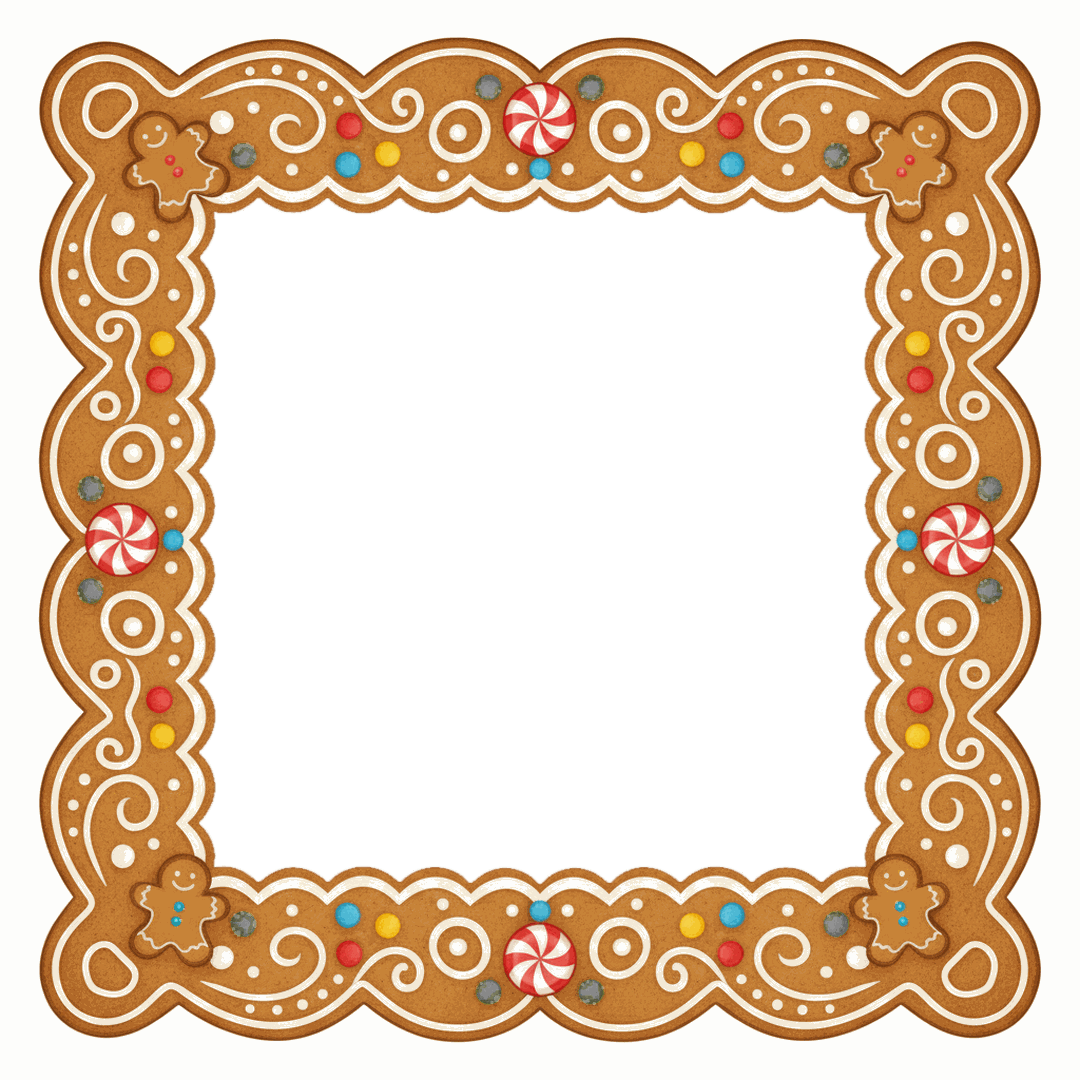
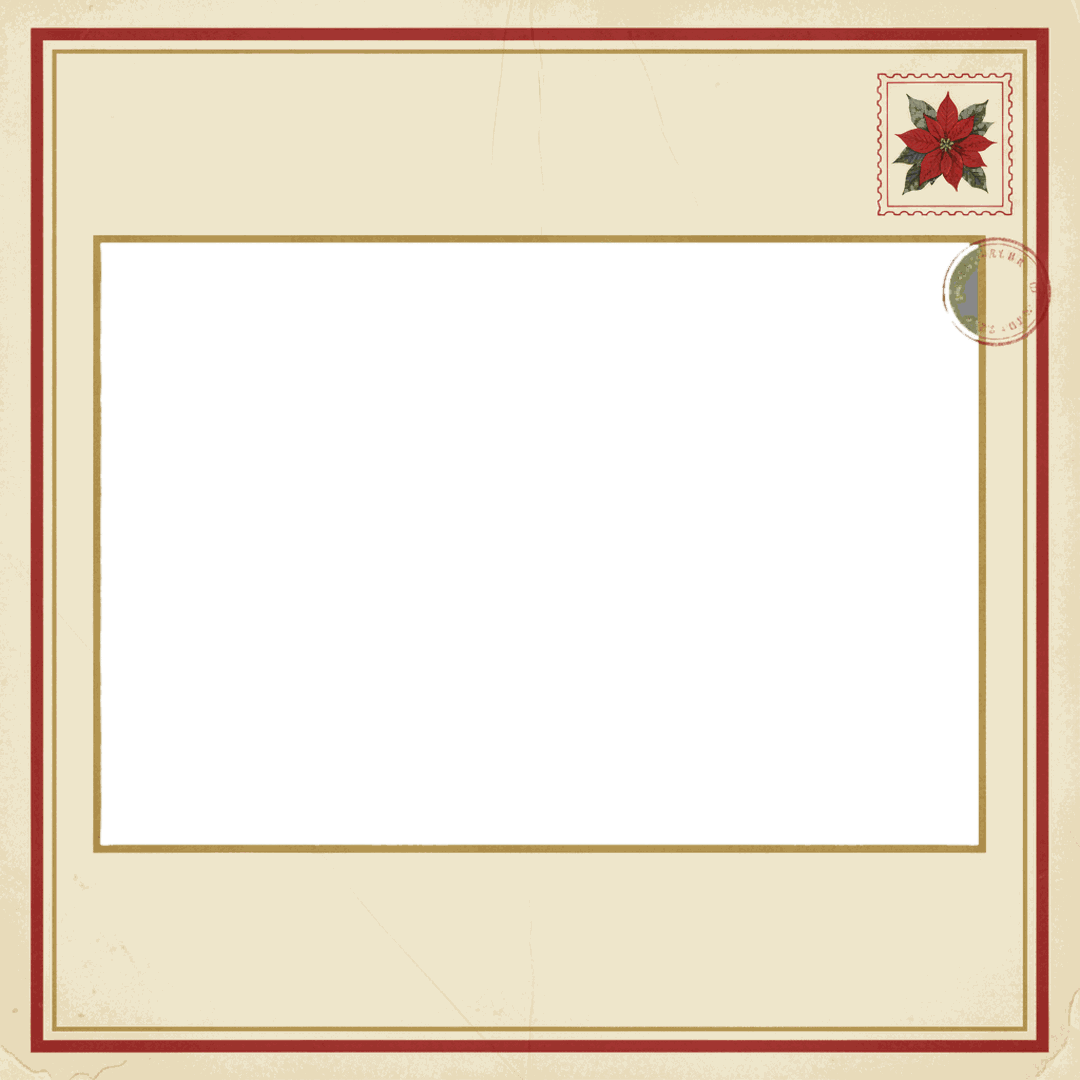
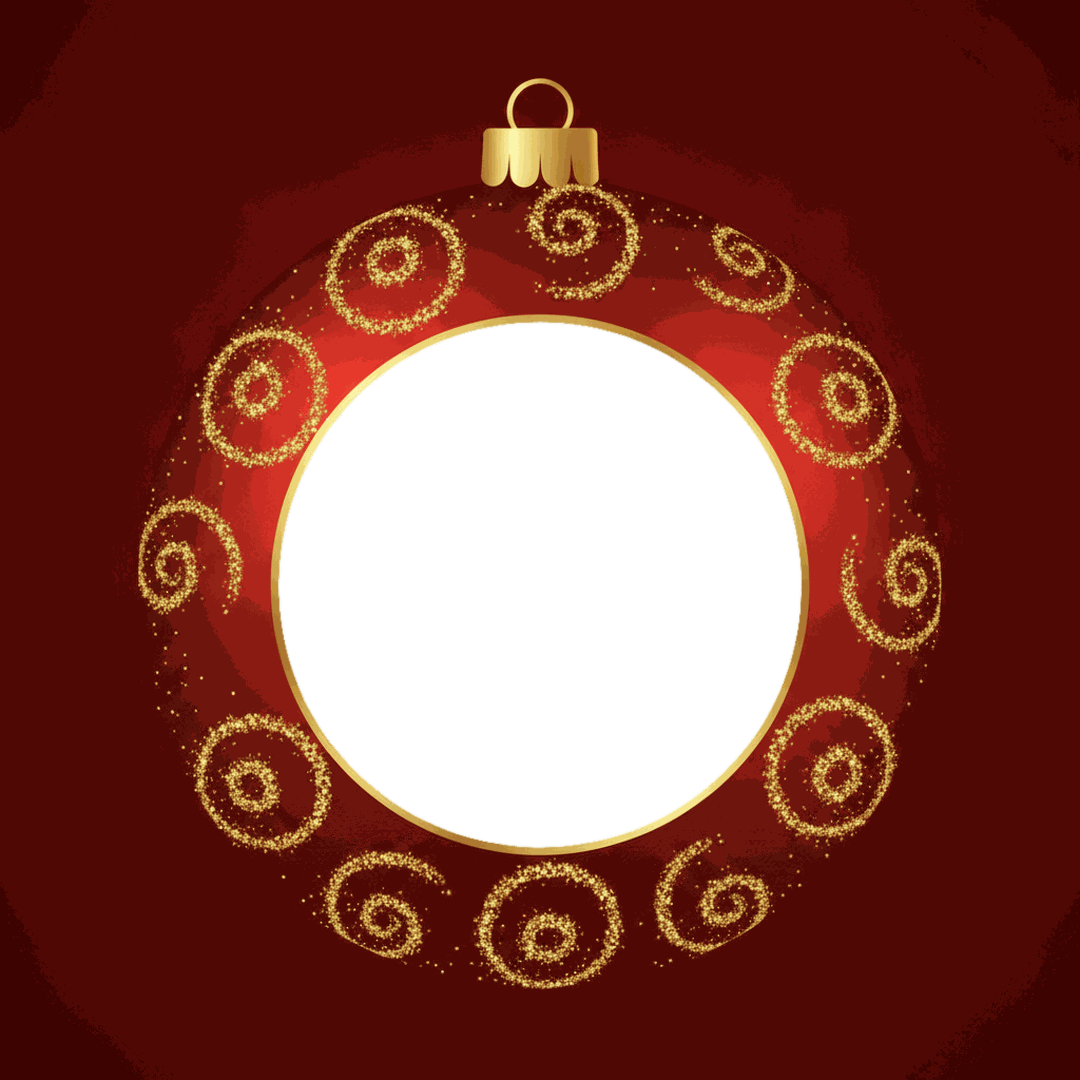
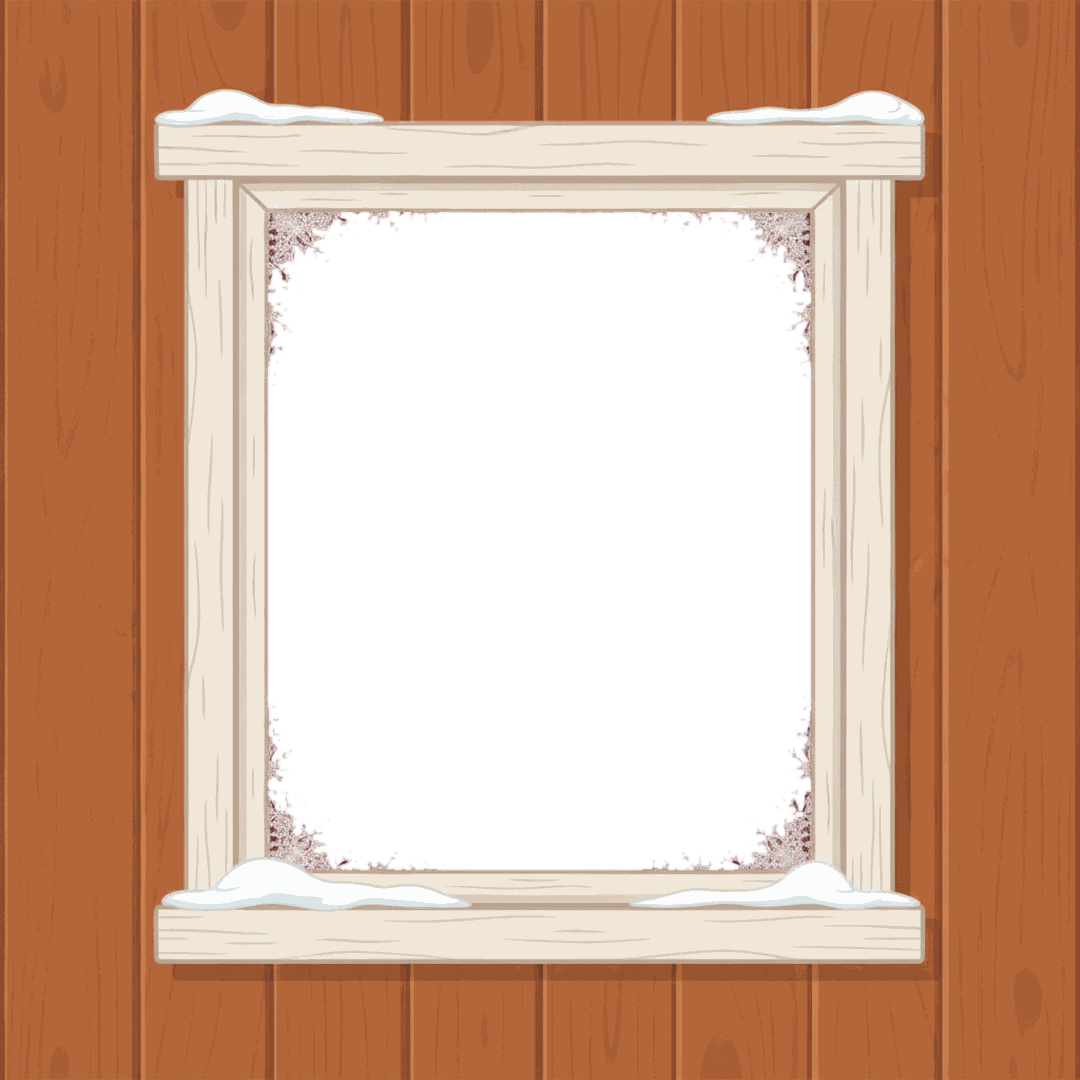
Free for personal use: cards, social posts, printed gifts, classroom displays. Please don't resell the frames or re-upload them as a pack. The checkered pattern in the previews marks the transparent window; it isn't in the files. Each PNG is under 0.35 MB, and the PDF is about 1.3 MB.
Add extra holiday details with free Christmas clipart PNGs, or pair your favorite frame with free Christmas fonts for festive photo captions, cards, and wallpapers.
Square or 4:5: which file to download
Grab the 4:5 file unless you know you need a square. It fills more of the screen in a feed, and it is the only shape here that prints without cropping (at 8x10 or 4x5). The square file is for places that crop everything to a square or a circle.
| Where the photo goes | Frame file | Notes |
|---|---|---|
| Instagram feed post | 4:5, 1080 x 1350 | The profile grid shows posts as 3:4 since early 2025, so a sliver of the top and bottom is hidden there. |
| Square post, Facebook, group chat | Square, 1080 x 1080 | Shows whole in almost every app. |
| Profile picture | Square, round window frames | Profile photos display as circles; the wreath, snow globe and ornament frames suit that shape. |
| 8x10 or 4x5 print | 4:5 | Exact fit, no trimming. |
| 5x7 or 4x6 print | 4:5 | Different shape (5:7 and 2:3), so expect a trim or white bars. |
Making a matching profile picture for the season? Our Christmas profile picture guide covers the sizes for each app.
How to put a photo in a Christmas frame on your phone
A frame goes on top and the photo goes underneath. That one detail is why the iPhone Photos app can't do it alone: Markup can lay a sticker over a picture, but it can't slide a picture under something. Canva's free plan handles it, on iPhone and Android, and keeps the transparent window intact.
- Download the frame PNG (4:5 or square) from the grid above.
- In Canva, start a design at the same size: 1080 x 1350 px for 4:5, or 1080 x 1080 px for square.
- Upload your photo and the frame. Add the photo first and stretch it to cover the page.
- Add the frame and stretch it to the page edges. Since it was added second, it sits on top.
- Tap the photo, then drag and pinch it until the face sits in the middle of the window. If the frame gets in the way, use Position and send the photo backward.
- Download as JPG or PNG. The finished picture doesn't need a transparent background, so the free plan's export is fine.
The faces should take up about half the window. In the round frames (wreath, snow globe, ornament), a head and shoulders crop looks best; a full-body shot of three kids will turn into tiny faces in a circle.
On a computer: Photopea or Google Slides
Photopea is a free photo editor that runs in the browser, with ads on the free version. It works with layers like Photoshop, which makes framing fast:
- File, Open, and choose the frame PNG.
- File, Open & Place, and choose your photo. It lands as a new layer.
- In the Layers panel, drag the photo layer below the frame layer.
- Edit, Free Transform to scale and rotate the photo; press Enter to confirm.
- File, Export as, JPG.
Google Slides is the low-tech option most people already have. Set File, Page setup, Custom, to 1080 x 1350 pixels. Insert your photo, then insert the frame, select the frame and use Arrange, Order, Bring to front. File, Download, PNG image saves the current slide as a picture. It's handy for a class: one slide per student, one frame for everyone.
The instant-film (Polaroid-style) Christmas frame
The Polaroid frame look is easy to spot: a white border that's much deeper at the bottom, where people write a date or a name. A real Polaroid 600 or i-Type print is about 3.5 x 4.2 inches with a near-square image of about 3.1 inches. Our instant-film frame keeps that layout and adds holly to one corner and a small red bow at the bottom.
Two ways to use it. Put a casual phone snapshot in it for a feed post that looks like a print on a table, or print a page of them and add a handwritten caption on the wide strip. If you're planning a whole set of instant-film photos for the holidays, our instant film guide goes further into the look.
Printing a framed photo at 4x6, 5x7 or 8x10
Print shops think in inches and dots per inch; frames think in pixels. The two only line up if the shapes match and there are enough pixels.
| Print size | Shape | Pixels for a sharp 300 dpi print | With a 4:5 frame |
|---|---|---|---|
| 4x6 | 2:3 | 1200 x 1800 | Fill trims about 0.8 inch off the sides; fit leaves 1 inch of white bars |
| 5x7 | 5:7 | 1500 x 2100 | Fill trims about 0.6 inch off the sides; fit leaves white bars |
| 8x10 | 4:5 | 2400 x 3000 | Exact shape |
Our frames are 1080 pixels wide, sized for phones and social posts. That's about 215 dpi at 5 inches wide, which prints cleanly on a 5x7. At 8x10 it drops to about 135 dpi; fine for a fridge, a bit soft for a wall. Turn off auto-crop or "fill" in the print shop's app and choose "fit" if you'd rather have thin white edges than lose part of the border. For card sizes and order cutoffs, see our page on print-ready Christmas photos.
Make paper frames from the PDF
The PDF has the 12 frames on 12 US Letter pages, with a white window instead of a transparent one. Print it at 100 percent on 65 lb or heavier cardstock, cut out the window with a craft knife, and tape a photo print behind it. The round windows (wreath, snow globe, ornament) come out about 4 inches across, so a 4x6 print covers them with room to spare. Most rectangular windows measure about 4.4 x 6.5 inches; a 5x7 print fits behind with a little overlap.
Paper frames make a cheap classroom gift: one student photo, one kids crayon frame, a magnet strip on the back. They also work as a photo booth prop at a party if you cut the window out of a frame printed on foam board.
Which frame fits which photo
Match the frame to the light in the picture before anything else. A dark frame around a bright beach photo looks pasted on, and a cream frame around a night shot looks washed out.
- Night, candlelight and tree-light photos: string lights, gold elegant, snow globe.
- Daylight, snow and outdoor shots: candy cane, vintage postcard, snowy window.
- Kids: kids crayon doodles, gingerbread, candy cane. Add a few of our free Christmas stickers on top for an even busier, kid-made look.
- Pets: wreath and ornament circle, since a round window crops neatly around a head. A pet in a Santa hat inside the wreath is hard to beat, and our guide shows how to add a Santa hat to a photo in a few minutes.
With PiXmas
Frames dress up a photo you already have. If the photo itself is the problem (bad light, no tree, everyone in hoodies), an AI Christmas portrait is a different fix. PiXmas for iPhone makes holiday portraits from one photo; it is on the App Store. A PiXmas web version with frames, stickers and portraits is available at picsmas.com. The frames above don't depend on either, and they're free to use today.