
Christmas profile picture ideas, free PFPs and sizes for every app
By PiXmas Editorial Team · Updated November 20, 2026
A good Christmas profile picture is a square image with the subject in the middle, because Instagram, TikTok, WhatsApp, Facebook, Discord, LinkedIn, X and Xbox all crop it to a circle. Export it at 1080 x 1080 pixels and it will look sharp on every one of them (use 1024 x 1024 for Slack). Below are 8 free original Christmas PFPs to download, a matching pair for couples or best friends among them, plus the size each app asks for and how to make one from your own photo.
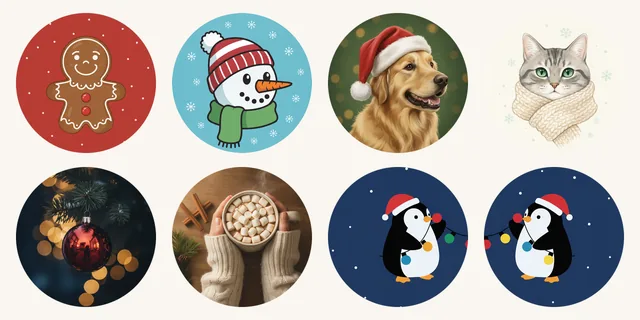
8 free Christmas PFPs to download
Each file is a 1080 x 1080 JPG. They were drawn with an AI image model from our own written descriptions, then checked by eye, both as a full square and as a small circle. No movie characters, no brands, no text that can turn blurry at small sizes. Use them free as a profile picture on any account, personal or business.
Create a festive portrait with our ChatGPT Christmas photo guide, or add snow, lights, fonts, and frames using the free Christmas photo editor before choosing your 2027 profile picture.
-
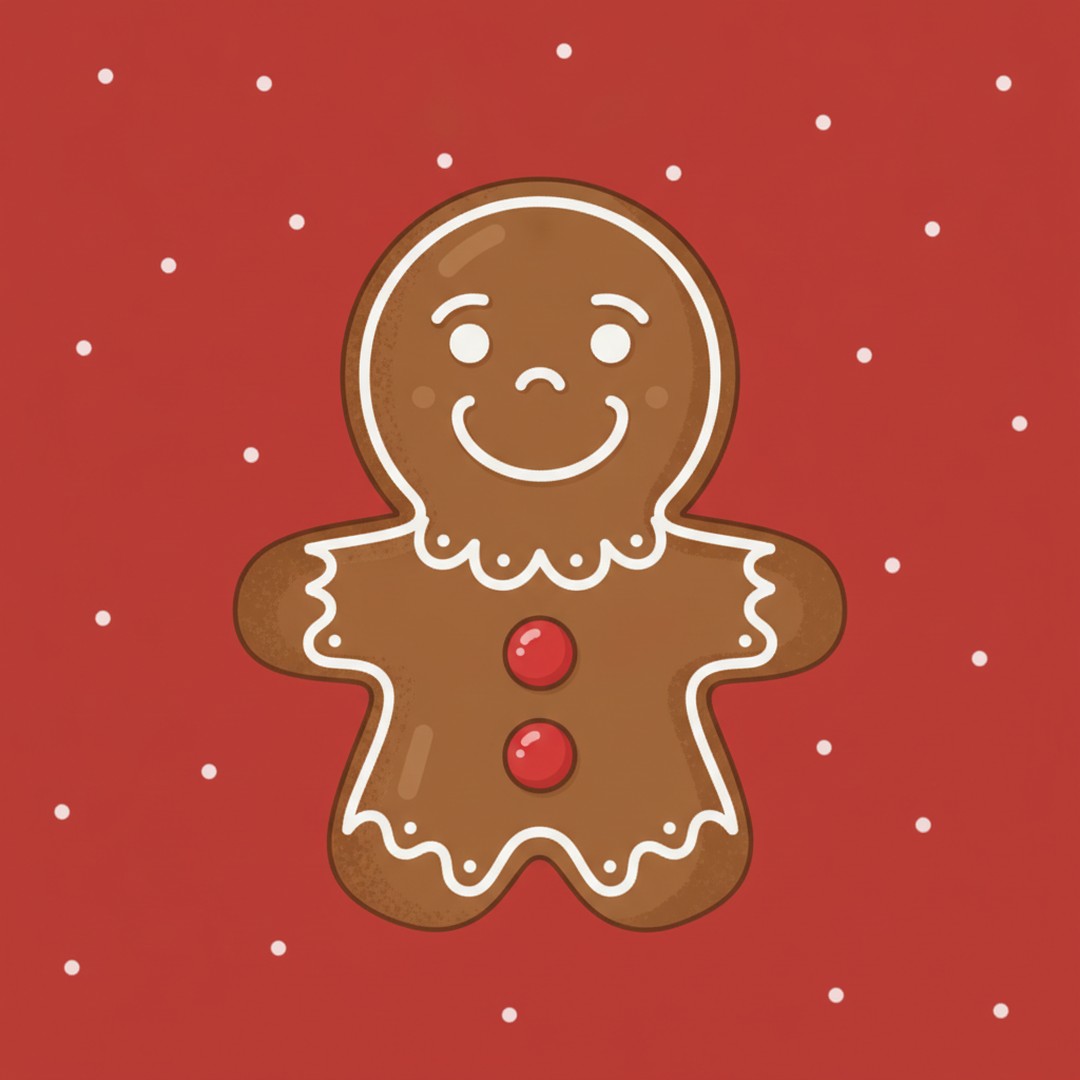
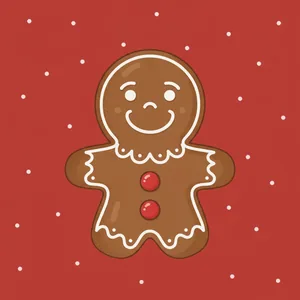 Gingerbread cookie
Cartoon, bold colors
Download JPG
-
 Snowman in a beanie
Flat cartoon
Download JPG
-
 Golden retriever in a Santa hat
Painted pet portrait
Download JPG
-
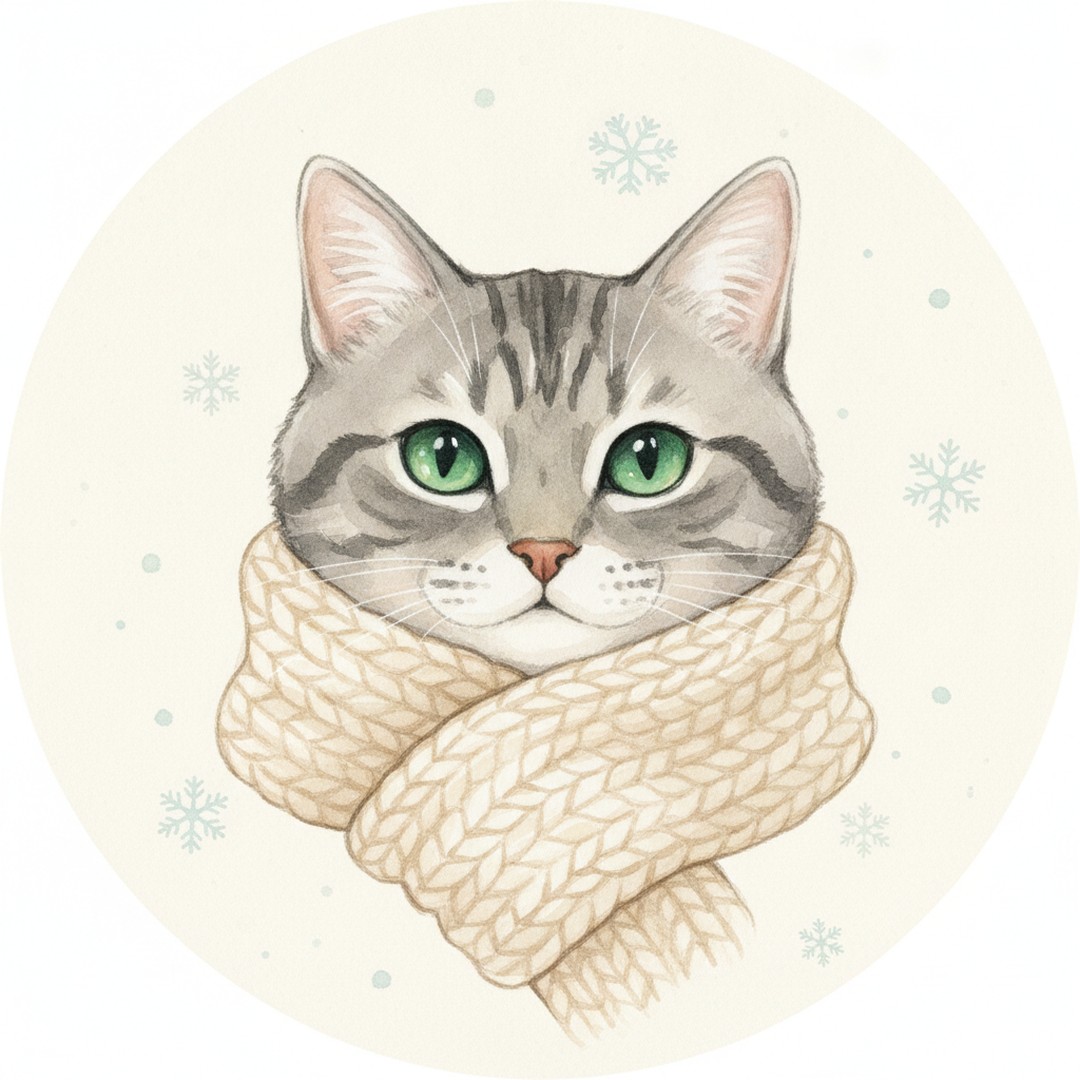
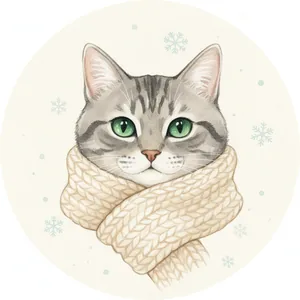 Tabby cat in a scarf
Watercolor, soft
Download JPG
-
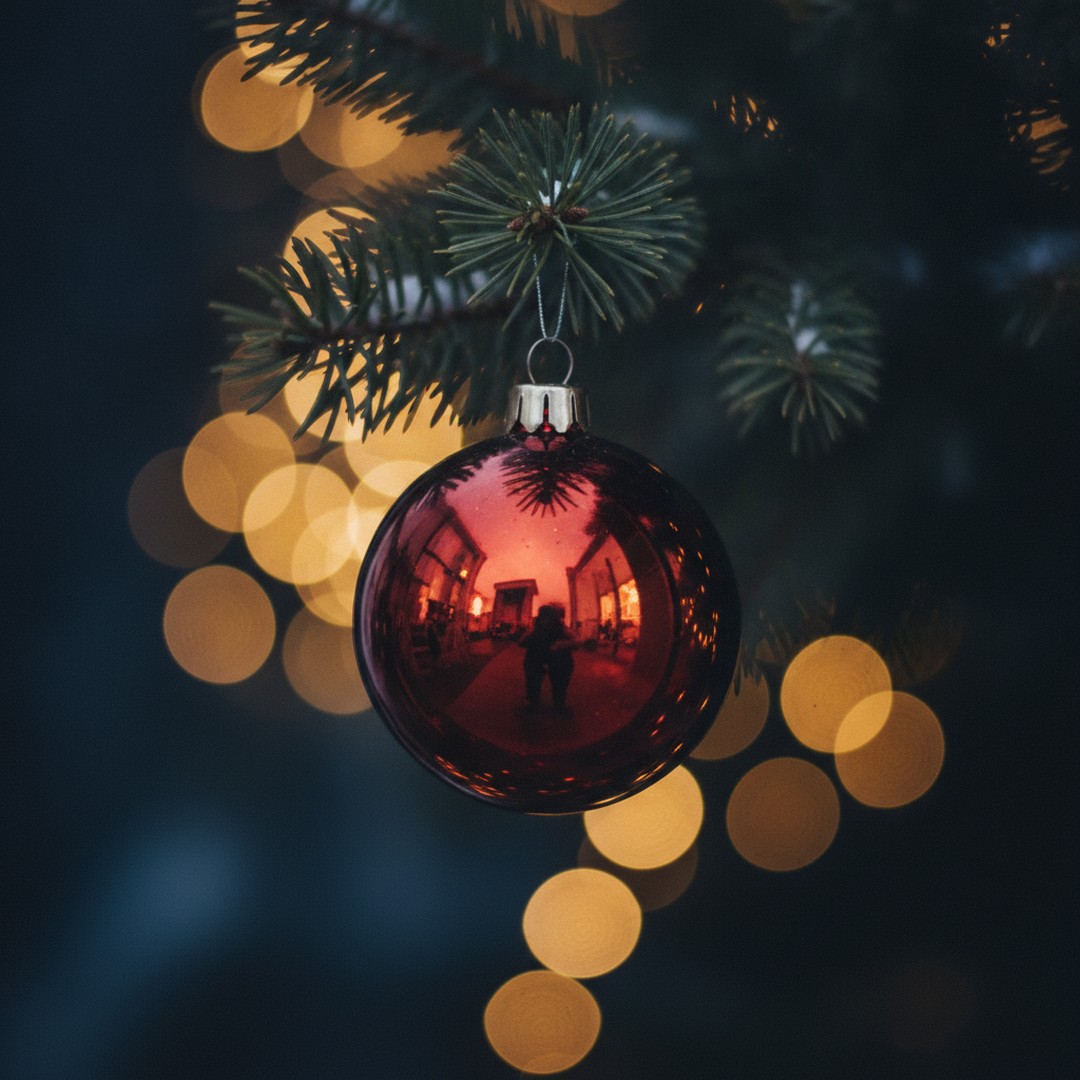
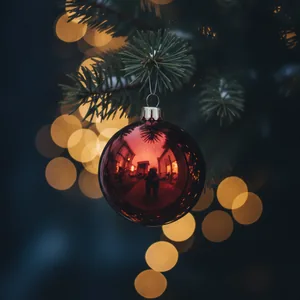 Red glass ornament
Aesthetic photo
Download JPG
-
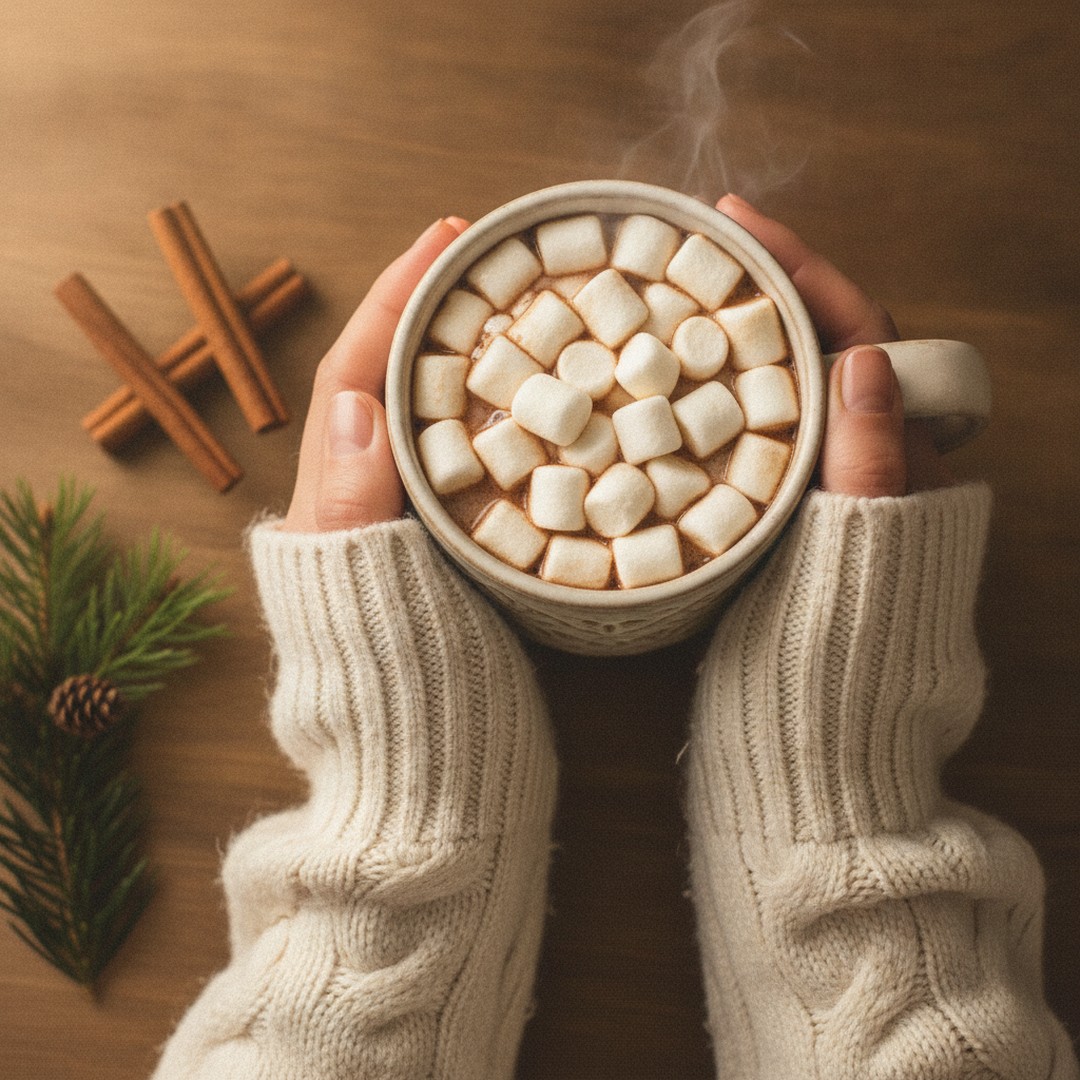
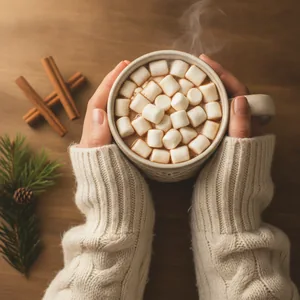 Hot cocoa and sweater
Cozy aesthetic photo
Download JPG
-
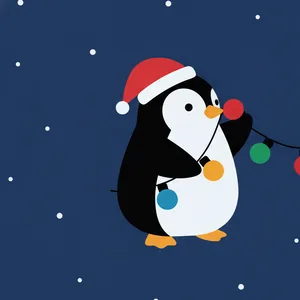 Matching penguins, left
Matching pair, part 1
Download JPG
-
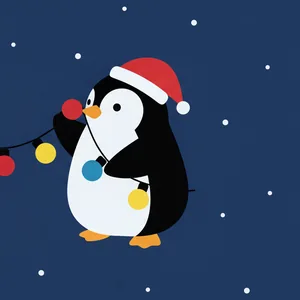 Matching penguins, right
Matching pair, part 2
Download JPG


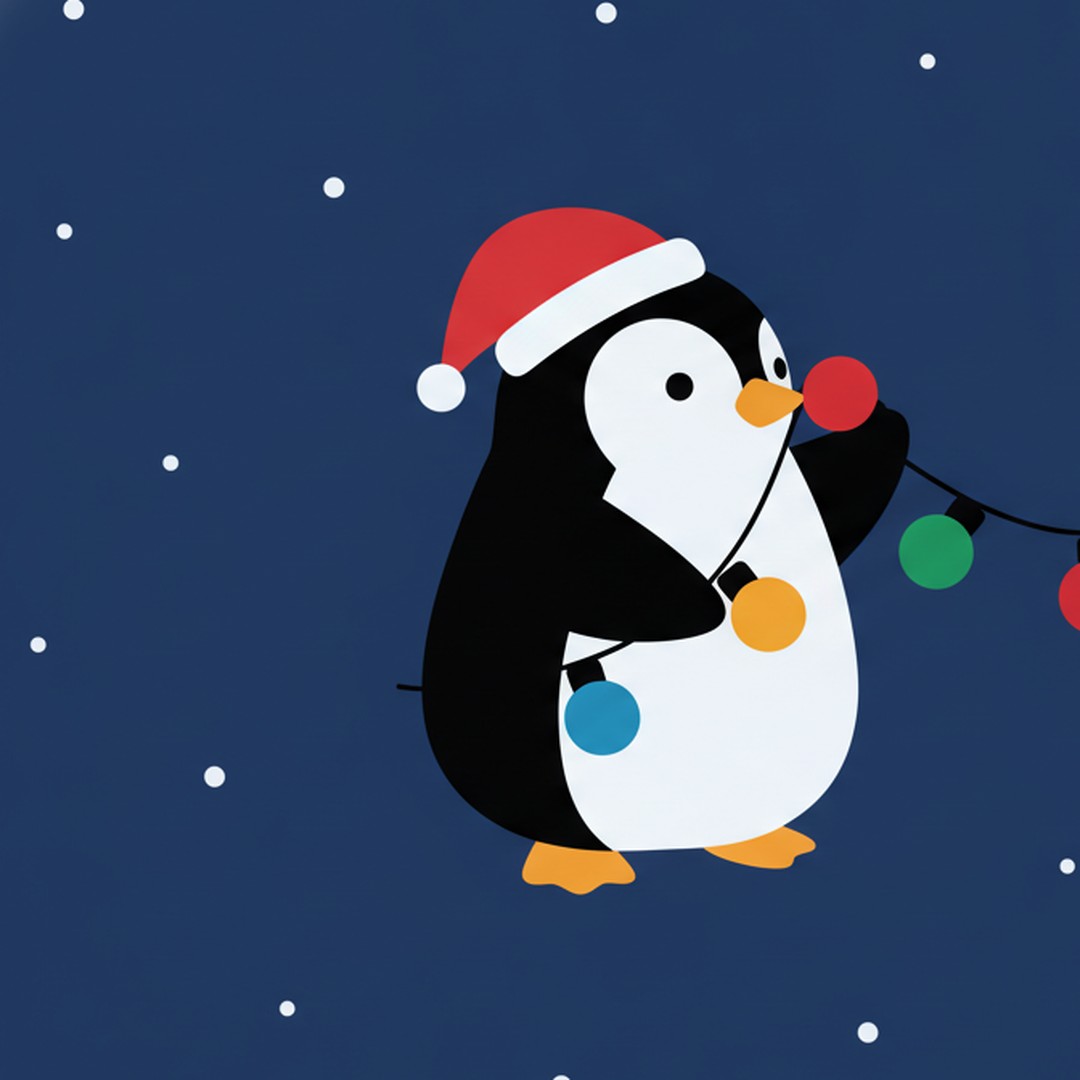
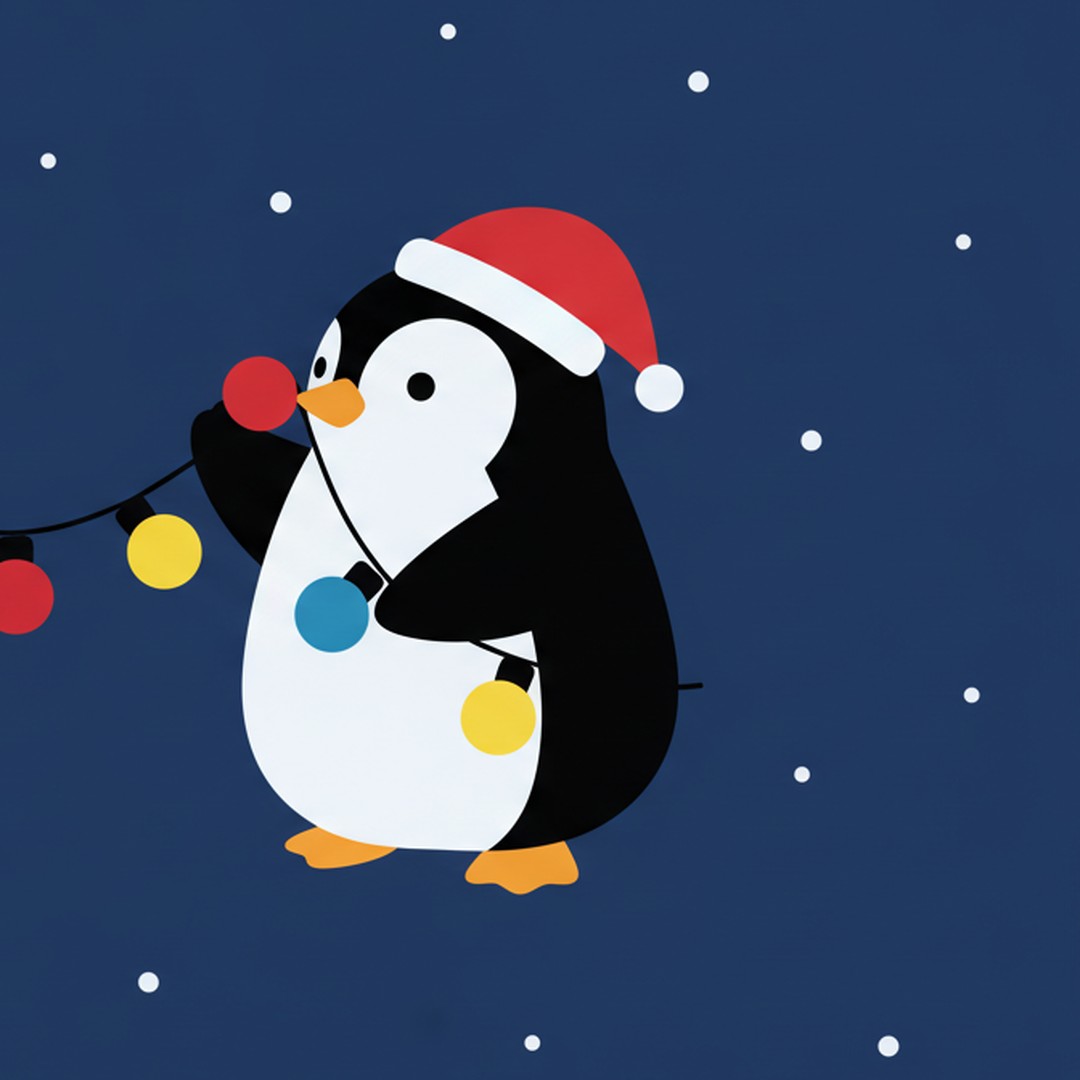
The two penguin pictures are one image cut in half. Put them on two accounts and the string of lights joins up when the profiles sit next to each other.
Profile picture sizes for each app
The short version: one square file at 1080 x 1080 pixels covers everything. Apps shrink a big picture without trouble, but a small one blown up looks soft. The table shows what each platform says, or what the commonly cited figure is when the platform doesn't publish one. We checked the help pages and size guides in November 2026; these numbers change, so treat anything not marked as official as a guide.
| Platform | Shape on screen | Export at | What the platform says |
|---|---|---|---|
| Circle | 1080 x 1080 | No official size published. Shown at roughly 110 px in the app; 320 x 320 is the commonly cited minimum. | |
| TikTok | Circle | 1080 x 1080 | No full spec on one official page; 200 x 200 px or larger is the commonly cited working size, with 20 x 20 px often given as the minimum. |
| Circle | 1080 x 1080 | No official size published; 500 x 500 to 640 x 640 is commonly cited. | |
| Circle | 1080 x 1080 | Facebook Help Center: at least 320 x 320 px for best quality. Page photos display at 176 px on computers and 196 px on phones. | |
| Discord | Circle | 1080 x 1080 (or 512 x 512) | No official pixel size published. Animated GIF avatars require Discord Nitro. |
| Slack | Rounded square | 1024 x 1024 | Commonly cited range: 512 to 1024 px; JPG, PNG or GIF. |
| Circle | 1080 x 1080 | Commonly cited: 400 x 400 px recommended, files up to 8 MB. | |
| X (Twitter) | Circle | 1080 x 1080 | Commonly cited: 400 x 400 px, files up to 2 MB, JPG, PNG or GIF. |
| Xbox gamerpic | Circle | 1080 x 1080 | 1080 x 1080 is the size most guides give for custom gamerpics; Xbox reviews custom pictures before they show. |
Custom Christmas gamerpic on Xbox
Xbox is the one platform where the upload is not obvious. In the Xbox app on iPhone or Android, open your profile, tap your current gamerpic, choose the option to upload a custom image and pick a square picture from your phone. On an Xbox Series X|S, the same option is under your profile's customize settings, with the image on a USB drive. Either way, Microsoft reviews custom gamerpics before they show up, so it can take a while, and child accounts may not be allowed to upload one. The Xbox app on Windows PCs has not offered a custom upload in our reading of current guides, so send the picture to your phone first.
Design for the circle, not the square
A circle drawn inside a square covers about 78.5 percent of it. The other 21.5 percent, the four corners, is simply hidden on Instagram, TikTok, WhatsApp, Facebook, Discord, X and LinkedIn. That changes how a Christmas PFP should be built:
- Keep the face (or the cookie, or the dog) in the middle 60 percent of the image.
- Watch the tip of a Santa hat. It loves to drift into a corner and get cut off; tilt it inward.
- Skip text. "Merry Christmas" at 1080 pixels becomes a gray smudge at the 40-pixel size used next to comments.
- Use one strong color behind the subject. A red, green or navy background reads better at thumbnail size than a busy living room.
- Check it small. Zoom your phone screen out until the picture is the size of a fingernail. If you can still tell what it is, it works.
Slack is the exception with a rounded square, so the corners show a bit more there.
Matching Christmas PFPs for couples and friends
Matching profile pictures come in two kinds. Split pictures are one wide image cut into two squares; each person takes one half, and the picture completes itself when the two profiles appear side by side in a group chat, a comment thread or a follower list. Coordinated pictures are two separate images that share a style, a color palette or a theme, so they match without needing to touch.
To make a split pair from any wide image: in Canva or your phone's crop tool, crop the left half to a perfect square and save it, then undo and crop the right half. Make sure the thing that "connects" (a string of lights, held hands, a shared scarf) crosses the exact middle.
Christmas matching ideas that work well:
- Two penguins, reindeer or snowmen holding one string of lights between them (like the free pair above).
- Santa and an elf: one partner in a Santa hat, the other in elf ears. Our Christmas elf photo maker has free elf hat and ear stickers.
- Matching red sweaters and the same snowy background, photographed separately but edited the same way.
- A gingerbread pair, one with a pink icing bow and one with a blue one.
- Person and pet: you in a Santa hat, your dog in a matching one on its own account (pets with accounts are a whole category of December).
- Top and bottom of a Christmas tree for best friends: one gets the star, the other gets the presents.
Make a Christmas PFP from your own photo
Your own face is still the most recognizable profile picture, so most people want a festive version of it, not a cartoon. Four quick routes, from simplest to most involved:
- Crop a photo you already have from a Christmas event (tree lighting, ugly sweater party, a snowy walk) to a square with your face centered.
- Add a Santa hat. It's the classic Christmas PFP edit, and you can do it in two minutes with a sticker; see how to add a Santa hat to a photo at the right angle.
- Put the photo in a festive frame. Our free Christmas photo frames include square versions with a transparent window.
- Use AI. Upload a clear selfie to an AI image tool and ask for a Christmas portrait that keeps your face, hair and expression the same. Check the result small and large before you post it.
For a pet's account, the same steps apply. More ideas are in our comparison of the best Christmas pet photo editors.
PiXmas turns one photo into Christmas portraits that crop well into a PFP. PiXmas for iPhone is on the App Store; you can find it here when it is back: PiXmas for iPhone. A Christmas PFP tool is available at picsmas.com.
Which Christmas PFP style fits you
Cartoon PFPs (gingerbread, snowman) read best at tiny sizes and suit gaming, Discord and anywhere you'd rather not show your face. Aesthetic photos (an ornament, a cocoa mug, string lights) suit Instagram and TikTok, where many people match their profile to the look of their posts. Pet portraits are an easy way to be festive without a selfie. And a real face with a Christmas touch is the safe pick for LinkedIn, Slack and work chats; a small Santa hat in December rarely bothers anyone.
Pair the PFP with a matching lock screen for the full effect. Our Christmas wallpaper and PFP guides cover wallpapers made from your own photos, and the best Christmas wallpaper app for iPhone compares the tools.
When to switch? That's personal. Our pick is the day after Thanksgiving through New Year's Day. Set a reminder to change it back, or you'll be the person with a Santa hat in March.