
Free Christmas stickers 2027: 24 transparent PNGs
By PiXmas Editorial Team · Updated November 20, 2026
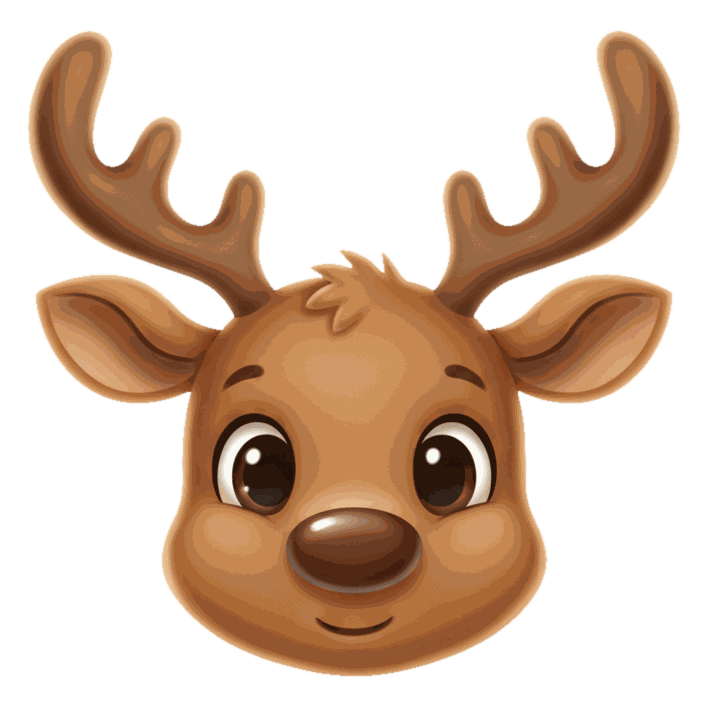
These 24 Christmas stickers are free PNG files with transparent backgrounds, up to 800 pixels wide, ready to drop on a photo, send in iMessage or WhatsApp, or print on sticker paper. The set has three Santa hats, a beard, reindeer antlers, an elf hat and ears, Merry Christmas and Ho Ho Ho lettering, and 14 holiday icons. A 4-page printable PDF holds all of them.
Need flat art for a flyer or a social post instead of a face sticker? Our free Christmas clipart has 30 transparent PNGs, from holly corners to hand-lettered greetings.
Pair these transparent Christmas stickers with free Christmas fonts to create festive photos, captions, gift tags, cards, and holiday wallpapers.
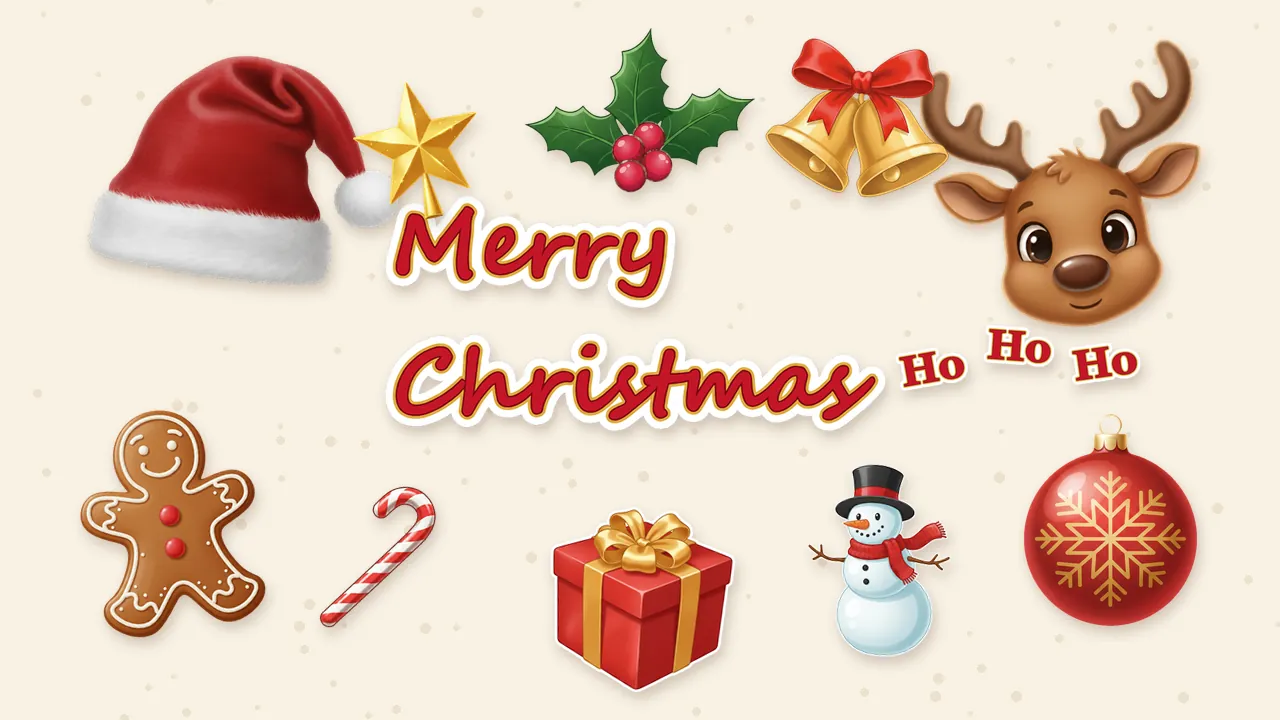



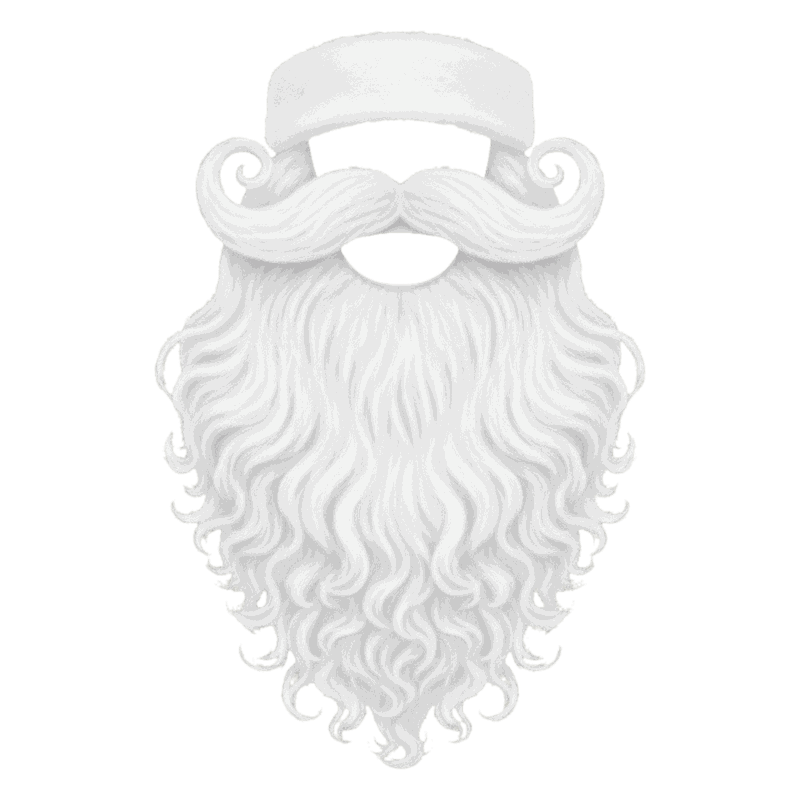
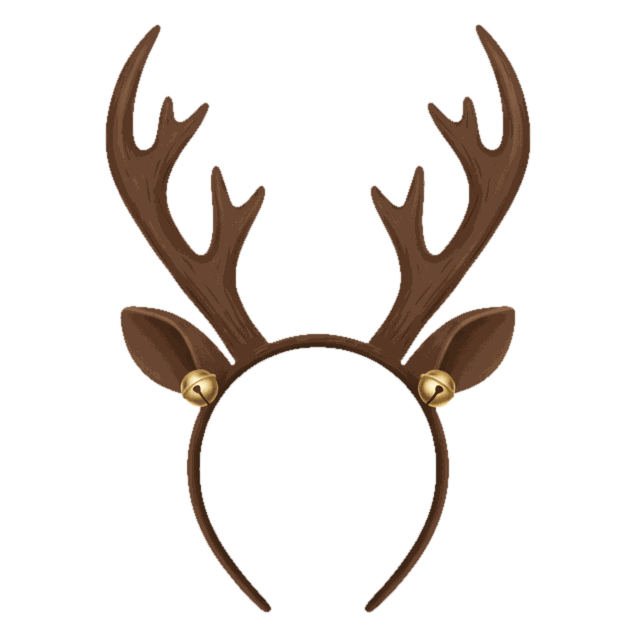

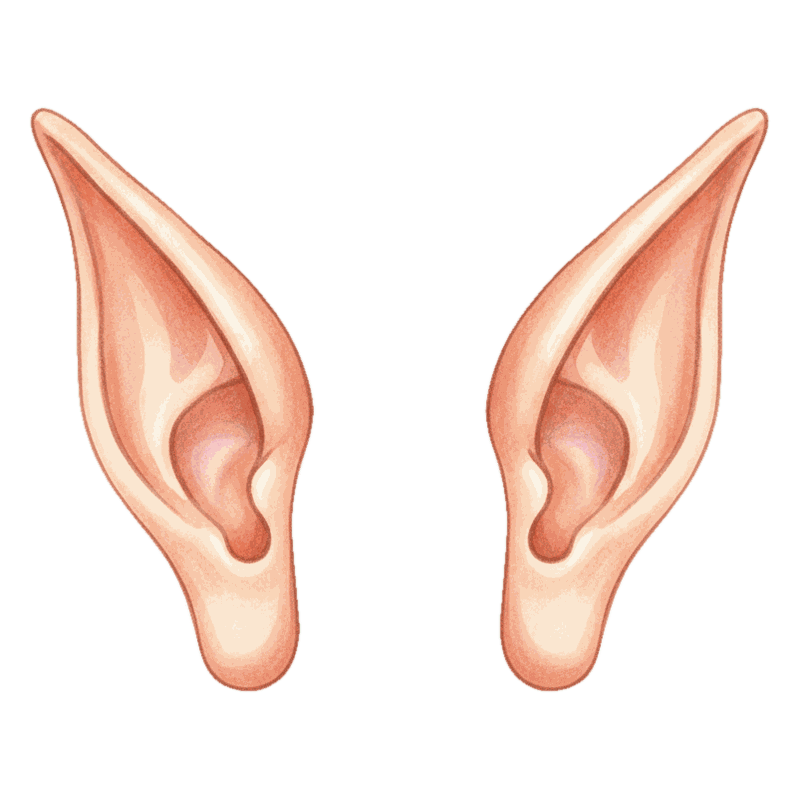








Free for personal use: cards, invitations, school projects, social posts. Please don't resell the files or re-upload them as a sticker pack; link to this page instead. The 24 PNGs total about 1 MB and the PDF is about 0.6 MB.
What's in the sticker set
The stickers fall into three groups, and each group does a different job. Face props are drawn to sit on a real photo, so they have soft studio lighting and no outline. The icons look like classic die-cut stickers, several with a thin white edge, which reads well on top of a busy picture or in a chat bubble.
| Group | Stickers | Good for |
|---|---|---|
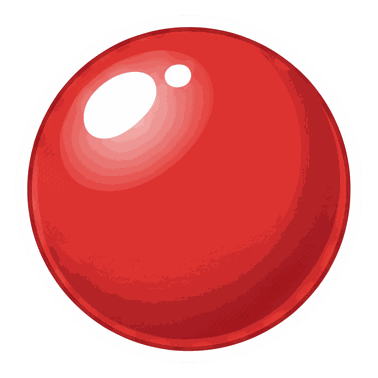
| Face props (8) | 3 Santa hats, Santa beard, reindeer antlers, elf hat, elf ears, red nose | Dressing up people and pets in a photo, profile pictures, group shots |
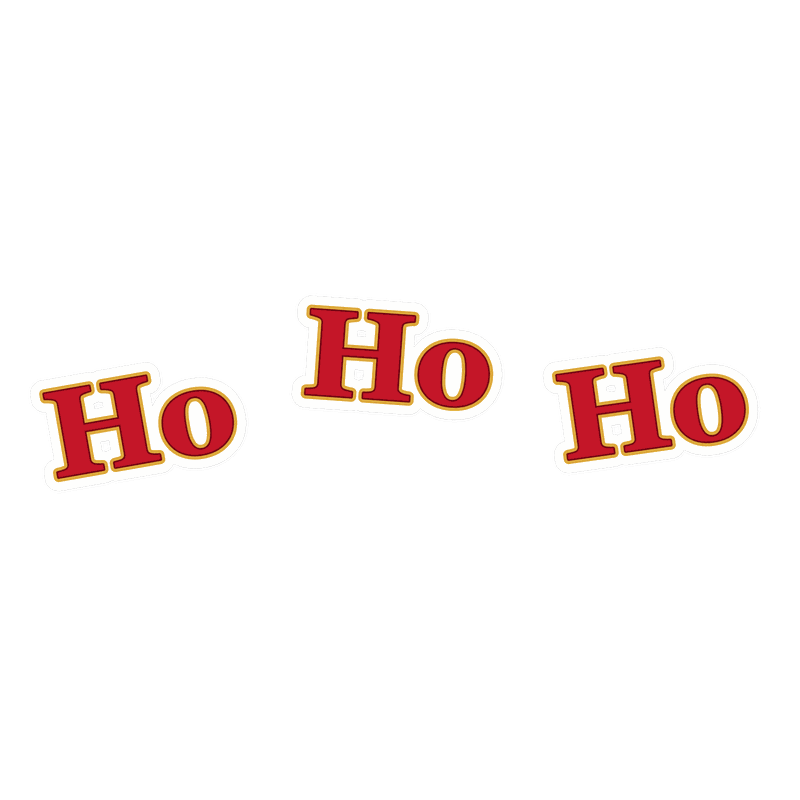
| Lettering (2) | Merry Christmas, Ho Ho Ho | Photo captions, card fronts, Stories, a quick greeting in a chat |
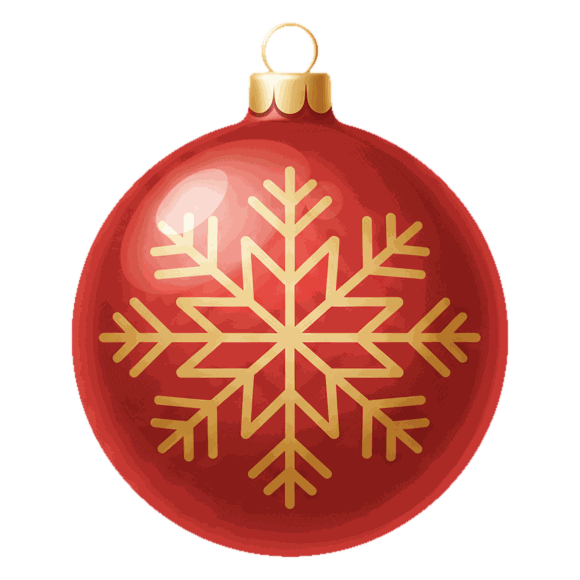
| Icons (14) | Snowflakes, holly, ornament, gift, candy cane, gingerbread man, snowman, star, bells, mistletoe, stocking, tree, Santa face, reindeer face | iMessage and WhatsApp stickers, printed sticker sheets, gift tags, scrapbooks |
We rendered the two lettering stickers ourselves from a script and a serif font, so the spelling is right (AI image tools still mangle letters). The rest started as original illustrations from an image model, then each one had its background removed and was checked by eye on dark and light backgrounds. None of them copy a movie or brand character.
How to add a Christmas sticker to a photo on iPhone
Since iOS 17, the iPhone Photos app can place stickers on a picture without any extra app. It takes two short steps: turn the PNG into a sticker once, then add it to as many photos as you like.
- Tap Download PNG under a sticker. Safari usually saves it to Files, in the Downloads folder. Open it there, tap Share, then Save Image (or Save to Photos, depending on your iOS version).
- In Photos, open the saved sticker, touch and hold the drawing until it lifts, and tap Add Sticker.
- Open the photo you want to decorate and tap Edit, then the Markup pen icon.
- Tap the plus button, choose Add Sticker, and pick your Christmas sticker from the drawer.
- Drag it into place, pull a corner dot to resize, then tap Done.
The same sticker now also lives in the Messages app: tap the plus button, then Stickers, and it's there to drop onto a text bubble or send on its own. If Photos doesn't lift a subject from the PNG (it sometimes ignores simple icons), go through Messages instead: plus, Stickers, then the plus tile, and pick the image from your library.
Adding stickers on Android
Android phones split here. Google Photos can cut a subject out of your own picture as a sticker to share, but it isn't built for laying a PNG on top of another photo. Two routes work well:
- Samsung Galaxy phones: open the photo in Gallery, tap the pencil to edit, then Decorations (the smiley face), Stickers, and the Gallery icon. Choose Create sticker, pick the downloaded PNG, and it lands on your photo, ready to move and resize. The exact icons vary a little by One UI version.
- Any Android phone: the free plan of Canva lets you upload a transparent PNG, place it over a photo, and keep the transparency. Export the finished picture as a JPG or PNG; only exporting with a see-through background needs a paid plan, and you don't need that here.
For a face prop such as the Santa hat, scale the sticker so its fur band is a bit wider than the forehead. Too small looks like a toy hat; too big covers the eyes. Our guide to adding a Santa hat to a photo covers angles, shadows and pets in more detail.
Christmas stickers for WhatsApp
WhatsApp has a built-in sticker maker on iPhone, Android and WhatsApp Web. Open any chat, open the sticker picker next to the message field, tap Create, and choose one of the PNGs from this page. You can add text or crop before you send, and on most versions the sticker is saved for reuse. Labels move around between app versions, so look for Create or a plus sign in the sticker tray.
A proper sticker pack, the kind you install once and see as its own tab, still needs a third-party sticker pack app. WhatsApp's rules for those packs are strict:
| Requirement | Value |
|---|---|
| Sticker size | Exactly 512 x 512 pixels, transparent background |
| Format and file size | WebP, under 100 KB per static sticker |
| Stickers per pack | 3 to 30 |
| Tray icon | 96 x 96 pixels, under 50 KB |
| Recommended margin | 16 pixels around the drawing |
Our PNGs are larger than 512 pixels on purpose, so they stay sharp in print. Sticker pack apps shrink and convert them for you; if one complains about file size, the Santa beard and snowflakes are the most detailed files, so try those last.
Santa hat PNG: three angles
The most searched sticker in December is a plain Santa hat, and one angle never fits every head. The set has three:
- The front hat sits flat, fur band level, tip flopping right. Use it on faces looking straight at the camera, like a school photo or a passport-style selfie.
- The tilted hat leans left with the pom-pom hanging low. It suits heads that tilt, kids mid-laugh, and cats (it covers one ear and leaves the other).
- The side hat is taller and seen from three-quarters. Put it on people turned partly away, or on a dog in profile. For more pet ideas, see our roundup of the best Christmas pet photo editors.
All three have the fur band as the lowest part of the image, so the bottom edge of the file lines up with the hairline. Flip a hat horizontally in your editor if the tip falls the wrong way for your photo.
Print them as real stickers
The PDF has 4 US Letter pages with 6 stickers each. Every sticker is about 3 inches across and has a white border plus a thin gray line around it, which is your cutting guide. Print at 100 percent, not Fit, so the sizes stay true.
- Paper: Avery sells inkjet matte sticker paper, glossy printable film for brighter colors, and separate laser versions. Match the paper to the printer; inkjet sheets in a laser printer can smear or jam.
- Cutting by hand: kids' scissors are fine for the round shapes. Leave the gray line on, it looks like a die-cut edge.
- Cutting by machine: upload the single PNGs, not the PDF, to Cricut Design Space and use Print Then Cut. The printable area is smaller than a full Letter sheet, so let Design Space lay them out.
- Envelope seals: print a page at 50 percent scale for 1.5-inch stickers. The gift, star and holly look good on the flap of a card envelope.
Matte paper takes a pen, which makes the gift and stocking stickers handy as name labels on presents.
Make a sticker from your own photo
Store-bought stickers can't put your dog in a Santa hat on the fridge. Your own photo can. On iPhone, open a photo, touch and hold the person or pet until a glowing outline appears, and tap Add Sticker; Live Photos even turn into moving stickers. Samsung Gallery does the same thing through Create sticker. Add one of our hats to that cutout and you have a custom Christmas sticker for chats, or for a Christmas profile picture.
For a full costume, not only a hat, an AI portrait is the faster road. PiXmas for iPhone turns one photo into Santa, elf and holiday scenes; it is on the App Store. Browser tools for stickers, frames and elf portraits are available at picsmas.com. For the elf look today, the elf hat and ears above pair well with the steps in our Christmas elf photo maker guide.
Buying Christmas stickers instead
Printed sheets from a store make sense when you need hundreds, say for a classroom or 80 envelopes. Target lists Christmas sticker sheets and label stickers online in its stickers and paper crafting section, though some listings ship from outside sellers and what's on the shelf varies by store. Craft stores and dollar stores often carry seasonal stickers too; call ahead before you drive over. For a handful of cards, printing the free PDF on one sheet of sticker paper costs less than a pack.
Pairing stickers with a framed photo? Our free Christmas photo frames use the same transparent PNG approach, so you can stack a frame, a photo and a sticker or two in one Canva design.