
Christmas clipart 2027: 30 free transparent PNGs for photos and posts
This is a set of 30 free Christmas clipart pieces in a hand-painted gouache style, each a PNG with a true transparent background: greenery, ornaments, cozy winter things, old-fashioned toys, two long borders and four lettering pieces. They are sized to sit on top of a photo, a Story or a document without a white box, and a five-page PDF prints them all for crafts.
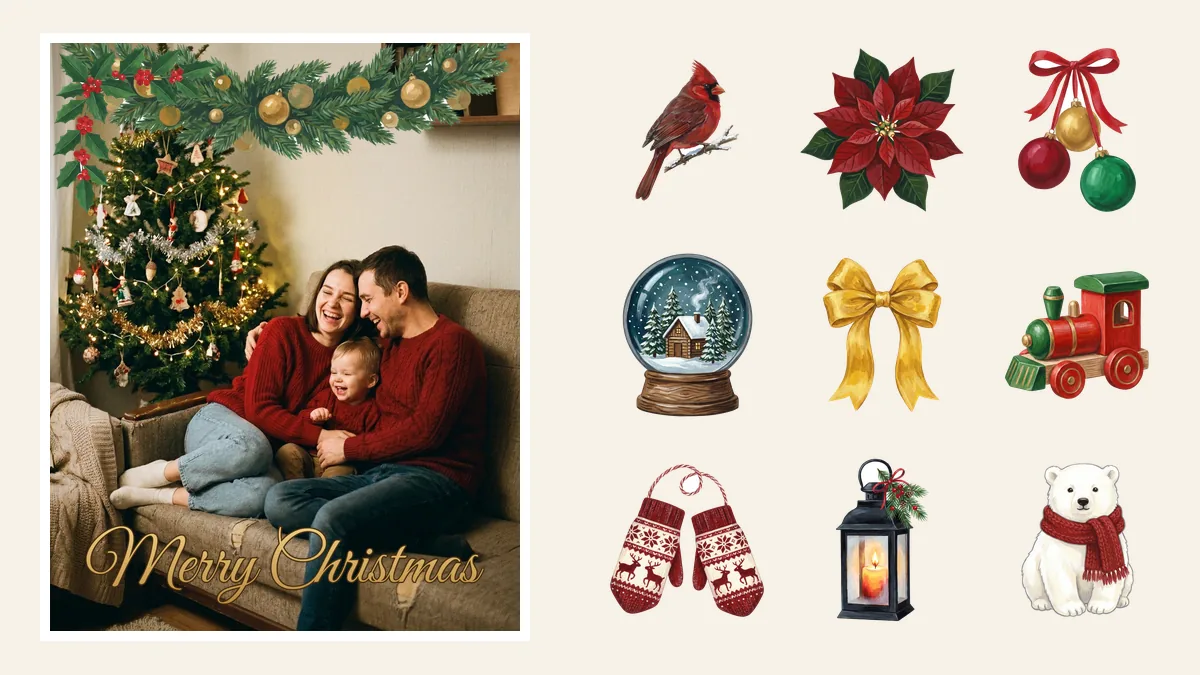
Greenery and flowers
-
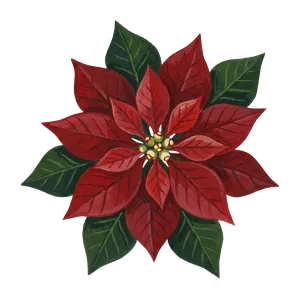 Poinsettia Download PNG
-
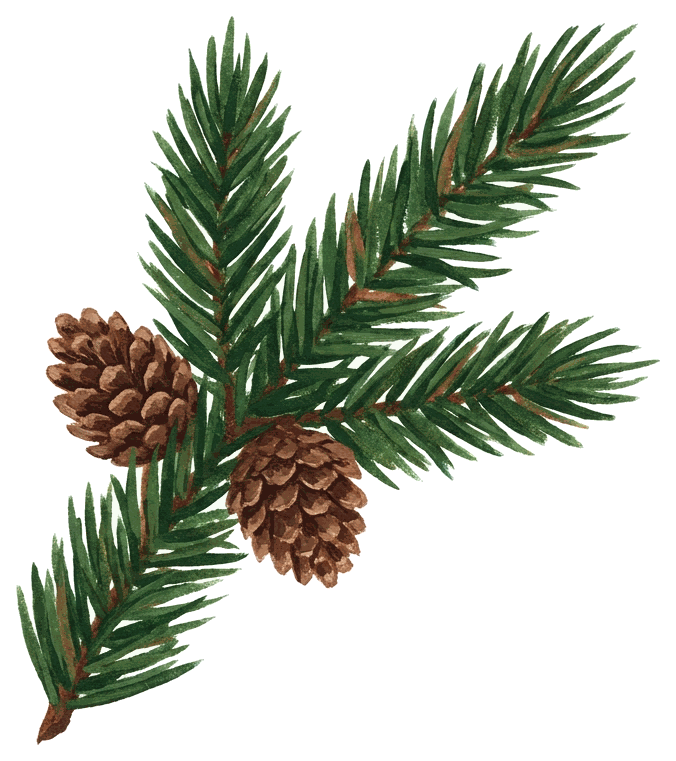
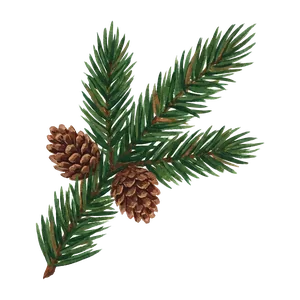 Fir branch Download PNG
-
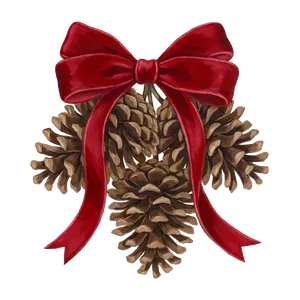 Pinecones with bow Download PNG
-
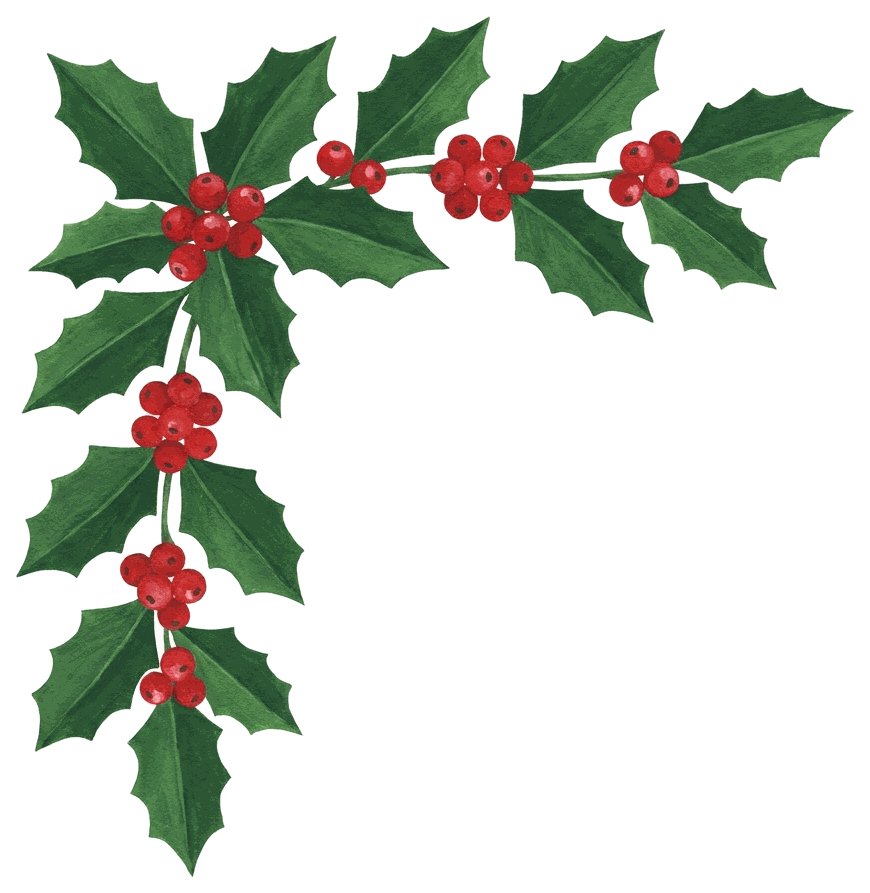
 Holly corner Download PNG
-
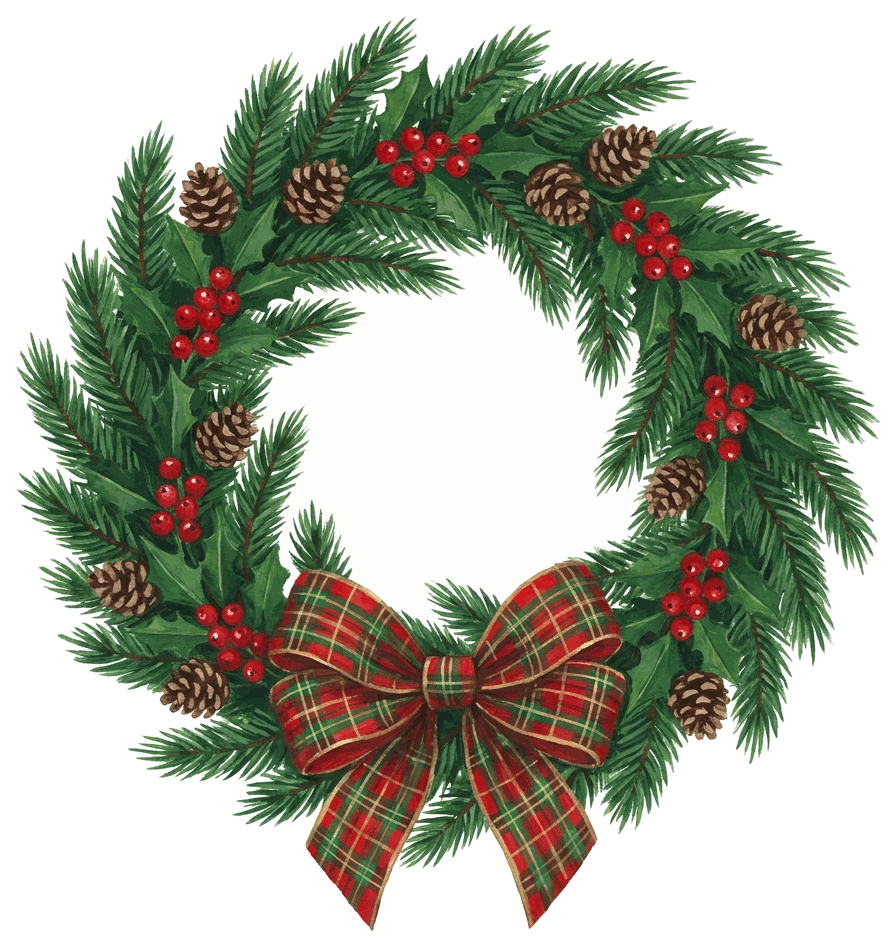
 Wreath Download PNG
-
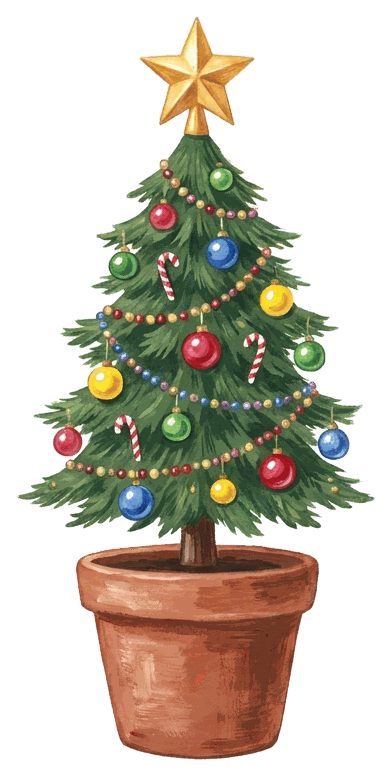
 Potted tree Download PNG

Borders for the top or bottom of a photo
-
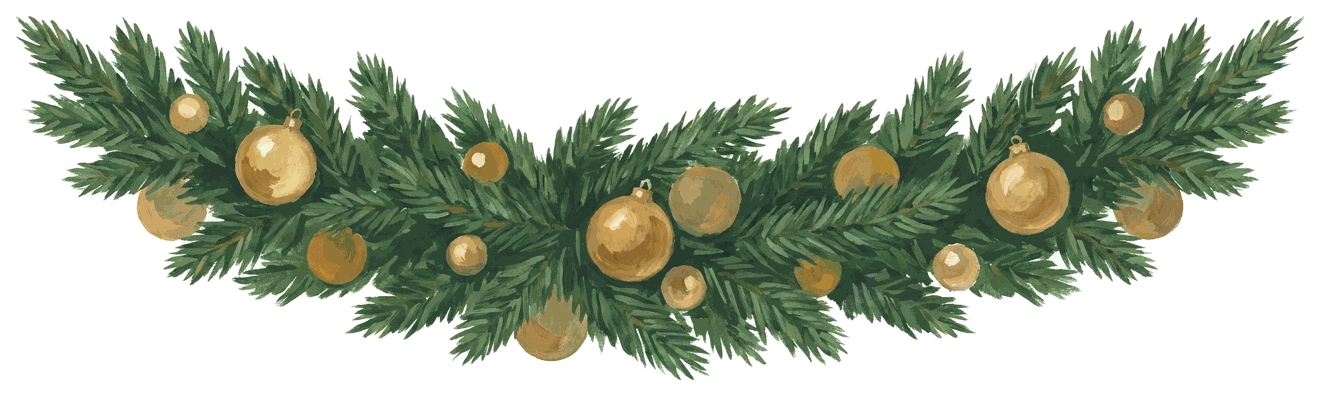
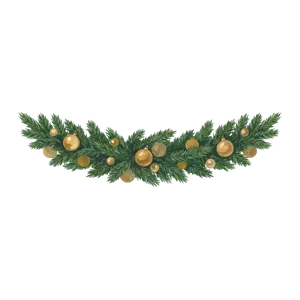 Garland swag Download PNG
-
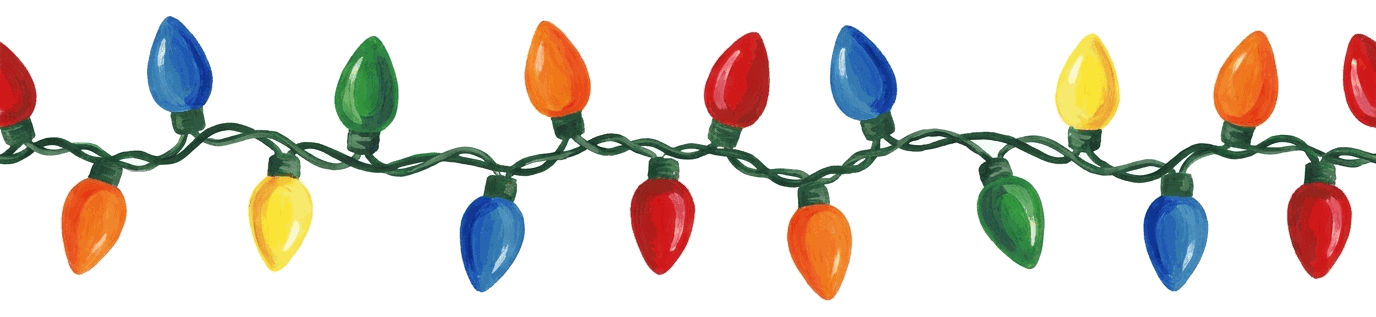
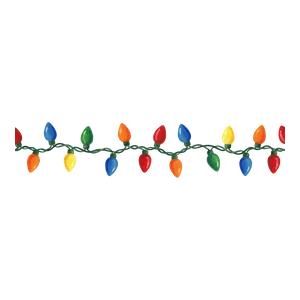 Vintage string lights Download PNG
-
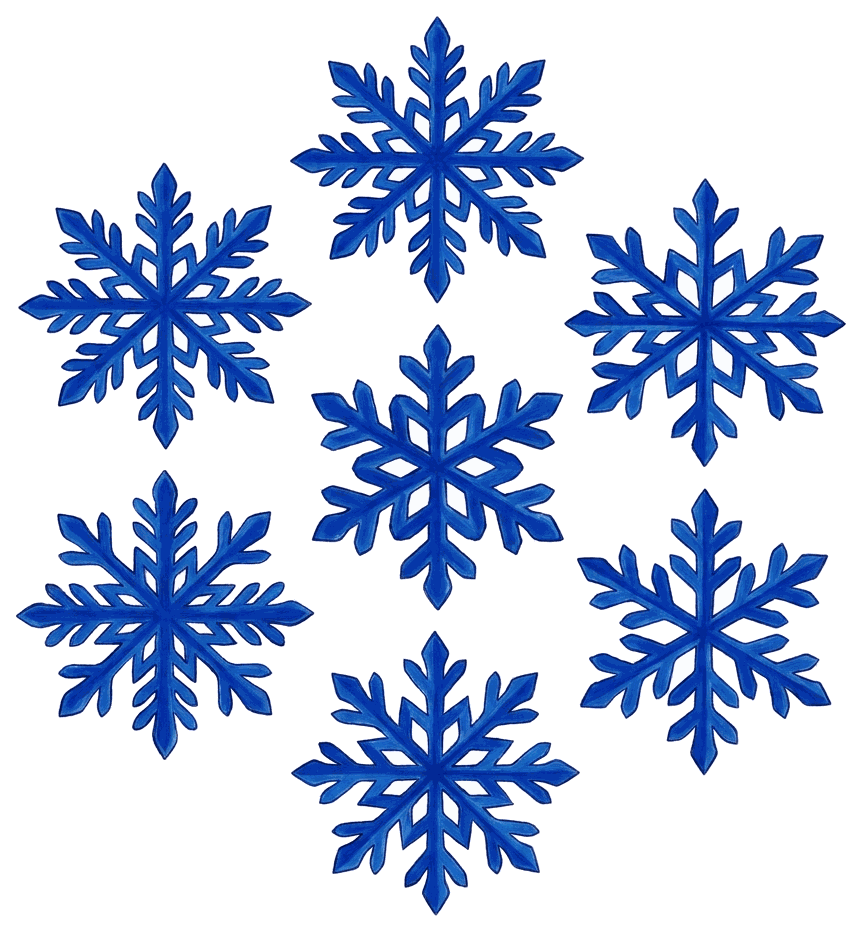
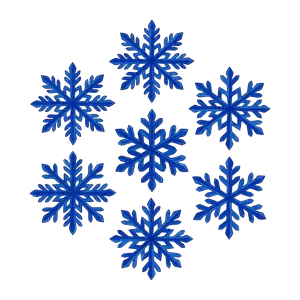 Snowflake cluster Download PNG
-
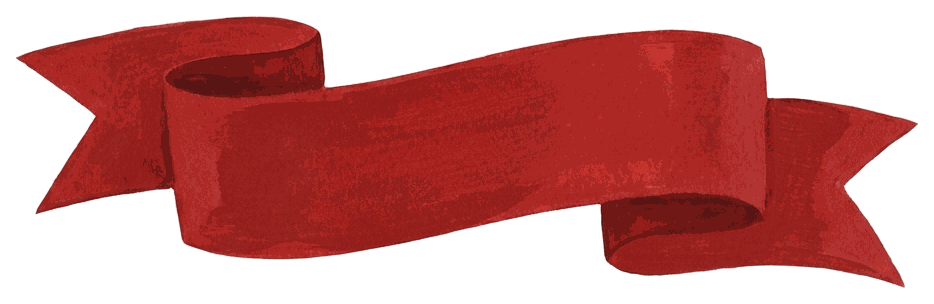
 Blank ribbon banner Download PNG
Ornaments, gifts and bows
-
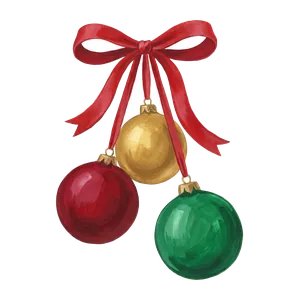 Three baubles Download PNG
-
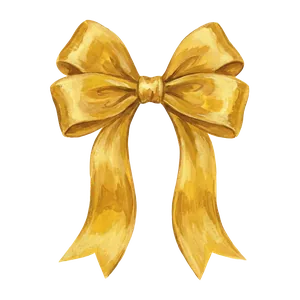 Gold bow Download PNG
-
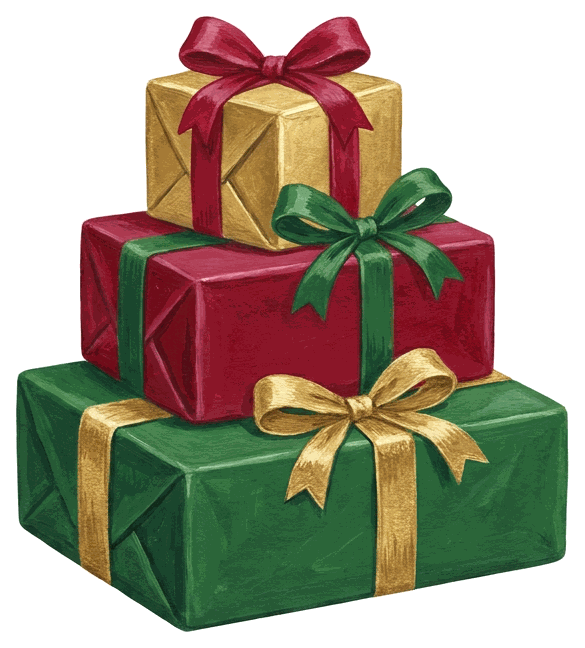
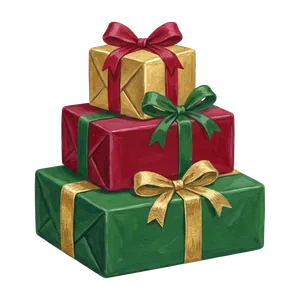 Stack of gifts Download PNG
-
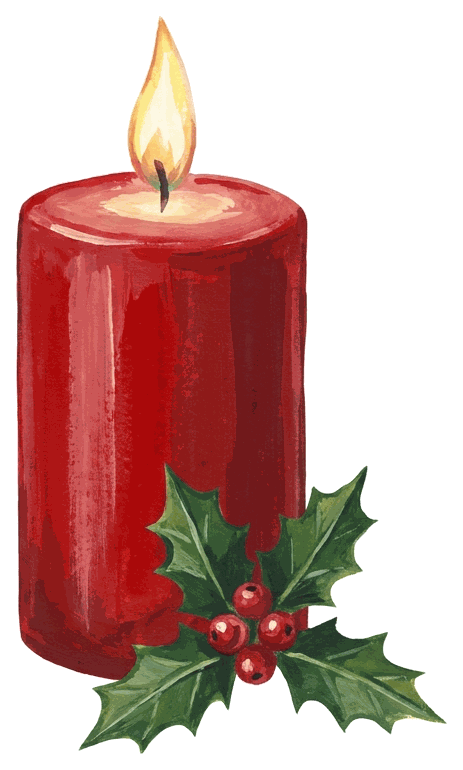
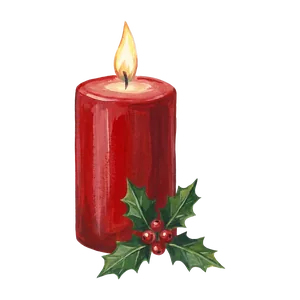 Candle and holly Download PNG
-
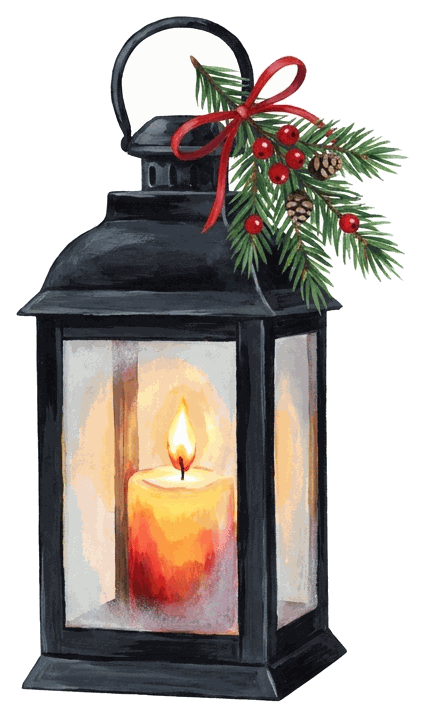
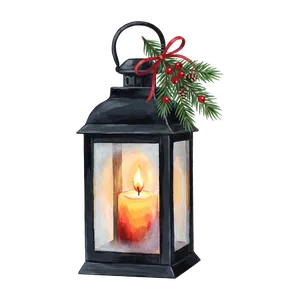 Lantern Download PNG
-
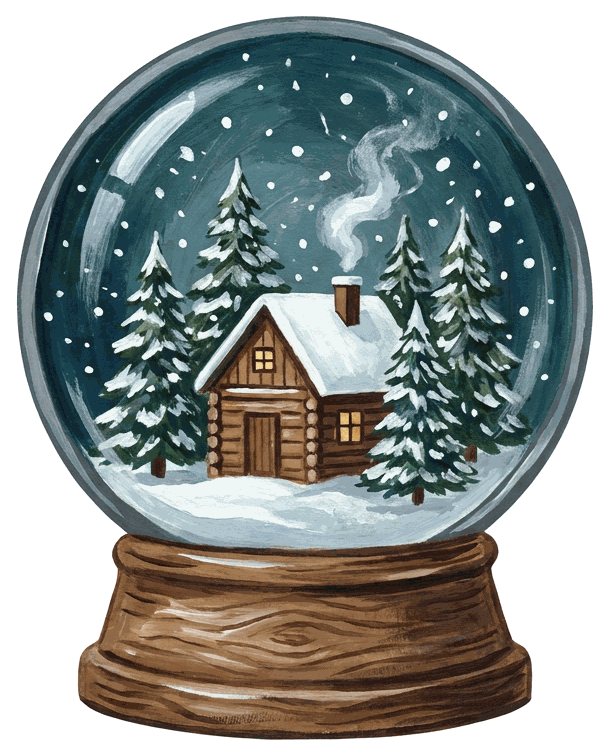
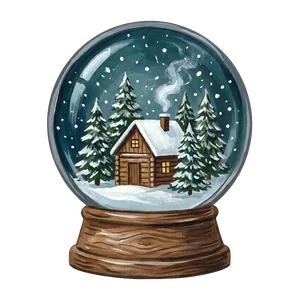 Snow globe Download PNG
Cozy and wintry
-
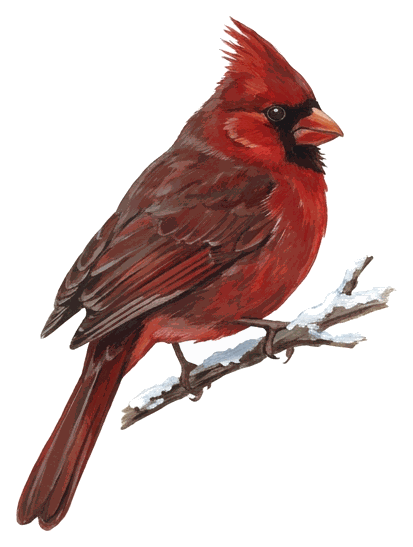
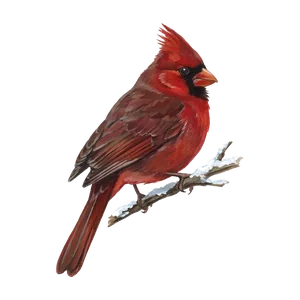 Cardinal Download PNG
-
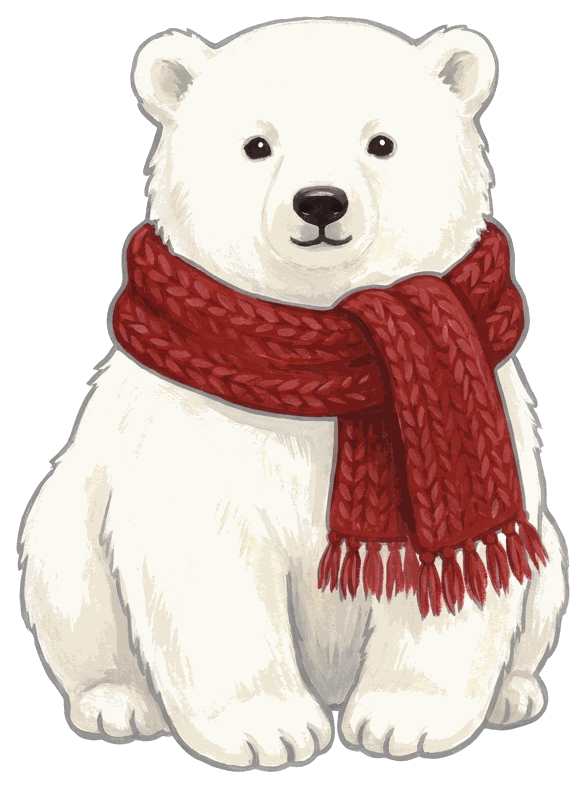
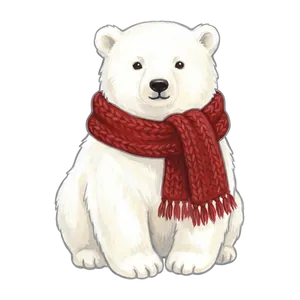 Polar bear Download PNG
-
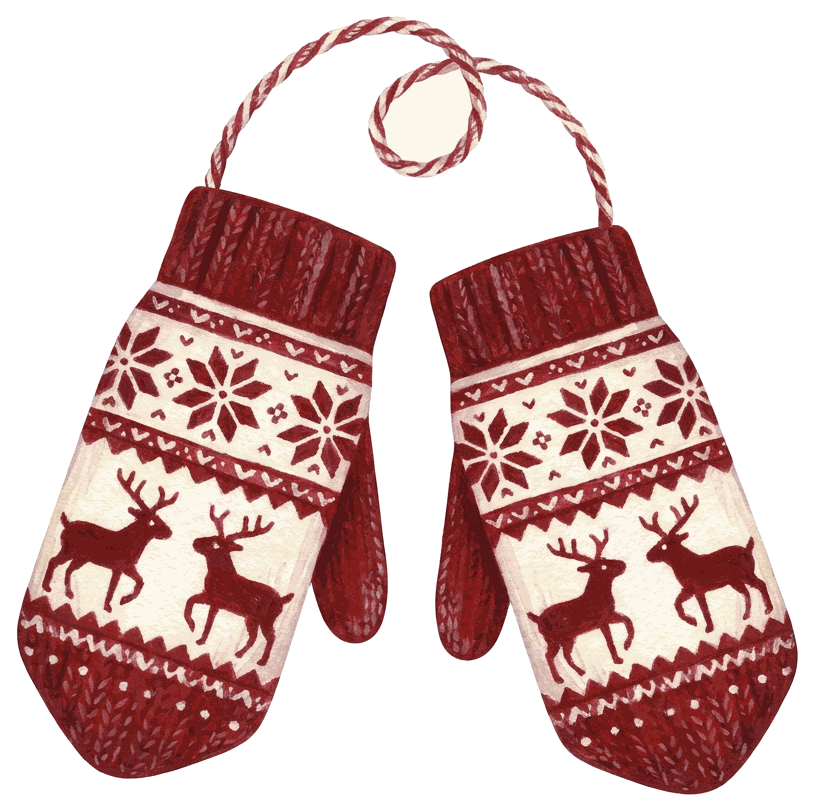
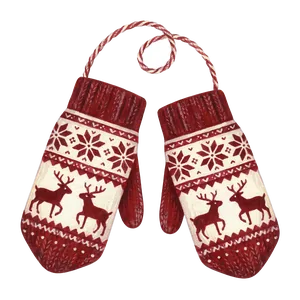 Mittens Download PNG
-
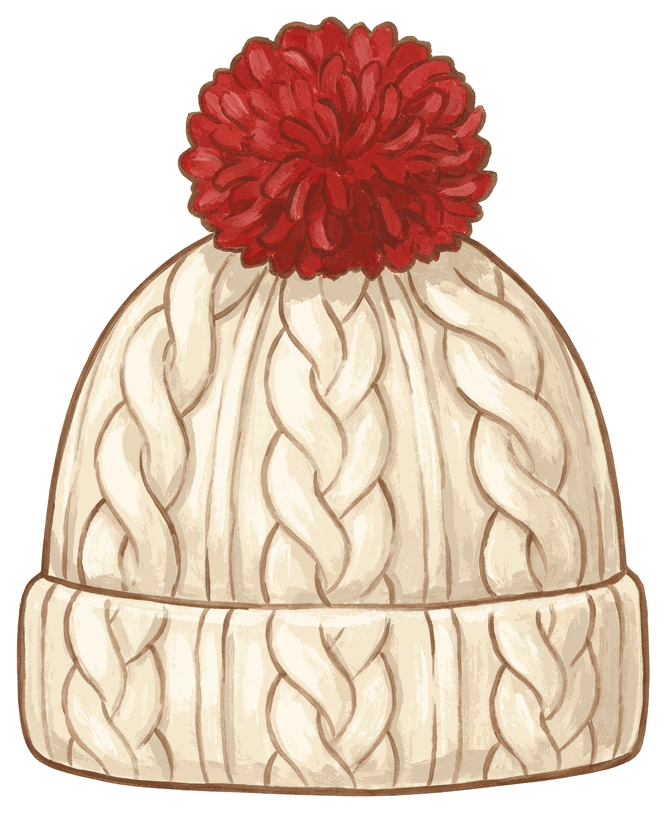
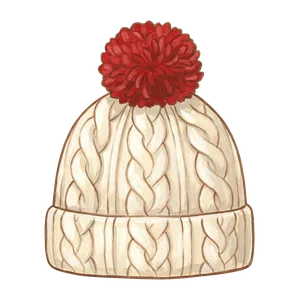 Pom-pom hat Download PNG
-
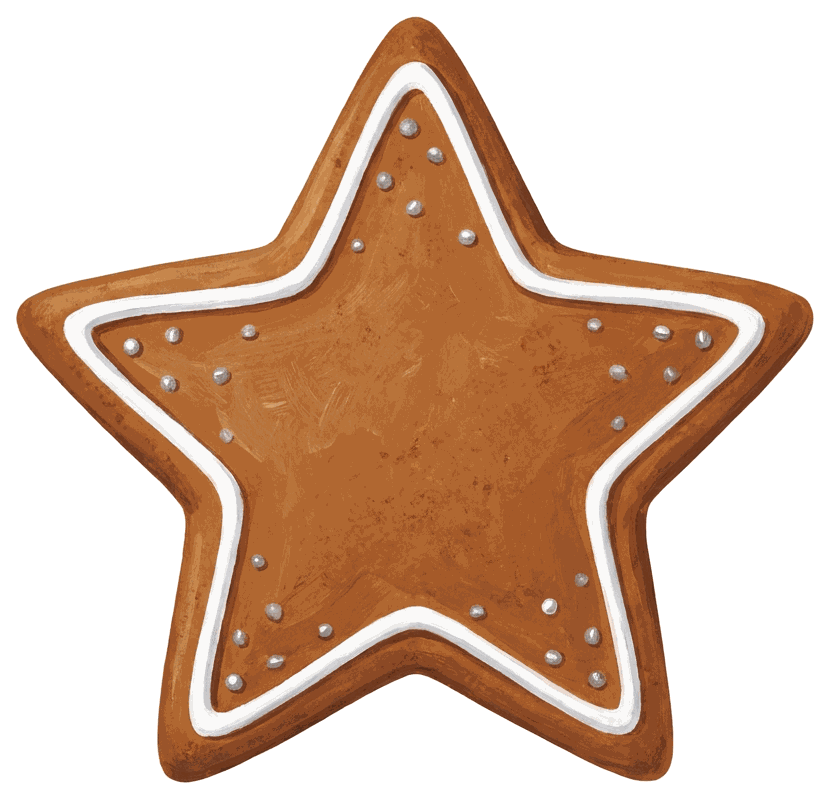
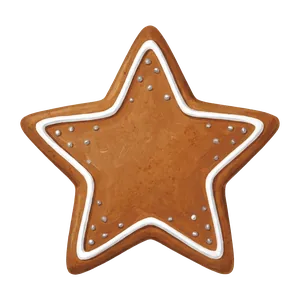 Star cookie Download PNG
-
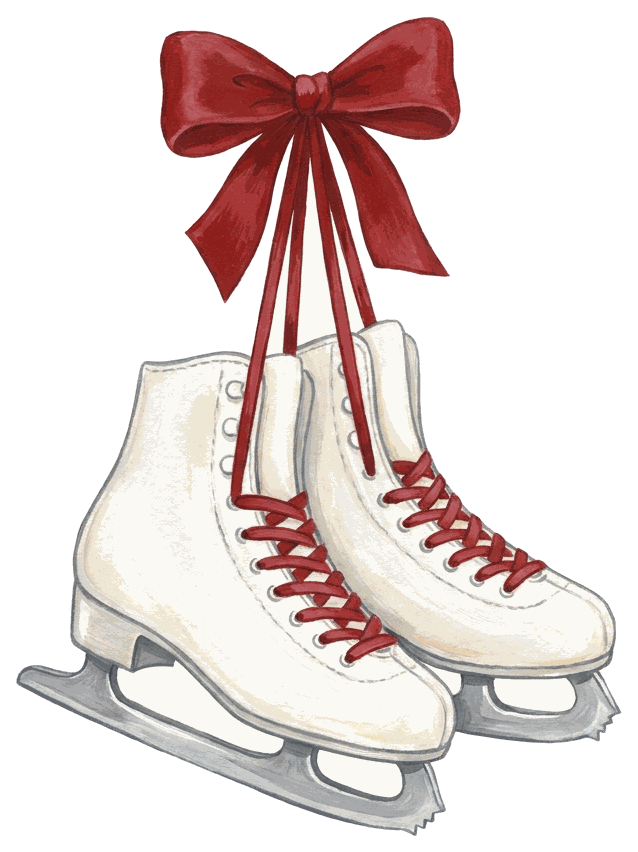
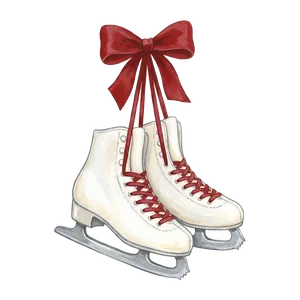 Ice skates Download PNG
Toys and old-fashioned things
-
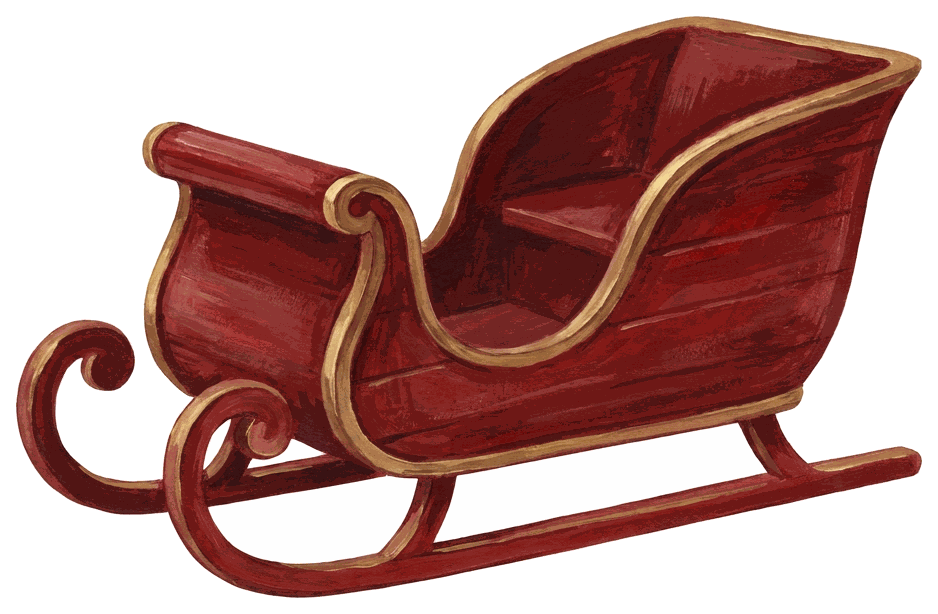
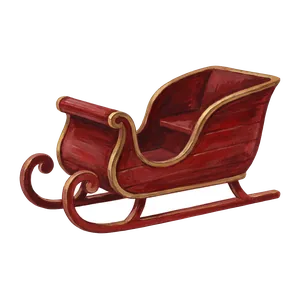 Sleigh Download PNG
-
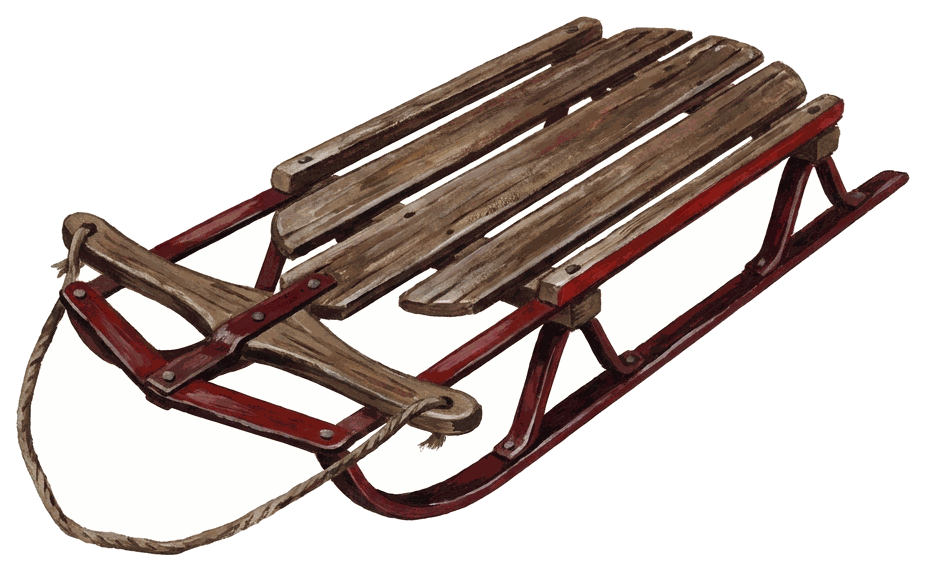
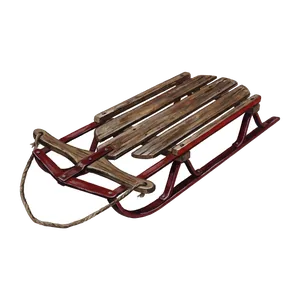 Wooden sled Download PNG
-
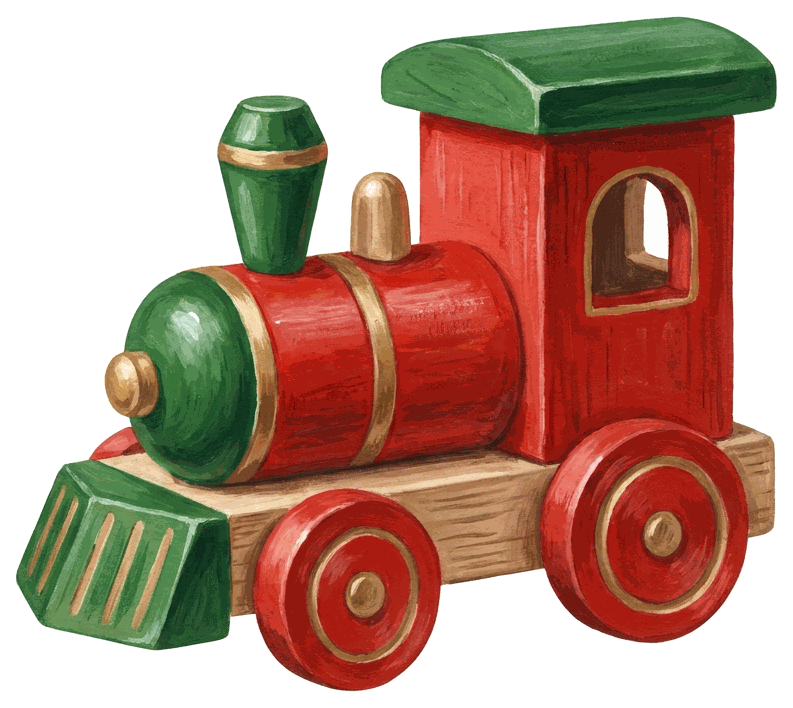
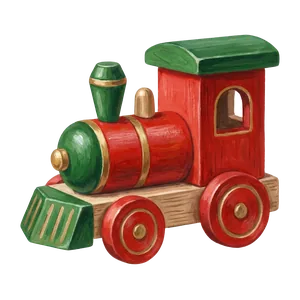 Toy train Download PNG
-
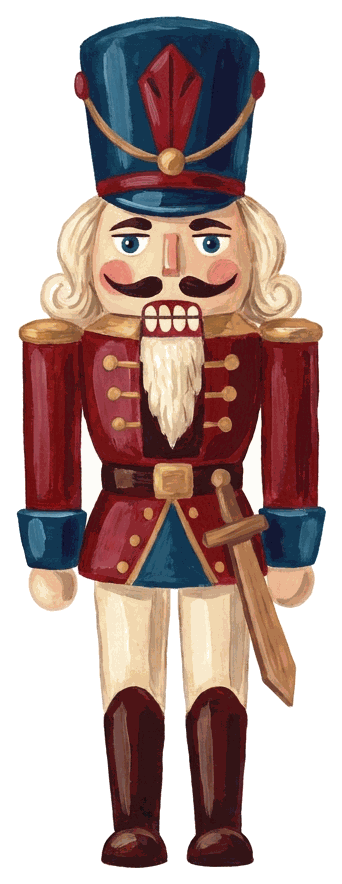
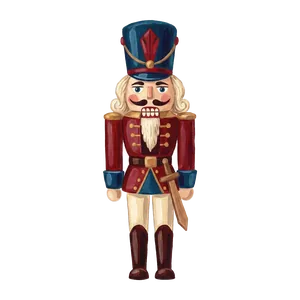 Nutcracker Download PNG
Lettering
-
 Merry Christmas Download PNG
-
 Happy Holidays Download PNG
-
 Season's Greetings Download PNG
-
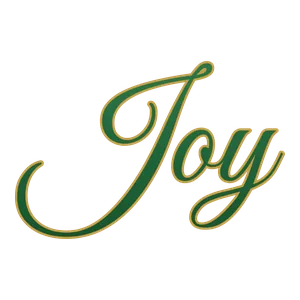 Joy Download PNG




The gray checkerboard behind the previews is only there to show the transparency; it is not in the files. Objects are 550 to 950 pixels on the long side, and the two long borders are about 1,350 pixels wide, enough for a phone photo or a 1080-pixel post.
What you can do with this clipart
Short version: use it on anything you make, don't sell the clipart itself.
Pair your clipart with Merry Christmas image designs or add Christmas wishes for photos. For a personal finishing touch, choose from Christmas card message ideas for greetings that fit every photo.
| Fine | Not fine |
|---|---|
| Christmas photos, Stories, Reels, TikToks, profile pictures | Reposting the PNGs as a free or paid clipart pack |
| School flyers, church bulletins, office party invites | Uploading them to print-on-demand stores as your own designs |
| Posts on business or creator accounts | Claiming you drew them |
| Printed cards, tags, scrapbooks and classroom crafts | Using them in a logo or trademark |
No credit is needed, though a link back to this page is kind.
Put clipart on a Christmas photo
Clipart on a photo looks good when it frames the people instead of covering them. Three placements that rarely go wrong: a garland or string of lights running along the top edge, a holly corner in one corner only, and a small lettering piece in the emptiest area (usually the floor or the ceiling). One cardinal on a shoulder is charming. Five objects floating around faces is a mess.
Instagram and Facebook Stories
Open your photo as a Story, tap the sticker icon, choose the Photo sticker and select a clipart PNG from your camera roll. Transparency is kept, so the garland sits on your photo with no box. Drag it to the top edge and pinch until it spans the width. The Photo sticker exists on Android too, though the icon sits in a slightly different spot.
Canva
Upload the PNGs once and they stay in your Uploads tab. Drop your photo on the page, then the clipart. The free plan keeps uploaded transparency. Canva's own Background Remover is a paid feature, which is exactly why these files come already cut out.
Google Docs and Slides
Insert the PNG with Insert, Image, Upload from computer. Click it and pick In front of text (or Behind text for a faint watermark). These positions do not work in pageless documents; switch to Pages under File, Page setup first. In Slides, every image floats freely, so a garland across the top of a family-photo slide takes ten seconds.
Making clipart look like it belongs in the photo
- Match the light. A painted candle looks odd on a cold blue snow photo. Use the warm pieces (candle, lantern, lights, poinsettia) on indoor photos with tree light, and the cool ones (snowflakes, polar bear, skates) on outdoor shots.
- Keep sizes believable. The star cookie should not be bigger than a child's head unless the joke is that it is.
- Lower the opacity of the snowflake cluster to around 70 percent so it reads as falling snow, not stickers.
- Add a soft shadow under objects that "sit" on something (gifts on the floor, a sled in the snow). Most editors call it Shadow or Drop shadow; keep it faint.
- Crop the photo before adding clipart. Cropping afterwards can cut a garland in half.
If you want character pieces instead (Santa hats, antlers, elf ears, a red nose for the dog), our Christmas stickers set has 24 of those. Frames with a photo window are on the Christmas photo frames page, and edits like fake snow and warm color are in the Christmas photo editor guide.
Clipart ideas for social posts
A few combinations that work well on feeds in December:
- "Merry Christmas" lettering plus the garland swag on a 1080 x 1350 family photo. Simple, readable at thumbnail size.
- The blank ribbon banner with your own text typed on top (a shop's holiday hours, a party date, "Dinner at 6").
- A Reel cover: one clipart object large in the corner, a short title in a bold font. Covers that use the same object every week build a little series.
- Countdown posts: one clipart object per day for the 12 days before Christmas. Thirty pieces gives you spares.
- A pet photo with the pom-pom hat placed on the dog's head. It's not a perfect fit, which is what makes it funny.
Adding your own words? Free Christmas fonts lists typefaces that stay readable on a busy photo.
Printing the clipart
The print sheet PDF lays out all 30 pieces on five US Letter pages, six per page, at about 3 inches across. Print at 100 percent (or Fit to page on A4) on cardstock for tags and card toppers, or on matte sticker paper and cut around the shapes with scissors. Colors print a little darker than they look on screen; the gold bow and lettering come out closer to mustard on a basic inkjet.
How the clipart was made
Each object started as a written description from our team and was painted by an AI image model in one shared gouache style, on a flat white background. We cut every piece out ourselves, kept soft edges where the paint is soft, checked each PNG on dark and light backgrounds at full size, and redid the ones that came back with stray marks or a white halo. The lettering is not AI: it was set by hand in open-license fonts so the spelling is right. There are no brand characters in the set.
PiXmas has web tools for stickers and frames on your own photos at picsmas.com, and PiXmas for iPhone returns to the App Store shortly.