Merry Christmas images 2027: 20 free designs with room for your photo
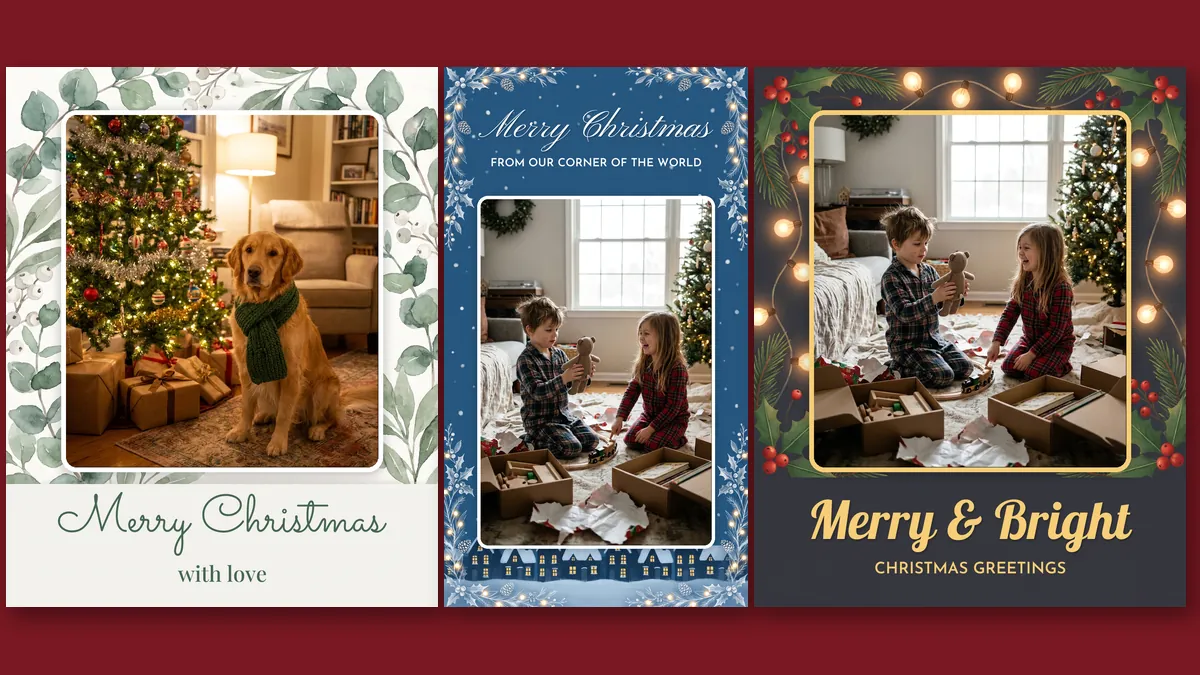
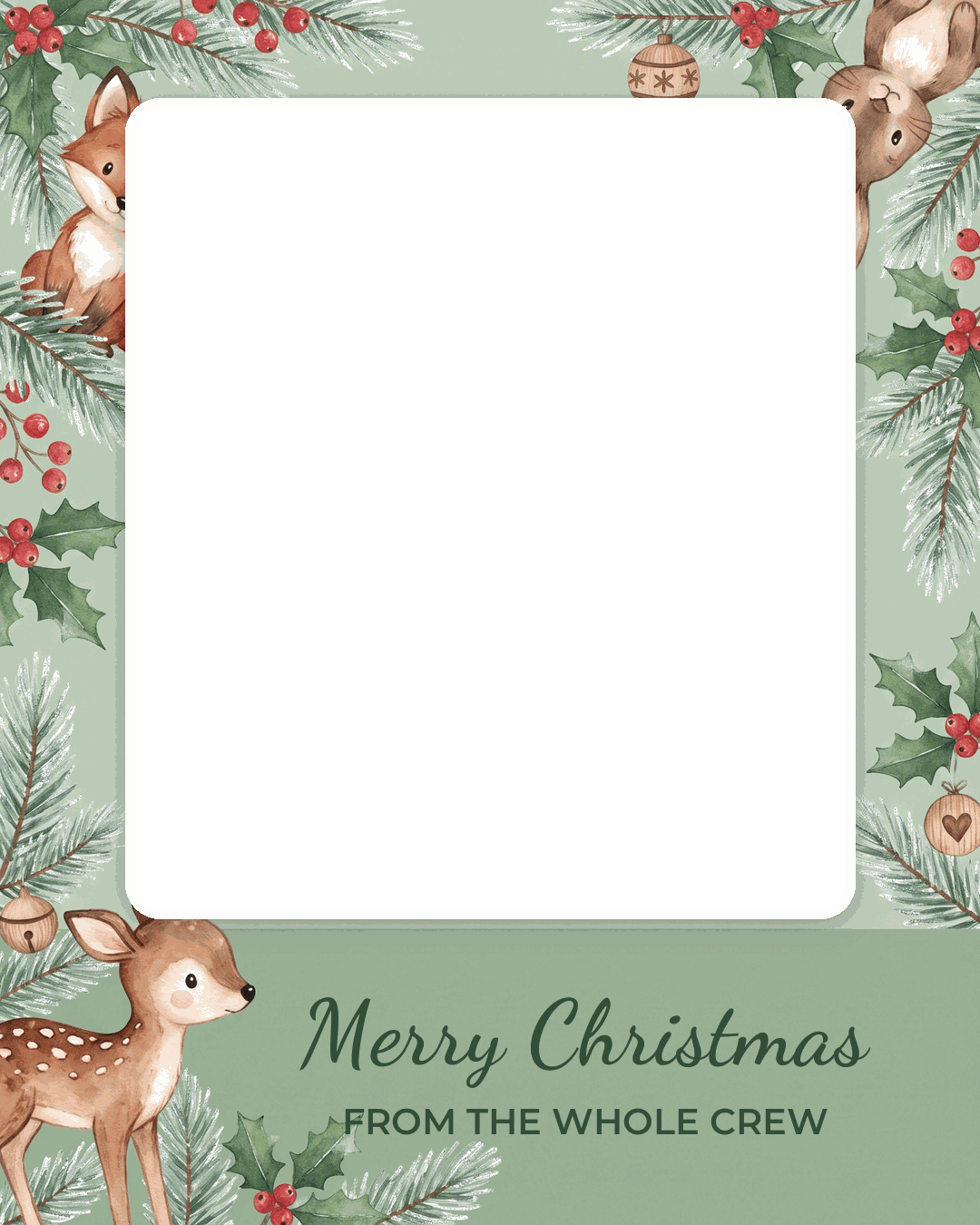
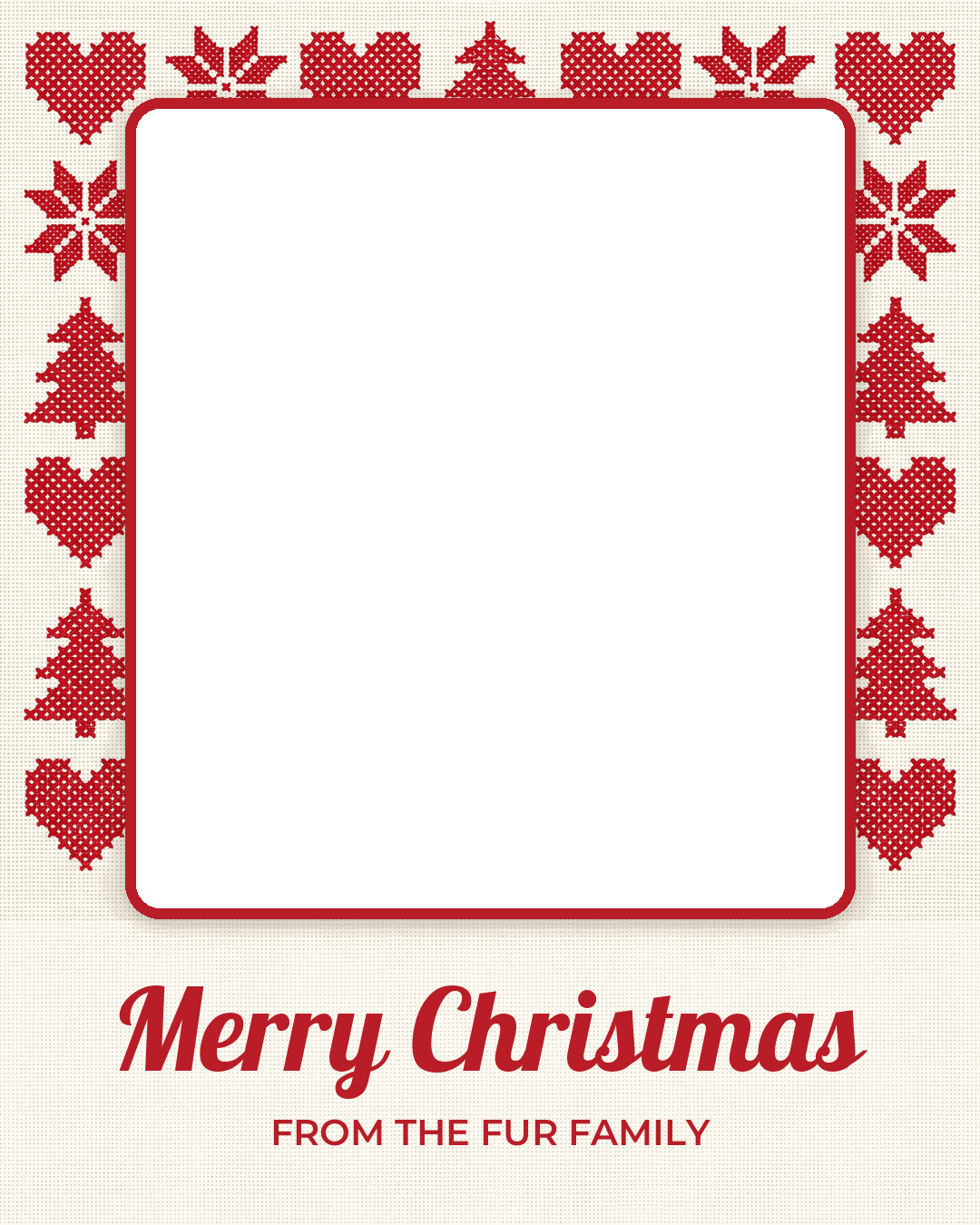
Here are 20 free Merry Christmas images, each with a see-through window where your own photo goes: 12 in the 1080 x 1350 Instagram feed size and 8 in the 1080 x 1920 story size. Put a family, baby or pet picture behind the window in Canva, Google Slides or Instagram Stories, then send the finished image by text or WhatsApp.
12 feed images (1080 x 1350)
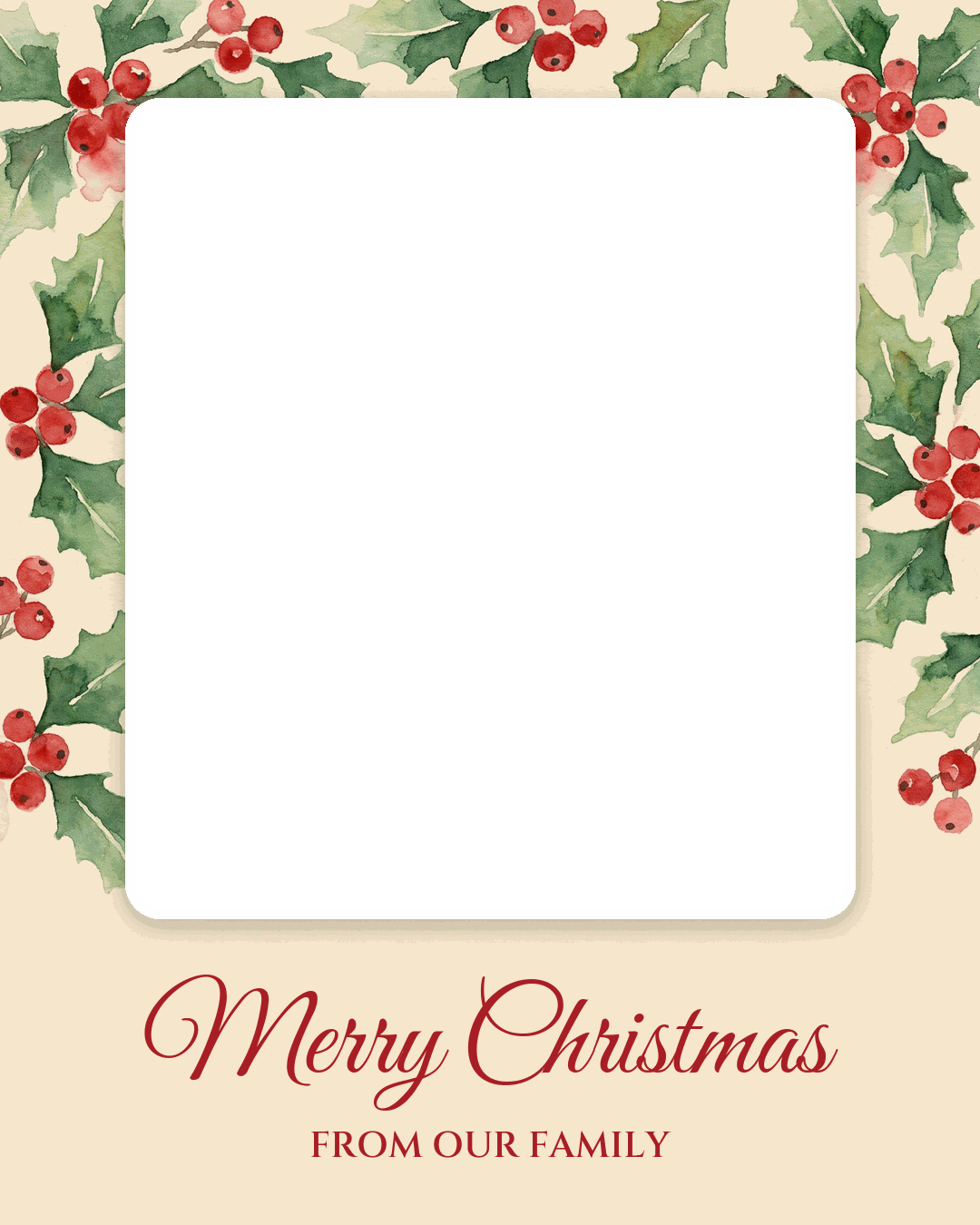
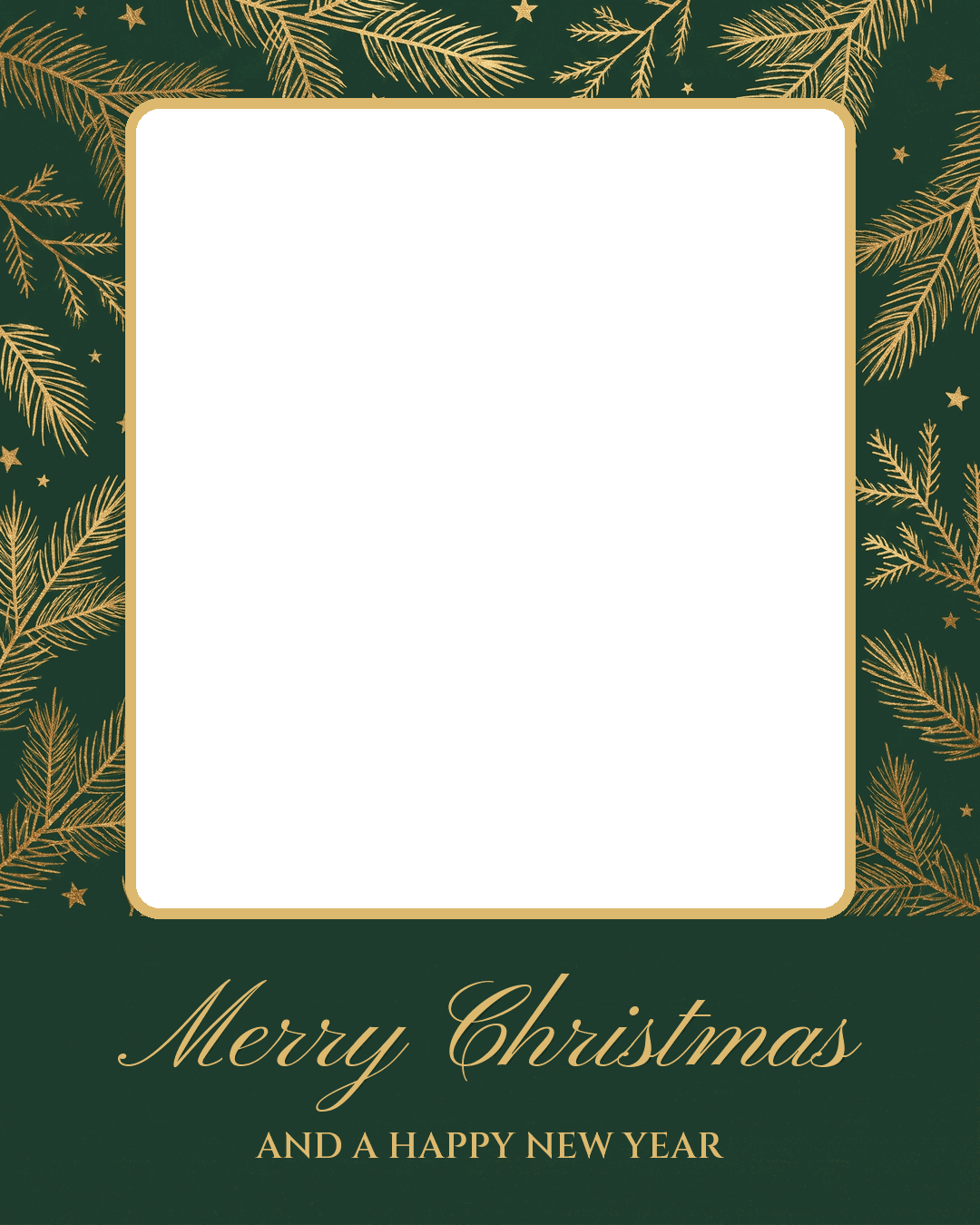
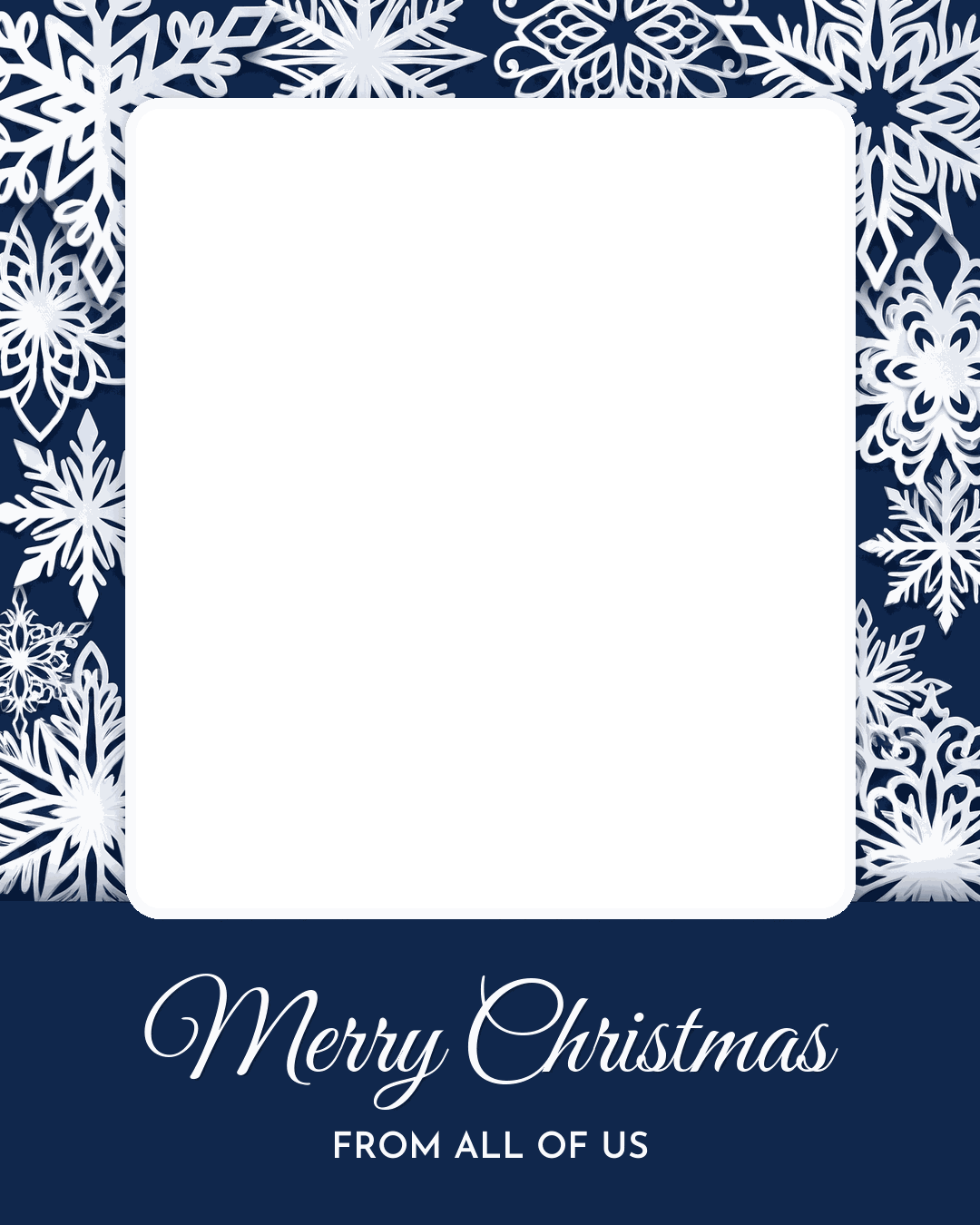
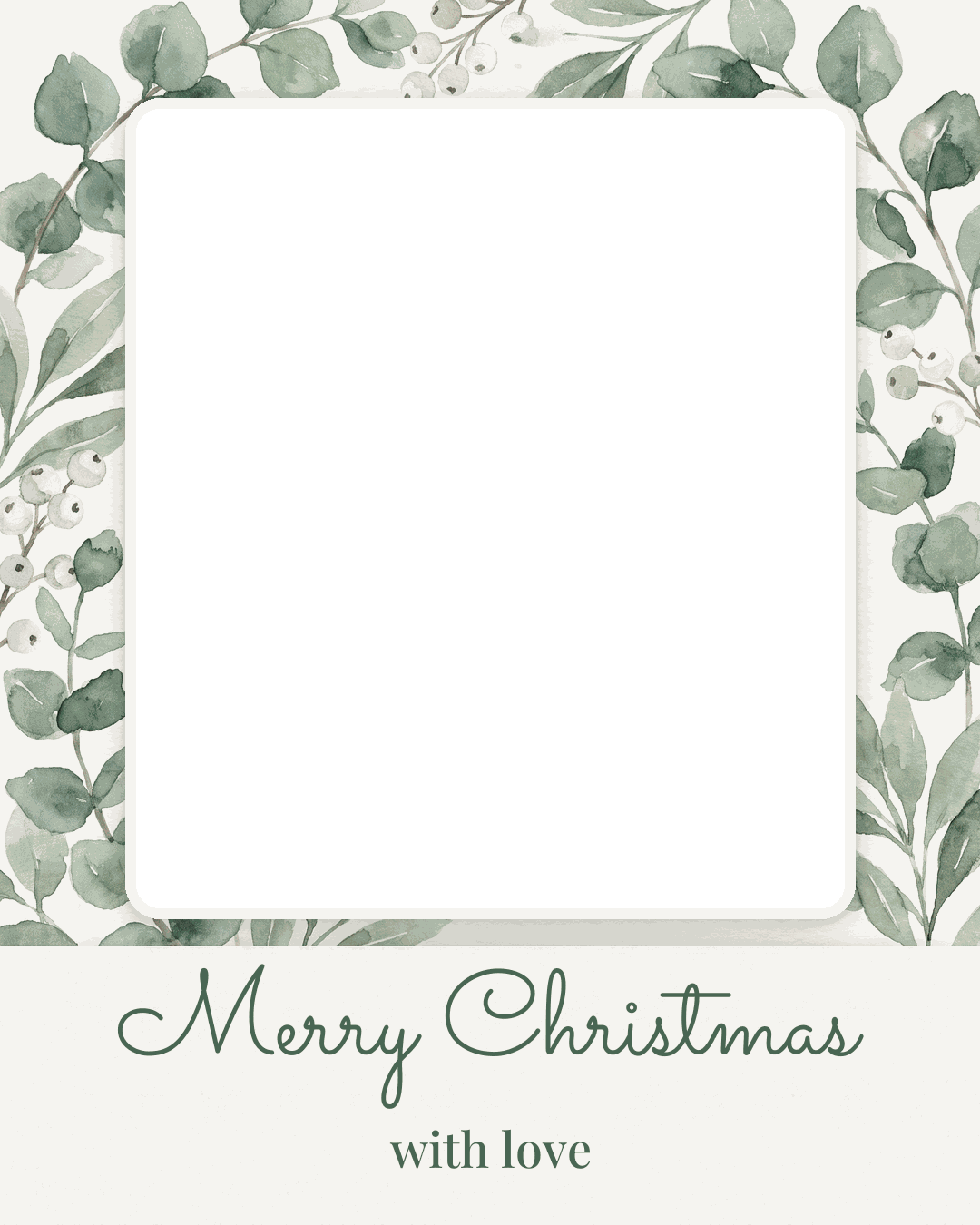
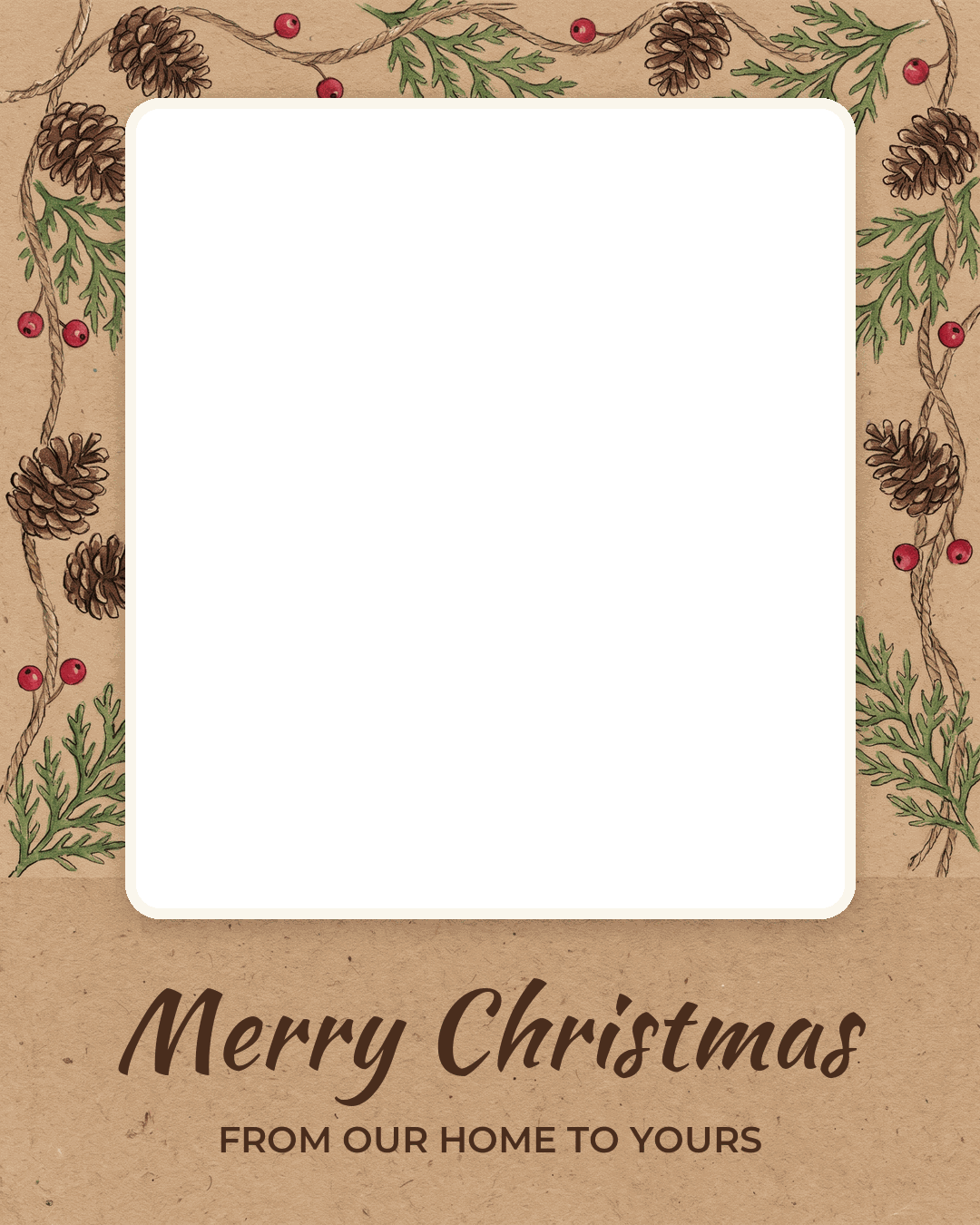
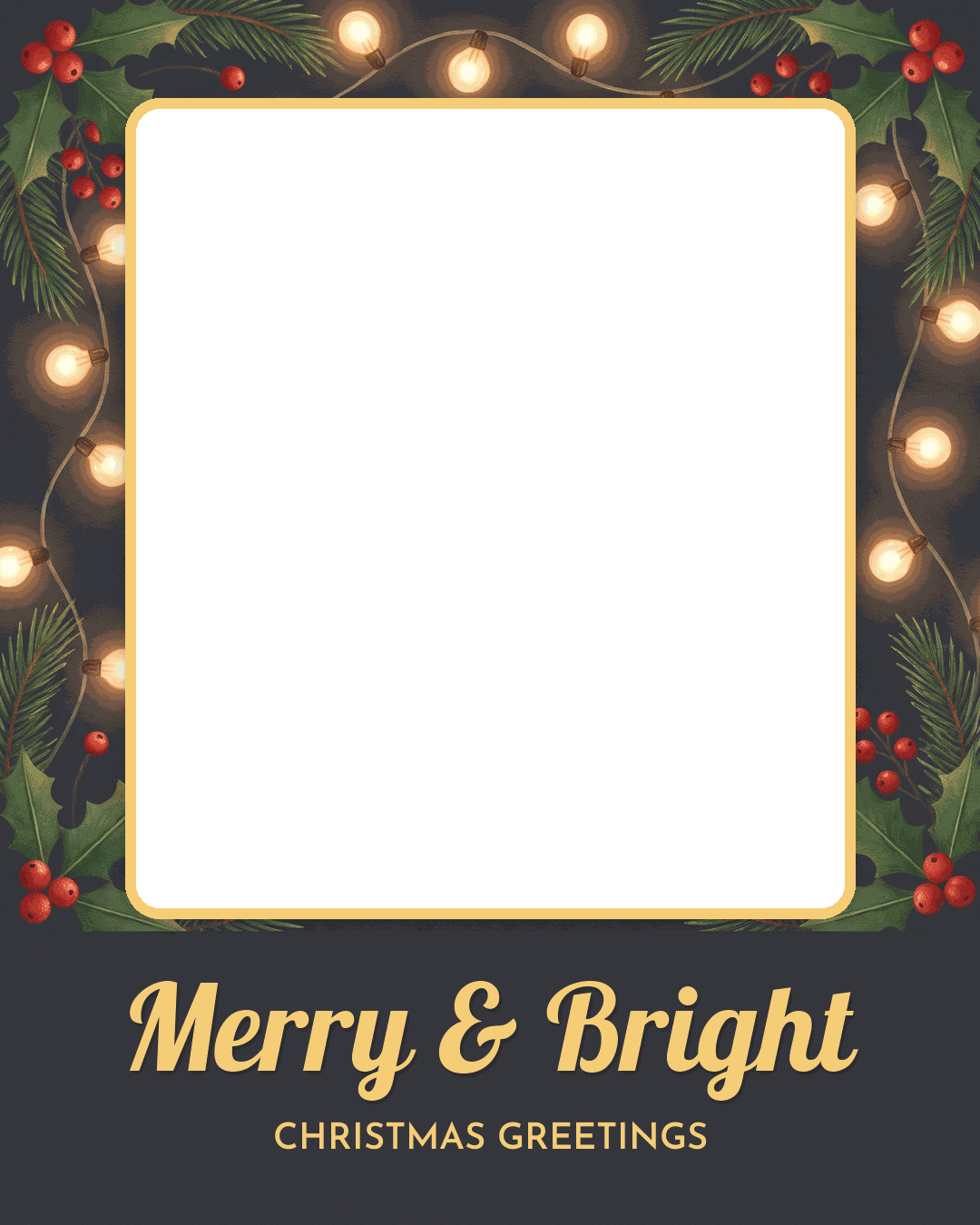
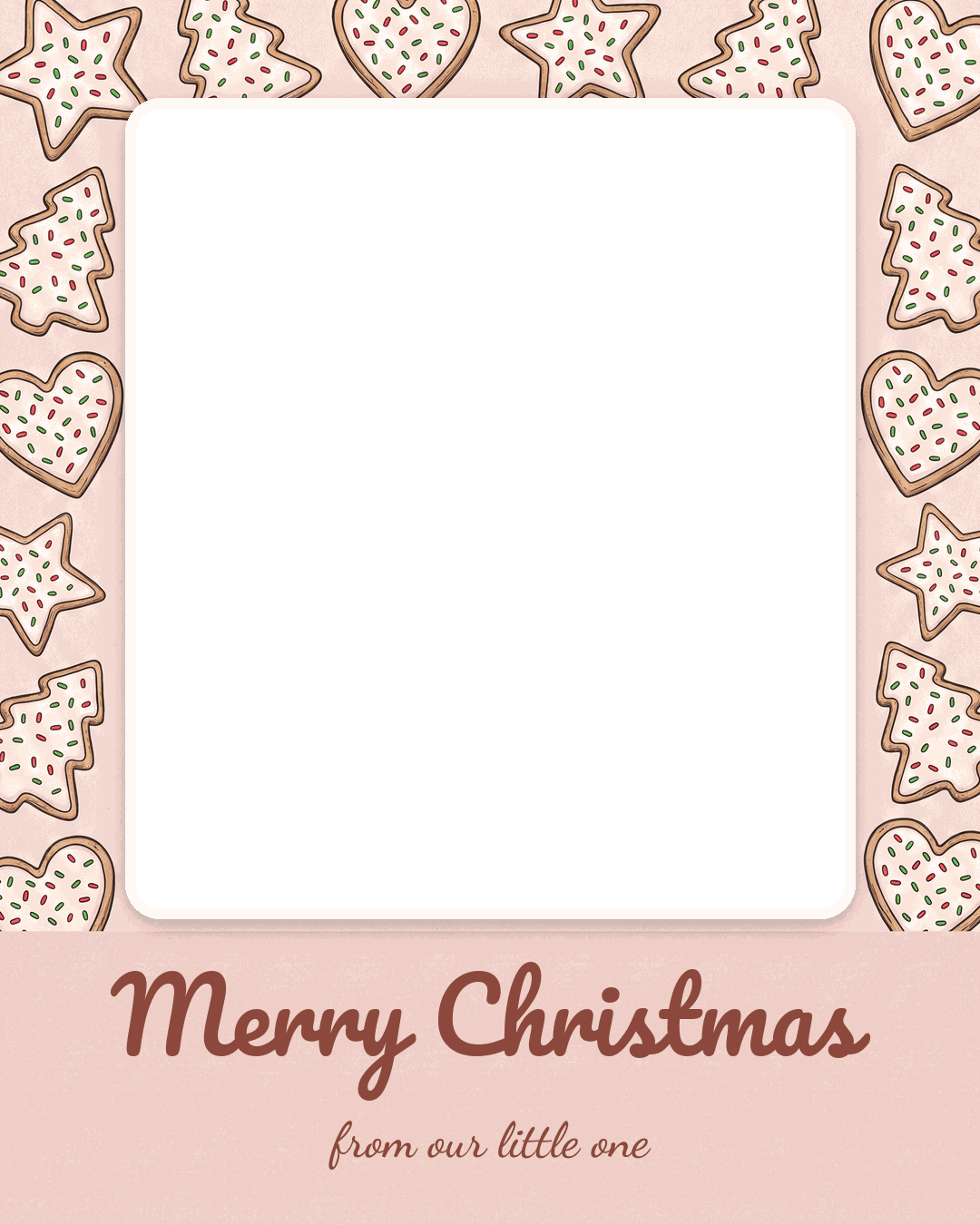
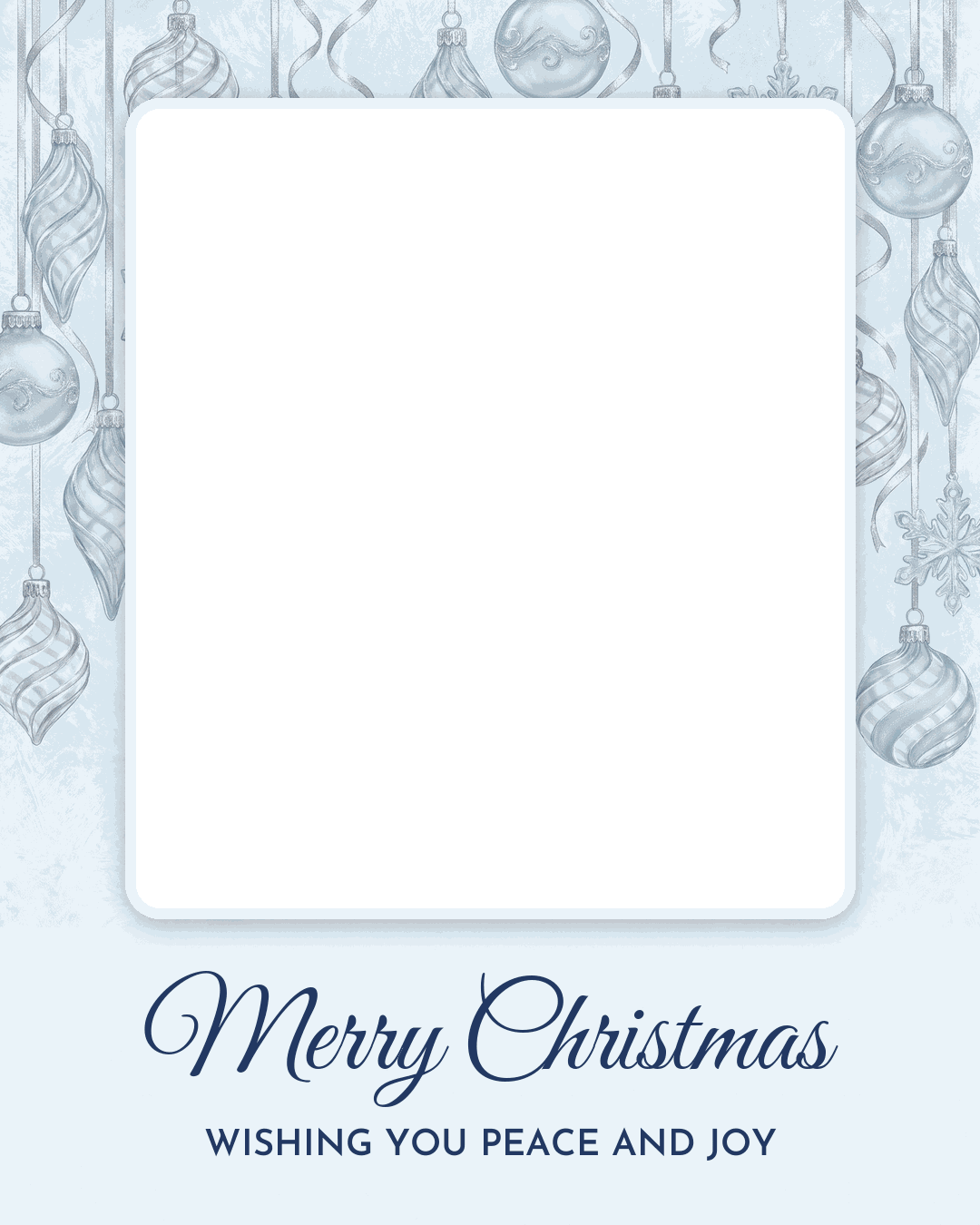
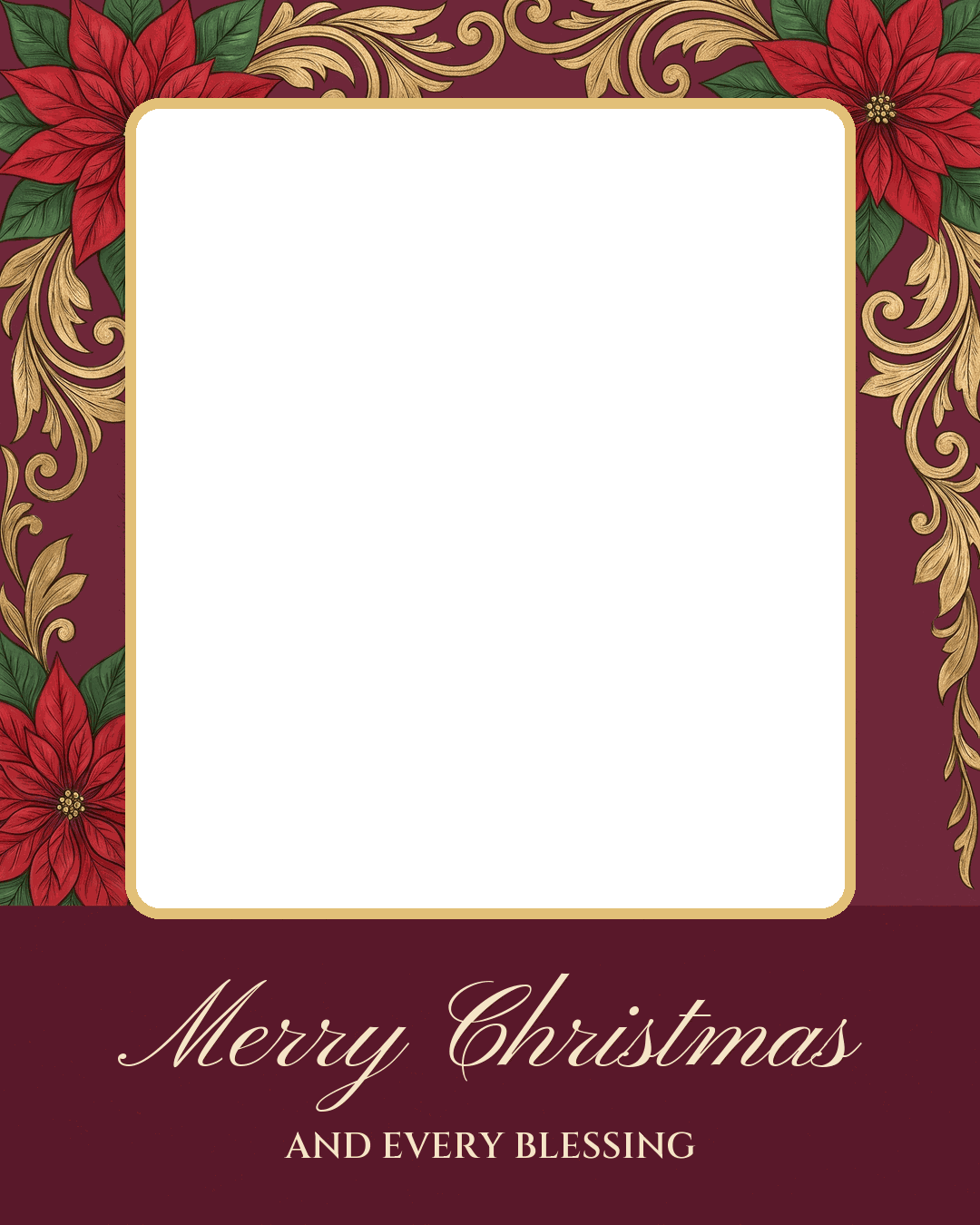
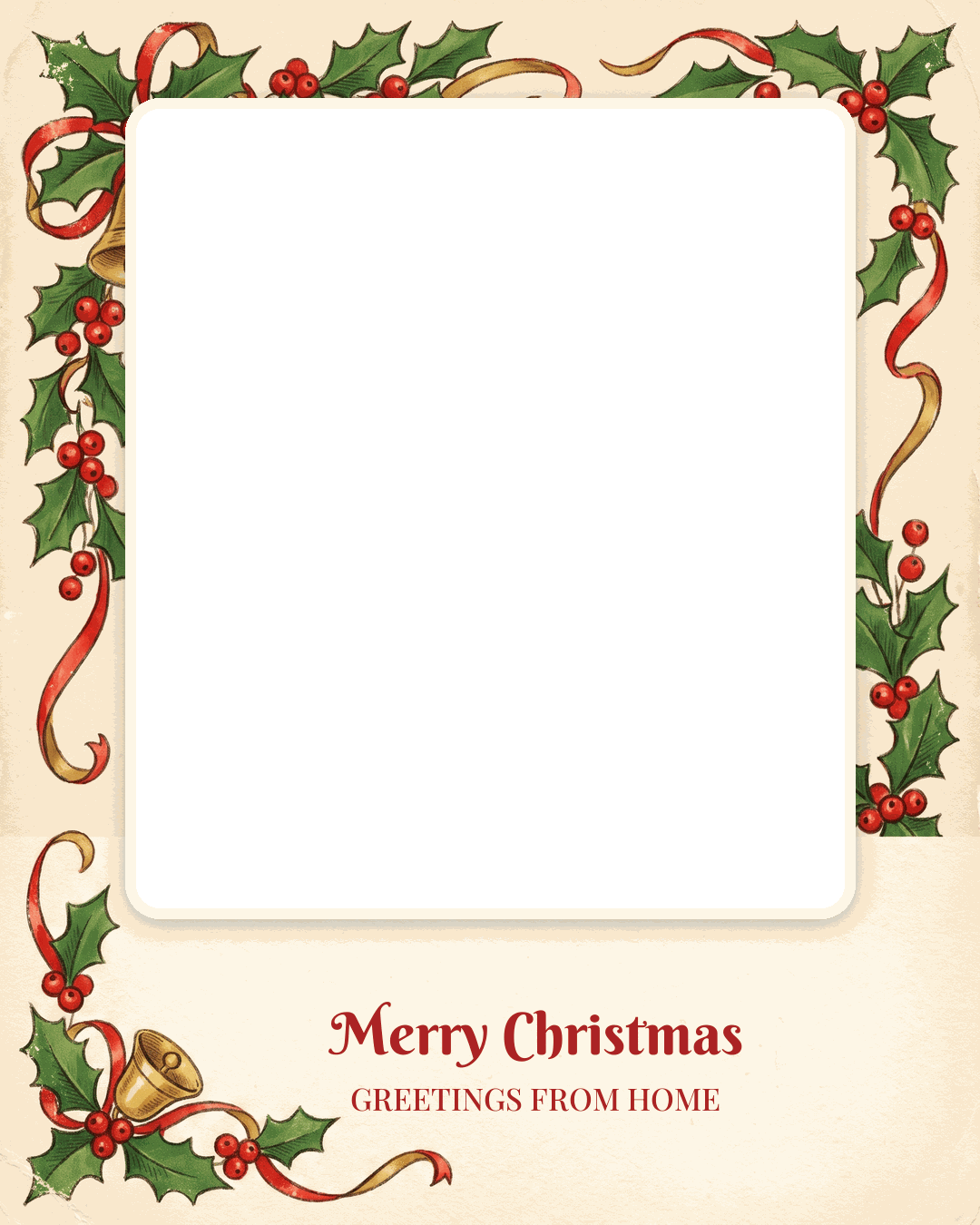
The previews show a sample photo in the window so you can see the effect. The download is the empty template, a PNG with a transparent window.
8 story and status images (1080 x 1920)
These fill a phone screen top to bottom, for Instagram and Facebook Stories, WhatsApp Status, or a full-screen text.
Pair your favorite design with Christmas card message ideas for a personal greeting. You can also decorate your photo with free Christmas clipart PNGs for extra holiday charm.
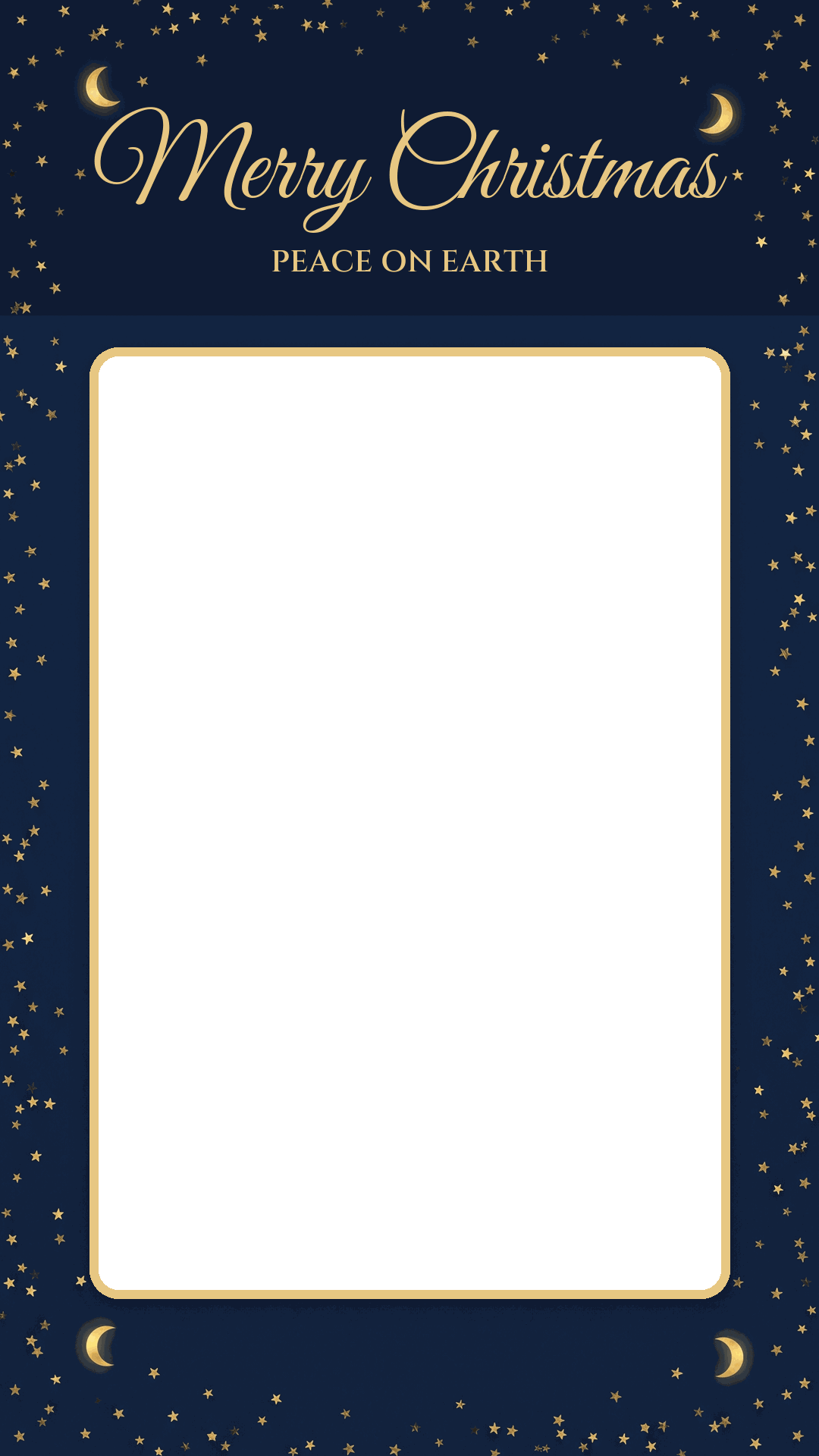
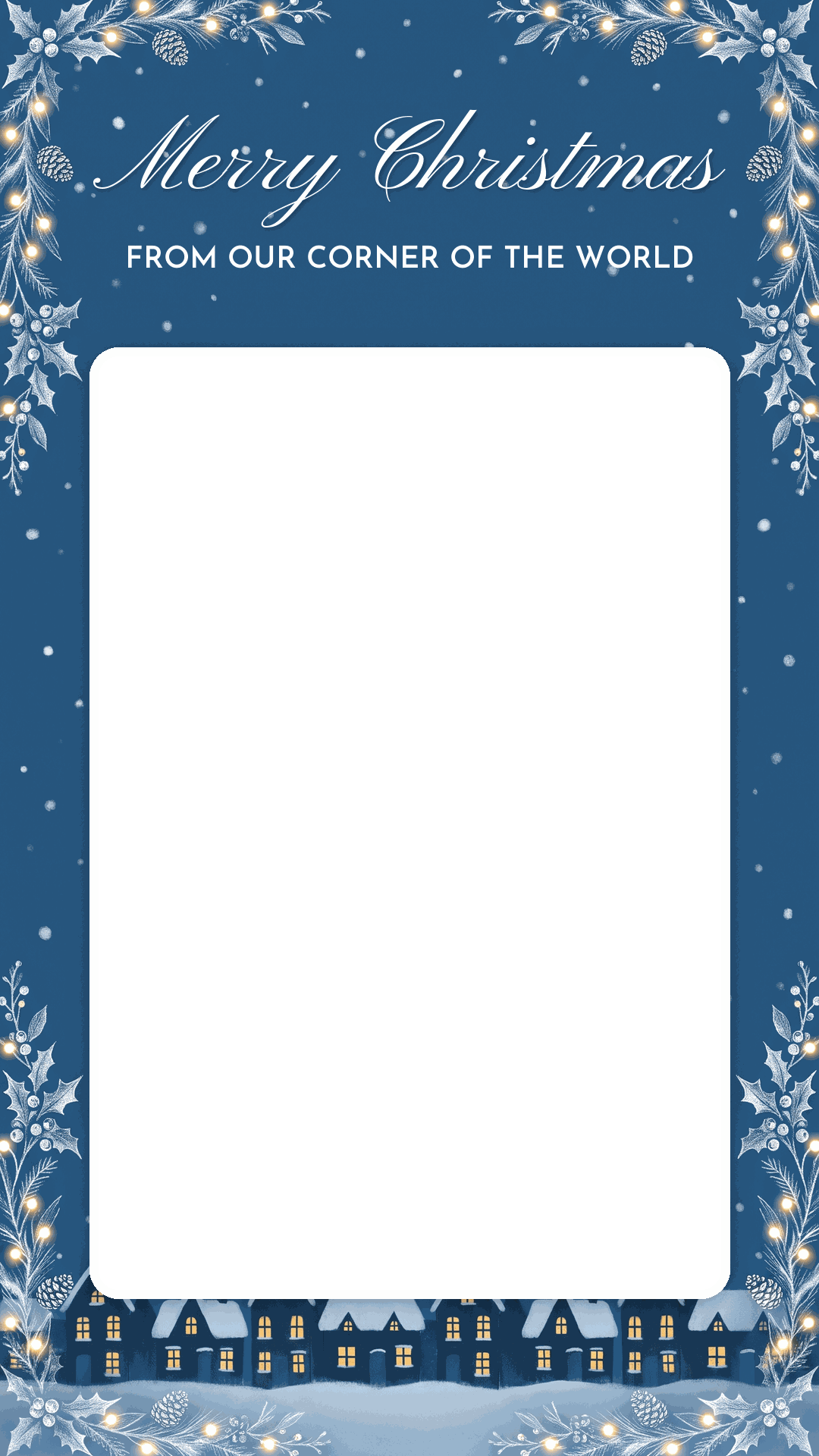
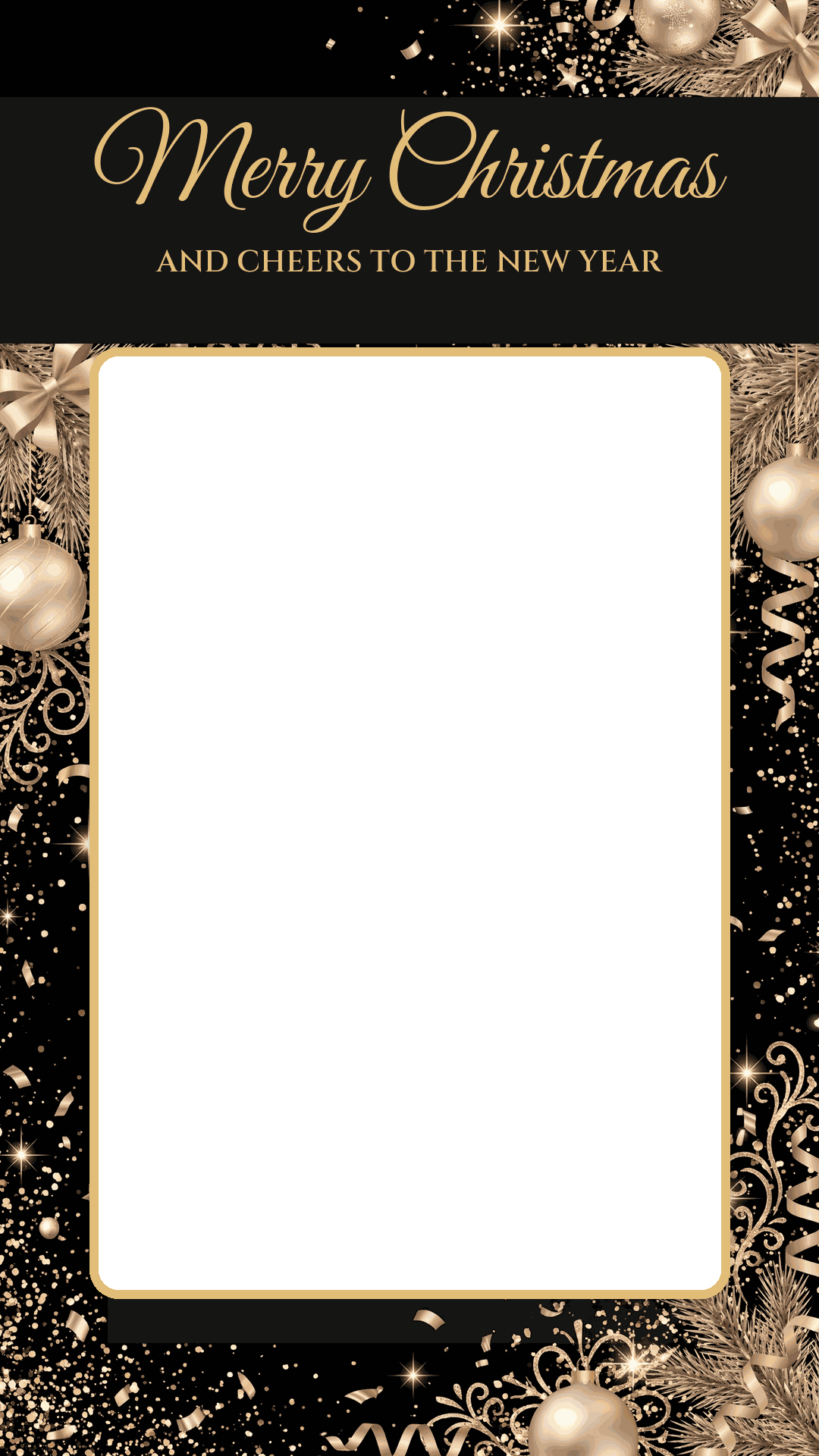
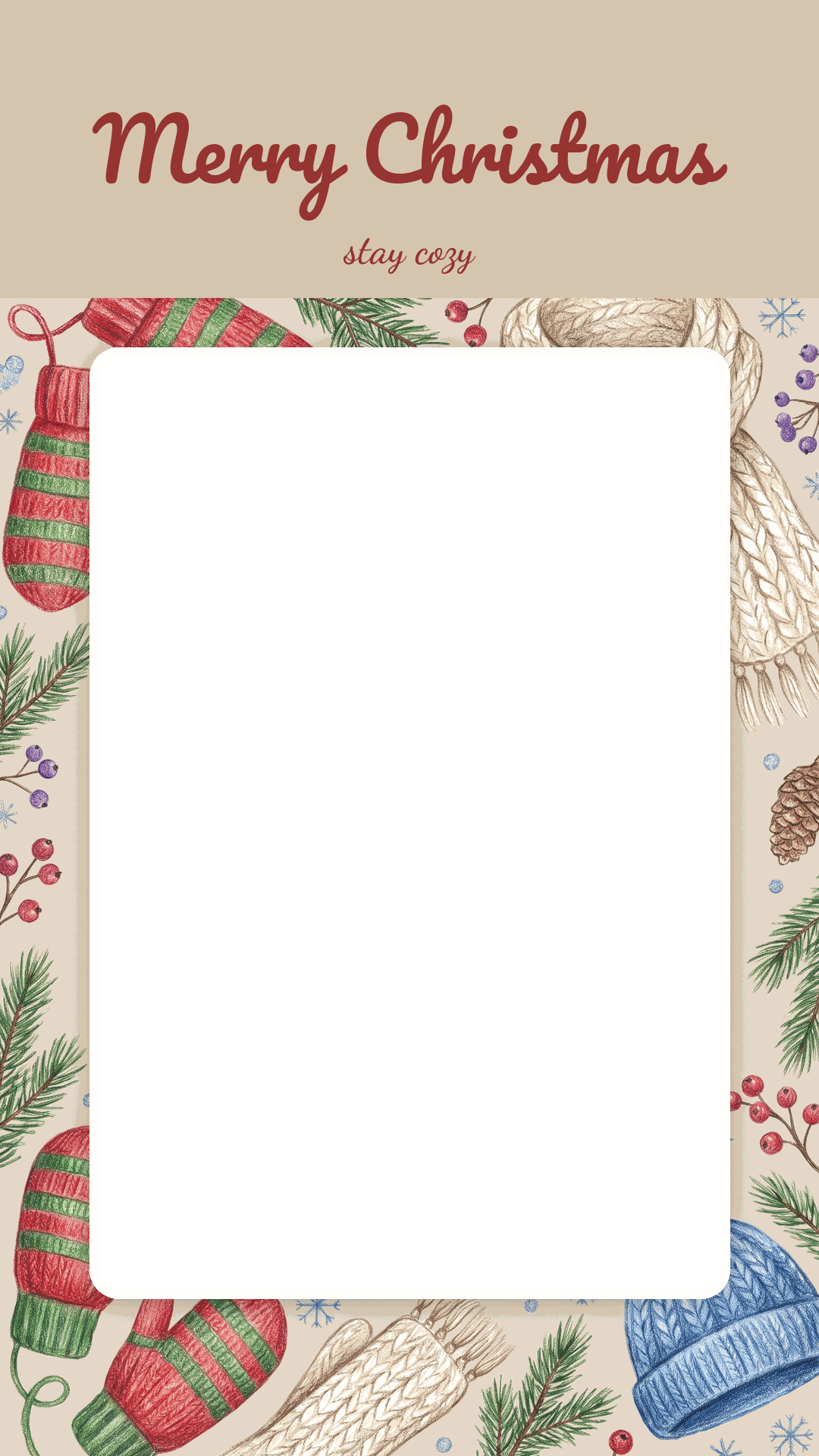
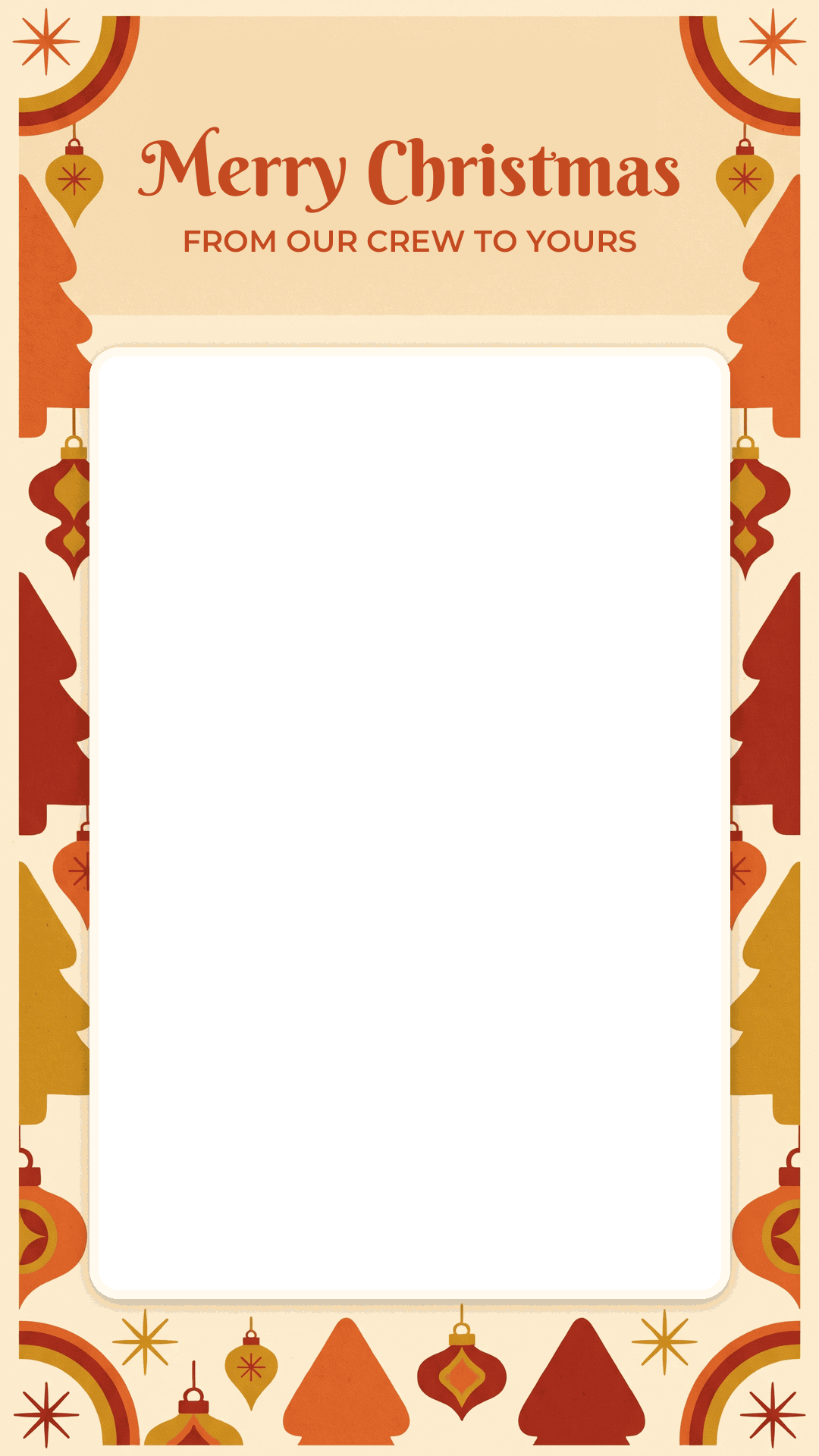
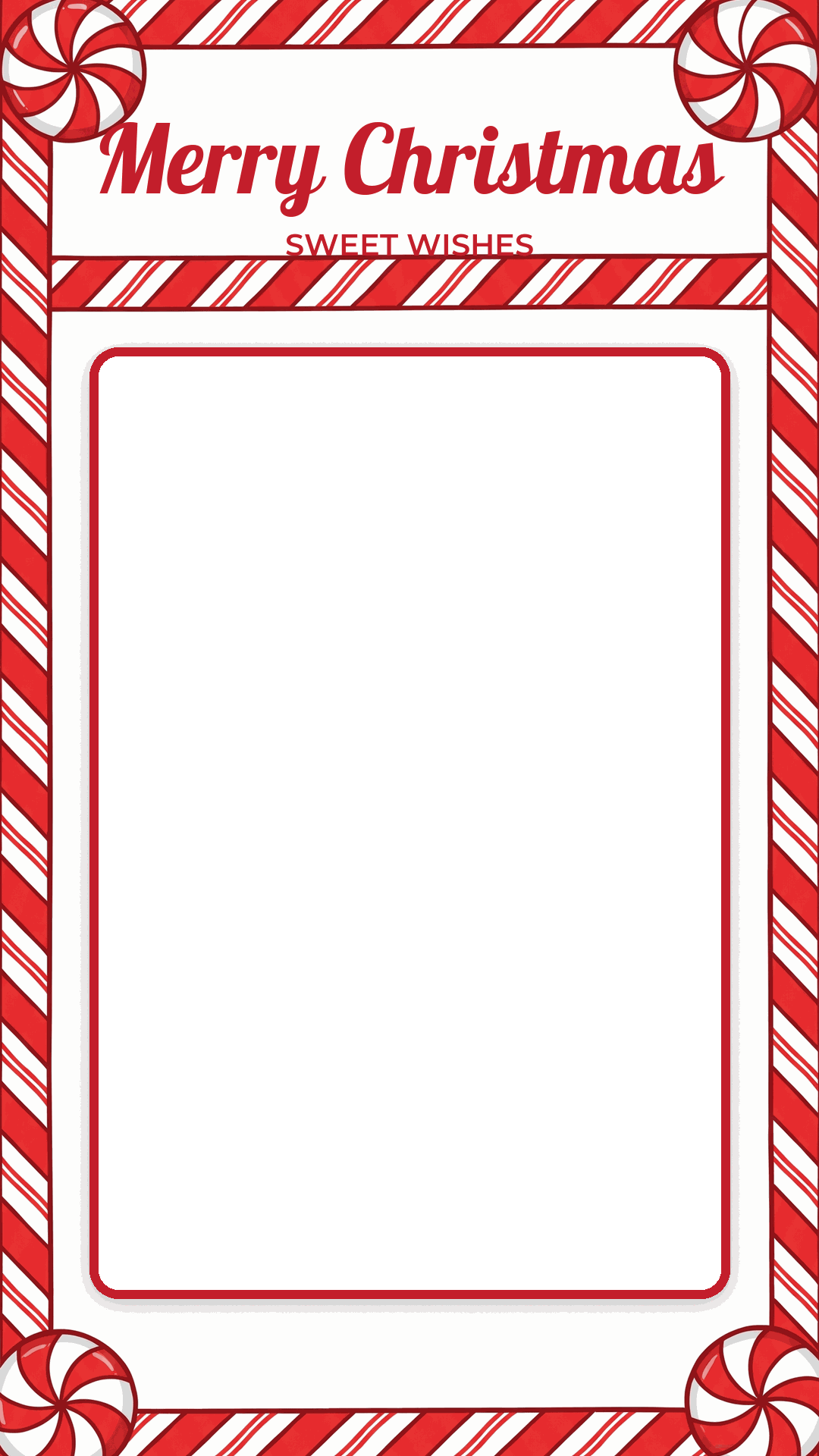
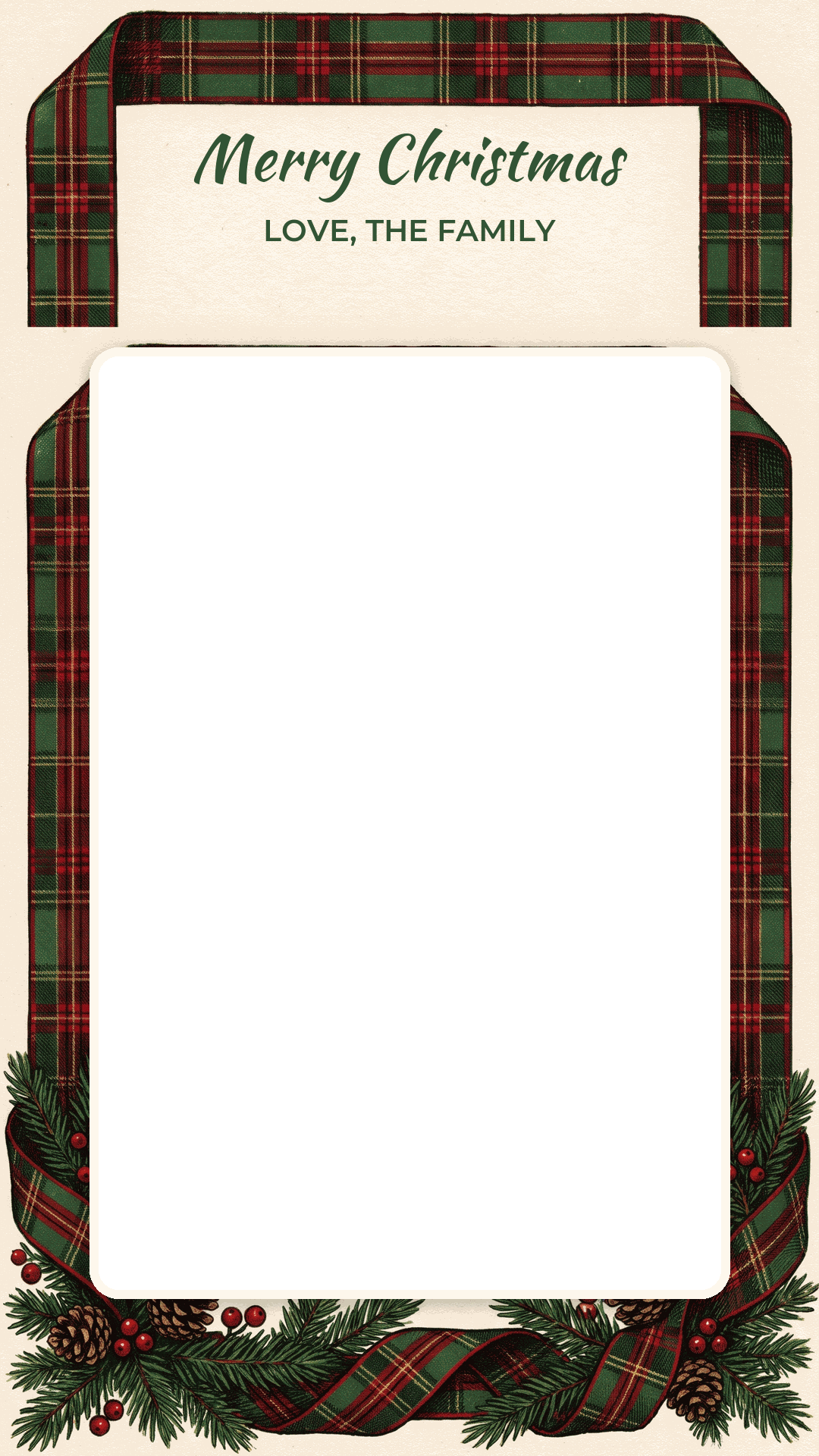
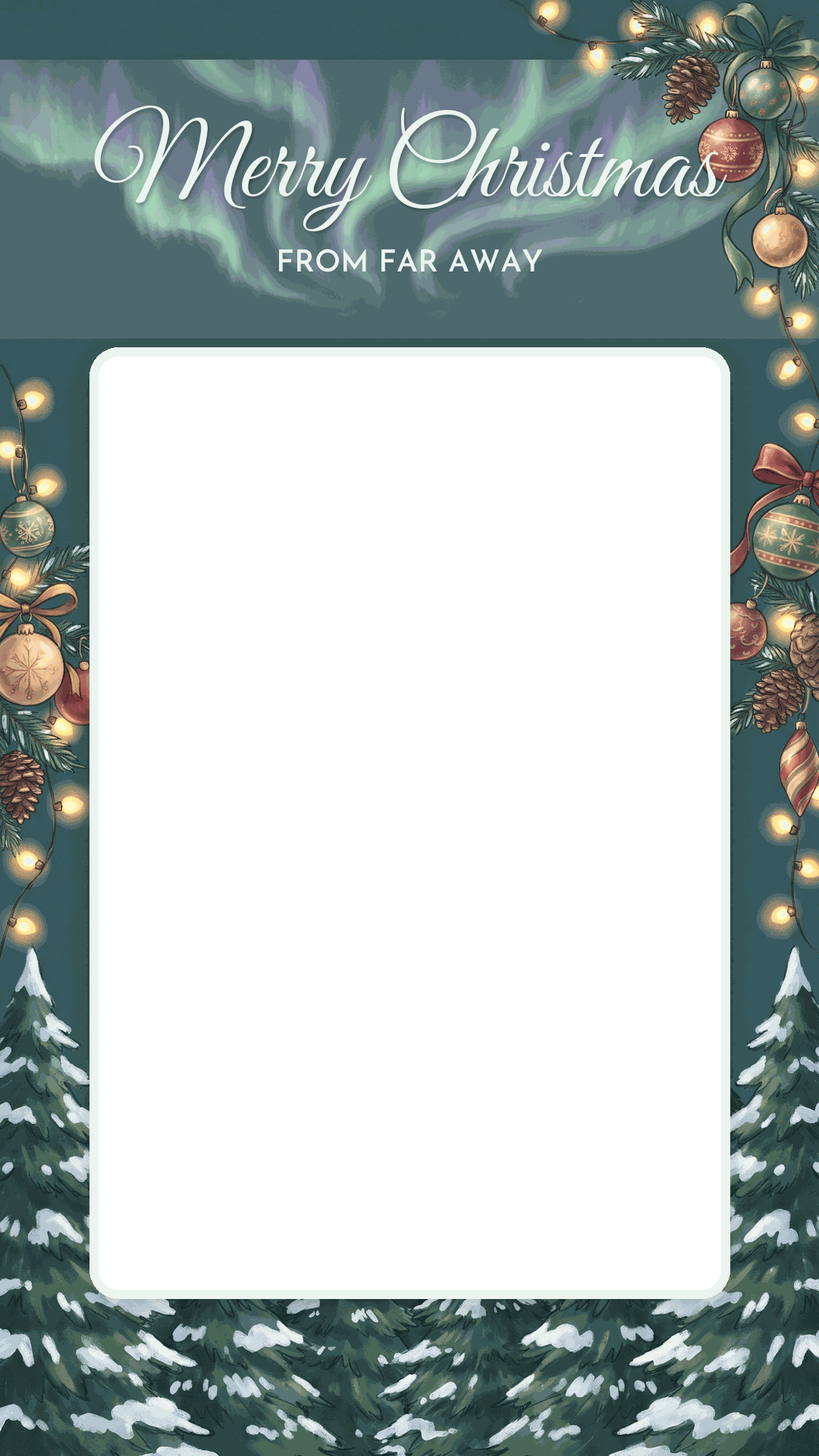
Free for personal greetings. The sample photos in the previews are AI-generated stand-ins, not real families, and they are not in the downloads.
How to put your photo in the window
The trick is layer order: your photo goes underneath, the Merry Christmas image goes on top, and the clear window lets the photo show through. Any app with layers can do it. Three free ways, from quickest to most control:
In Instagram Stories (phone, about a minute)
- Save one of the story-size PNGs to your phone.
- Start a new Story and pick your own photo as the background.
- Tap the sticker icon, choose the Photo sticker, and select the PNG.
- Pinch it until it fills the screen edge to edge. Your photo shows through the window.
- Post it, or save it to your camera roll from the three-dot menu and send it anywhere.
Moving your photo underneath is fiddly once the sticker is on top, so frame the photo first. If a white box appears instead of a window, the file was saved as a JPG somewhere along the way; download the PNG again.
In Canva (phone or computer)
Create a custom design at 1080 x 1350 (or 1080 x 1920 for stories). Upload your photo and the PNG. Add the photo first and stretch it to cover the page, then add the PNG and stretch it to the exact page size. Tap the photo, use Position and choose Backward if it jumps on top. The free plan keeps a PNG's transparency, so this works without paying for anything.
In Google Slides (computer)
Set a custom page size under File, Page setup (1080 x 1350 pixels), insert your photo, then insert the PNG and right-click it to choose Order, Bring to front. Download the slide as a PNG or JPEG. Slides is good for families with a shared Google account: one person builds it, everyone can tweak the photo.
Which photo works in which design
The windows are 4:5 on the feed images and slightly taller on the story ones. A vertical phone photo fits both with very little cropping. A wide group shot from across the room does not; faces end up tiny and the cousins on the ends get cut.
| Your photo | Designs that suit it |
|---|---|
| Whole family on the sofa or by the tree | Watercolor holly, papercut snowflakes, kraft and pinecones, tartan ribbon |
| Baby or toddler | Sugar cookies ("from our little one"), mittens and knits |
| Dog or cat | Nordic folk art ("from the fur family"), woodland friends |
| Couple or just you | Eucalyptus, string lights, gold confetti, starry night |
| Big group, cousins, friends | Woodland friends ("from the whole crew"), retro seventies |
| Someone far away this year | Northern lights ("from far away"), snowy village |
Dark designs (navy, burgundy, black, charcoal) flatter photos taken at night with tree lights in them. Pale ones (cream, blush, ice blue) suit daylight photos. If your picture is shot under yellow lamps, the cream and kraft designs hide the warm cast better than the cool blue one.
Getting the photo right first
A greeting image is small on a phone, so the photo needs to read at thumb size. Faces should take up a good share of the window. Shoot vertical. Turn on the tree lights, turn off the overhead light, and stand the family near a window during the day; the tree still glows a little and faces are not orange. Our guide to photo Christmas cards goes deeper on lighting, poses and cropping.
No good photo this year? PiXmas turns one ordinary photo into Christmas portraits. PiXmas for iPhone is on the App Store, and the web version is available at picsmas.com. In the meantime, a photo from last summer with a Santa hat from our free Christmas stickers does the job surprisingly well.
Sending it by text, WhatsApp or social
- WhatsApp shrinks standard photos to roughly 1,600 pixels on the long side, which is more than these 1080-wide images need. Tap HD in the preview if the photo has a lot of small faces. Sending it as a Document keeps every pixel but shows up as a file, not a picture, so most people should skip that.
- iMessage keeps the image sharp between iPhones. Group texts that mix iPhones and Android phones can compress harder, which is one reason the greeting lettering on these designs is large.
- On Instagram, 1080 x 1350 is still the safest feed size, and 1080 x 1920 is the full-screen Story size (both checked November 2026). Since the 2025 profile change, the grid crops posts to a taller thumbnail, so the left and right edges of a feed image may be trimmed in the grid view only.
- Facebook and Messenger accept both sizes as they are.
Want words to go with it? Our Merry Christmas wishes page has short captions written for photos.
An image, a card, or both?
A Merry Christmas image costs nothing and arrives in seconds, which is why it has mostly replaced the paper card between friends. Still, some people notice the difference. Grandparents, older relatives and anyone who strings cards along the mantel will value paper more. A fair rule: send images to the people you text every week, mail cards to the people you don't.
If you want both, the feed designs print well at 4 x 5 inches. For a proper 5 x 7 card, start from a larger file; Christmas card photo size explains the pixel counts printers expect.
About the lettering and art
The decorative art was generated with an AI image model from briefs by the PiXmas team, with one strict rule: no words in the art. AI models still misspell holiday greetings surprisingly often, so every "Merry Christmas" on these images was set by us afterwards with open-license fonts (Great Vibes, Pinyon Script, Lobster, Playfair Display and a few others from Google Fonts), letter by letter, and checked at full size. The windows were cut by hand to exact sizes, so photos line up the same way every time.