
How to add a Santa hat to a photo (free, 2027)
By PiXmas Editorial Team · Updated November 20, 2026
Download a free transparent Santa hat PNG, open your photo in a tool that can layer one image over another (the iPhone Photos app, Samsung Gallery, Canva or Photopea), then resize and rotate the hat until its white fur band sits just above the eyebrows. Save, and you're done. For live video instead of a still photo, search "Santa hat" in Snapchat Lenses or TikTok Effects.
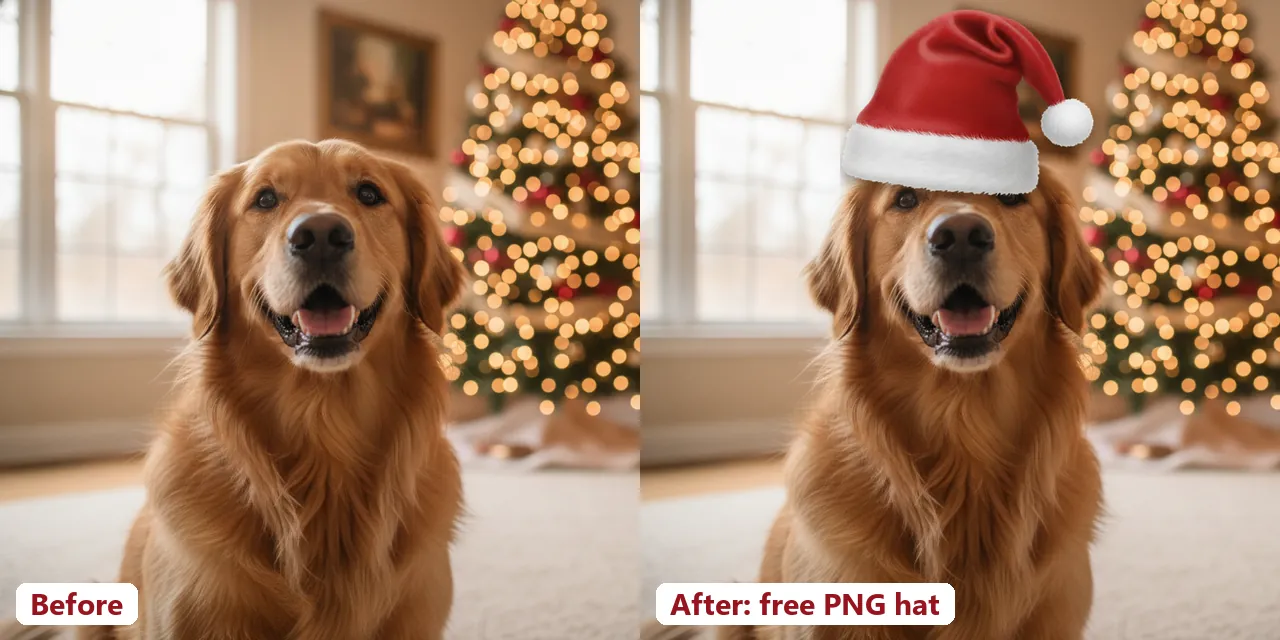
Free Santa hat PNGs
Each file has a transparent background, so only the hat lands on your photo. Three hat angles cover most heads; the beard, elf hat and antlers are there if Santa isn't the look you want. They come from our full set of 24 free Christmas stickers.
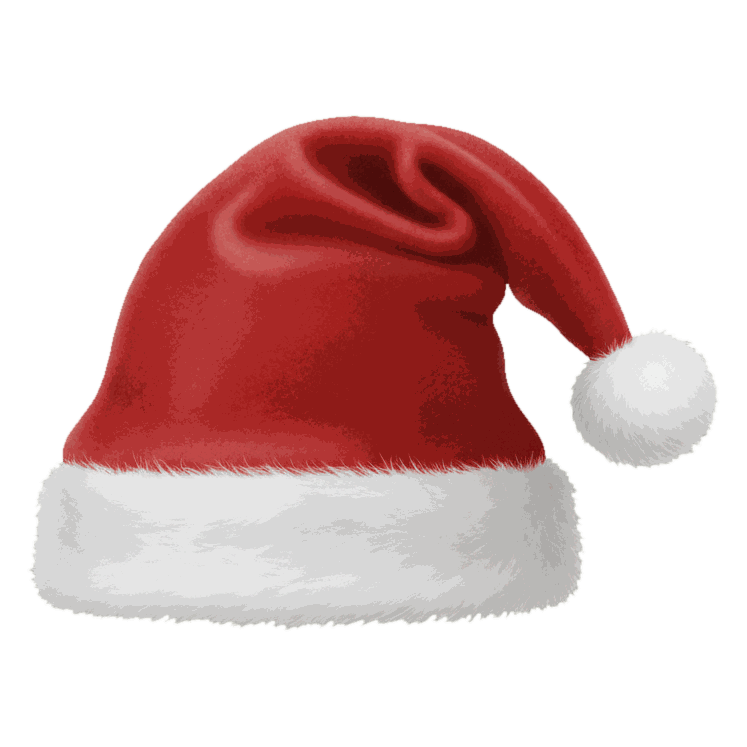


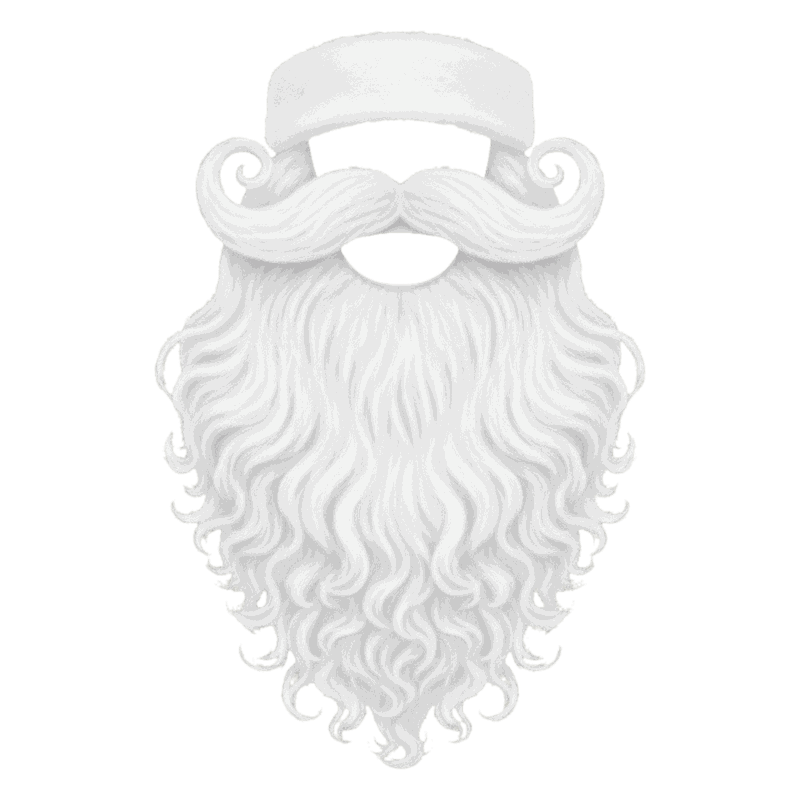
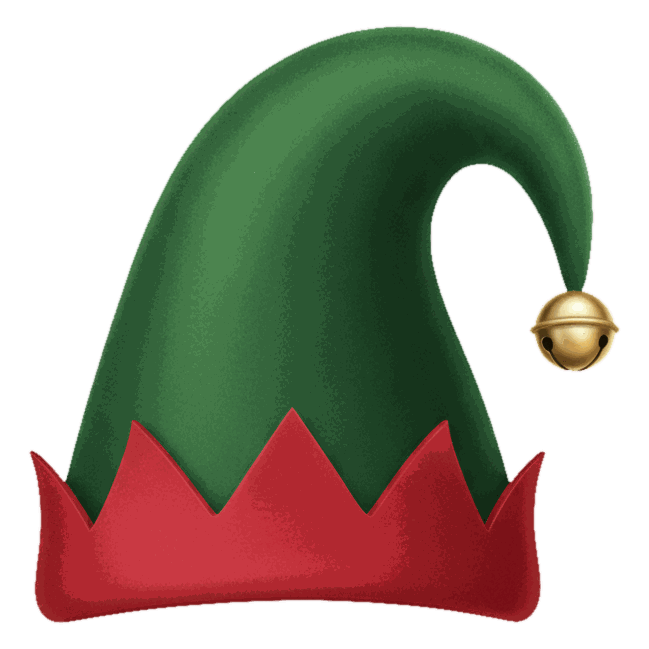
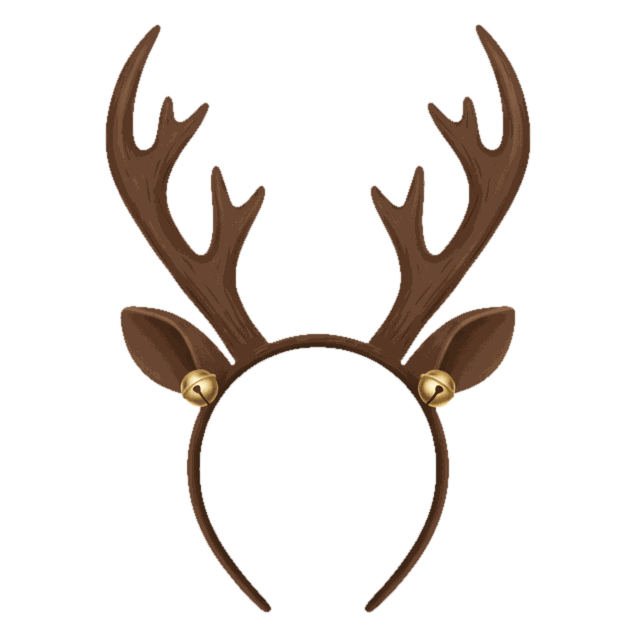
Free for personal photos, cards and posts. Hats are 600 to 800 pixels wide, which is plenty for a phone photo; you'll almost always be shrinking them.
On iPhone: the Photos app, no extra app
iOS 17 added stickers to Markup in Photos, and that's all you need. First you make the hat a sticker (once), then you can put it on any photo.
- Tap Download PNG under a hat. Safari saves it to the Files app, usually in Downloads. Open it there, tap Share, then Save Image or Save to Photos.
- Open the hat in Photos, touch and hold it until it lifts off the background, and tap Add Sticker.
- Open your photo, tap Edit, then the Markup pen icon.
- Tap the plus button, then Add Sticker, and choose the hat.
- Drag the hat onto the head. Pull a corner dot to resize it, and twist with two fingers to rotate.
- Tap Done. Photos keeps the original, so you can revert later.
One limit: Markup stickers can't go behind anything, so the hat always sits on top of hair, ears and any hands near the head. For most portraits that's fine. When someone's hand is up by their forehead, use Photopea (below) and erase the overlap.
On Android
Samsung phones have the most direct route. Open the photo in Gallery, tap the pencil icon, then Decorations (the smiley face), Stickers, and the Gallery icon. Tap Create sticker, pick the hat PNG, and confirm; the hat drops onto your photo and stays in your custom stickers for next time. Menus shift a little between One UI versions.
On a Pixel or any other Android phone, Google Photos can turn a subject into a sticker but won't place a PNG on top of a different photo. Use Canva's free plan instead: start a design the size of your photo, add the photo, add the hat on top, adjust, and download as JPG. Canva keeps the PNG's transparency while you edit.
On a computer: Photopea, for the most control
Photopea is a free browser editor (with ads) that works with layers. It's the best choice when the hat needs to tuck behind a raised hand, or when you want a real shadow.
- File, Open, and pick your photo.
- File, Open & Place, and pick the hat PNG. It arrives as its own layer.
- Edit, Free Transform. Drag a corner to scale, drag outside the box to rotate, press Enter.
- Double-click the hat layer and tick Drop Shadow in Layer Styles. Low opacity and a short distance look best.
- If a hand or a pet's ear should be in front of the hat, add a layer mask to the hat and paint that area out in black.
- File, Export as, JPG.
Make the hat look like it's really on the head
Most fake-looking Santa hats fail on size. People drop a hat that's two heads wide and leave it there.
| Check | What good looks like |
|---|---|
| Width | The fur band is a little wider than the forehead, about the distance from ear to ear on a person. |
| Height on the head | The bottom of the fur sits on or just above the eyebrows' top edge for a snug look, or at the hairline for a perched look. Never floating above the hair. |
| Angle | Rotate until the fur band runs parallel to the line through both eyes. |
| Light | A faint shadow under the fur on the side away from the window or lamp. |
| Direction | Flip the hat so the tip falls toward the empty side of the photo, not into another face. |
Group photos take a little longer: give each person their own hat, and alternate the front and tilted versions so the row doesn't look stamped. For a matching set of family avatars, our Christmas profile picture guide has sizes for every app.
Santa hat filters on Snapchat, TikTok and Instagram
A filter puts the hat on live video and tracks the head as it moves. It's the quickest option for a selfie or a short clip, but you get the hat the app gives you, at the size it chooses.
- Snapchat: on the camera screen, tap the smiley face to open Lenses, tap Explore, and search "Santa hat". Tap the heart on one you like to save it. Snapchat swaps Lenses in and out, so last year's favorite may be gone.
- TikTok: tap the plus button, then Effects next to the record button, then the search icon, and type "Santa hat". Or find a video using an effect you like, tap the effect name above the caption, and choose Try this effect.
- Instagram: Meta shut down its Meta Spark platform on January 14, 2025, and the creator-made effects went with it, including most Santa hat filters. Meta's own effects remain. The workaround that still works is the photo sticker in Stories: add your photo, open the sticker tray, choose the photo or Cutouts sticker, and pick a Santa hat PNG from your camera roll.
Filters only work on faces the app can detect. On pets they're hit and miss, which is the next section.
Dog in a Santa hat (and cats)
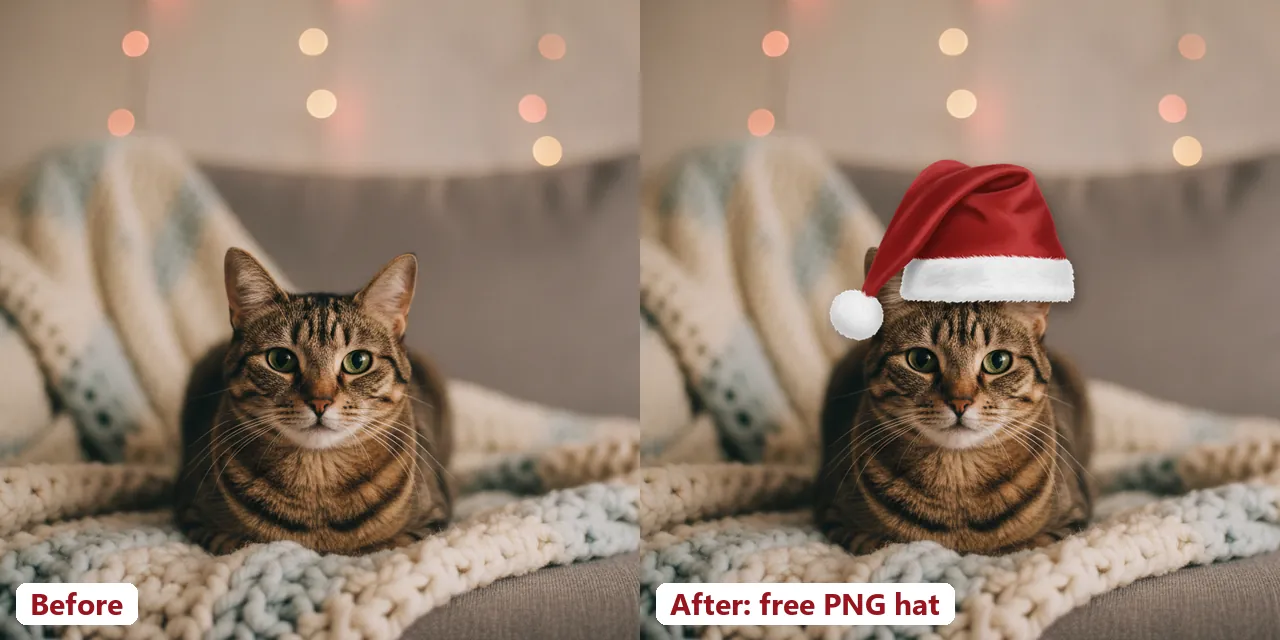
The dog-in-a-Santa-hat photo is a December classic, and a digital hat is easier on everyone: no chewing, no shaking it off mid-shot, no bribing with treats for twenty minutes. Pick a photo where the pet looks toward the camera with some space above the head. Then:
- Dogs with floppy ears: rest the fur band across the top of the head just in front of the ears. The front hat works for a head-on shot; the side hat suits a dog turned partly away.
- Dogs with upright ears and cats: use the tilted hat and let one ear poke out from under the brim. A hat covering both ears of a cat looks like a lampshade.
- Small pets: shrink the hat more than feels right. A tiny hat on a big head reads as cute; the reverse looks like a costume mistake.
If you do want a real hat on a real dog, the ASPCA and the American Kennel Club both urge caution with pet costumes: nothing that blocks sight, hearing or breathing, constant supervision, and off it comes at the first sign of stress (freezing, pawing at it, trying to get away). Take the shot fast. For more pet ideas, see our picks for the best Christmas pet photo editor.
When a hat isn't enough: AI portraits
A PNG hat changes one thing and leaves the rest of the photo exactly as it was, which is often what you want. An AI Christmas portrait redraws the whole scene: suit, beard, tree, snow, lighting. It's a different tool for when the original photo is a bit plain. PiXmas for iPhone does that from one photo; it is on the App Store. Browser tools for hats, stickers and frames are available at picsmas.com. If you'd like the whole Santa in the picture and not only his hat, read our guide on how to add Santa to a photo.
Finished photo? Put it in one of our free Christmas photo frames before you post it.