
Free Christmas ecards with your own photo
By PiXmas Editorial Team · Updated November 20, 2026
The free way to send a Christmas ecard with your own photo is to make it yourself: put the photo behind one of the 4 free templates below (or a free Canva template), export a JPG, GIF or short MP4, and send it by text, WhatsApp or email. Ecard sites that take your photo, such as American Greetings Creatacard, Smilebox and JibJab, keep most of that behind a membership. Paperless Post is the exception for groups: eligible free designs go to up to 50 people.
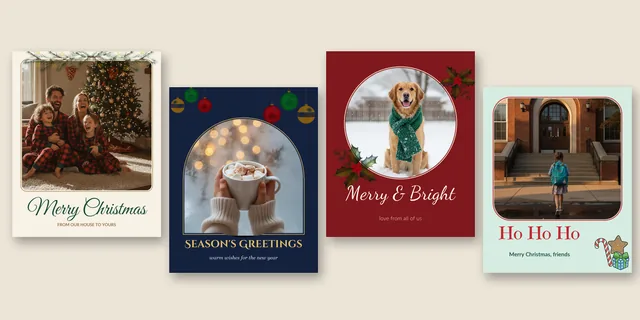
4 free photo ecard templates
Each template is a 1080 x 1350 pixel PNG with a see-through window. That 4:5 shape fills a phone screen in WhatsApp and iMessage, sits well in an Instagram feed and still looks fine inside an email. Put your photo on the layer underneath and the frame and greeting sit on top of it.
Add your favorite image to a free Christmas ecard, then compare Walgreens photo Christmas cards for printed greetings. You can also turn a treasured snapshot into personalized photo ornaments for the tree.
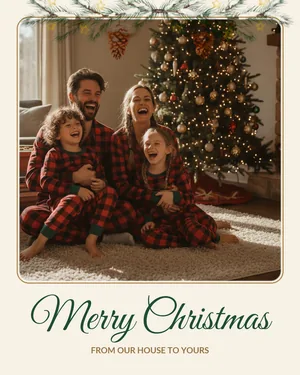
Snowy pine, cream
Rounded photo window under a watercolor pine garland, "Merry Christmas" in script.
Good for: Family photos by the tree.
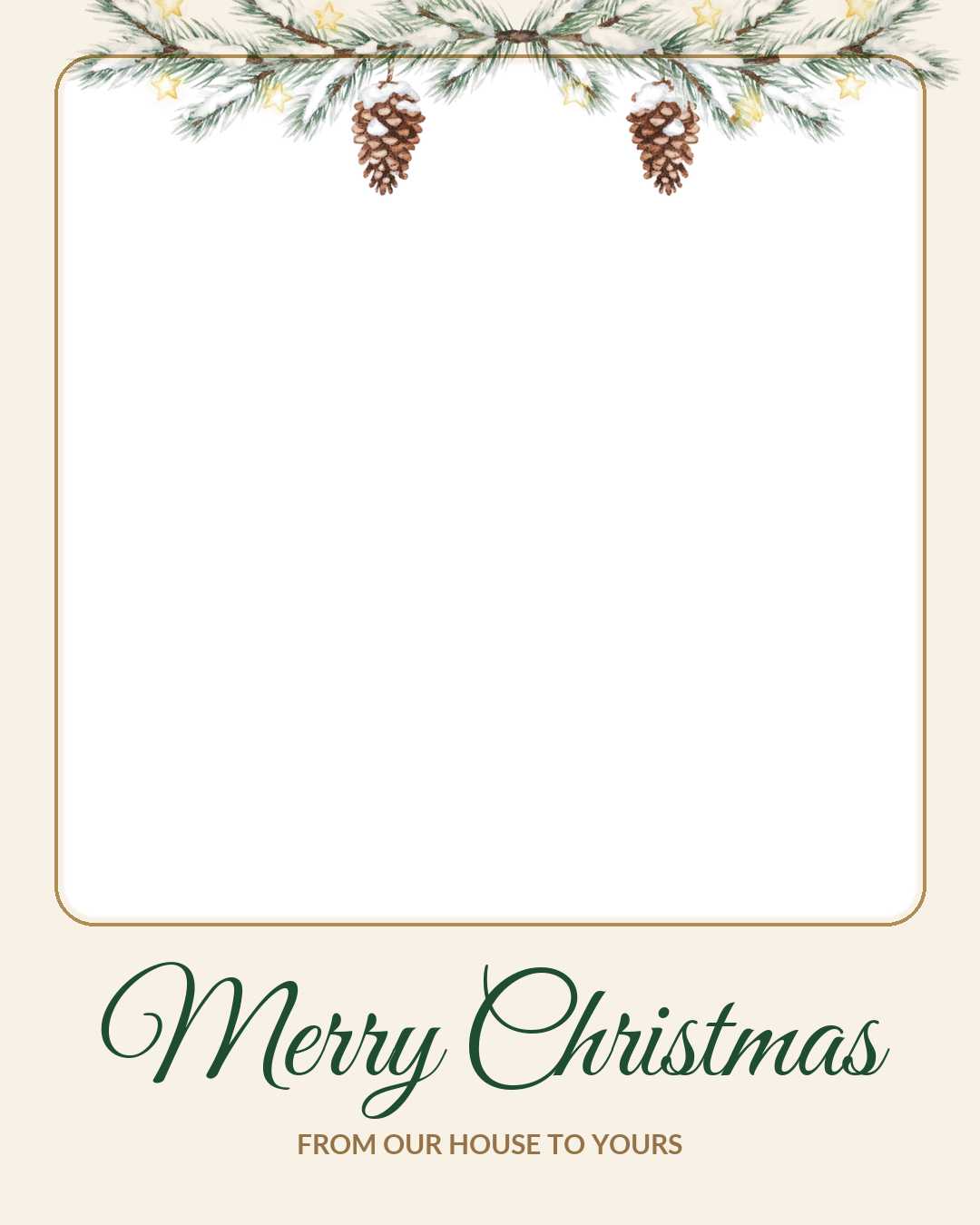

Ornaments, navy
Arched window with hanging glass ornaments and "Season's Greetings" in gold capitals.
Good for: Cozy details, couples, anyone who does not celebrate in a religious way.
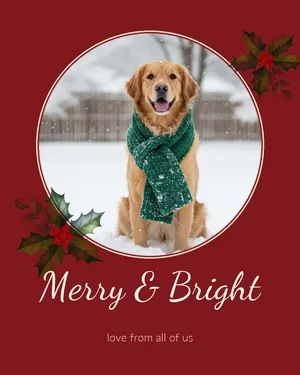
Holly, deep red
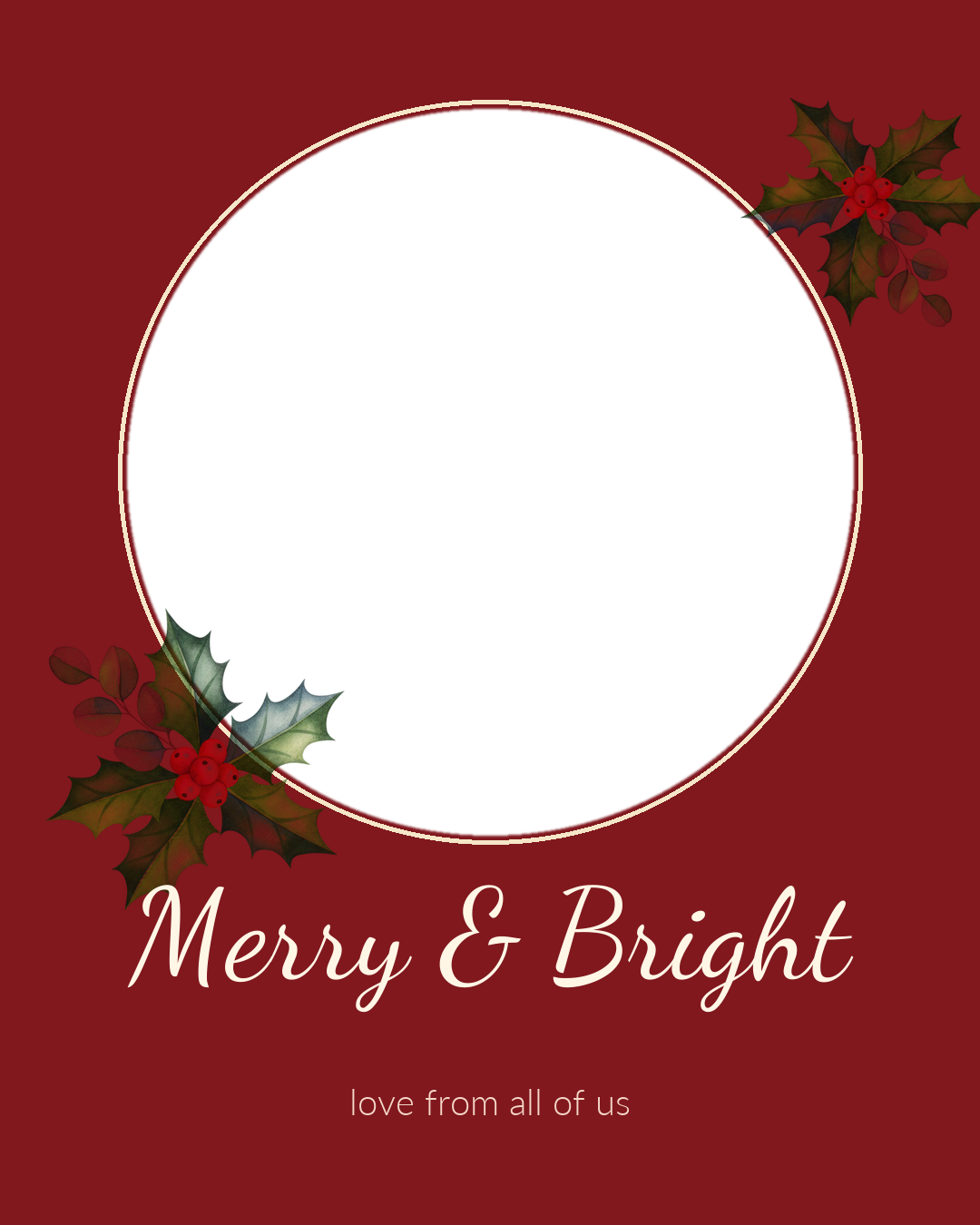
Round window with two holly clusters and "Merry & Bright" in white script.
Good for: Pets and single-subject close-ups.
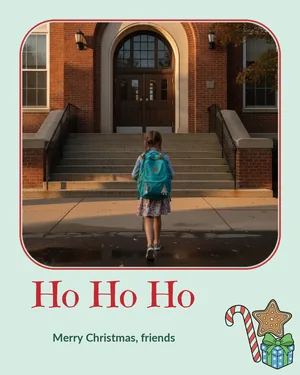
Cookies, mint green
Soft rounded window, a gingerbread and candy cane corner and a big "Ho Ho Ho".
Good for: Kids, grandkids and silly photos.
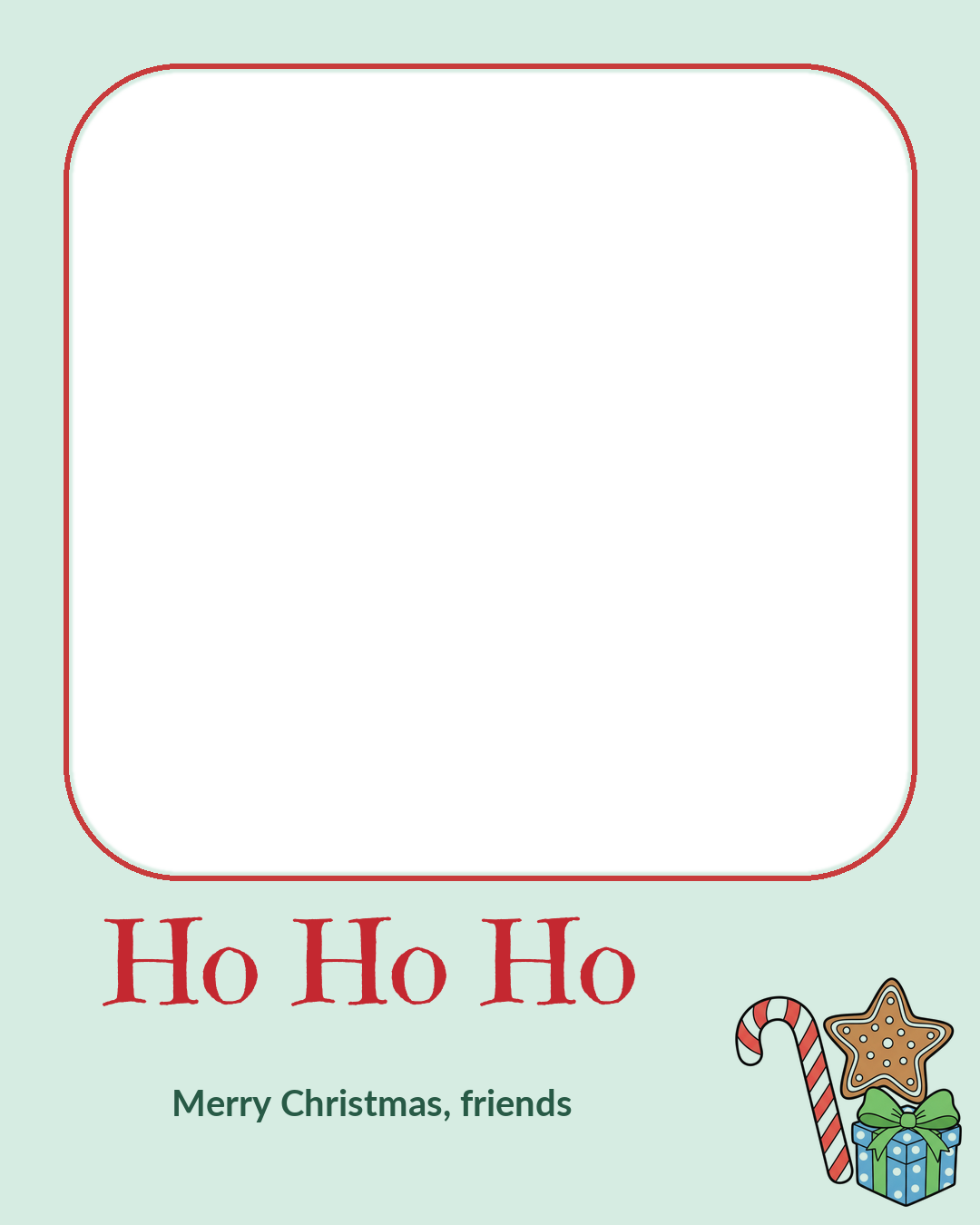
The previews show the templates with a sample photo; the downloads are empty frames. All four are free for personal ecards, texts and posts. If you want a frame without any greeting on it, our Christmas photo frames have 12 more shapes with a clear photo window.
How to put your photo into a template
Any editor with layers can do this. These are the three free routes we would use, in order of how fast they are.
Canva (phone or browser, free plan)
- Create a design at 1080 x 1350 px (Canva calls this an Instagram portrait post).
- Upload your photo and the template PNG.
- Add the photo first and stretch it to cover the whole page, then add the template on top at the same size.
- Tap the photo, use Position and Send backward if it jumps in front, then drag it until the faces sit inside the window.
- Download as JPG for a still card or as MP4 or GIF if you added animation.
Google Slides or PowerPoint (computer)
Set a custom slide size of 1080 x 1350 pixels (or 7.5 x 9.375 inches, the same shape). Insert your photo, then insert the template, then right-click the template and bring it to front. In Google Slides, File, then Download, then PNG image saves the slide as a picture; in PowerPoint use Save As and pick PNG or JPEG.
Snapseed or the Photos app
Neither can put a photo behind a frame, so they are the wrong tool for this step. Use them before it, to brighten the picture and warm the color, and then move to Canva.
Animated photo greetings: two free examples
A still ecard is fine. A moving one gets watched twice. The easiest motion for a photo card is falling snow, because it never covers a face for more than a fraction of a second. We made these two with free tools and a few lines of code, and you can save and send them as they are if you like the look.
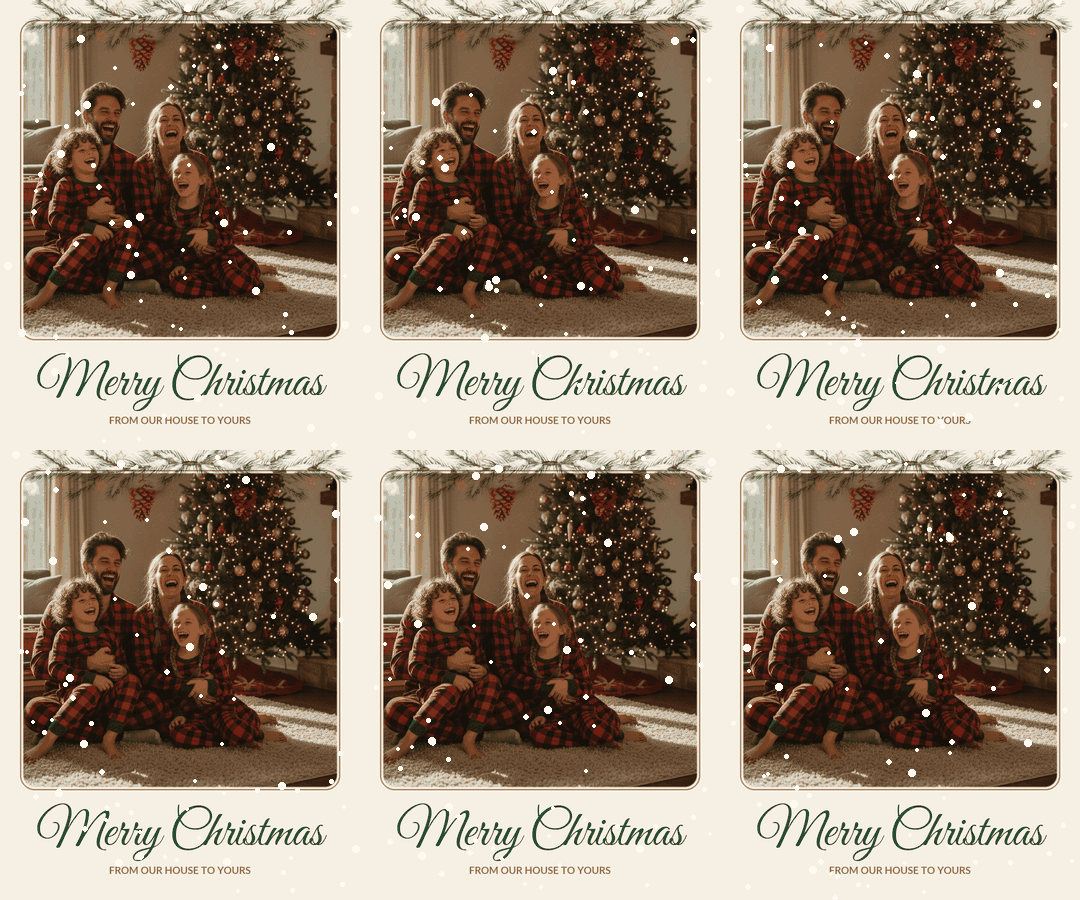
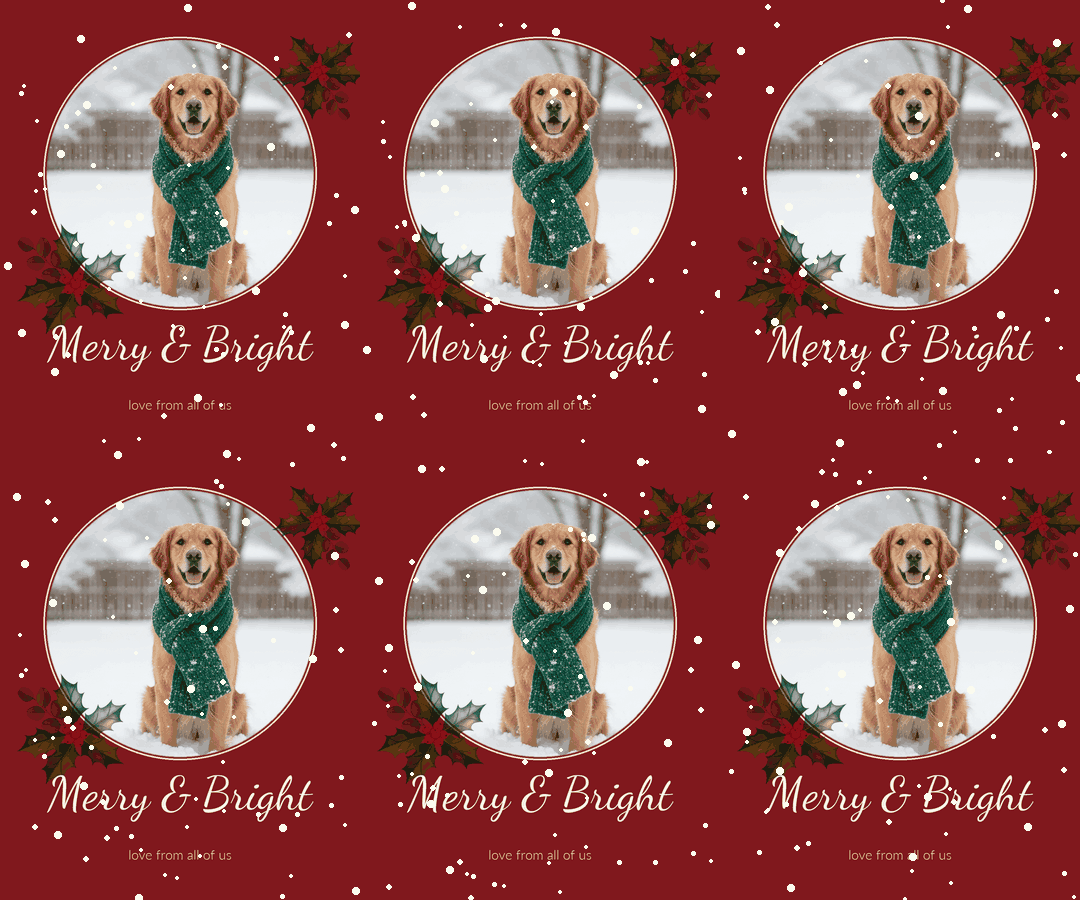
To animate your own photo for free, you have four realistic options:
- Canva free plan: add a snow or sparkle element, use Animate on the text, export MP4 or GIF. No watermark as long as every element is free.
- iMovie on iPhone, iPad or Mac: free, no watermark, good for a 10 to 20 second clip made from three or four photos with music.
- Google Photos: select a few pictures and make a highlight video; it adds music and transitions for you.
- CapCut: the free plan exports at 1080p in most cases, but some templates add a CapCut ending clip, so delete it before you export.
For slideshows, music and Reels sizes, our Christmas video maker guide goes much further than this section.
Ecard services that take your photo, free and paid
If you would rather have a site build and deliver the card, these are the services that accept your own pictures. Prices and free limits come from each company's own pricing and help pages plus recent coverage, read in November 2026. No memberships were bought for this page, so treat the checkout screen as final.
| Service | What it does with your photo | Free | Paid (checked November 2026) |
|---|---|---|---|
| Canva | Any layout, static or animated, your photos and video clips | Free plan, free elements, MP4 and GIF export | Pro needed for premium templates and some tools |
| Adobe Express | Animated designs and short videos from your photos | Free plan with free templates and uploads | Premium listed at $9.99 a month or $99.99 a year |
| Google Photos | Highlight video with music from photos you pick | Free, uses your 15 GB of free storage | Only if you need more storage |
| iMovie (Apple) | Video from photos and clips, titles, music | Free on iPhone, iPad and Mac, no watermark | None |
| Paperless Post | Photo cards and Flyers with your images, delivered by email or link | Eligible free designs to up to 50 recipients | Premium designs and extras paid in Coins |
| American Greetings | Creatacard with up to 6 of your photos | A few free cards; new members get a week-long trial | Membership listed at $7.99 monthly, $35.99 yearly, $49.99 for 2 years |
| Smilebox | Animated photo cards and slideshows | A limited free tier or trial; we could not confirm the current free limits | Club Smilebox reported at about $39.99 a year |
| JibJab | Short dance and song videos starring the faces you upload | A small free selection | About $36 a year on the web |
One thing we could not confirm: whether 123Greetings, the best-known free ecard site, lets you upload your own photo. Its free cards are real, but they use its own artwork.
Pick a photo that works on a phone screen
Most ecards are opened on a phone, at roughly the size of a playing card. A photo that looks great printed at 5 x 7 can turn into a crowd of tiny heads on that screen. A few rules help:
- Faces should take up at least a third of the photo's height. Crop closer than you would for a print.
- One subject beats a collage. Four photos in one small card means four very small photos.
- Window light from the side is the best free light there is. Turn off the overhead lamp, which makes yellow faces and dark eye sockets.
- Brighten a little more than feels right. Phone screens in a warm living room at night make everything look darker.
- Leave the bottom fifth of the photo calm if you are using one of our templates, since the greeting sits there.
Pets and toddlers rarely sit still for a frame, so shoot in burst mode and pick the frame where the eyes are open. For a portrait of the whole family when nobody wants to stand by the tree, an AI Christmas portrait made from one ordinary photo is another route. PiXmas for iPhone is on the App Store, and the PiXmas web tools are available at picsmas.com. A Christmas profile picture made from the same photo is a nice match for the ecard.
Sending it: what arrives sharp and what gets squashed
| How you send it | Limit (November 2026) | What we would send |
|---|---|---|
| WhatsApp, as photo or video | Videos up to 100 MB on a fast connection; files up to 2 GB as a document | JPG, GIF or an MP4 under 30 seconds |
| iMessage | Apple publishes no single size limit | JPG or MP4; it usually arrives sharp |
| SMS and MMS (green bubbles, many Android chats) | Set by the carrier, often around 1 MB | A JPG, or a link to the full file |
| Gmail | 25 MB of attachments per email | GIF inserted in the message body, or JPG |
| Facebook or Instagram post | Recompressed by the app | The 1080 x 1350 JPG exactly as exported |
For a family list, one group email with the addresses in BCC keeps everyone's email private. Add a line of your own in the message itself; a personal sentence under the picture is what people answer. If you need words, we wrote a page of Merry Christmas wishes made to go with photos, from one-line captions to longer notes.
Ecard or printed photo card?
Both, for most families. The ecard goes to friends, coworkers and anyone you would text anyway; it costs nothing and arrives on the day you choose. Grandparents and the relatives who keep cards on the fridge still get paper. Same photo, two formats. If you print, export the photo separately at full size first, since a 1080 pixel ecard is too small for a sharp 5 x 7. Our guide to photo Christmas cards covers taking the picture for print and where to order.