
Christmas video maker: turn your photos into a slideshow, video card or GIF
Updated November 20, 2026
The quickest free Christmas video maker is already on your phone. iPhone Photos (Memories) and Google Photos (Highlight video) turn a holiday album into a music slideshow in a few minutes. For templates, text and an exact size, use Canva, which exports free MP4 videos up to 1920 x 1080. Post Reels, TikToks and Stories at 1080 x 1920 (9:16).
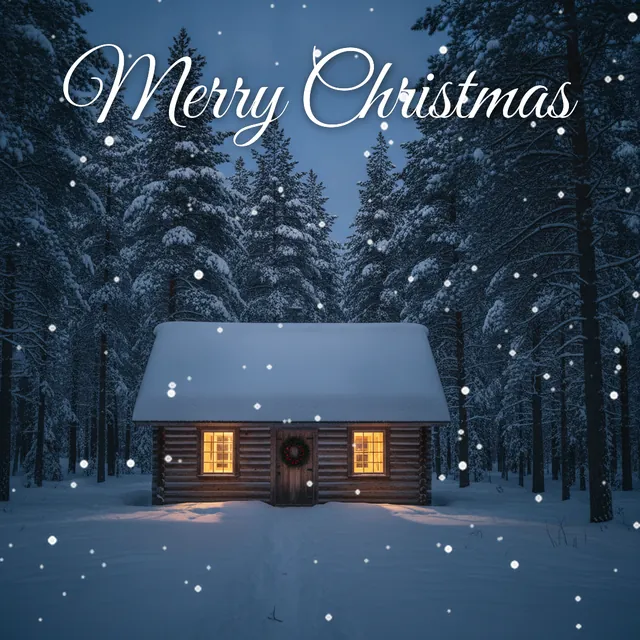
Free snowy Christmas GIFs to send today
Before the how-to, three looping GIFs you can send right now. We made them for this page: falling snow over an original scene, 480 x 480 pixels, 2.4 seconds per loop. Each one is under 0.6 MB, small enough for a text, WhatsApp, Slack or an email signature.
-
-
-
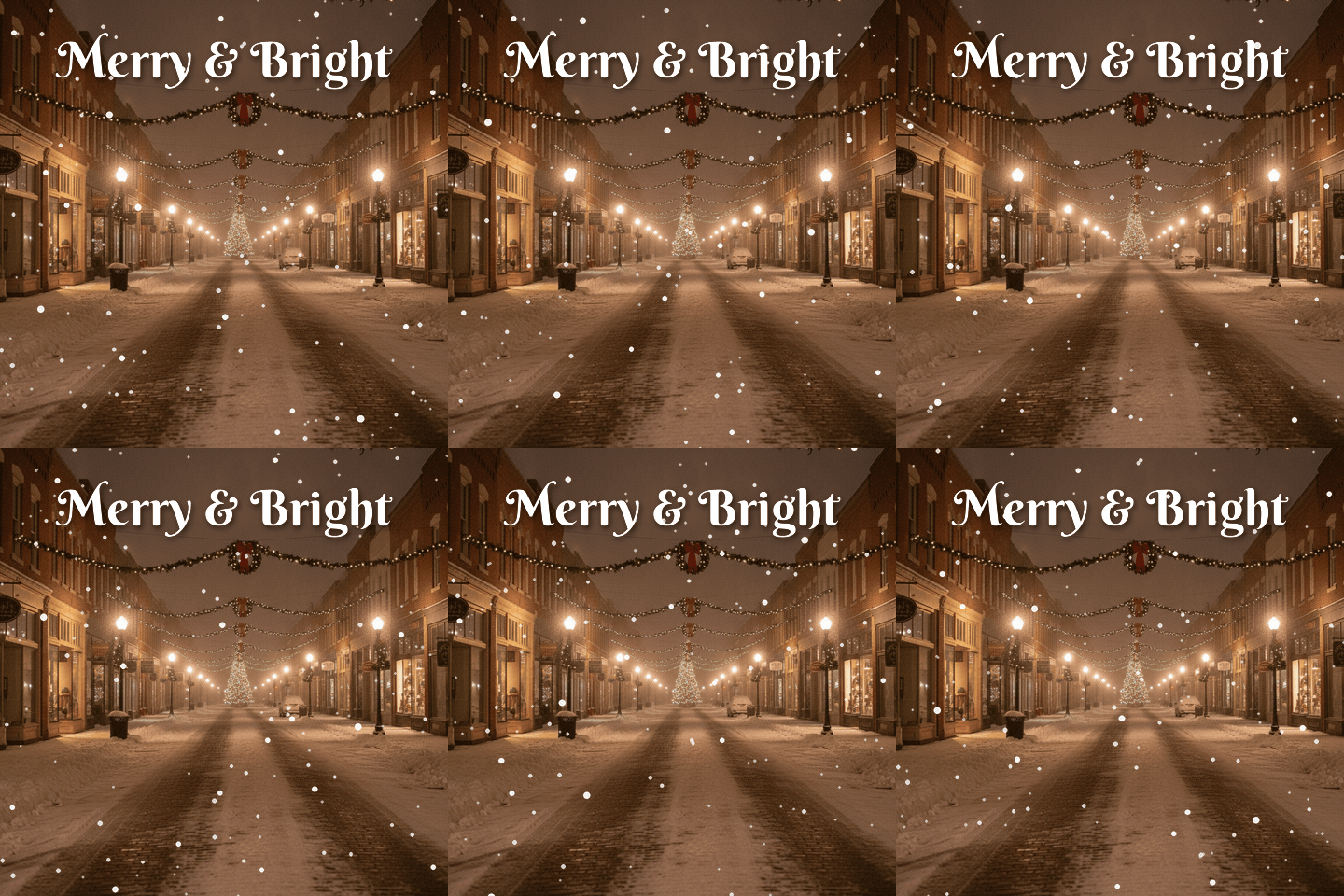 Merry and Bright, Main Street Berkshire Swash lettering over a small town street at night. Download GIF
Free for personal cards, messages and posts. Please don't resell them or upload them to stock sites.
Which Christmas video maker to use
Five free tools cover almost every holiday video. The choice comes down to one question: do you want the app to do the editing, or do you want to control every slide?
| Tool | Best for | Cost | What to watch |
|---|---|---|---|
| iPhone Photos (Memories) | A music slideshow from an album in two minutes | Free | Apple Music songs need a subscription and may not survive export to other apps |
| Google Photos (Highlight video) | Android phones and anyone with photos in Google Photos | Free | Menu names change between app versions; it lives under Create |
| Canva | Video cards with text, Christmas templates, set sizes, GIF export | Free plan; Pro items cost extra | Templates marked Pro add a paywall at download |
| CapCut | Fast Reels and TikToks with beat-synced templates | Free plan; paid tiers | Template exports can add a CapCut end clip; delete it before saving |
| iMovie (iPhone, iPad, Mac) | A longer family movie with your own music file | Free | More manual work than Memories |
Features and plans checked November 2026.
How to make a Christmas slideshow on iPhone
The Photos app does this without any download. There are two routes: one for a quick play, one for a file you can send.
Quick slideshow from selected photos
- Open Photos and tap Select.
- Tap the photos and videos you want, in any order.
- Tap the three-dot button and choose Slideshow (Play as Slideshow on newer iOS).
- Tap the screen while it plays to change the theme, music or speed.
A Memory movie you can save and share
- Put the photos in an album called something like "Christmas 2026".
- Open Collections, find Memories, and open or create the memory for that album.
- Play it, tap the screen, then tap Customize and Music to swap the song.
- Tap Share and choose Save Video. The finished movie lands in your library like any other video.
One catch: if you pick a song from Apple Music, the exported file may come out muted or with a different track, depending on the song's license. For a video you plan to post, use one of Apple's built-in soundtracks or edit in iMovie with a music file you own.
On Android: Google Photos Highlight video
Google renamed its old Movie maker to Highlight video, and older guides that say Library, Utilities, Movie are out of date. In the current app:
- Open Google Photos and tap Create.
- Choose Highlight video, then pick your own photos (or let it suggest a person or date).
- Tap Create, then trim clips, change the order or swap the music.
- Tap Save. The video appears in your library.
Don't see it? Update the app, or open photos.google.com on a computer, where the same Create, Highlight video path works. Template-based highlight videos are still rolling out, so two phones in the same house can show different screens.
Animated Christmas cards in Canva or CapCut
Phone slideshows are fine for grandma. A video card with your family name, a date and a title slide needs a template tool.
Canva has a large set of Christmas video templates. Search "Christmas video", pick one with the Free label, then drag your photos onto the placeholders. The free plan downloads MP4 video up to 30 minutes at 1920 x 1080, and GIFs up to 1 minute at 1280 x 720 (checked November 2026). Set the design size to 1080 x 1920 before you start if it's going to Reels or TikTok; resizing a finished horizontal design crops faces.
CapCut is quicker for short, music-driven clips, since its templates cut photos to the beat for you. Free exports of your own edits don't carry a watermark, but templates can tack on a CapCut ending clip. Scroll to the end of the timeline and delete it before you export. CapCut's US availability has changed more than once, so check your app store first.
Either way, the photos are what people remember. If you need a better family shot first, our guide to holiday highlight reel photo ideas lists shots worth taking before Christmas morning chaos starts.
Christmas video sizes and lengths for each app
One master file at 1080 x 1920 pixels, 9:16 vertical, MP4, works on every app below. These are the numbers we found on each platform's help pages and current spec guides in November 2026.
| Where it goes | Size | Length |
|---|---|---|
| Instagram Reels | 1080 x 1920, 9:16 | Up to 20 minutes in the app; Reels over 3 minutes may not be recommended to new viewers |
| Instagram Stories | 1080 x 1920, 9:16 | 60 seconds per Story clip |
| TikTok | 1080 x 1920, 9:16 | Up to 10 minutes recorded in the app |
| YouTube Shorts | 1080 x 1920, 9:16 | Up to 3 minutes |
| Facebook Stories | 1080 x 1920, 9:16 | Plan on 60 seconds per Story |
| TV or laptop screen | 1920 x 1080, 16:9 | Whatever the room will sit through |
How long should yours be? For social posts, 30 to 60 seconds. That's 15 to 25 photos at 2 to 3 seconds each, which is about one chorus of a song. People scroll past the fourth minute of anyone's vacation; they rarely scroll past their own nephew in a reindeer sweater, though, so the family-party cut on the TV can run 3 to 5 minutes. For Instagram-specific photo tips, see the Christmas photo app for Instagram guide, and the TikTok Christmas photo guide covers the slideshow format TikTok favors.
Music: what you can and can't use
This is where most holiday videos get muted. A personal video is not automatically fair use, and there's no "30 seconds is fine" rule. A song has two copyrights: the composition (melody and lyrics) and the recording. You need both cleared.
- Add music inside the app you post to. Instagram, Facebook and TikTok license their in-app libraries for posts on that same app. Downloading the video and reposting it elsewhere is a different story.
- Use the YouTube Audio Library. YouTube says tracks from it won't get Content ID claims; follow any attribution note listed with the track.
- Record an old carol yourself. Jingle Bells (1857) and Silent Night (1818) are public domain as compositions in the US, but a 2015 choir recording of them is not. Your kids singing it in the kitchen is yours.
- Buy a license from a royalty-free library that names video sync and all the platforms you'll post on, and keep the receipt.
On YouTube, a Content ID claim is not a copyright strike. The owner usually just runs ads on your video or mutes the song. Annoying, but not dangerous.
How to make a Merry Christmas GIF
A GIF is a short silent loop, and it's the format that plays inline almost everywhere. Making one from your own photo takes about five minutes in Canva:
- Create a square design (1080 x 1080) and drop in your photo.
- Add text in a script font, then add an animation such as a slow rise or fade. Our list of free Christmas fonts for photos has pairings that read well on busy backgrounds.
- Add a snow or sparkle element from the Elements tab, or skip it if the photo already has movement.
- Download, choose GIF, and check the file size before you send it.
File size decides where a GIF will play. WhatsApp accepts media up to 16 MB, X (Twitter) takes 15 MB on the web and 5 MB from its phone app, and Gmail caps a whole message at 25 MB. For email, aim for under 1 MB so it opens fast on a phone. Our three GIFs above are 0.4 to 0.5 MB each because they use 200 colors and only redraw the pixels where snow moves.
Want stickers on top? The free Christmas stickers page has transparent PNGs (Santa hats, snowflakes, lettering) that layer cleanly in Canva or CapCut.
Making the photos with PiXmas
A slideshow is only as good as the pictures in it, and December photos tend to be blurry, dark and full of half-closed eyes. PiXmas turns one clear photo into AI Christmas portraits: snowy cabins, Santa's workshop, matching pajamas by the fire. Those portraits drop into any of the tools above as regular photos. The app, PiXmas for iPhone, is on the App Store. PiXmas web tools, including AI portraits and stickers, are available at picsmas.com. Everything else on this page works today with free apps.
How we made the GIFs on this page
Each scene started as an original AI-generated photo with no text, no brands and no people. We added the lettering ourselves with two free Google Fonts (Great Vibes and Berkshire Swash), drew three layers of snowflakes with Python so that far flakes fall slower than near ones, and looped the motion so the last frame flows into the first. The 30 frames were then compressed into a GIF with a shared color palette. We checked every frame by eye before publishing. If one jitters on your device, tell us and we'll fix it.