
Printable Christmas gift tags 2027: 32 free photo tags
These printable Christmas gift tags have a round or square window for a photo, so each tag shows a face instead of only a name. There are 4 designs with 8 tags per US Letter sheet (3.75 x 2.5 inches each), free as PDFs, plus a single-tag PNG with a see-through window for adding the photo on your phone. Print a 1.5 inch photo, glue it in the window, and write the names.
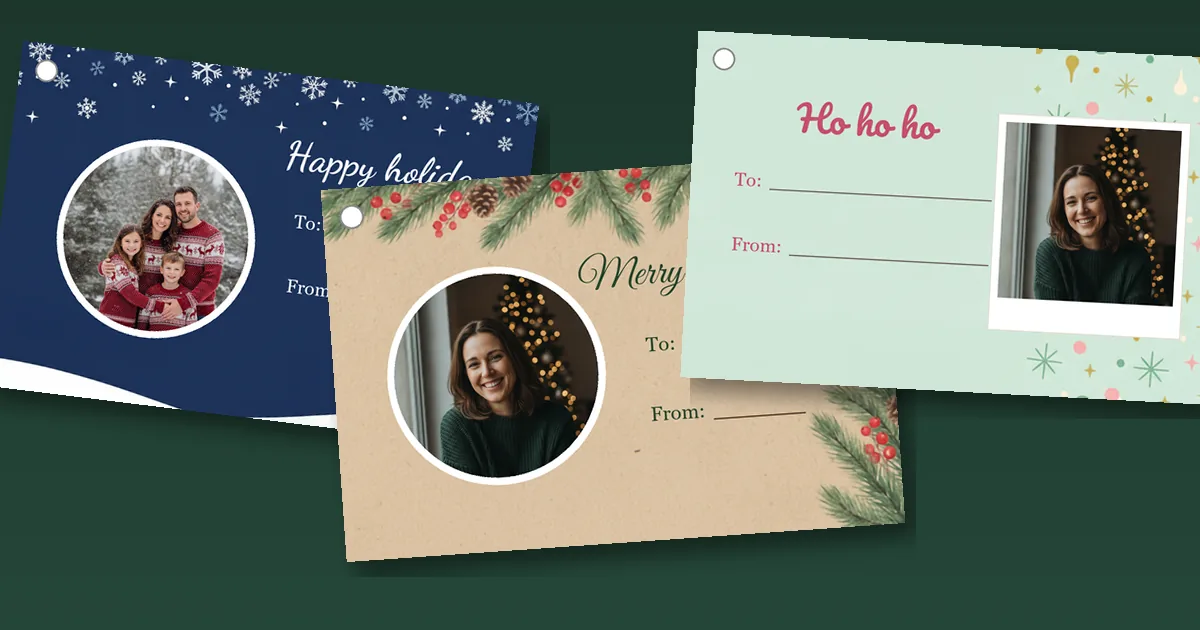
The four tag sheets
-
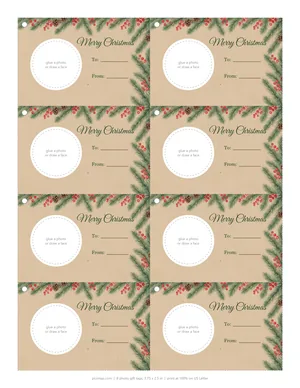 Kraft and pine Sheet (PDF) Single tag (PNG)
-
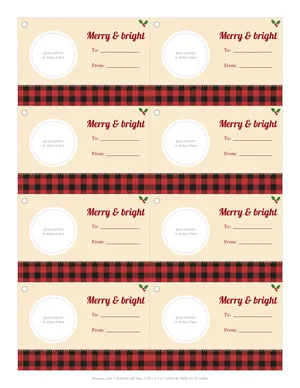 Buffalo plaid Sheet (PDF) Single tag (PNG)
-
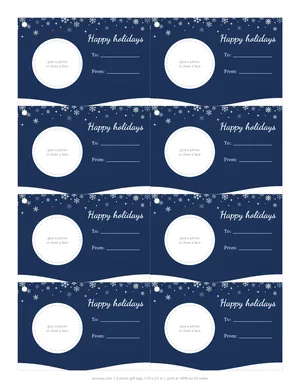 Midnight snow Sheet (PDF) Single tag (PNG)
-
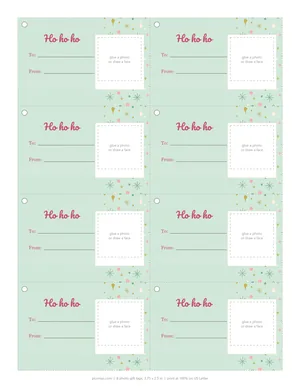 Retro instant photo Sheet (PDF) Single tag (PNG)
Free for personal, classroom and church use. Please link to this page instead of reposting the files. Each tag on the sheets is 3.75 x 2.5 inches with a punch mark in the top left corner; the single PNGs are 1125 x 750 pixels (the same tag at 300 dpi) with a transparent photo window.
Why put a face on the tag
On Christmas morning, a three-year-old can't read "To: Theo." She can spot her own face in half a second. That is the whole idea behind a photo gift tag, and it works better than color-coding once there are more than two kids and a pile of cousins' presents under the tree.
Faces also settle the old argument of which present is whose when two siblings get the same box in different colors. And for grandparents, a tag with a toddler's photo usually ends up on the fridge long after the wrapping paper is gone. Some keep them in the ornament box and hang them on the tree the next year.
Three ways to get a photo into the window
1. Print a page of tiny photos and glue them in
This is the fastest route for a big batch. Open a blank document in Google Docs or Word, insert the photos you want, and set each one to 1.5 inches wide (in Google Docs, click the photo, then Image options, then Size and rotation). Fit 20 or so on a page, print on plain paper or matte photo paper, and cut them out.
Glue the photo on top of the tag so it covers the dashed circle, then trim. A glue stick holds fine on cardstock; double-sided tape is neater on glossy photo paper, which can curl when wet glue soaks in. Round windows are easier with a 1.5 inch circle punch if you own one. Scissors work. Kids tend to like the slightly wobbly circles anyway.
2. Add the photo on your phone, then print
Download the single-tag PNG for the design you like. The photo window in that file is transparent, so whatever sits underneath shows through.
- Open Canva, Google Slides or any editor with layers, and make a canvas 3.75 x 2.5 inches (or 1125 x 750 pixels).
- Add your photo first, then add the tag PNG on top of it so the tag covers the photo.
- Move and resize the photo until the face sits in the window. Leave a little space above the head.
- Type the names on the To and From lines, or leave them blank and write by hand later.
- Download as PNG or PDF. To print eight at once, copy the finished tag onto a US Letter page in two columns of four.
This route gives the cleanest result and no glue. It also works for a digital tag: send the finished image along with an e-gift card or a "your present is in the garage" text.
3. Hand the pen to a kid
The printed tags say "glue a photo or draw a face" inside the window for a reason. A five-year-old drawing Grandpa with a giant mustache is its own kind of photo. Print one sheet just for the kids and let them do the faces while you wrap.
Sizing the photo for a 1.3 inch window
The windows are small, so the crop decides whether anyone recognizes the face. A full-length shot of a person standing by the tree, shrunk to 1.3 inches, leaves a head about the size of a lentil. Crop to the head and shoulders first.
| What you are doing | Set the photo to | Why |
|---|---|---|
| Gluing prints into the round windows | 1.5 in wide, head filling about two thirds | Gives 0.1 in of overlap on each side to glue and trim. |
| Gluing into the square retro window | 1.4 x 1.4 in, square crop | The square has straight edges, so less overlap is needed. |
| Placing under a single PNG in an editor | About 450 x 450 pixels or larger | Prints sharp at 300 dpi inside a 1125 x 750 pixel tag. |
| Using an old printed photo | Cut the face out with 0.1 in to spare | Works with school photos and wallet prints you already have. |
Phone photos have far more pixels than a tag needs, so sharpness is rarely a problem. Light is. A face in a dim room looks gray and muddy at this size. Pick photos taken near a window or outdoors, and bump up the brightness a notch before printing.
Whose photo goes on which gift
The obvious move is the recipient's face on their own gift. A few other ideas families use:
- The giver's baby photo on a present for grandparents. "From: guess who" is all the tag needs to say.
- The dog's face on gifts "from the dog," which every household with a dog seems to send.
- A photo of the two of you on a gift for a partner, taken the year you met.
- A blurry teaser photo of what's inside, for the person who always guesses. (Cropped so they can't actually tell.)
- A class photo cut into faces for a teacher's gift from the whole class, one tag per child, strung together on the ribbon.
If you want the photos to look festive before they go on the tags, our free Christmas stickers include Santa hats and antlers you can drop onto a face in any editor, and the Christmas photo frames work the same way for bigger prints.
Printing the tag sheets
Print the PDF at 100 percent ("Actual size") on US Letter cardstock. Matte cardstock between 65 and 110 lb takes glue stick and ballpoint pen well; glossy cardstock looks nice but pens smear on it. The midnight snow sheet is mostly navy, so expect it to use far more ink than the retro sheet, and give it a minute to dry before cutting.
Cut on the dashed gray lines with a paper trimmer if you have one; the sheet is a simple two-by-four grid, so four long cuts and one down the middle separate all eight tags. Then punch the small circle in the top left corner.
Bulk tip: print one sheet per person you're buying for, all in the same design. The faces do the sorting, and the design keeps the pile looking like a set.
A note on kids' photos and gifts that leave the house
Tags inside your own home are one thing. A gift for an office Secret Santa, a classroom swap or a neighbor's porch puts your child's face in front of people you don't know well, and tags get photographed and posted more often than you'd think. For those, use a pet photo, a drawing, or a photo of the giver as an adult. Our page on AI Christmas photo privacy goes into what to share and what to keep at home when photos of kids are involved.
More uses for a photo tag
A tag with a face is also a small keepsake. Some other places they show up in December:
Place cards. Write the guest's name on the To line, put their photo in the window, and fold the tag at the left edge so it stands up next to the plate.
Stocking tags. Punch the hole, loop it over the stocking hook, and nobody hangs the wrong stocking again.
Mini ornaments. Print the tag on heavier cardstock, glue a second plain tag to the back, and add a date. If you'd rather order a real photo ornament, our guide to personalized photo ornaments covers where to order and how to crop the photo.
Make the photo first, then the tag
PiXmas is an AI Christmas photo maker: you start with an everyday photo and get back Christmas portraits, elf versions, stickers and frames. The web tools are available at picsmas.com, and the PiXmas for iPhone app is on the App Store. None of that is needed for these tags. A normal photo from your camera roll, cropped close and printed small, does the job. For printing the bigger version of the same photo, see print-ready Christmas photos.
Single tags with a transparent window
These are the PNG files for method 2. The plain light gray area in each preview is the see-through window.
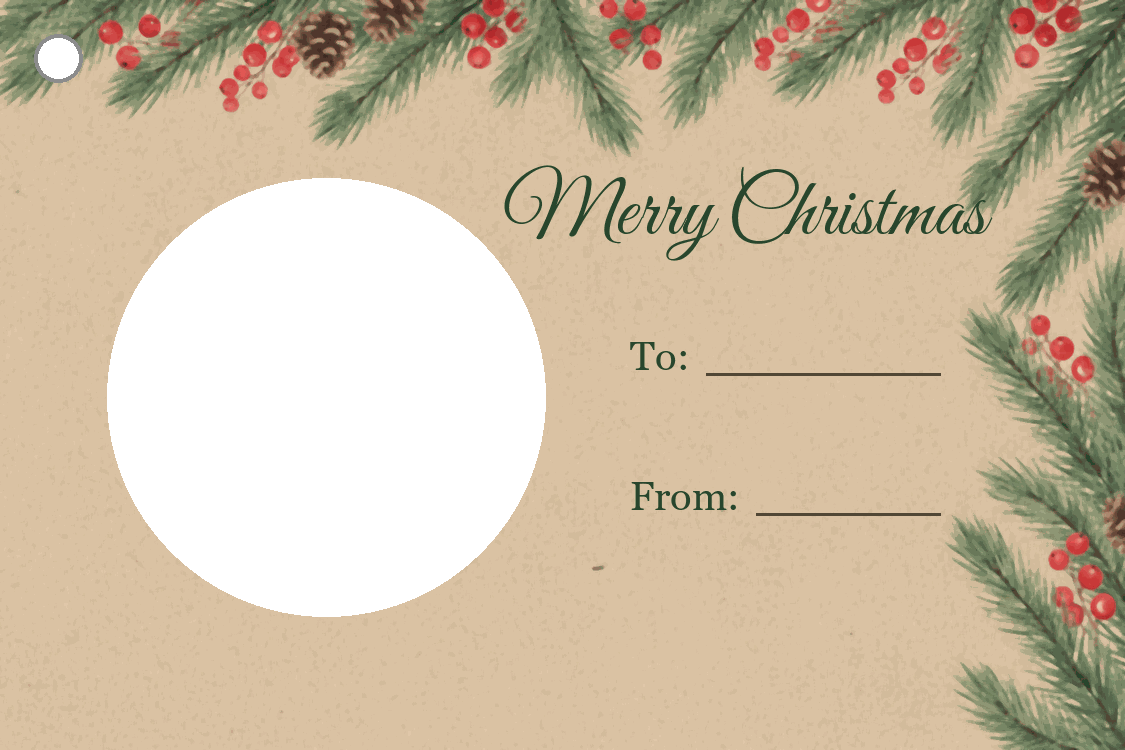 Kraft and pine PNG
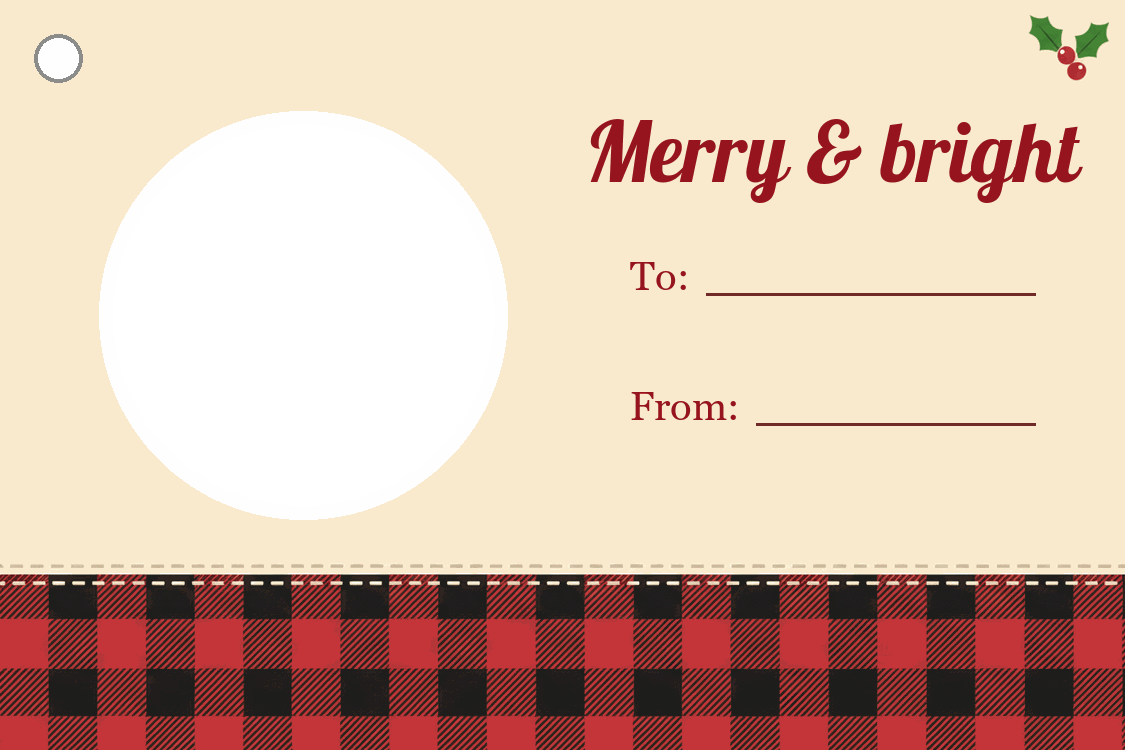 Buffalo plaid PNG
 Midnight snow PNG
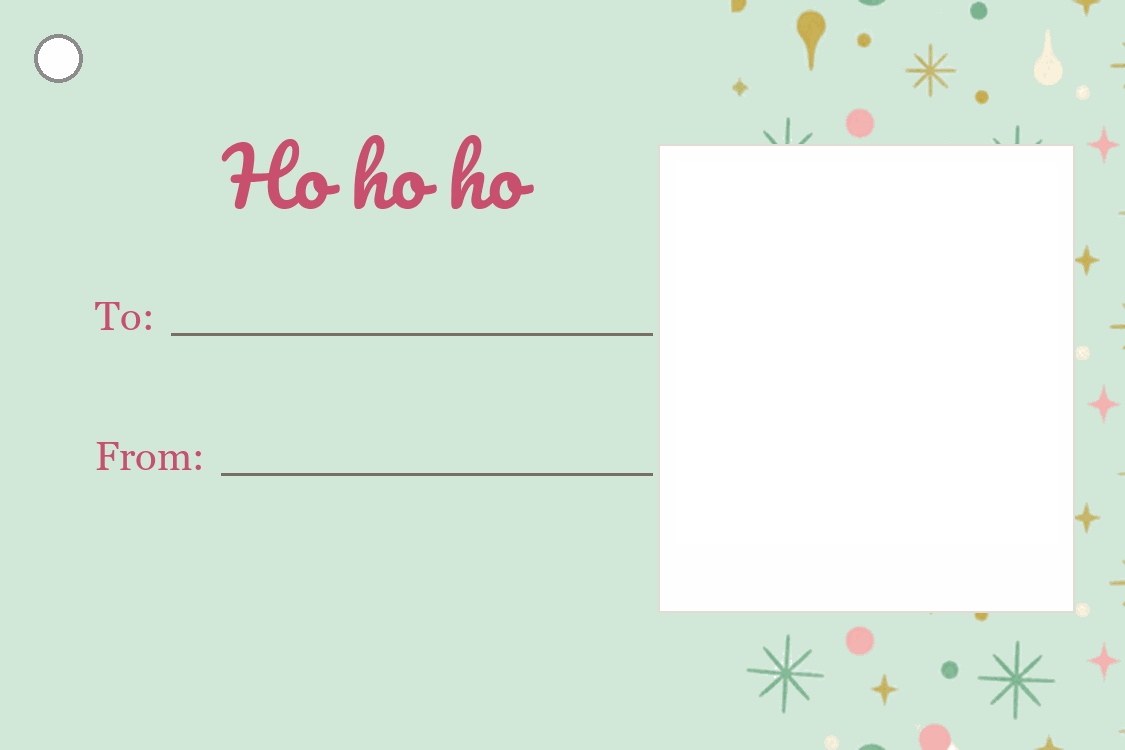 Retro instant photo PNG
How these tags were made
The background art for each design (the pine garland, the plaid band, the snowflakes and the retro pattern) was generated with an AI image model from written briefs, with no text and no licensed characters. We then built the tags ourselves: cropped the art, drew the photo windows and punch marks, and set every word in real fonts (Great Vibes, Lobster, Dancing Script, Pacifico and Georgia), so no lettering is garbled. Each sheet was checked at full size before it went up.