Letter to Santa template 2027: 4 free printables with a photo box
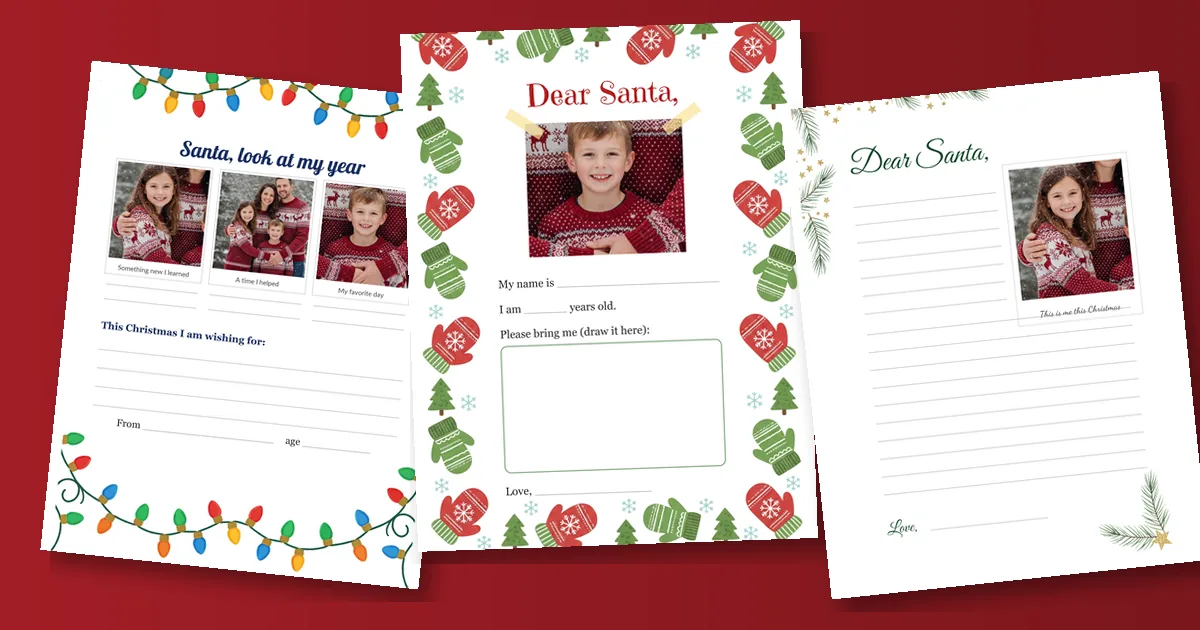
Each of these four letter to Santa templates has a printed box for your child's photo, from a big taped-on picture for a 3-year-old to a three-photo "look at my year" page for older kids. They print free on US Letter paper (PNG at 300 dpi, or all four in one PDF). Glue in a recent photo, let your child fill in the rest, and keep the photo version as a keepsake even if you mail a copy.
-
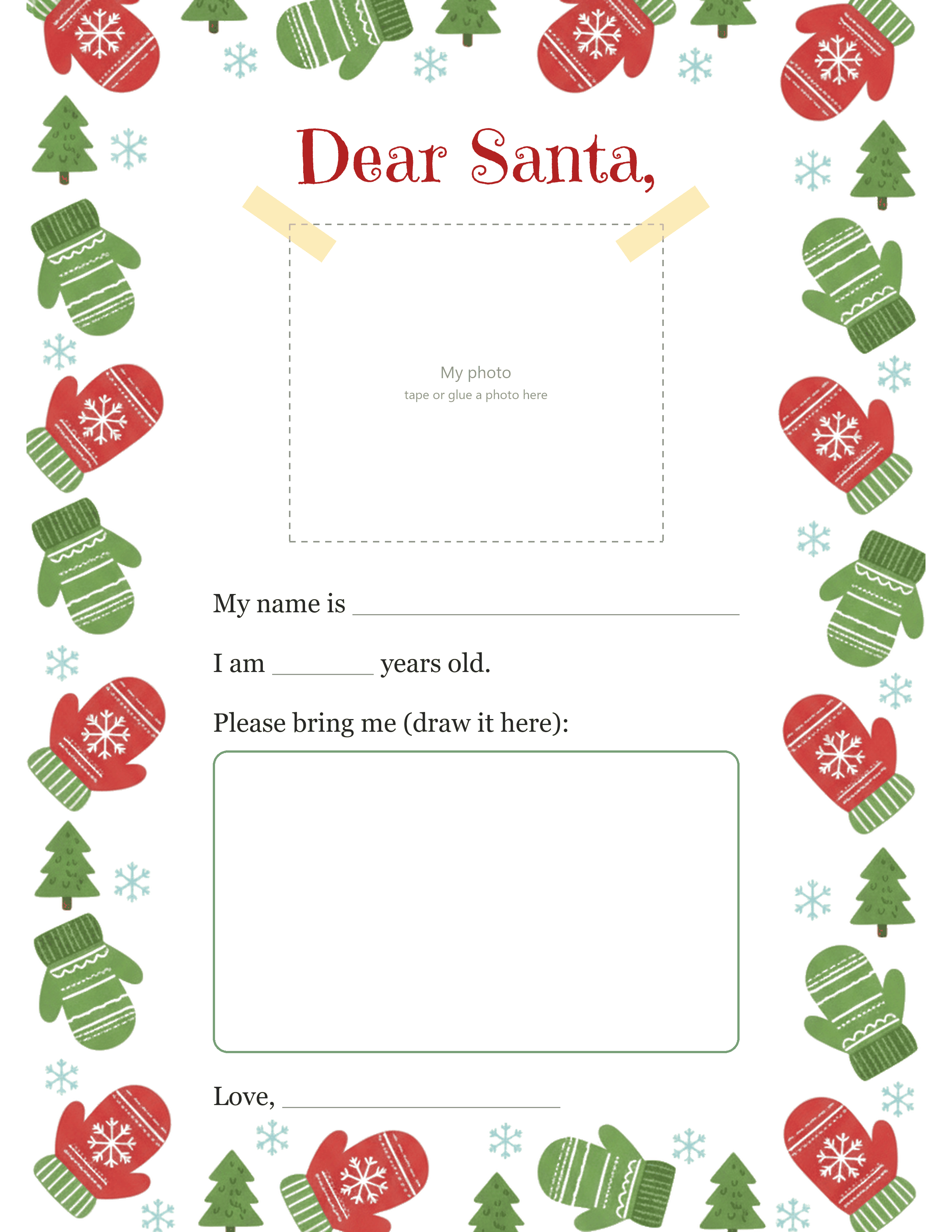
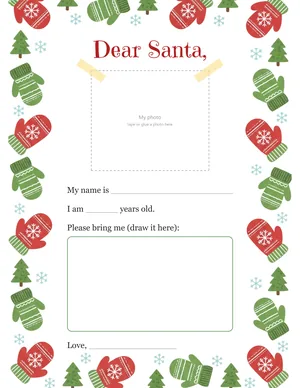 Dear Santa with a big photo box Download PNG
-
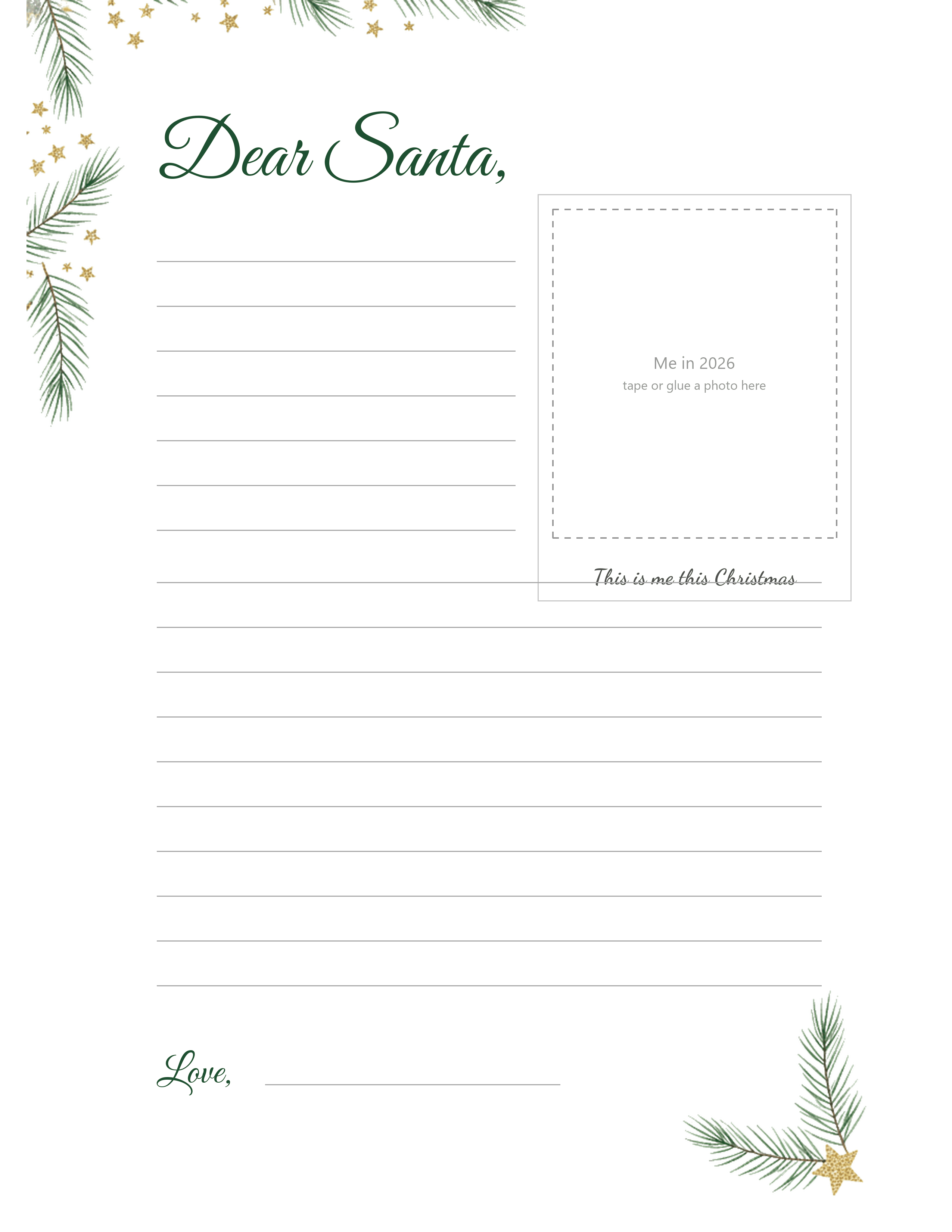
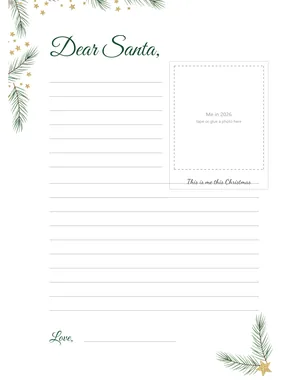 Lined letter with an instant-photo frame Download PNG
-
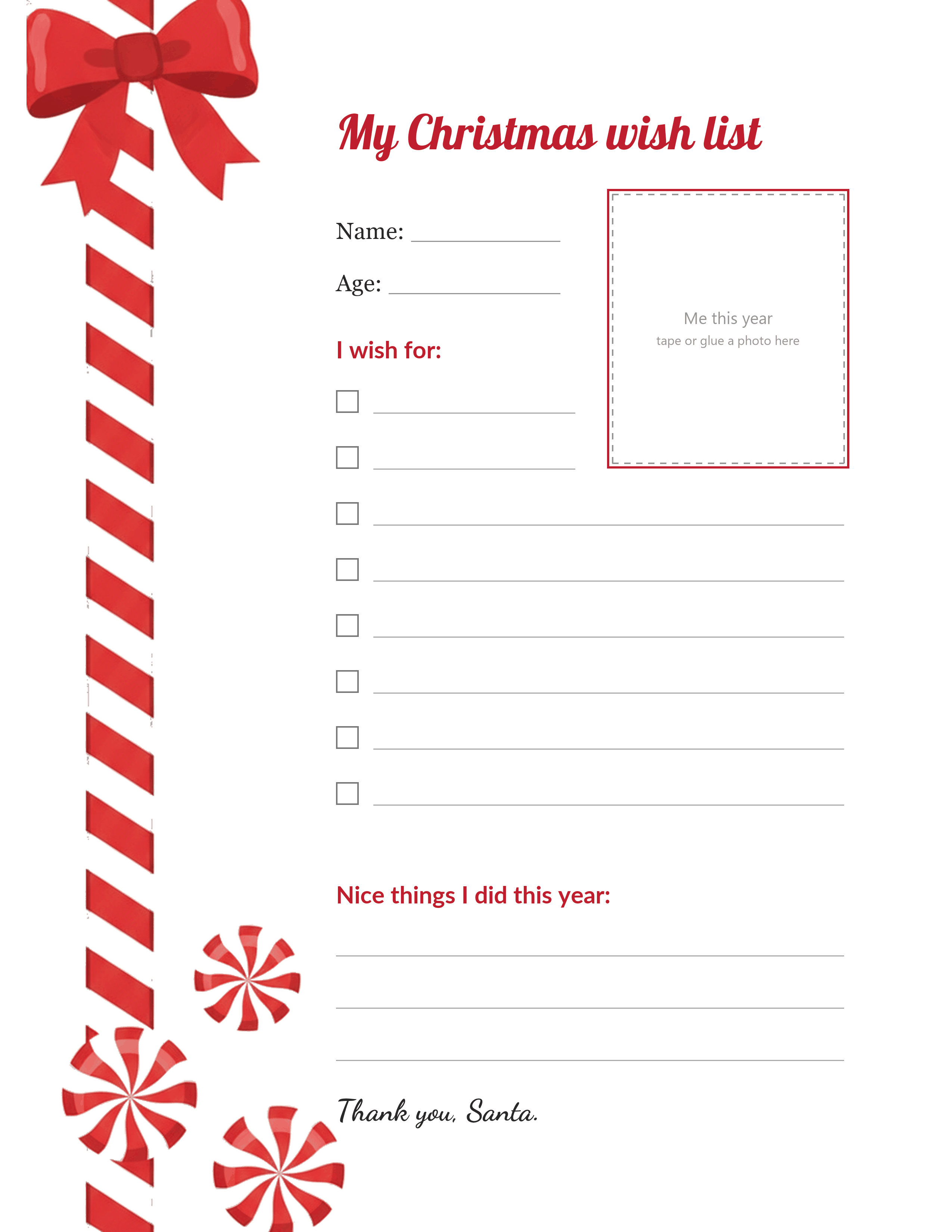
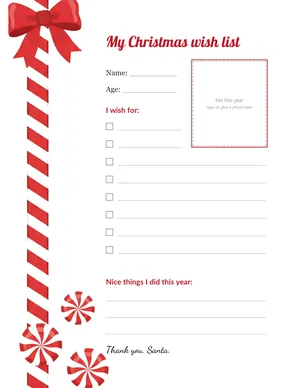 Wish list with a photo of me this year Download PNG
-
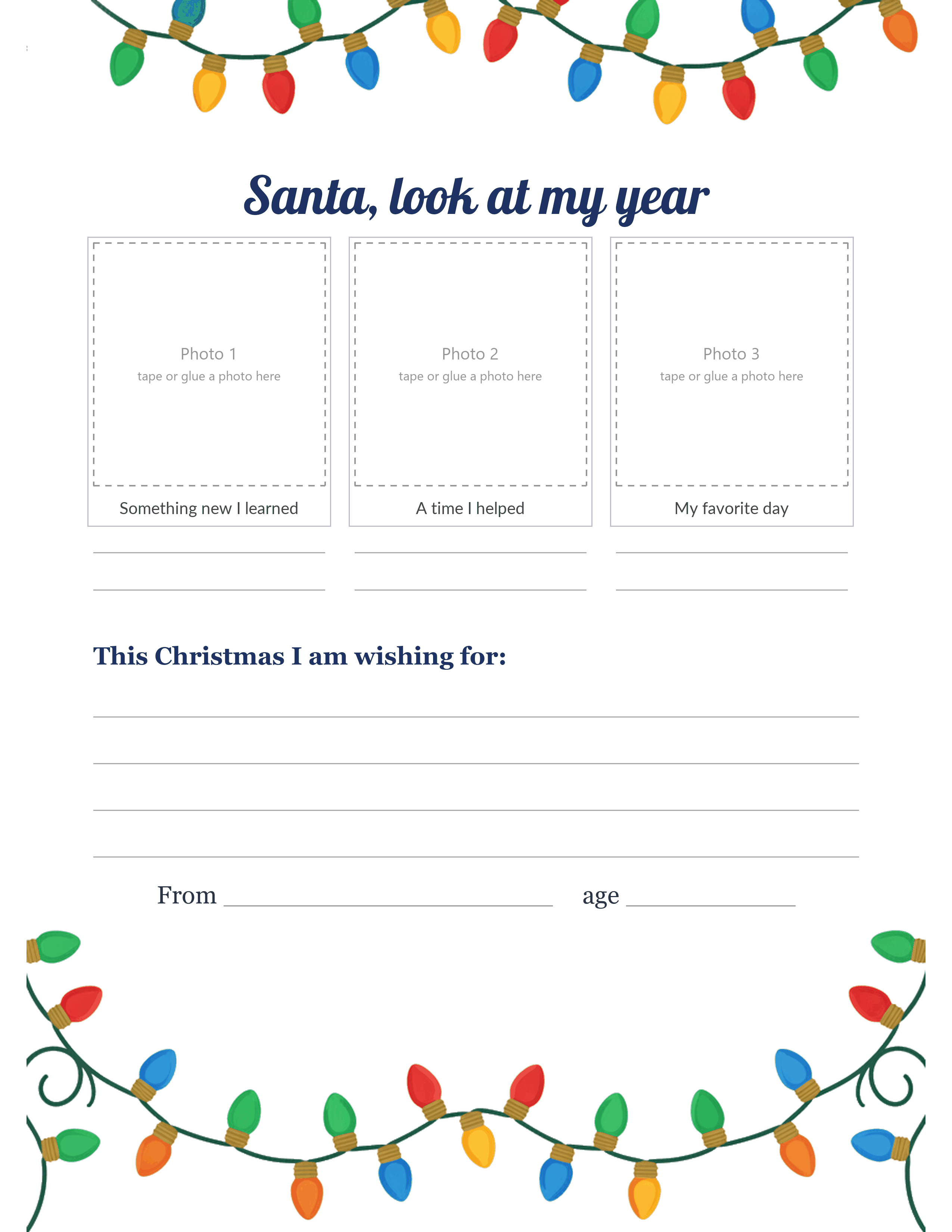
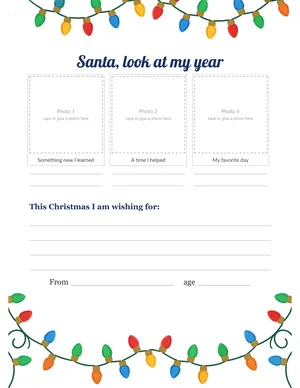 Santa, look at my year (three photos) Download PNG
Free for families, classrooms and libraries. Every PNG is 2550 x 3300 pixels (US Letter at 300 dpi). Please share a link to this page instead of the files.
A letter with a face on it
Most letters to Santa get read once, mailed, and forgotten. Add a photo and the page turns into something else: a record of what your child looked like at five, next to their handwriting at five and the exact toy they could not stop talking about that year. Parents who keep them end up with a stack that tells the story better than any baby book.
Kids have their own reason. Kids like the idea that Santa can see who's writing. "So he knows it's me" is a common answer when you ask why they want a picture on it.
Which template for which child
Ages 3 to 5: the big photo box. The photo takes up the top third of the page, with two "tape" strips printed on the corners so it looks stuck on. Below it there are only two lines to fill (name and age) and a large box to draw the wish. A parent writes the name; the child draws. That's a full letter at this age.
Ages 6 to 9: the lined letter. A real letter with ruled lines, with an instant-photo frame in the top right corner and the caption "This is me this Christmas" under it. The first seven lines run beside the photo, so short sentences fit nicely there.
Any age: the wish list. Eight checkbox lines, a small "Me this year" photo and three lines for nice things the child did. Good for the kid who wants to get straight to business, and for siblings who'd rather share one page each.
Ages 7 and up: look at my year. Three photo boxes in a row with captions printed below: something new I learned, a time I helped, my favorite day. Older kids who are a bit past "Dear Santa, I want" tend to enjoy picking the three photos. It doubles as a small year-in-review the family can keep.
Getting the photo the right size
The boxes are sized so a standard 4 x 6 print, trimmed, covers each one. If you're printing photos at home anyway, sizing them to the box saves paper.
| Template | Photo box | Print the photo at |
|---|---|---|
| Big photo box (ages 3 to 5) | 3.3 x 2.8 in, horizontal | 3.5 x 3 in, or trim a 4 x 6 |
| Lined letter | 2.5 x 2.9 in, vertical | 2.7 x 3.1 in |
| Wish list | 2.1 x 2.4 in, vertical | 2.3 x 2.6 in |
| Look at my year | Three boxes, 2.1 x 2.2 in each | 2.3 x 2.4 in, three photos |
Print slightly larger than the box (the table adds about 0.1 inch per side) so the dashed outline is fully covered after trimming. A glue stick is enough. If you'd rather skip glue, open the template PNG in Canva or Google Slides, place the photo over the box, and print the whole page in one go.
Which photo to pick
A close, smiling photo from this year, taken in daylight. The boxes are small, so a face that fills most of the frame works far better than a wide shot at the playground. Holiday photos are nice but not required; a gap-toothed school-morning photo from October often says more about the year.
For the three-photo template, let the child choose. The picks are often funny (a photo of a lizard at the pet store, a blurry soccer goal) and that's what makes the page worth keeping.
Where to mail a letter to Santa in 2026
One thing first: if the letter goes to USPS Operation Santa, volunteers will read it. USPS removes personal details before posting letters for adoption, but it doesn't say how photos are handled, so we'd mail a photo-free copy there and keep the photo version at home. Print the template twice; it takes two minutes.
USPS Operation Santa (United States)
Put a First-Class stamp on the envelope and get it to the post office in time for a postmark no later than Saturday, December 5, 2026. The child's first and last name and a full return address go on the letter and the envelope; letters without them can't be posted for adoption. Adoption opened November 16 and runs until December 12, 2026 at 8 p.m. Eastern. Not every letter is adopted, so don't promise a gift from it.
Santa Claus
123 Elf Road
North Pole, 88888
Canada Post
Canada Post asks for letters by December 9, 2026, with a clear return address so a reply can come back. No stamp is needed when mailing from inside Canada.
Santa Claus
North Pole
H0H 0H0
Canada
A North Pole postmark on your own reply
USPS also runs a postmark program through Anchorage, Alaska. You write the reply from Santa, seal it in an envelope with a stamp and your child's address, and slip that inside a bigger envelope (with its own postage) sent to NORTH POLE POSTMARK, POSTMASTER, 4141 POSTMARK DR, ANCHORAGE AK 99530-9998. For 2026, USPS suggests the window of November 23 to December 1. The reply comes back with a North Pole postmark.
Dates and addresses checked against USPS and Canada Post announcements in November 2026.
Answering the letter
A reply makes the whole thing land. You can write one by hand, or use our walkthrough for an AI letter from Santa, which shows how to get a personal reply that mentions the child's actual wishes and the photo they sent. Some families skip paper and go for a voice: our guide on how to call Santa lists the phone and video options and which ones are free.
A reply can also come with a reward. The free nice list certificate prints on the same paper and fits in the same envelope.
When the letter writer starts asking questions
Somewhere between 7 and 10, the questions get sharper. Why does Santa write like Dad? How does the North Pole have a ZIP code? No age is the correct one for telling a child the truth, and most parenting advice comes down to following the child's lead: answer the question they actually ask, and see how they take it.
The letter can help either way. A child who still believes gets a page that feels official. A child who knows can be promoted: they help a younger sibling fill in the big photo box template, pick the photo, and maybe write Santa's reply in their best fake handwriting. Many kids like that job more than they liked writing the letter.
Keep the letter (and photograph it)
Before anything goes in an envelope, take one photo of the child holding the finished letter. Do it every year in the same spot, maybe by the tree or the front door, and you'll have a series that shows them growing alongside their wishes. Scan or photograph the letter itself too; the original might go to the North Pole.
For a festive version of that photo, PiXmas makes AI Christmas portraits from a regular picture, including Santa scenes. The web tools are available at picsmas.com, and PiXmas for iPhone is on the App Store. If you want to compare other options for a child-with-Santa picture, our roundup of the best Santa photo app for kids covers what each one does with your child's photo.
The gifts from Santa can carry the same face, too. Our printable Christmas gift tags have a photo window on every tag.
How we made these templates
The borders (mittens, gold stars and pine, a candy ribbon, Christmas lights) were generated with an AI image model from our written briefs, with no text and no licensed characters, and cleaned to pure white so they print without a gray cast. Everything else is ours: the photo boxes, the ruled lines, the checkboxes, and every word, set in real fonts so nothing is misspelled. We checked each page at full size and moved any line that ran into the border art.