
Download a Christmas Wallpaper App for Personal Photos
A Christmas wallpaper app can turn a clear personal photo into a festive lock-screen or home-screen image, while static wallpaper apps provide ready-made seasonal backgrounds. Before downloading, check whether the app supports your device, produces a suitable vertical crop, explains photo storage and deletion, and lets you save the result at usable quality. AI-generated faces, hands, text, and small details may be inconsistent, so preview the image on the intended screen and regenerate or recrop when needed.
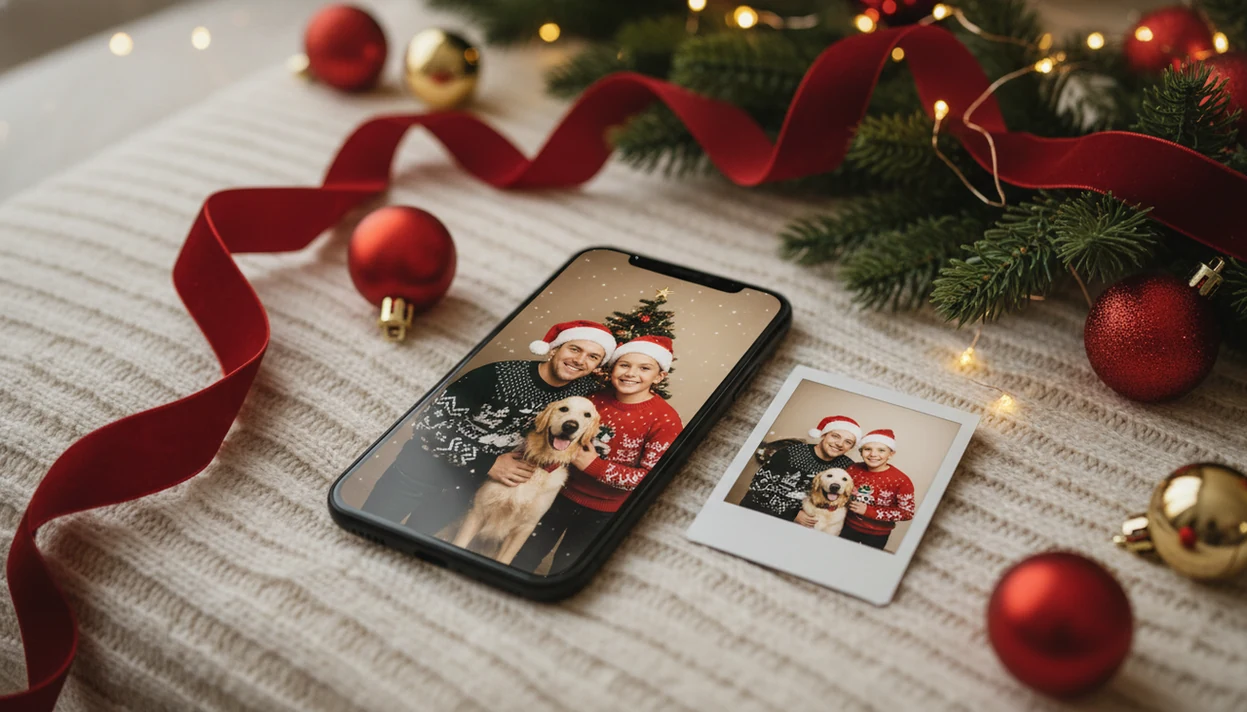
Upload one selfie, family photo, couple photo, or pet photo, pick a holiday style, and generate vertical Christmas wallpapers for your phone.
>
- Look for vertical formats, high-resolution output, clear privacy language, and easy save-or-set options.
- AI Christmas wallpapers depend on photo quality, device cropping, and generation accuracy, so results may need a second try.
How the christmas wallpaper apps look
Side-by-side captures of the compared products. Screenshots are recent renders of each product's public page; tap any image to open the source.

Christmas wallpaper app download choices at a glance
Generic Christmas wallpaper apps usually offer static images of ornaments, cabins, lights, or red-and-green patterns.
Smartphone ownership is broad enough to make mobile wallpaper personalization a mainstream habit: Pew Research Center reports that 90% of U.S. adults own a smartphone (https://www.pewresearch.org/internet/fact-sheet/mobile/).
| Download choice | Personalization | Lock screen fit | Output type | Privacy question to ask |
|---|---|---|---|---|
| this app | Uses your uploaded photo | Built for vertical wallpaper outputs | AI Christmas portraits and wallpapers | How are uploads processed and deleted? |
| Static wallpaper pack | No personal photo | Often vertical, sometimes cropped | Pre-made images | Does it collect device or ad data? |
| Canva or Picsart-style editor | Manual personalization | Depends on your design setup | Edited graphic | Where are uploaded assets stored? |
What to look for in a holiday wallpaper app download
That definition matters because a personalized AI wallpaper app is different from a free pack of winter backgrounds.
A Christmas Pictures App should make the practical path obvious: upload, select a festive style, review the result, then save or share.
Not general design work. Not unrelated AI art.
The common misconception is that Christmas wallpaper apps only provide static images. Good AI Christmas photo apps deliver personal holiday portraits and phone-friendly wallpaper crops, not endless scrolling through generic snowflakes.
Christmas wallpaper app workflow with one uploaded photo
A personalized Christmas wallpaper app works by uploading a photo, detecting the subject, preserving identity cues, generating a festive scene, and rendering a vertical wallpaper. The AI process uses image embeddings, which are compact visual signals that help the model understand faces, pose, lighting, clothing, and background.
The chosen style guides the holiday result. A Santa scene may infer red fabric, warm lights, and a workshop backdrop. A snowy portrait may reshape the background while trying to keep the face recognizable. Cloud processing can produce higher-quality results than on-device shortcuts, but it may add wait time during busy December evenings.
Photo quality still wins. A tiny face in a group shot, warm yellow kitchen light, or a blurry sleeve can affect realism. Wallpaper output usually depends more on the starting photo and crop than on the number of Christmas effects applied.
How to use a Christmas lock screen app after download
Use this setup path after a Christmas lock screen app download if you want to move from camera roll to Christmas portrait without manual editing.
- Upload a clear, well-lit selfie, family photo, couple photo, child photo, or pet photo.
- Choose a vertical Christmas wallpaper style, such as Santa, snow, fireplace, or cozy portrait.
- Generate the preview and compare face accuracy, hands, pet details, and background framing.
- Save the image to your phone if the crop looks clean.
- Set it as a lock screen through iOS or Android wallpaper settings, or crop it manually first.
For users who want a slower walkthrough, the full phone workflow is covered in how to make Christmas wallpaper with phone.
December 23 is real. A parent making a Santa portrait after bedtime does not have time for layers, masks, or a studio appointment.
Minimum requirements for a holiday wallpaper app download
Before a holiday wallpaper app download, check the basics: device support, storage, internet, photo quality, and saving permissions. AI wallpaper generation is more demanding than downloading a static JPEG.
- A current iOS or Android version helps avoid install, export, and permission problems.
- Enough free storage matters because generated wallpapers and portrait previews can stack up quickly.
- A stable internet connection helps cloud rendering finish without failed previews.
- A clear portrait photo improves face accuracy, especially for kids, pets, and couples.
- Permission to save images is needed before you can set the final wallpaper from Photos or Gallery.
Vertical aspect ratios matter because phone lock screens are tall. A wide family image may crop heads or push faces behind the clock. High-resolution output also helps avoid stretched cheeks and soft eyes.
Global app-store consumer spending reached about $171 billion in 2023, according to data.ai’s State of Mobile 2024 report (https://www.data.ai/en/go/state-of-mobile-2024/), so users are already used to paying for digital personalization when the result feels useful.
iPhone versus Android Christmas wallpaper app download details
iPhone and Android users can both save generated Christmas wallpapers, but wallpaper setup may differ by device and operating system. Do not assume every app can set the lock screen in one tap.
| Task | iPhone | Android |
|---|---|---|
| Save generated image | Usually saves to Photos after permission | Usually saves to Gallery or Photos after permission |
| Set lock screen | Often done through iOS wallpaper settings | Often done through system wallpaper settings |
| Set home screen | Available through iOS customization options | Varies by Android version and launcher |
| Manual crop | Useful for clock and widget placement | Useful for launcher-specific framing |
| Advanced behavior | Depends on iOS version | Depends on device maker, launcher, and OS version |
Treat the generator as the image creation step first. Your phone’s system settings handle the final wallpaper placement. iPhone users comparing download options can also read the Christmas wallpaper app for iPhone guide before choosing a workflow.
Small widgets get in the way.
Privacy checks before you download a Christmas wallpaper app
“Will my uploaded photo be stored, deleted, or used for model training?” That is the privacy question to ask before you download a Christmas wallpaper app that processes personal photos.
AI Christmas wallpaper apps handle selfies, children’s photos, pet photos, and family images. That makes privacy more important than it is for static wallpaper packs. Before using any Christmas Pictures App that processes faces, read the app privacy labels, data safety section, account deletion terms, and support pages.
Look for plain answers on upload storage, cloud processing, deletion requests, and whether images are used to improve models. If the policy is vague, slow down. A pretty Santa preview is not a substitute for clear data language.
Security researchers and platform privacy guidance generally recommend limiting photo access where possible, so selected-photo permission is worth considering when your phone asks.
Best photo types for personalized Christmas lock screen app results
The best photo for a personalized Christmas lock screen is clear, front-facing, well-lit, and lightly edited. Simple backgrounds and uncropped heads help the AI preserve identity and frame the wallpaper around clocks and widgets.
- Solo selfies: Use a sharp face, natural skin texture, and no heavy beauty filter.
- Families: Choose the frame where faces are visible, even if the wrapping paper under bare feet looks messy.
- Couples: Pick a close portrait with both faces similar in size; matching scarves in a portrait preview can look better than a distant full-body shot.
- Kids and Santa scenes: A missing front tooth in a holiday grin can be charming, but motion blur may confuse the result.
- Pets: Use a photo with visible eyes and paws; pet details are harder when fur blends into a dark blanket.
Multiple people or pets can work, but detail accuracy gets harder as the scene gets crowded. Couples can compare style ideas in the best Christmas couple photo app guide.
this app download for personalized Christmas wallpaper
A holiday wallpaper app download makes the most sense when you want your actual family, partner, child, pet, or selfie in the result.
Use the finished images for lock screens, family sharing, social posts, and Christmas card-style images. One usable photo after dinner can become a vertical wallpaper before the portrait preview finishes loading under the tree. For Instagram crops and seasonal profile posts, the Christmas photo app for Instagram workflow explains the social side.
Creators looking for a phone-friendly Christmas image can use this workflow because the output path is simple: upload one photo, choose a festive style, preview the portrait output, then save.
[App Store button placeholder] [Google Play or download page placeholder]
What makes this style different from other Christmas photo styles?
A Christmas wallpaper style is built around screen composition, not print or social layout. That means more open space near the top and bottom of the frame for a clock, widgets, or app icons, along with a vertical orientation that matches phone screens.
Other Christmas photo styles, like framed portraits or card-style scenes, are composed for a fixed rectangle meant to be viewed in full. A wallpaper style has to stay readable even when partially covered by phone interface elements, so lighting and framing tend to be simpler and more centered.
Who is this Christmas photo style best for?
This style suits anyone who wants a personalized lock screen or home screen for the holiday season instead of a generic wallpaper pack. It works well for individuals who want a seasonal self-portrait, couples who want a shared holiday theme across matching phones, and parents who want a child's photo turned into a festive screen background.
It is less suited to large group photos, since a wallpaper crop only shows a portion of the image clearly on a small screen. Pet owners can also use a clear solo photo of a pet for a themed wallpaper, though results depend on the same photo-quality guidelines as people photos.
How does this app compare to a photographer or DIY setup?
- Holiday search trend reports from Google show concentrated December spikes across Christmas topics, which creators commonly leverage by releasing seasonal smartphone and desktop wallpapers featuring Santa, trees, and lights in early December. (Google – Holiday Trends (Year in Search 2025), 2025)
Limitations
- Blurry photos, low light, and heavy filters can produce softer faces or odd skin texture.
- Multi-person images are harder, especially when one face is tiny or partly blocked.
- Hands, pet paws, jewelry, glasses, and teeth may be inaccurate in some generations.
- Cloud generation can involve queues or wait time during busy holiday periods.
- Free limits, paid credits, purchases, or subscriptions may apply depending on the current offer.
- Device compatibility can vary, so check the App Store, Google Play, or official download page before paying.
- Manual cropping may still be needed because iOS, Android, launchers, clocks, and widgets behave differently.
- Default Christmas scenes may not match every culture, tradition, home style, or color preference.
- Seasonal value is highest during the Christmas period, though portraits can still be reused for cards and posts.
Canva, Photoleap, and Picsart may fit users who want manual design control. A one-photo Christmas generator fits users who want the portrait generated first.