Cute Christmas wallpaper 2027: 16 free tiny-animal designs
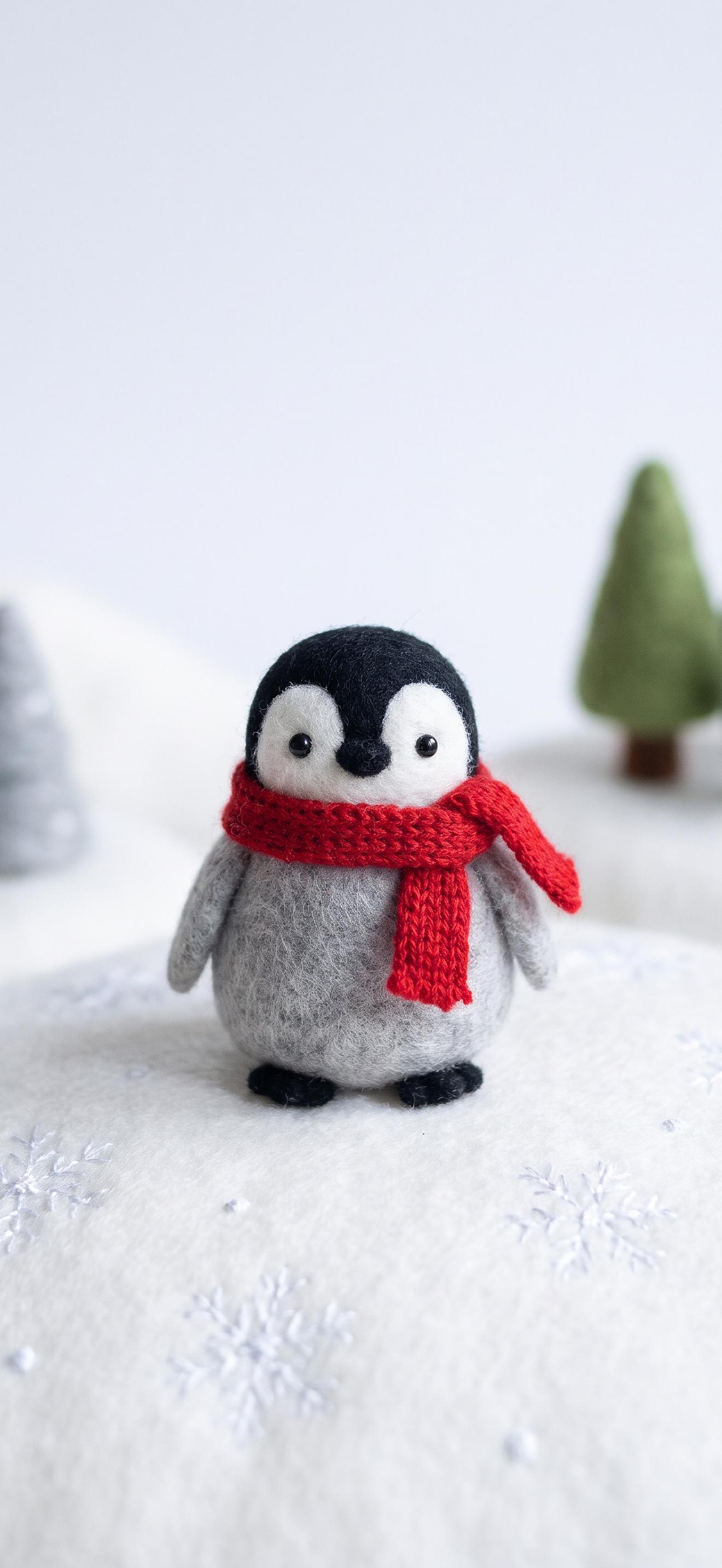
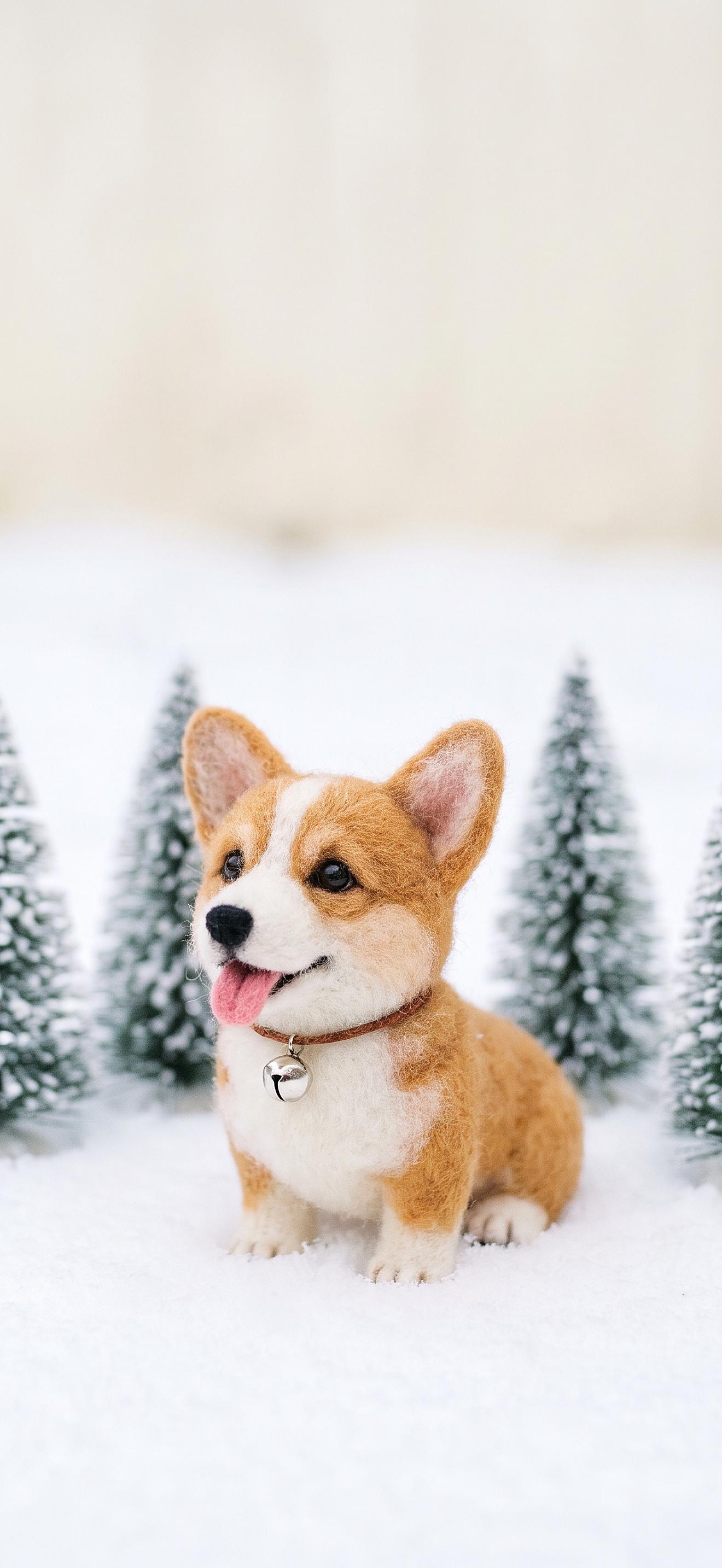
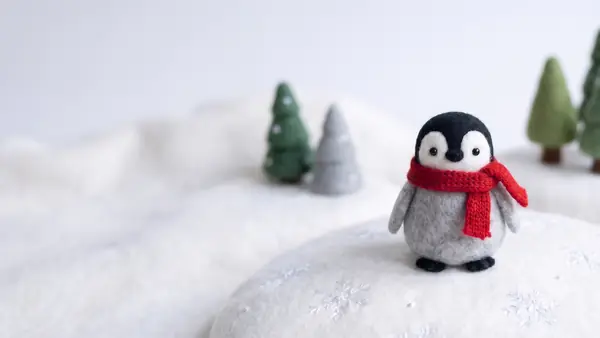
These 16 cute Christmas wallpapers show small handmade-style animals (a felt penguin, a clay hedgehog, a knitted fox asleep in a teacup) and they are free to download. Every design has a 1320 x 2868 phone file with an empty top third for the lock-screen clock, and a 2560 x 1440 desktop file with the animal moved to the right so your icons stay readable.
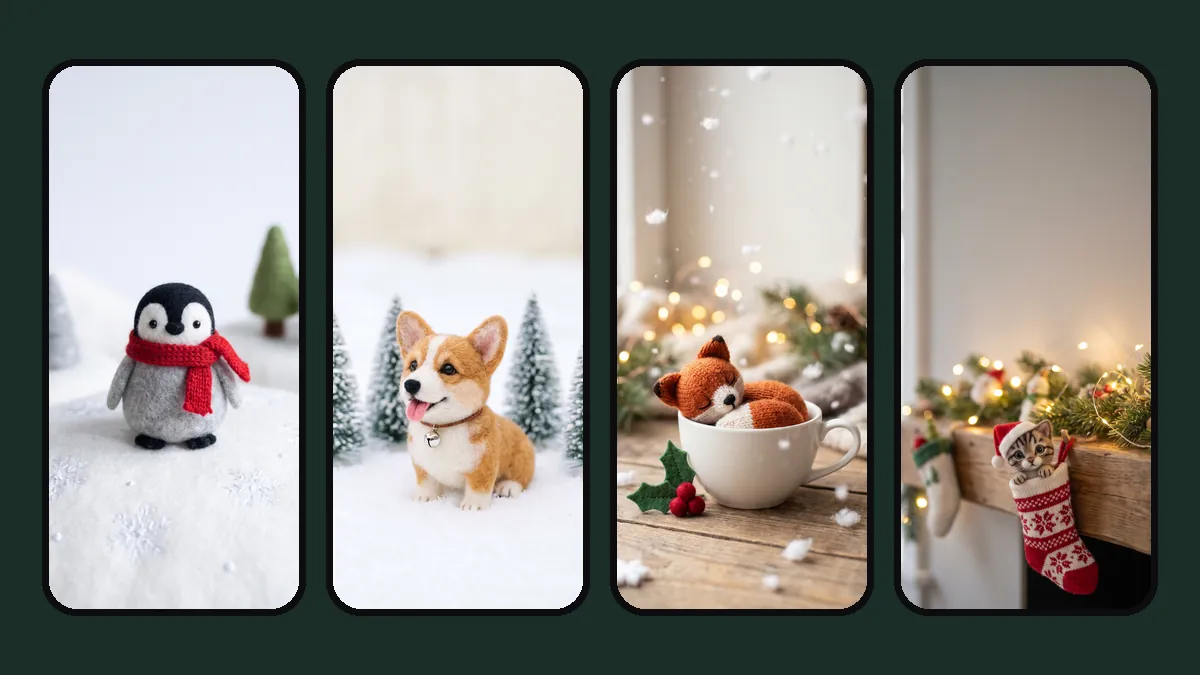
Download the 16 wallpapers
Tap "Phone" or "Desktop" to save the full file. On an iPhone, the image opens in a new tab: touch and hold it, then choose Save to Photos.
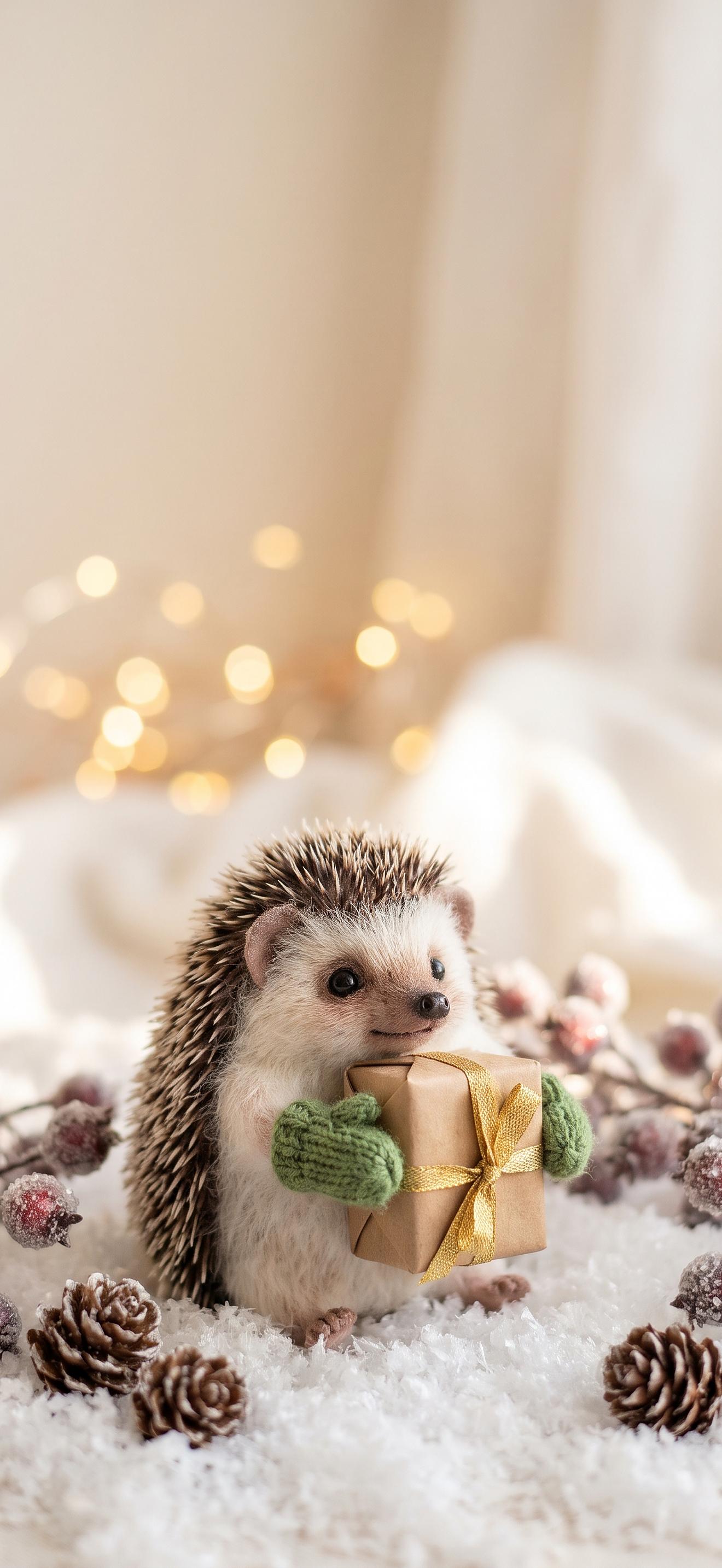
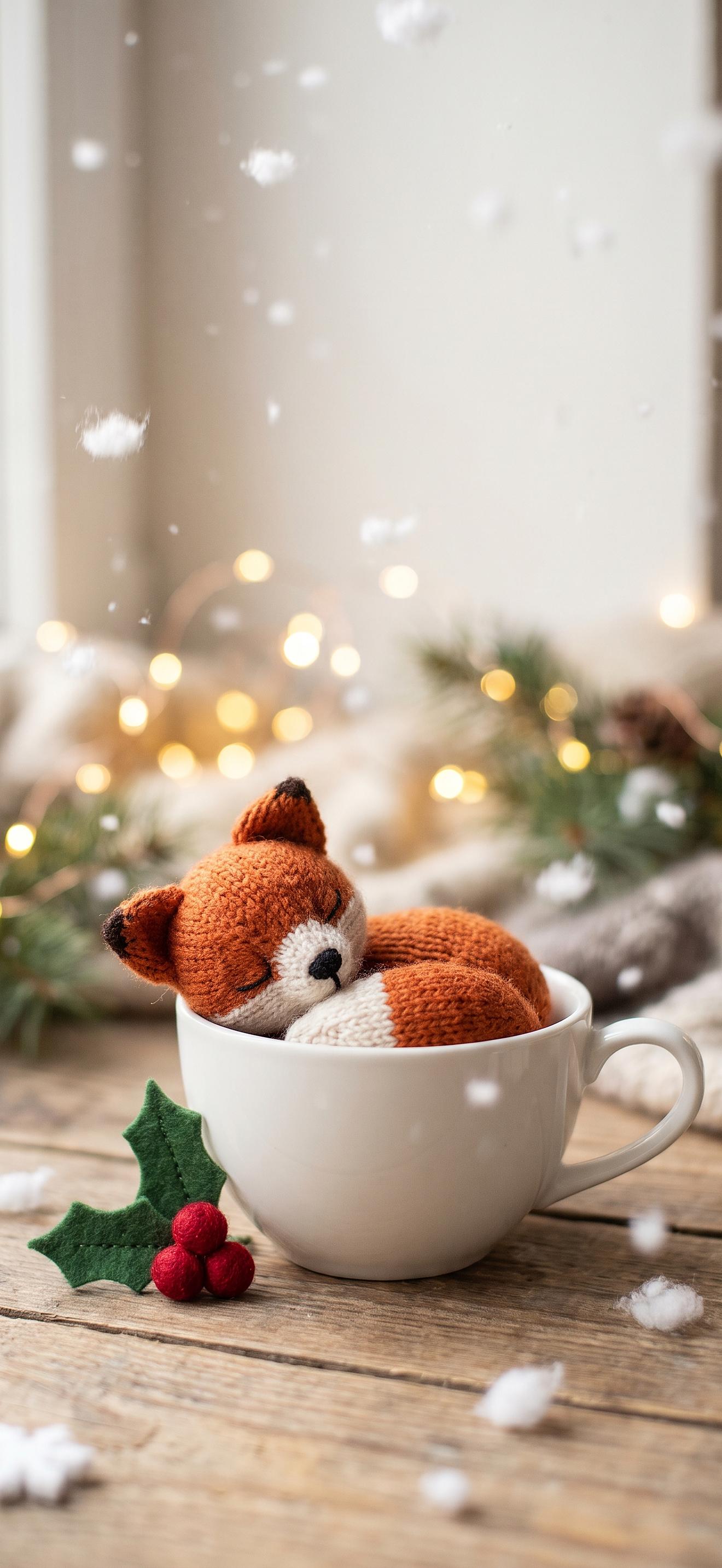
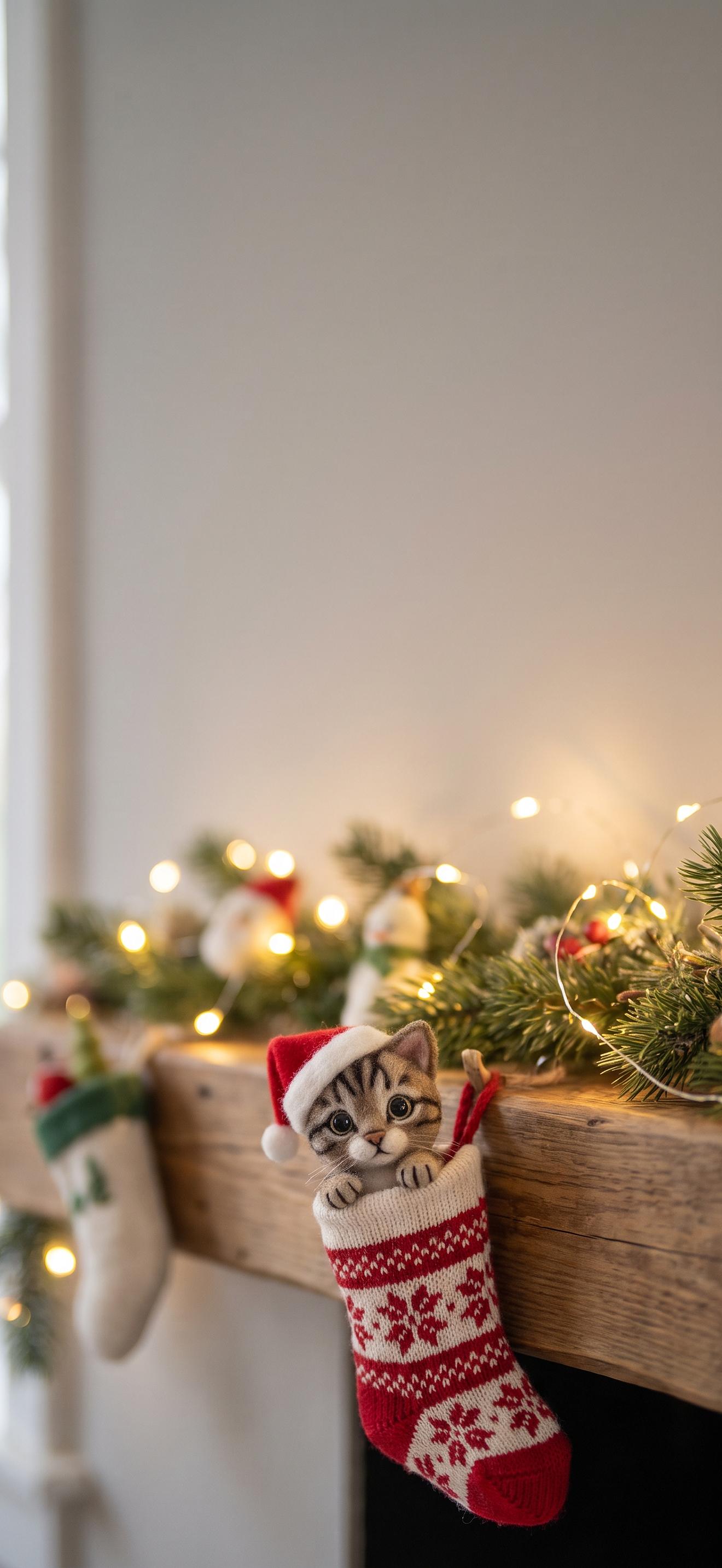
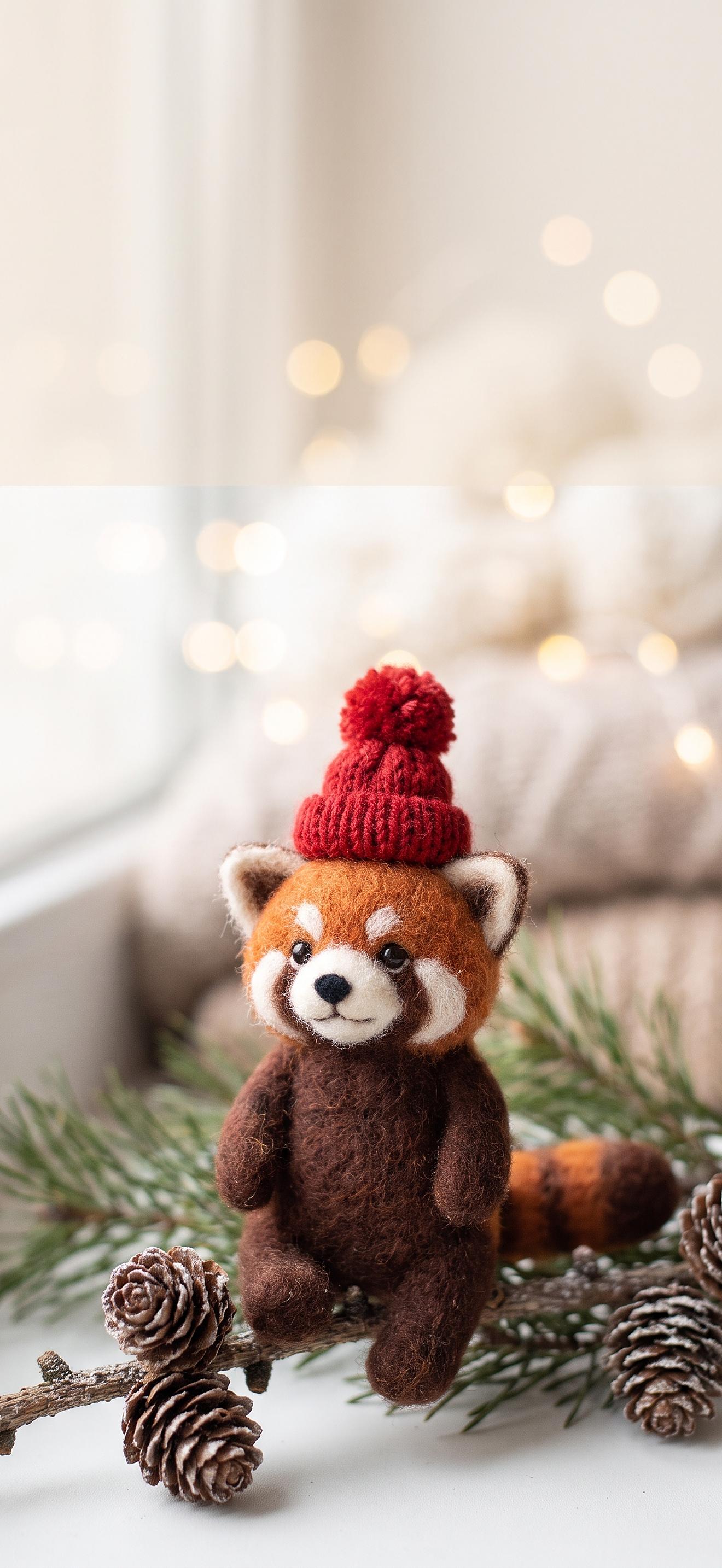
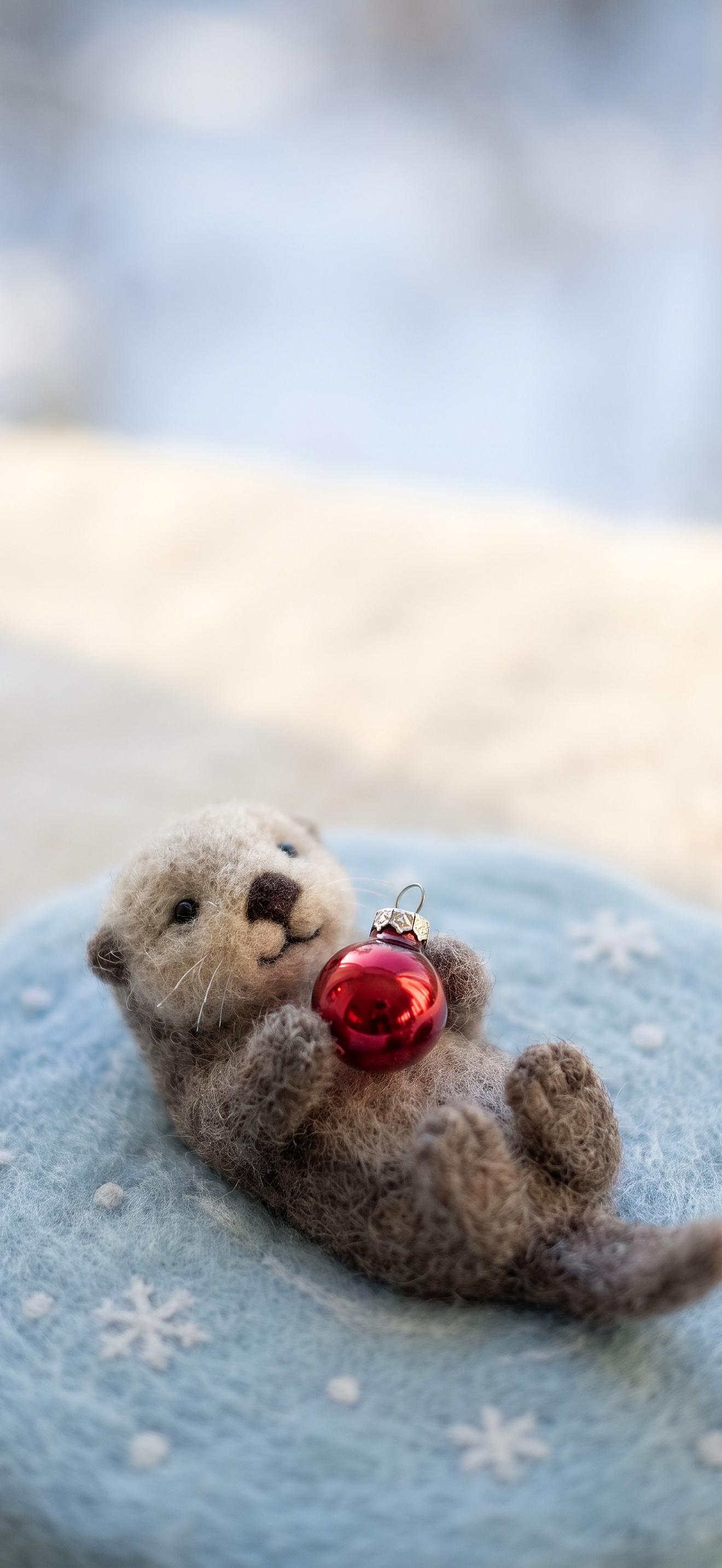
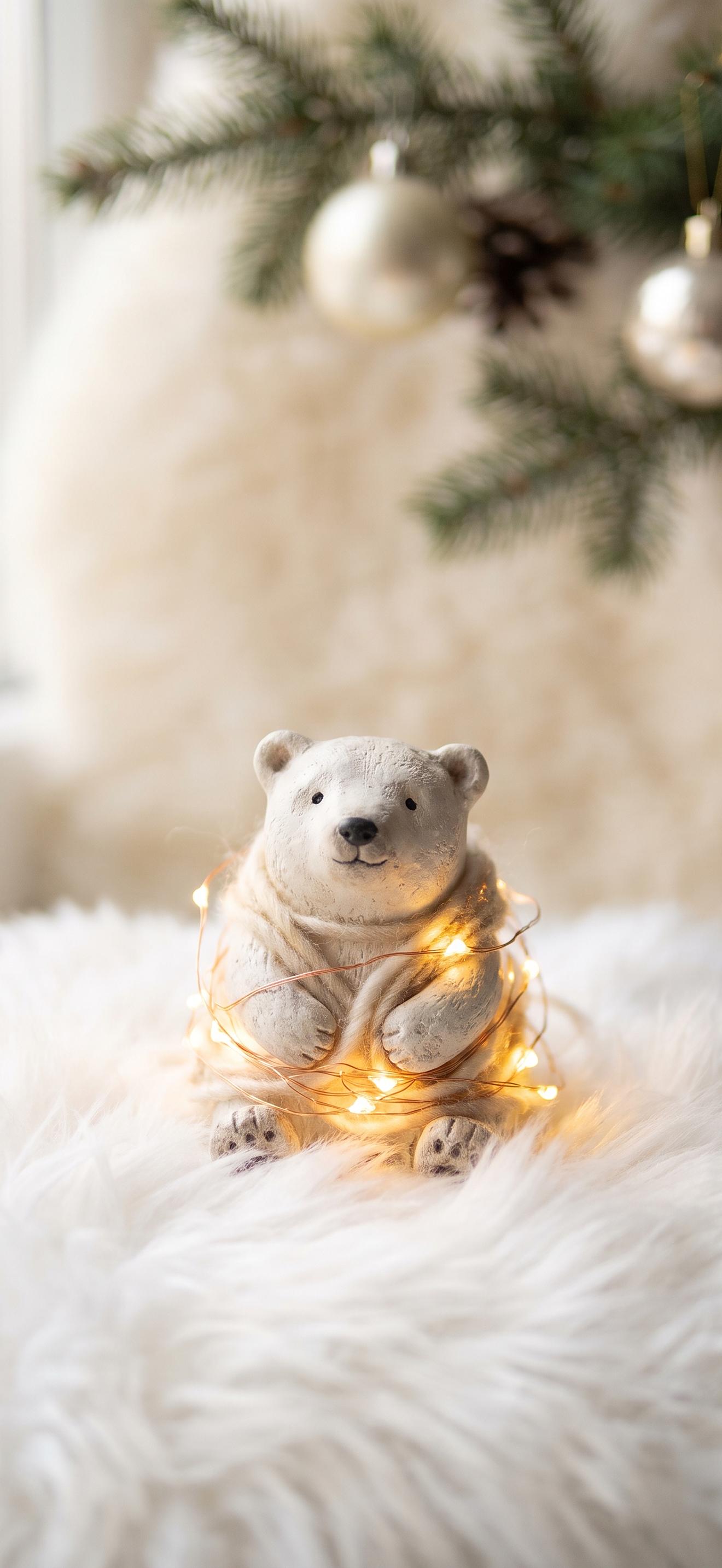
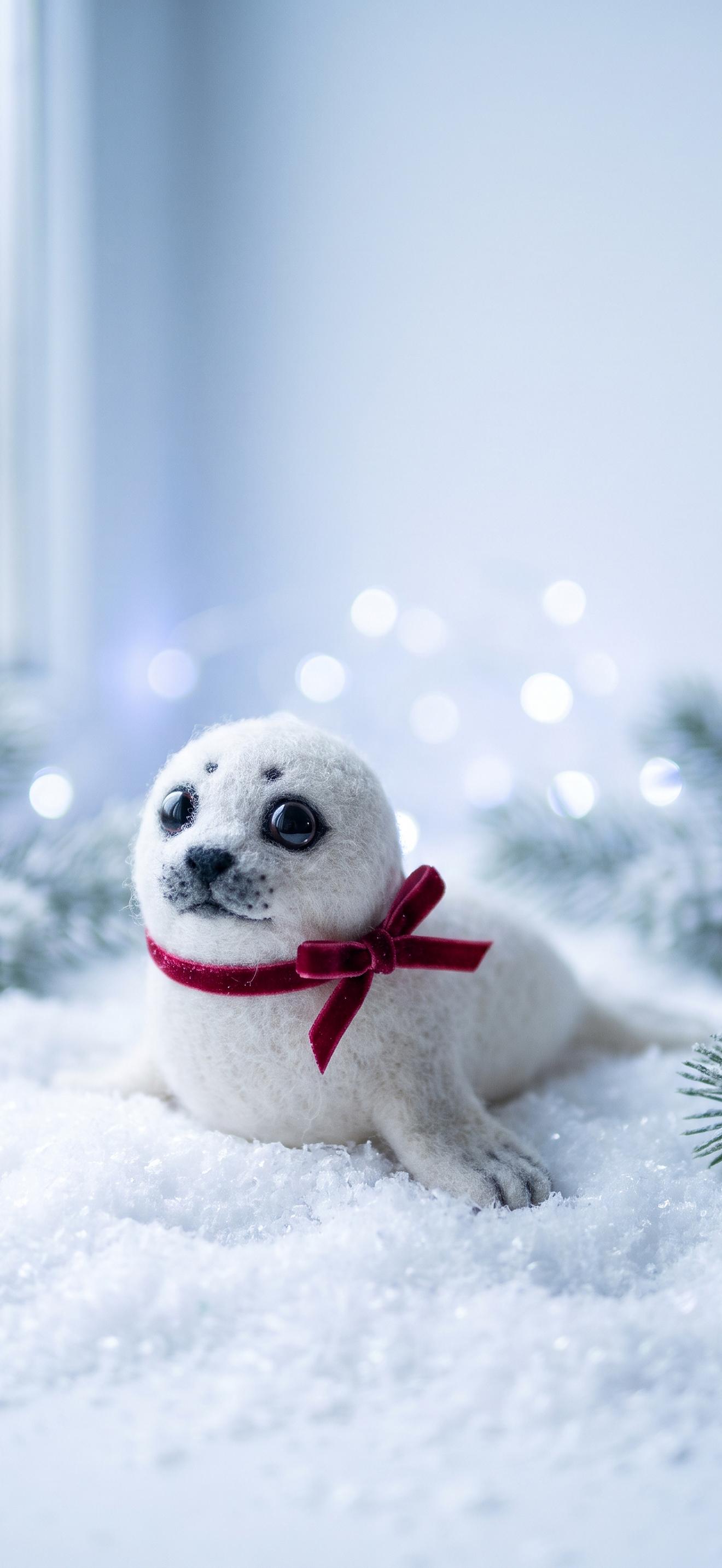
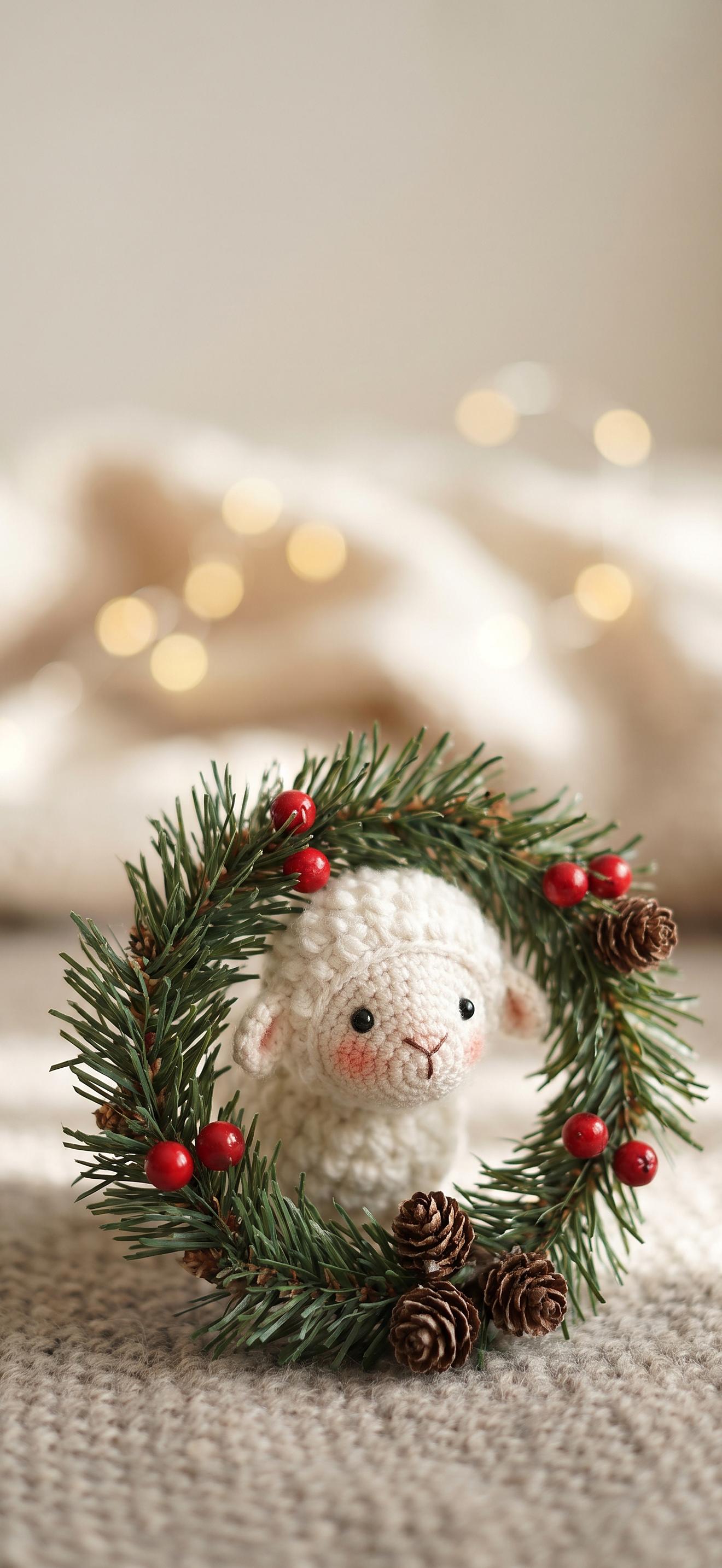
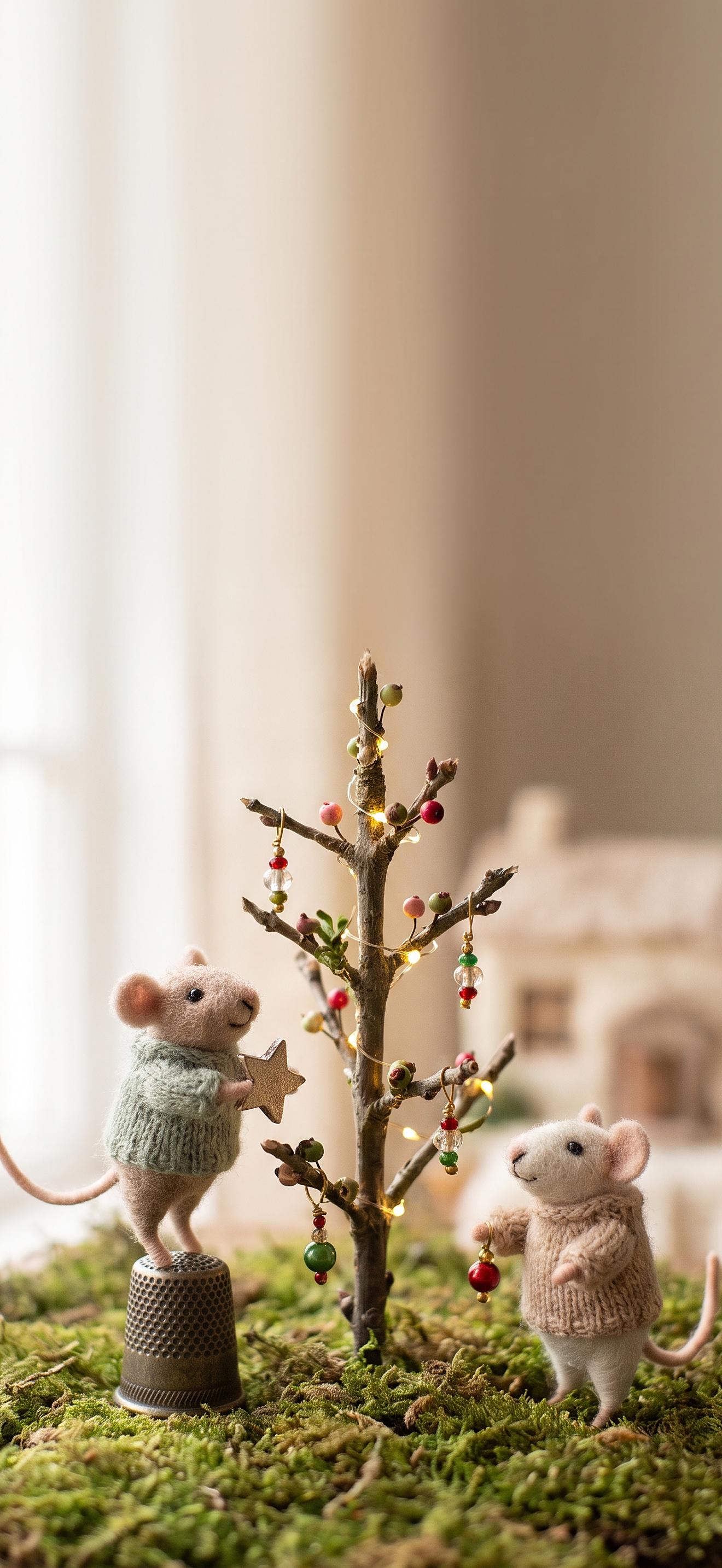
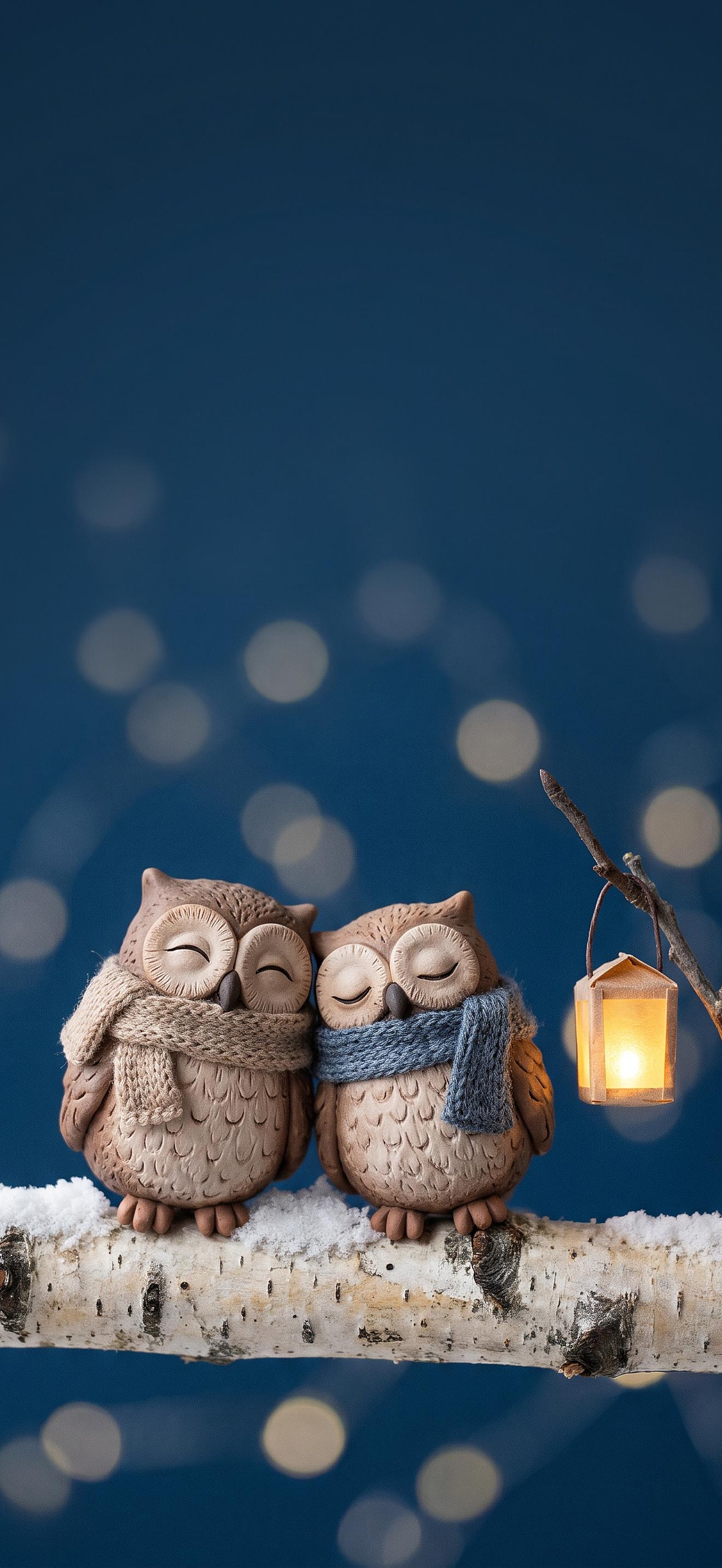
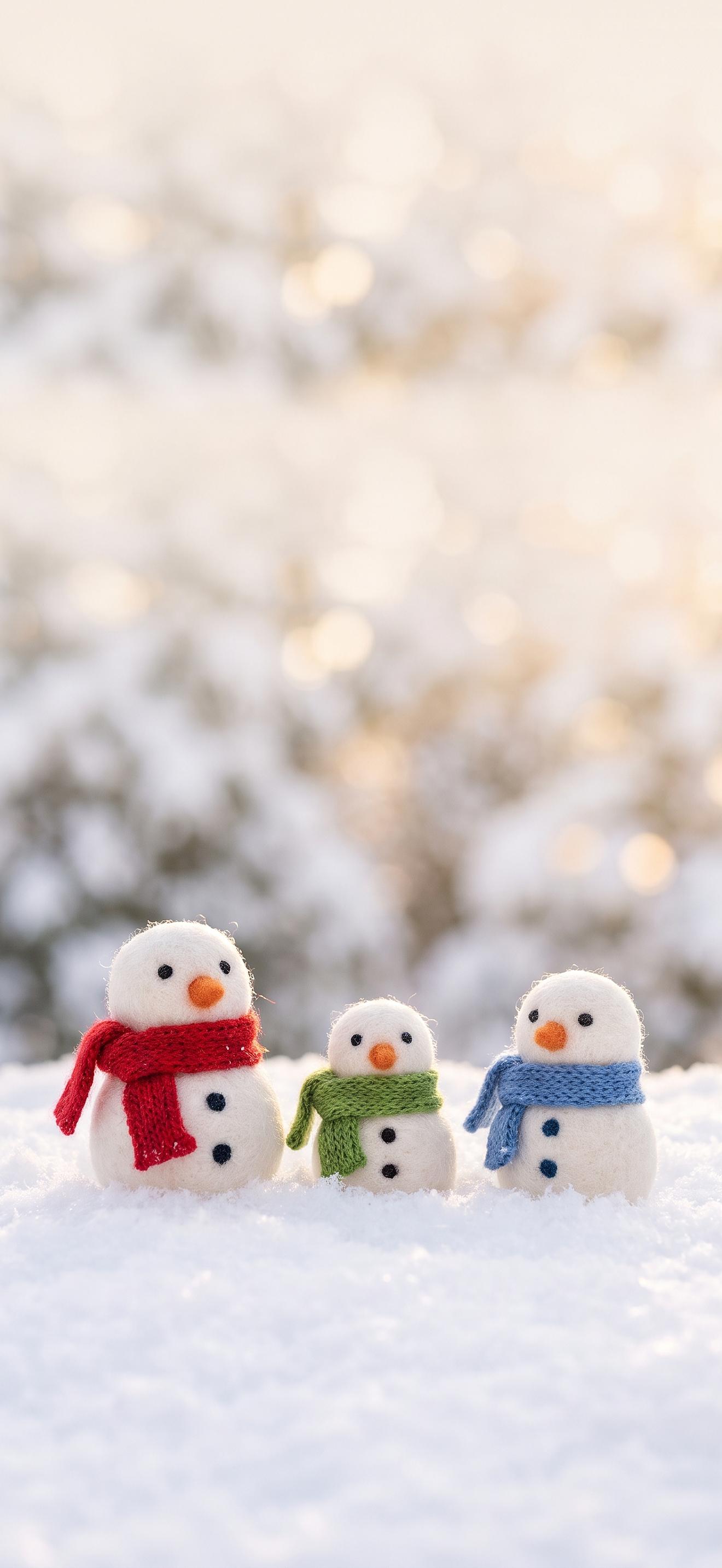
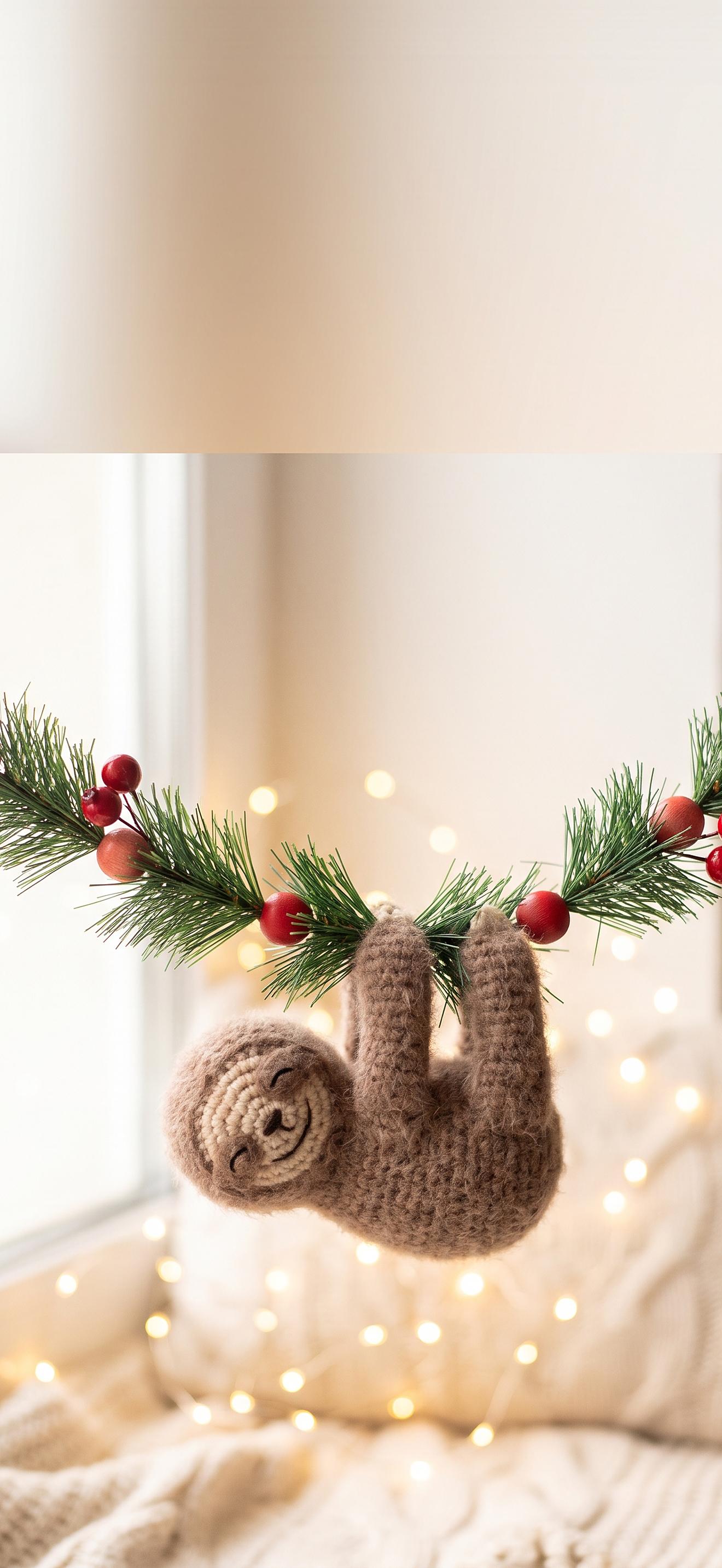
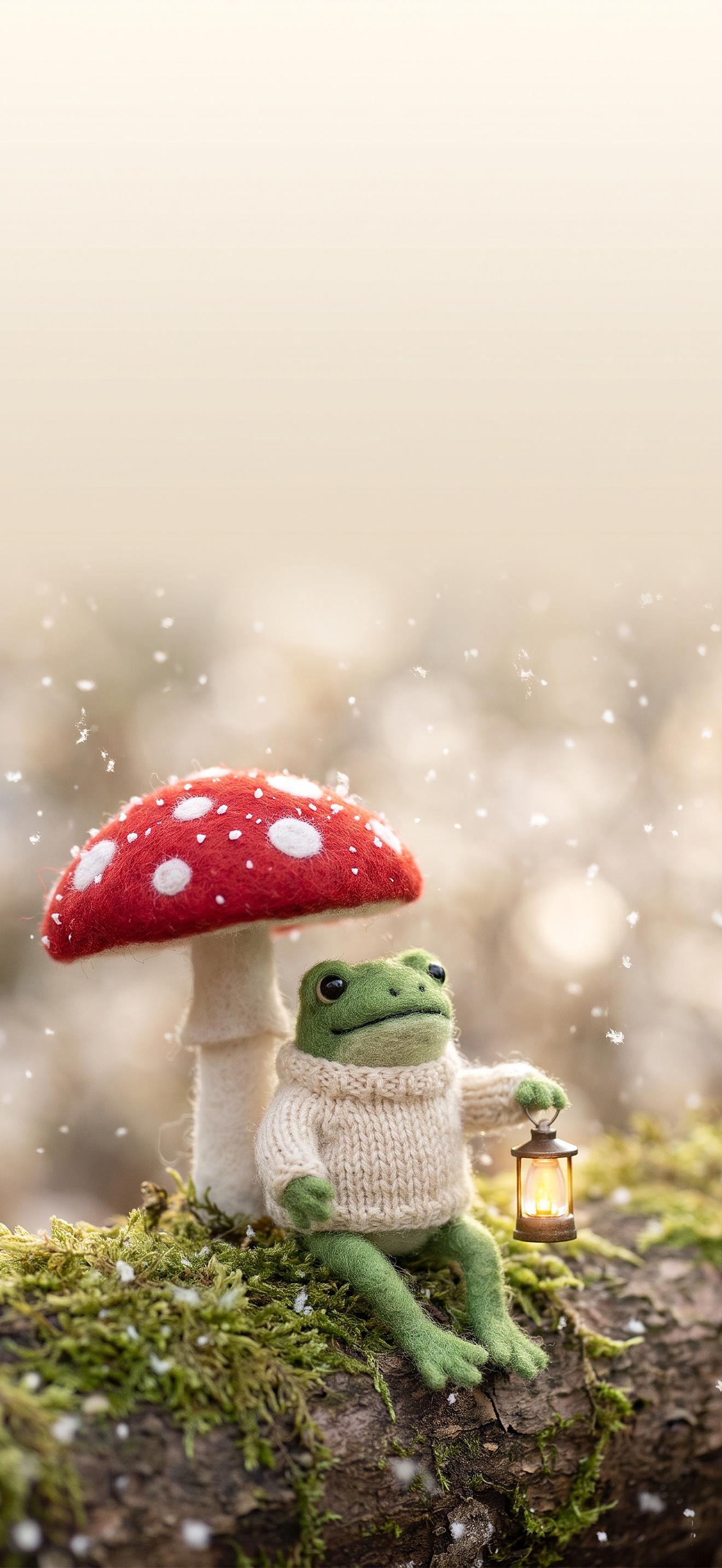
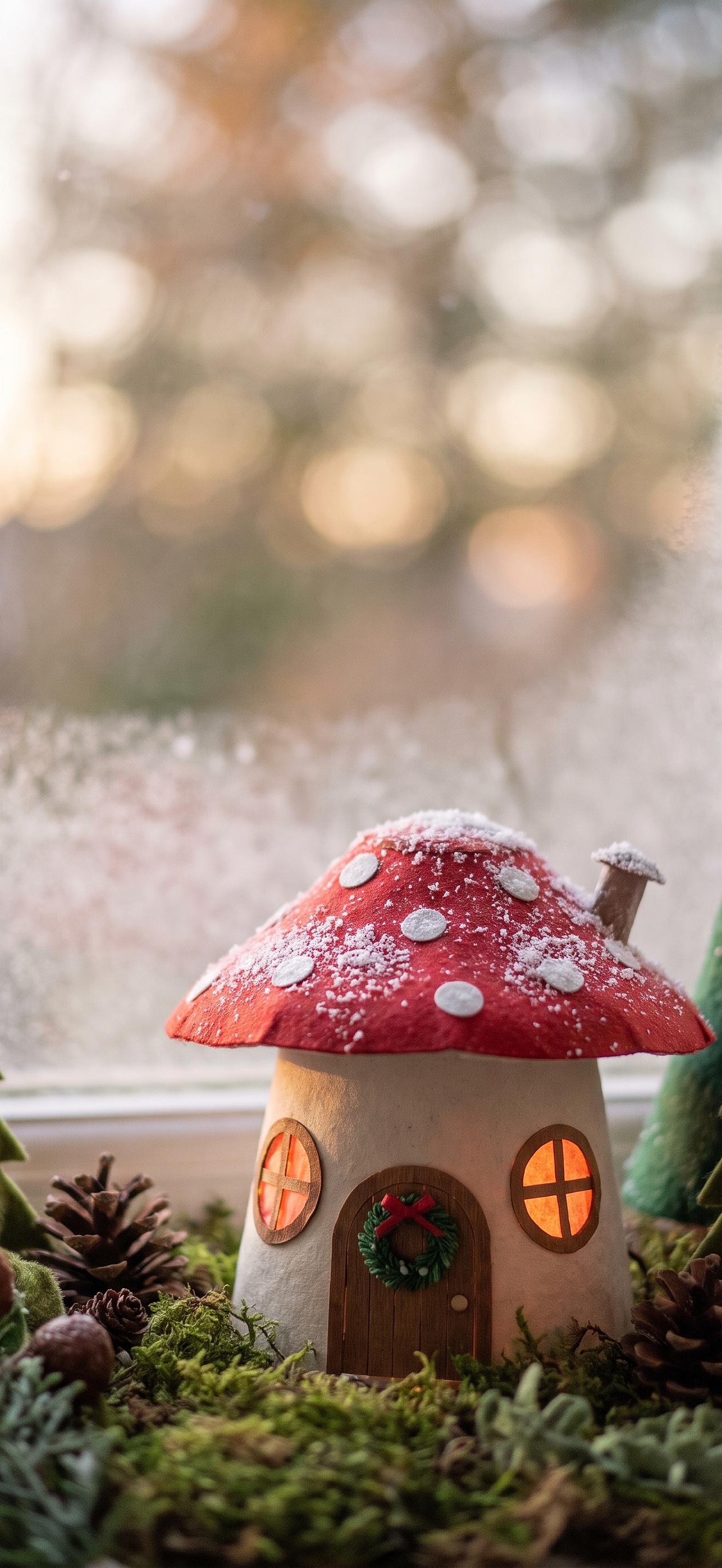
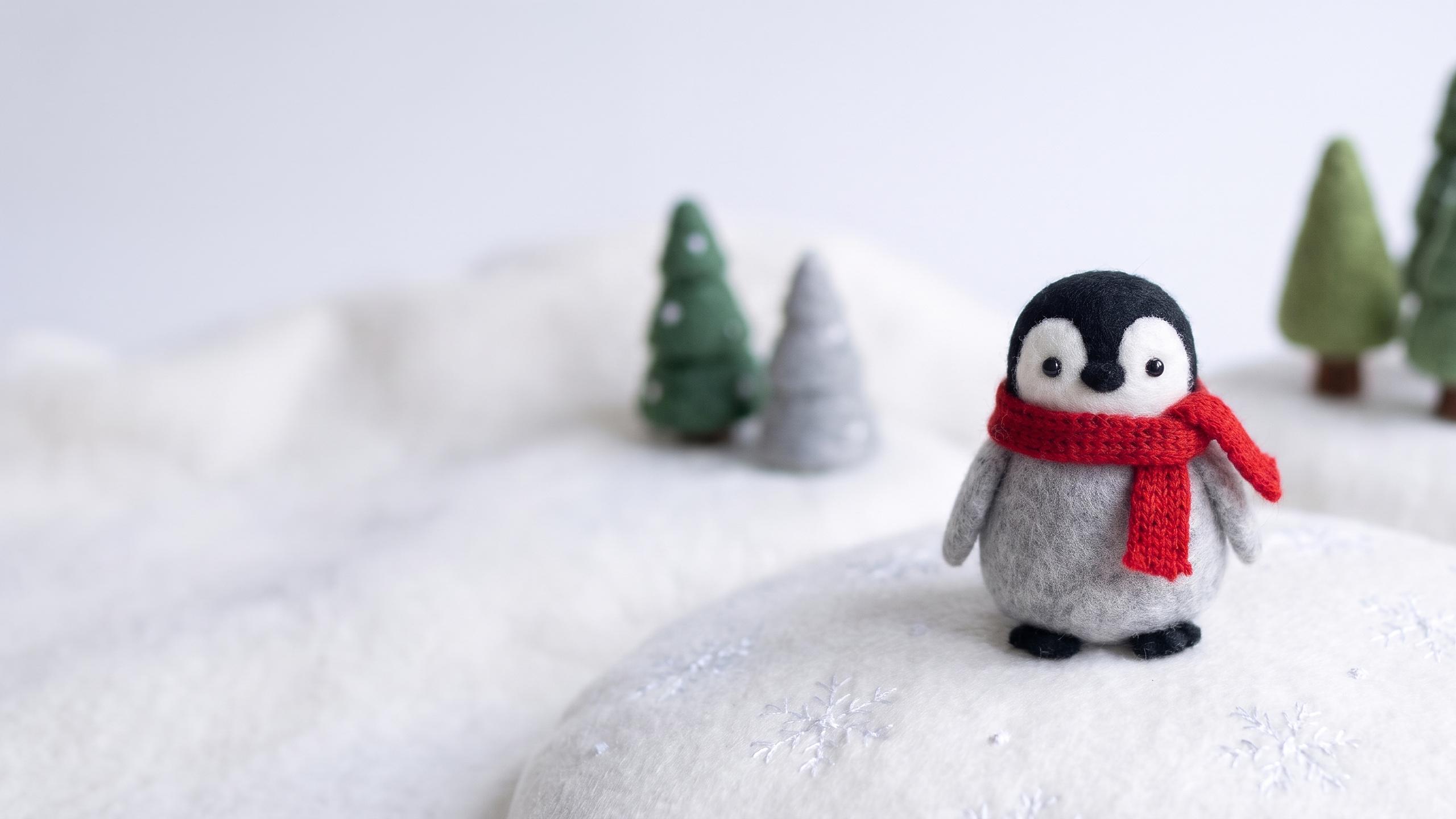
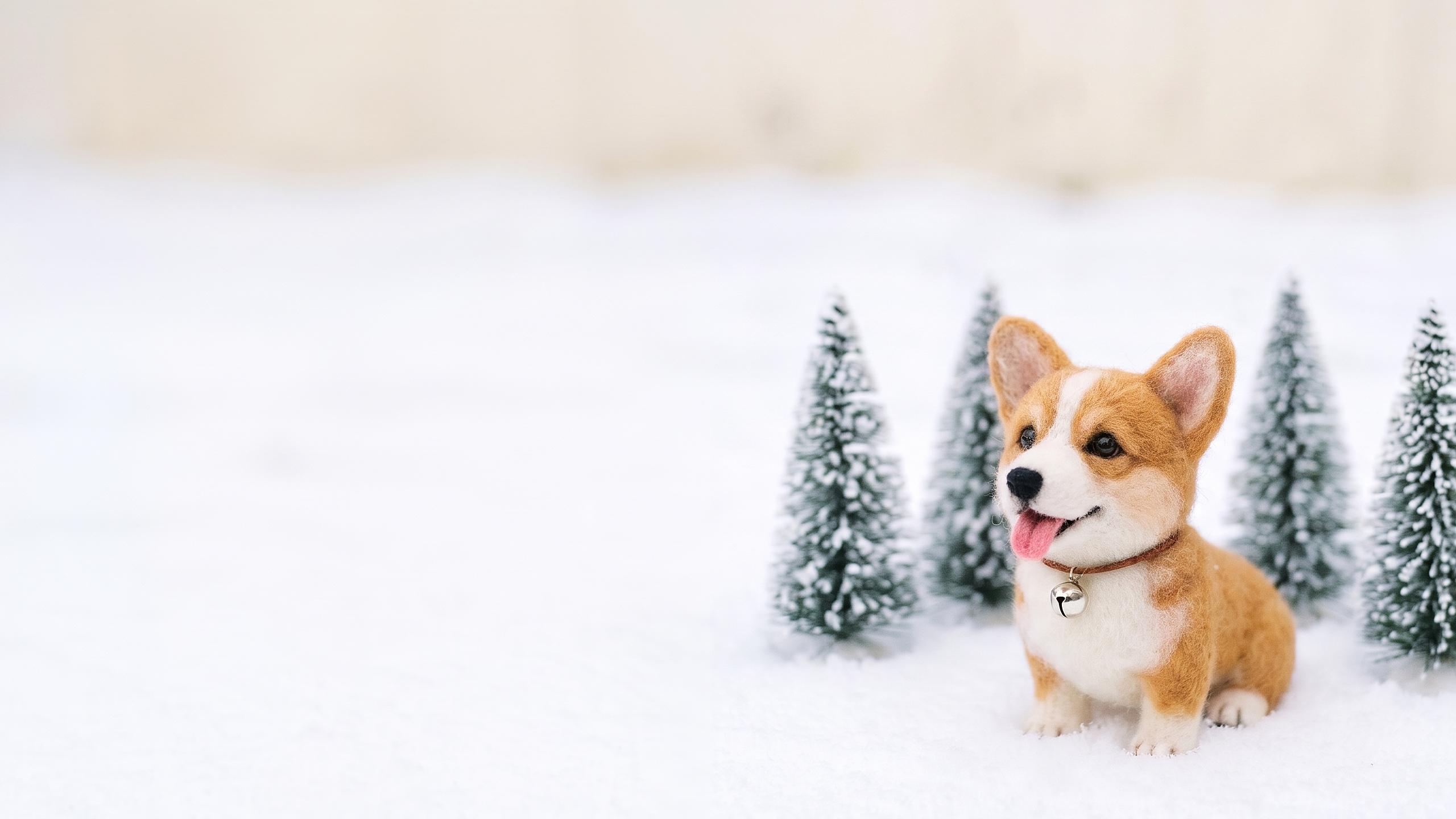
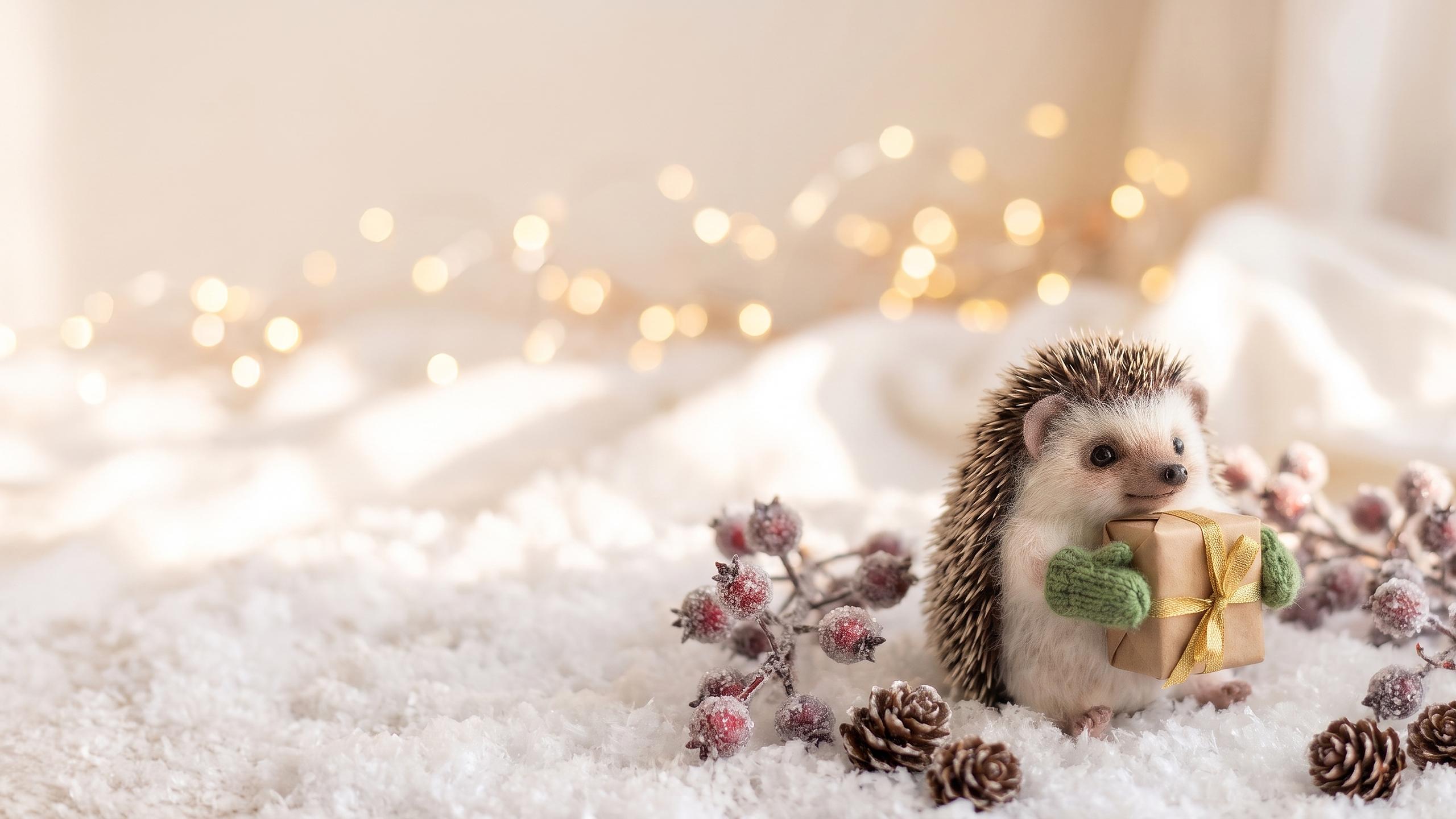

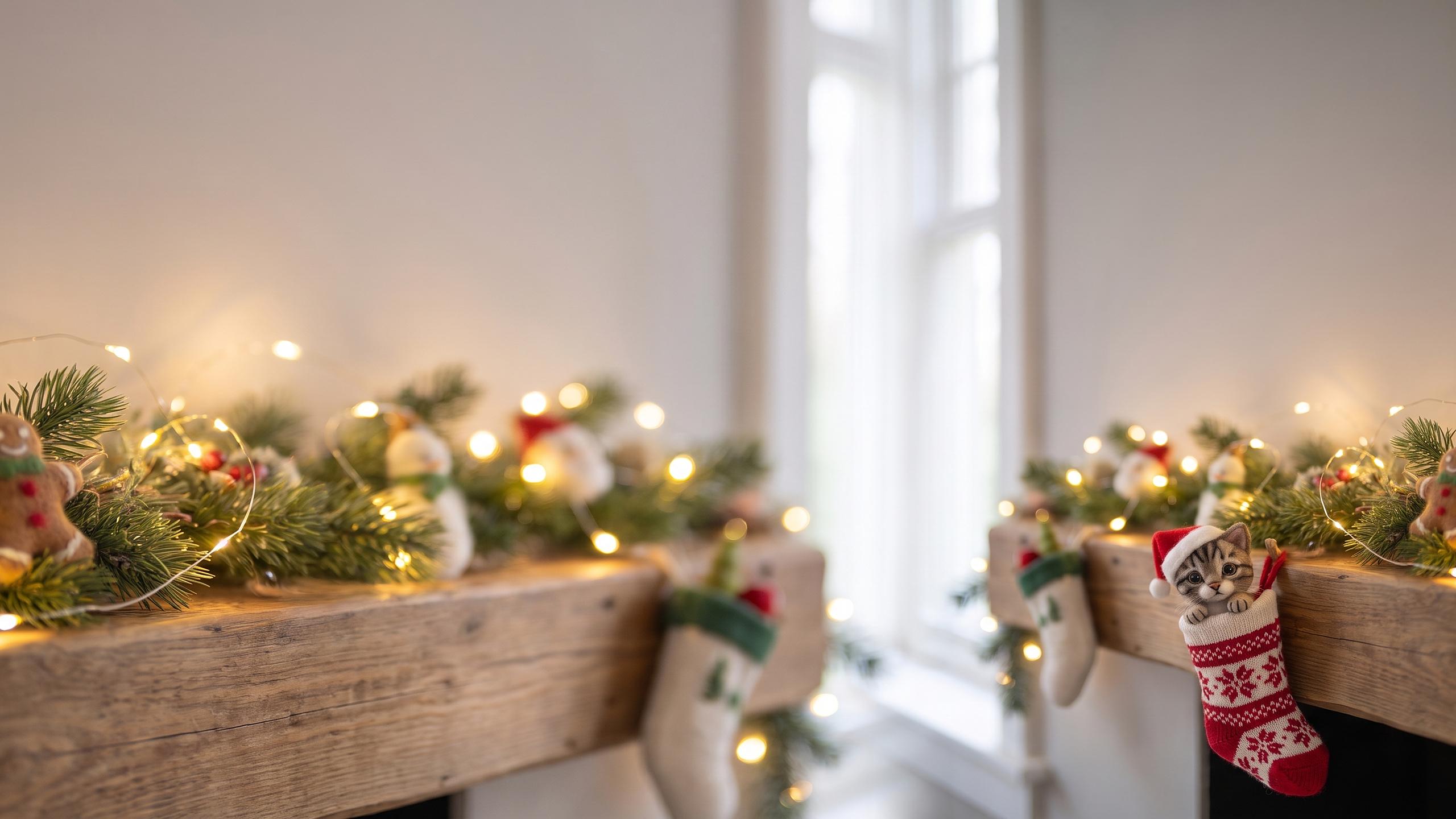
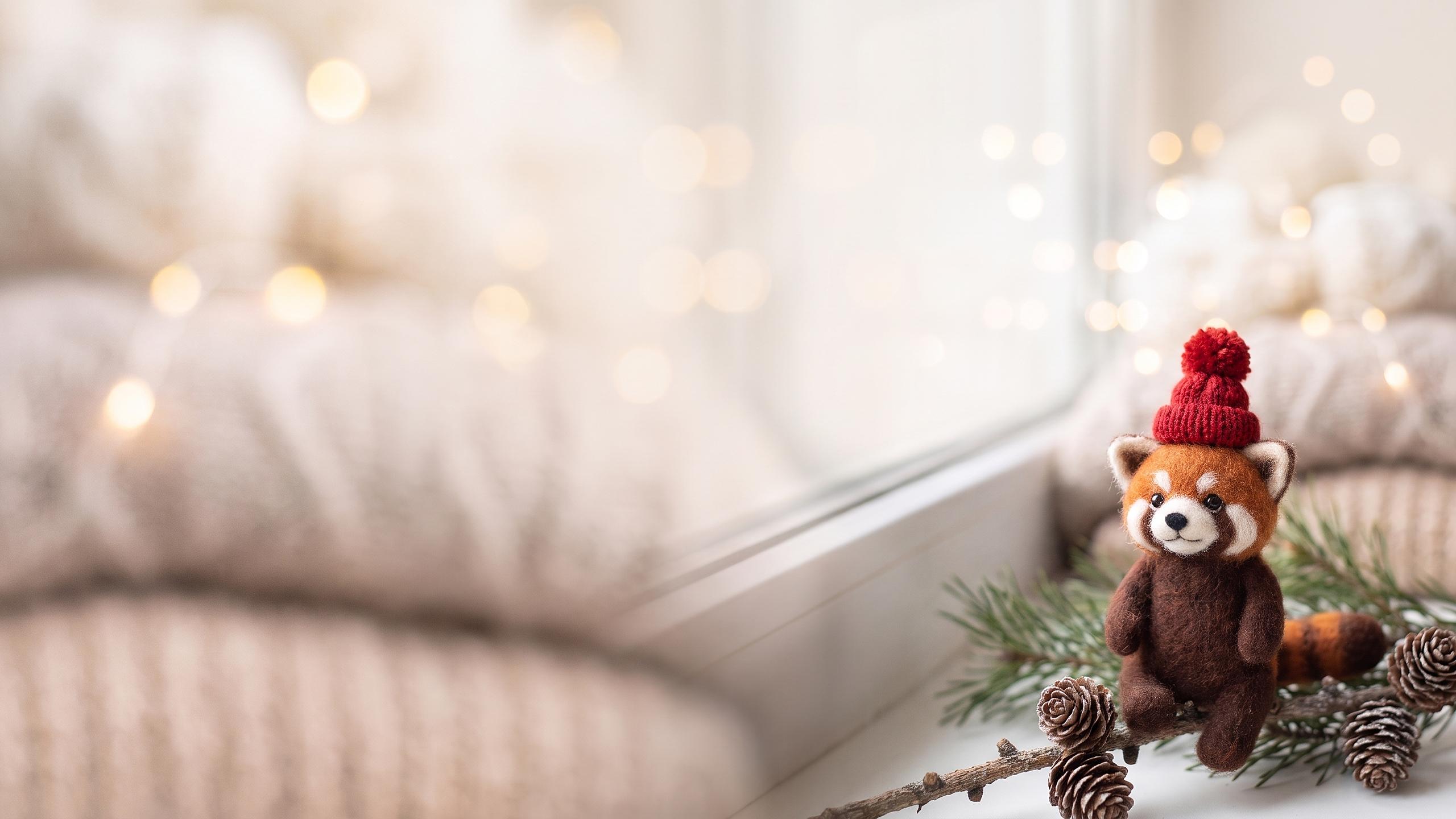
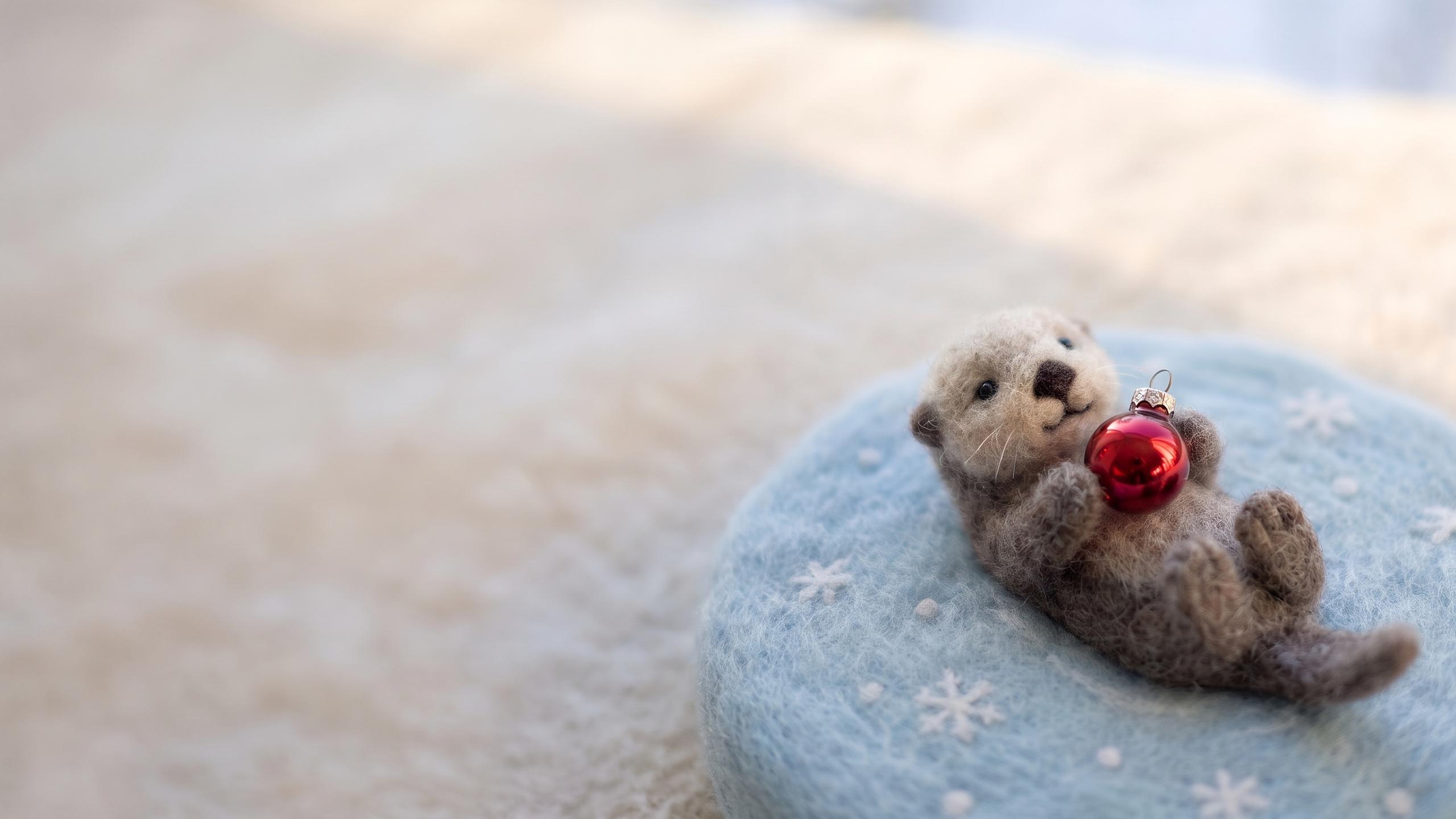
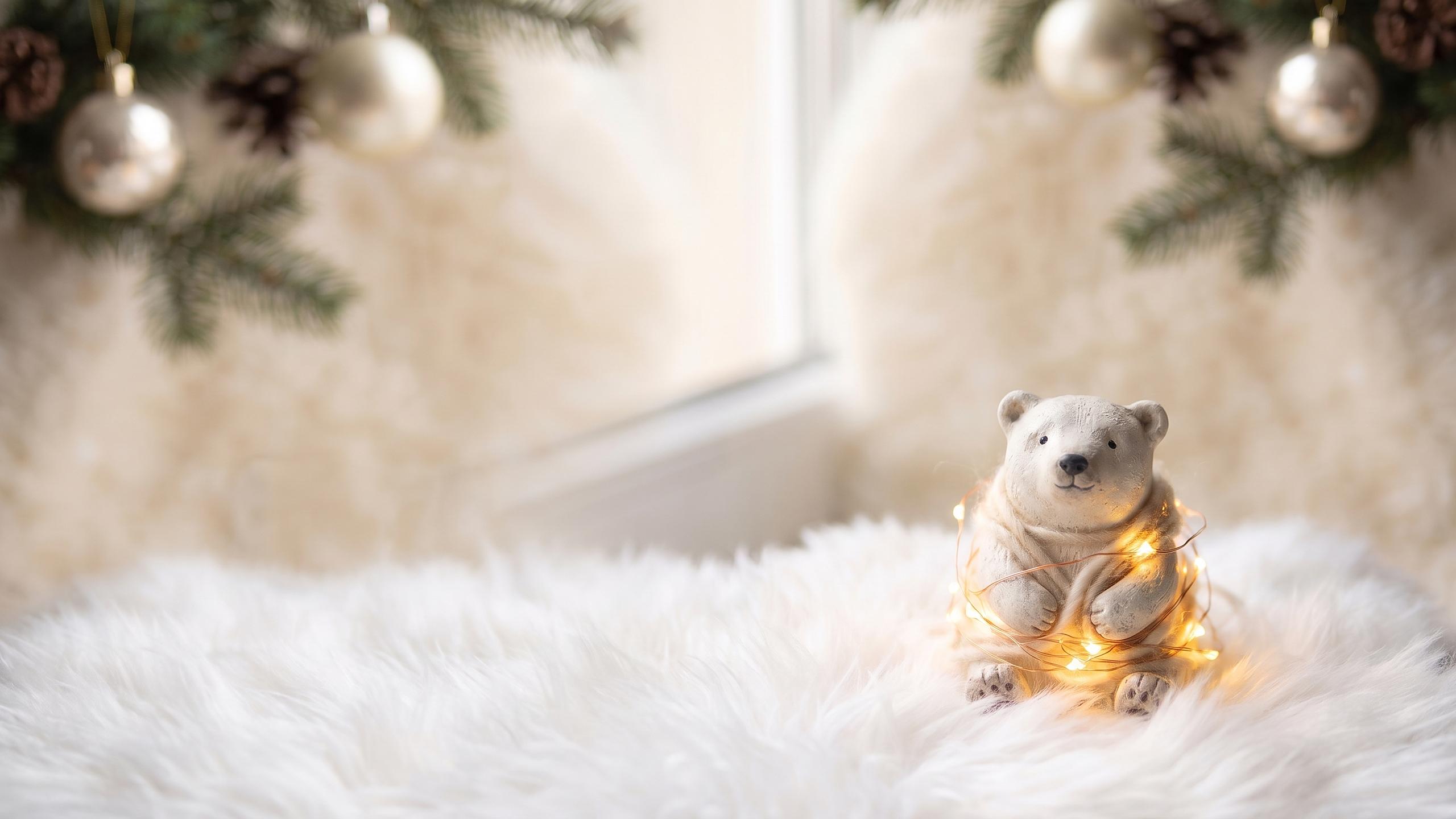
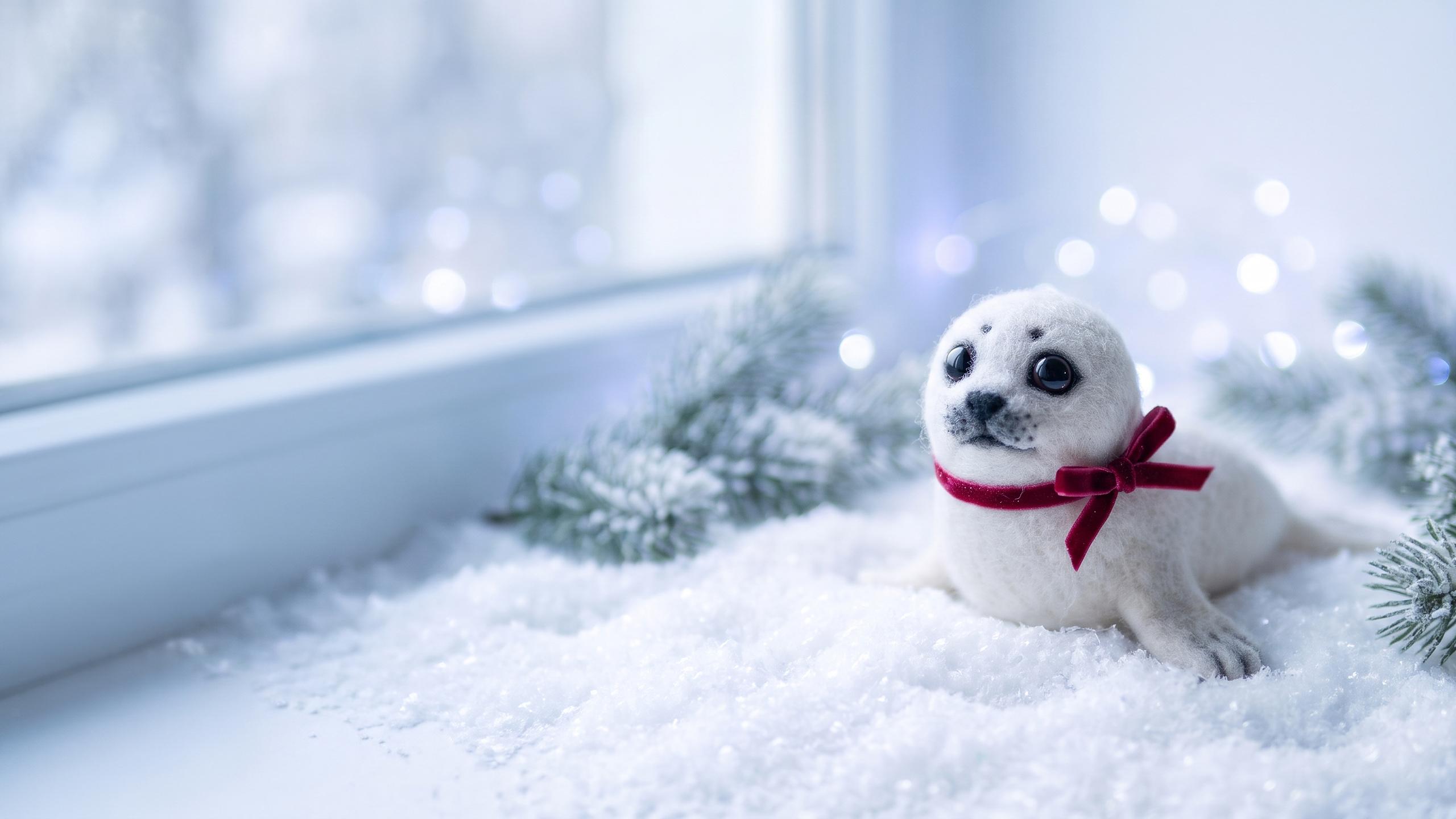
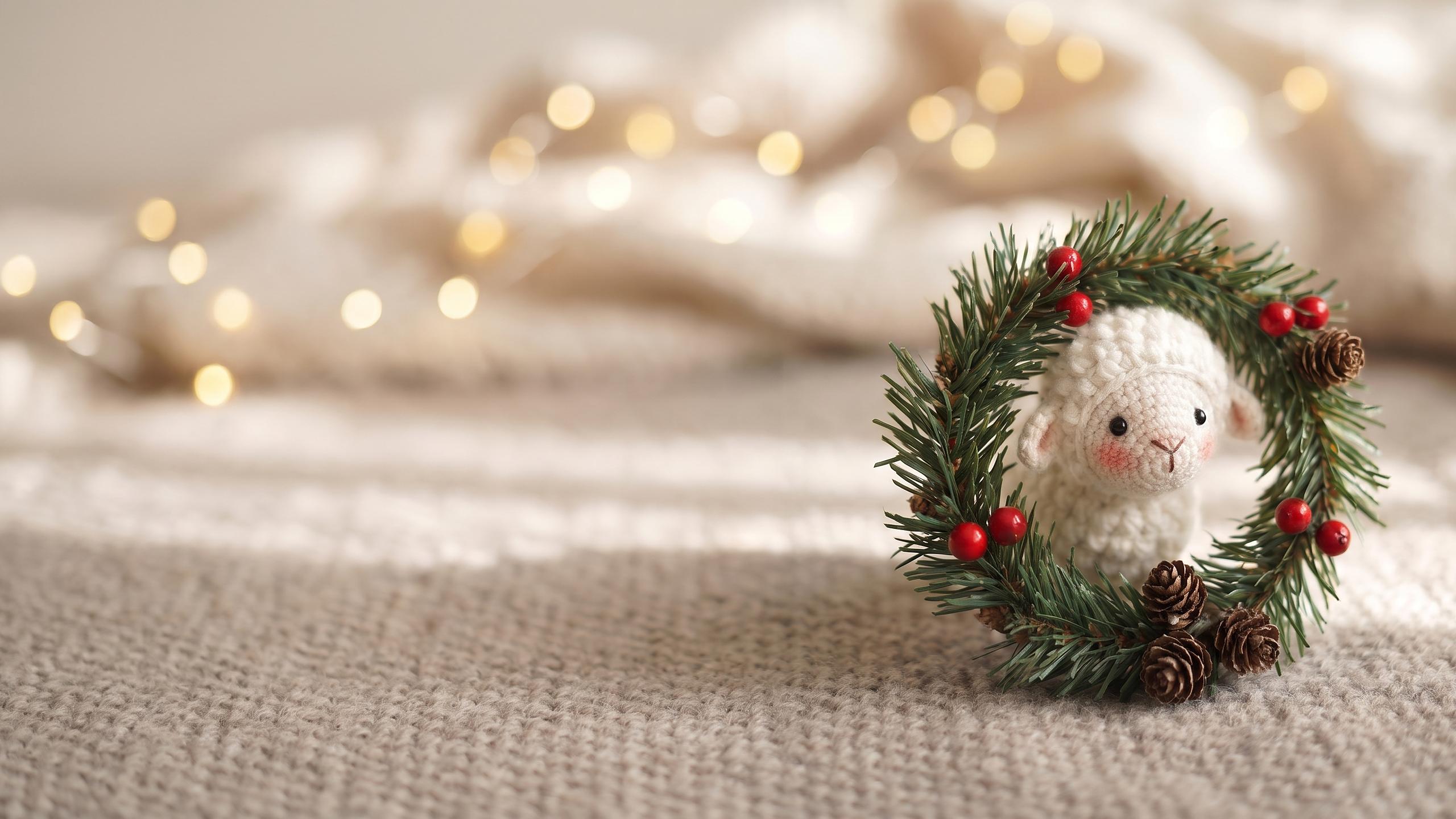
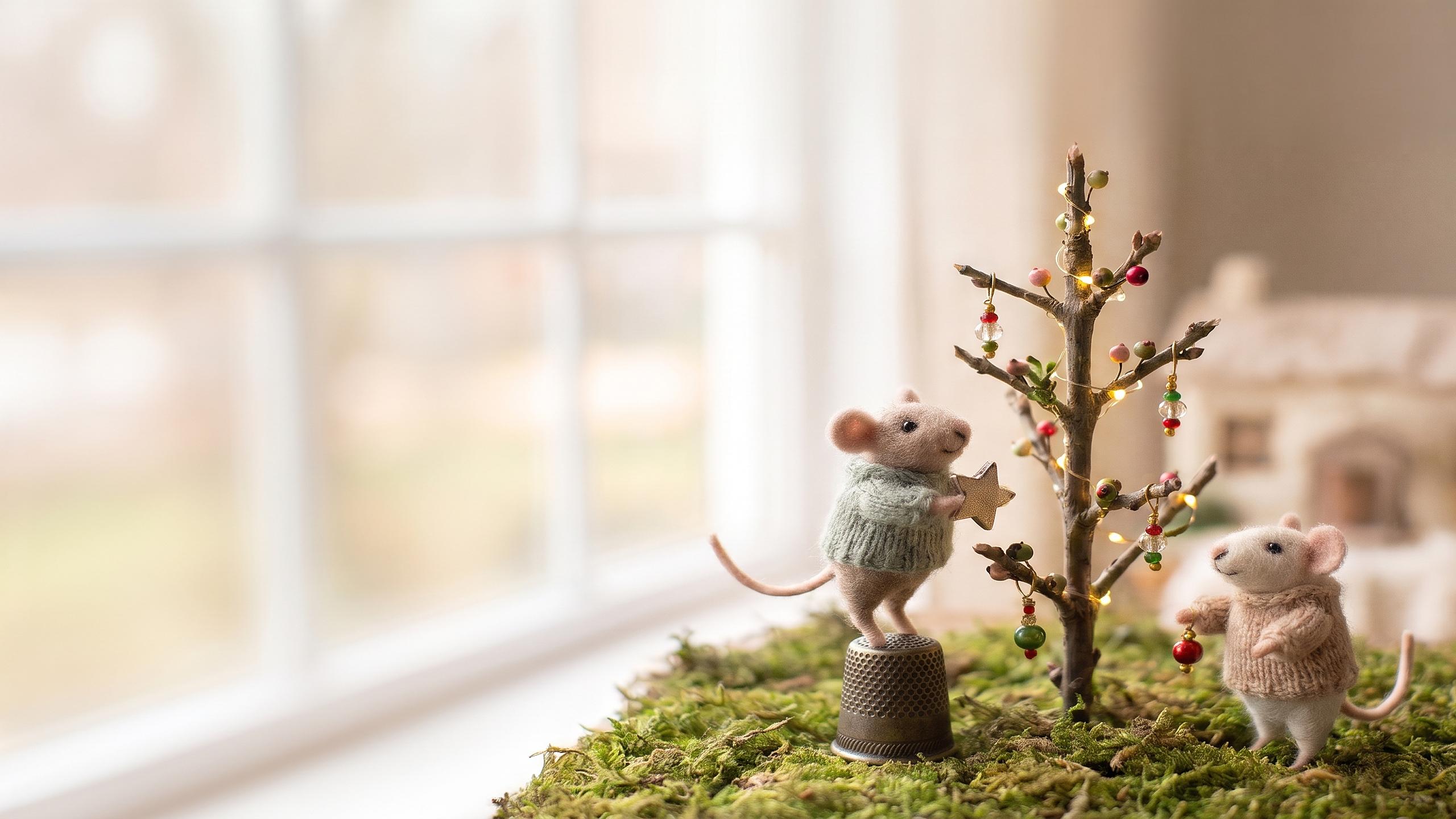
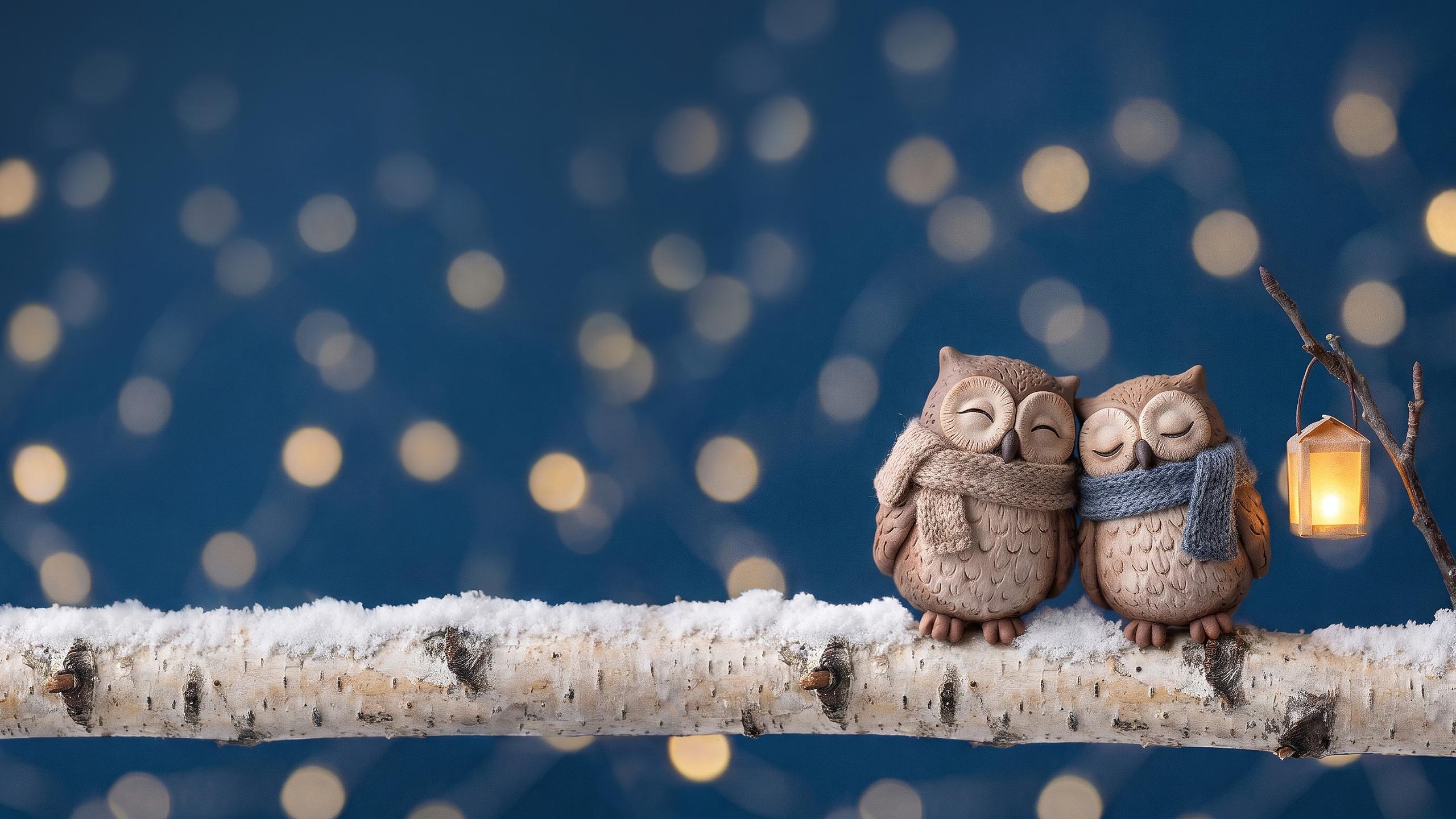
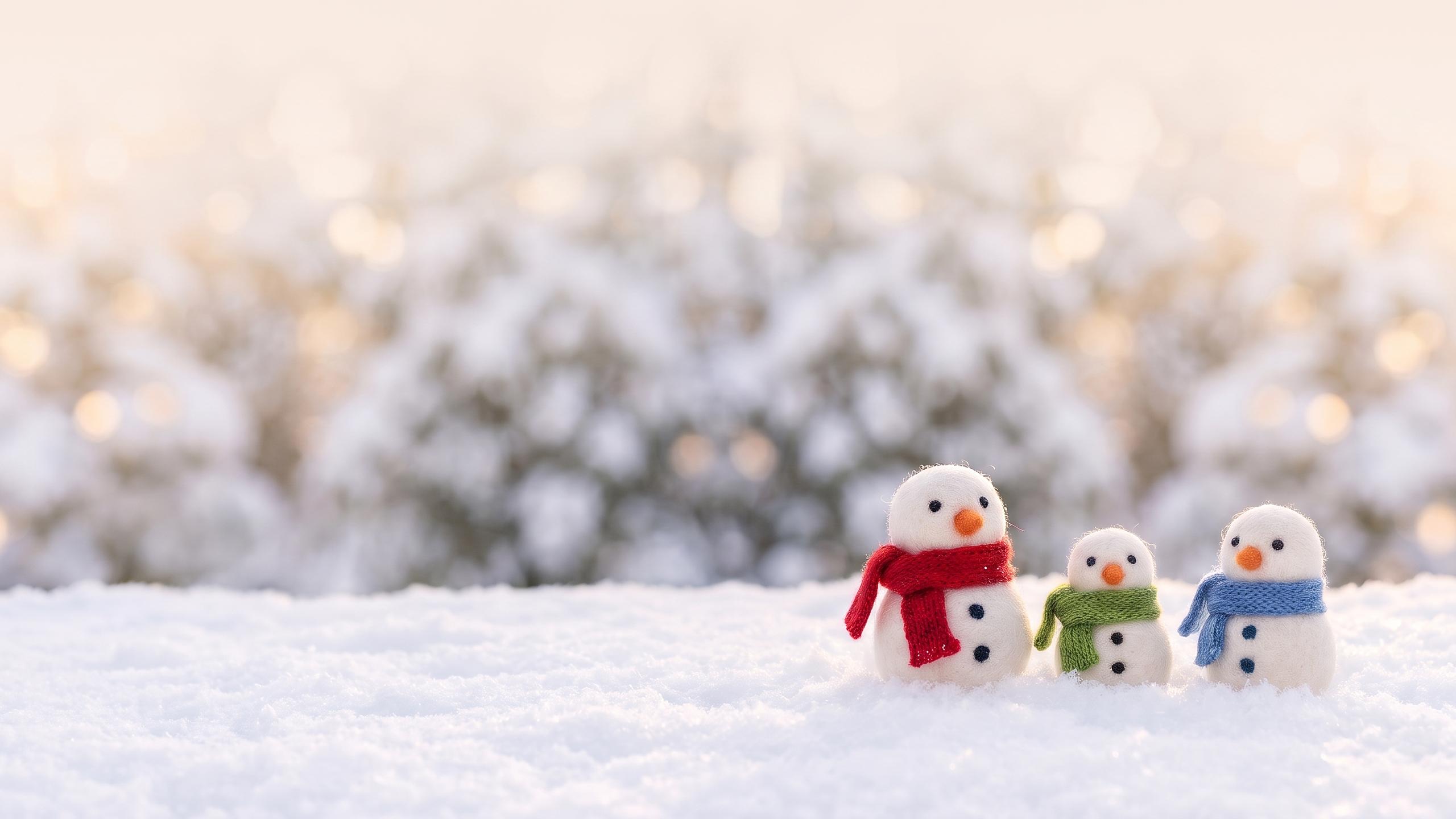
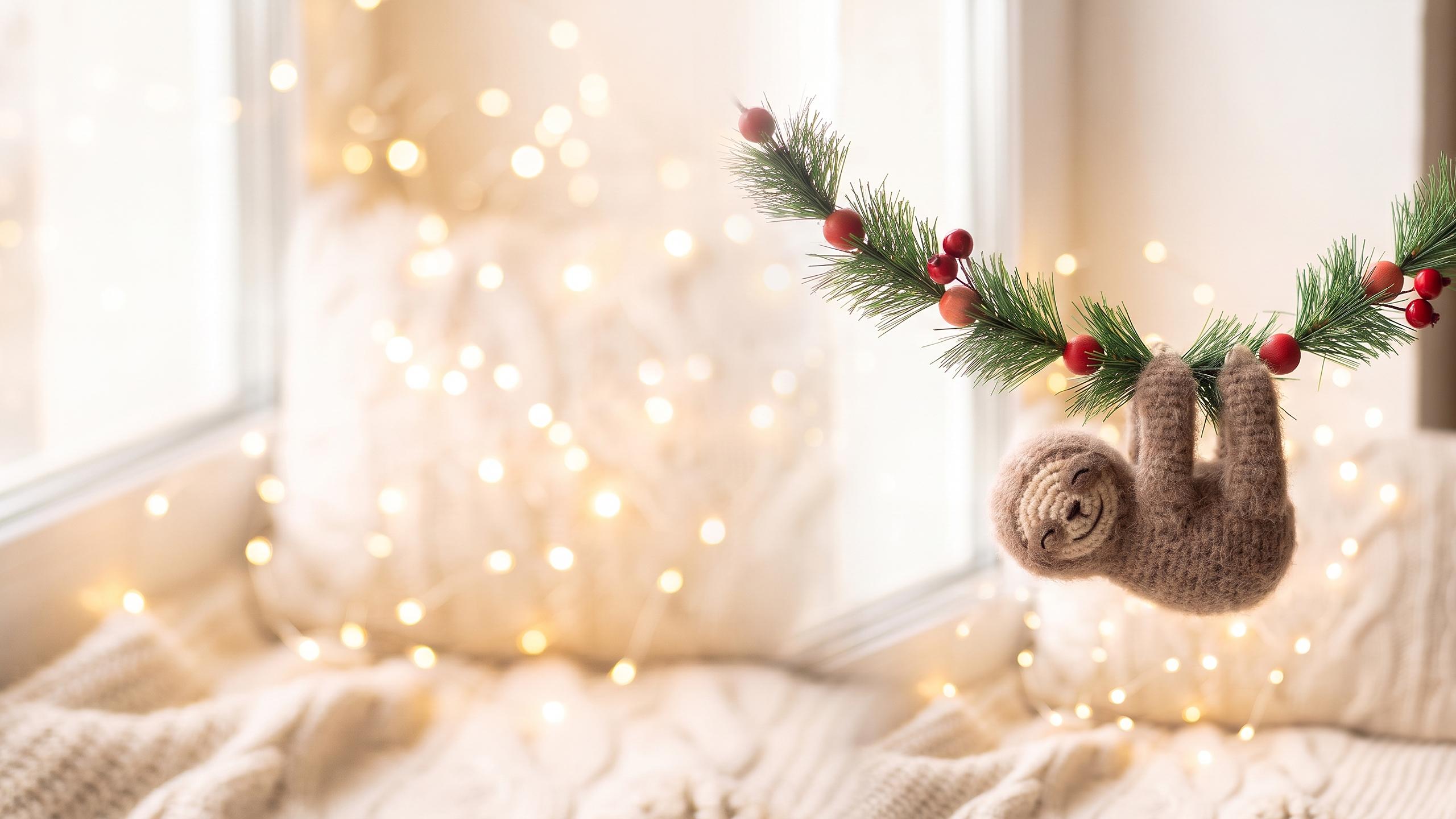
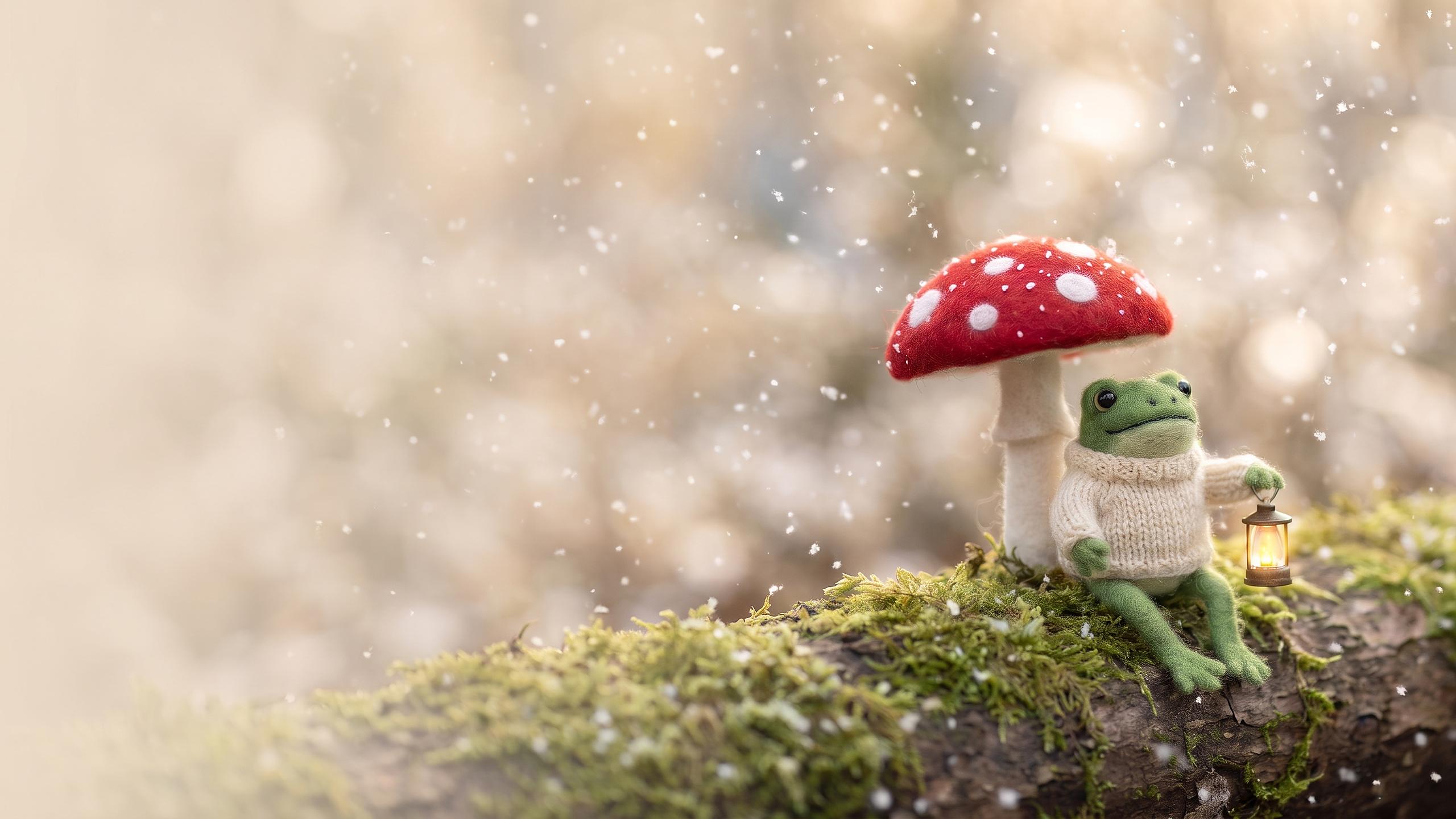
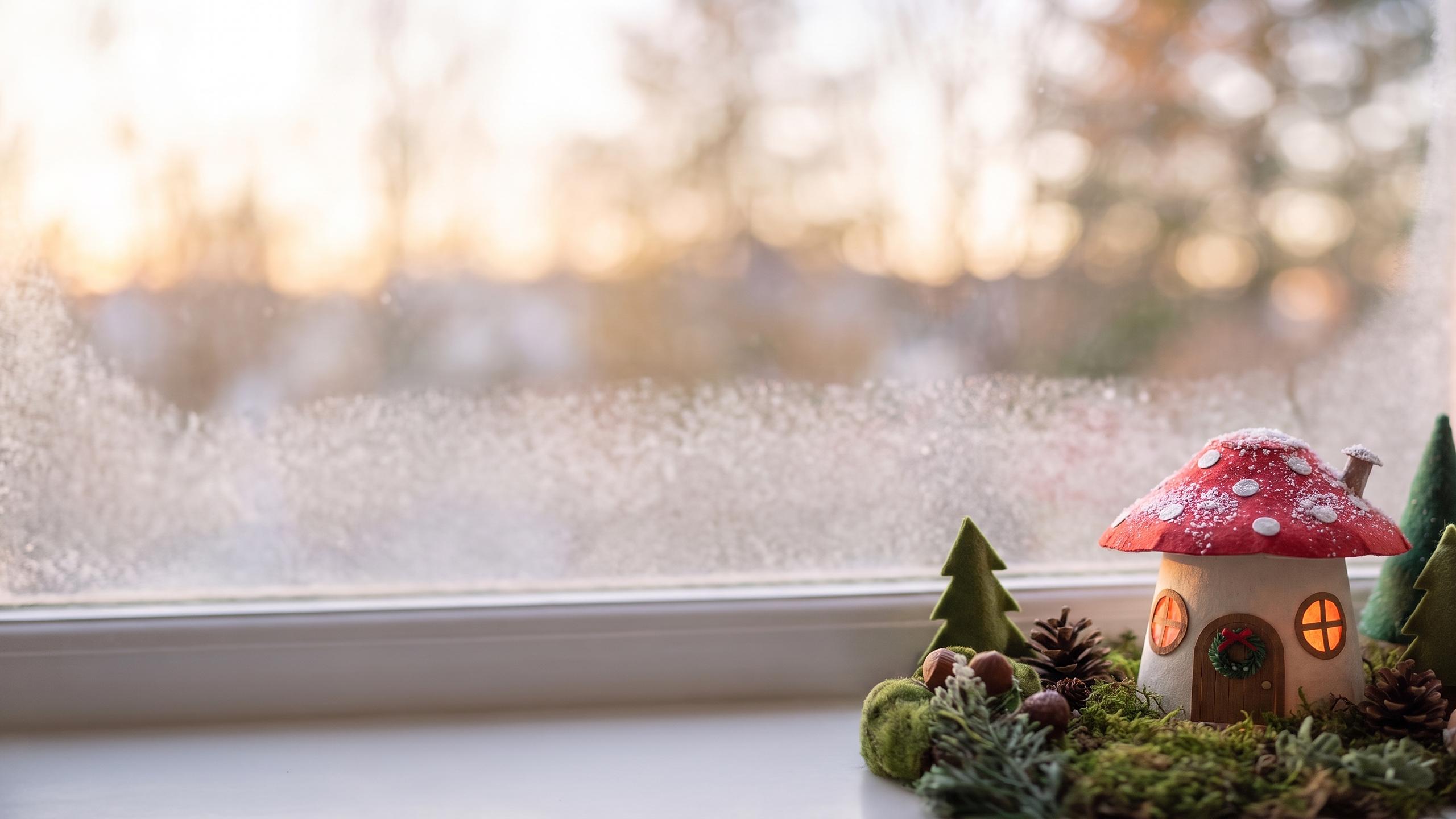
Free for personal use on your own phone, tablet and computer. Phone files are 1320 x 2868 JPG, desktop files are 2560 x 1440 JPG. Please link to this page instead of reposting the files.
What the desktop versions look like
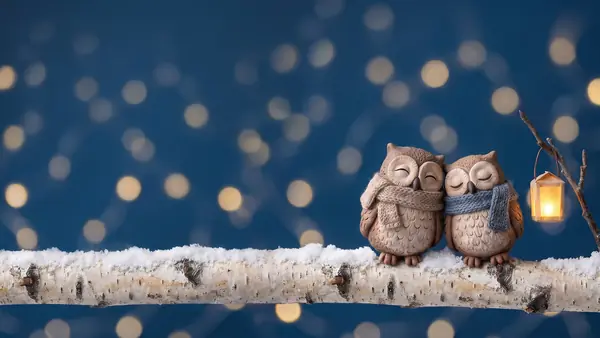
The desktop files are not the phone files stretched sideways. Each scene was recomposed for a wide screen: same animal, same materials, with the background extended to the left. On Windows the icons start at the top left, and on a Mac they line up on the right, so if your Mac desktop is busy, try the designs where the animal is small (the owls, the snowmen, the mice).

Why the top of every phone wallpaper is empty
The big clock on an iPhone Lock Screen sits across roughly the top quarter of the screen, with the date and widgets just above and below it. Put a cute face there and the clock lands on its eyes. So every phone file keeps the animal in the lower half and leaves a soft blur of snow, wall or sky behind the time.
The second reason is the 3D effect. In iOS 26, Apple calls it Spatial Scene: when you customize a photo wallpaper, a hexagon button appears for photos that qualify, and the iPhone separates the subject from the background so it shifts as you tilt the phone. It works on iPhone 12 and later, on the Lock Screen only. A single round subject in front of a blurred background is the kind of picture it handles best, which is exactly how these were composed. We can't promise it triggers on every file (the phone decides), but the penguin, the corgi and the seal pup are good ones to try.
Set a cute wallpaper on iPhone (iOS 26)
- Save the phone file to Photos.
- Open Settings, then Wallpaper, then tap Add New Wallpaper.
- Tap Photos and pick the wallpaper.
- Pinch to adjust if you want; the file already fits, so most people leave it.
- Tap Add, then Set as Wallpaper Pair to use it on both screens.
Want a different picture on the Home Screen? Tap Customize Home Screen instead of the pair option, choose Photo and pick a second design. The red panda on the Lock Screen and the plain-ish snowmen behind your apps is a nice combination, because a busy Home Screen picture fights with the app icons.
On Android
Pixel: touch and hold an empty spot on the Home Screen, tap Wallpaper & style, then Change wallpaper, pick the photo, crop it, and choose Home screen, Lock screen or both before you apply it. Samsung Galaxy (One UI 8): touch and hold the Home Screen, tap Wallpaper and style, Change wallpapers, then Gallery, pick the file and choose which screens. From the Gallery app you can also open the image, tap More options and choose Set as wallpaper.
On a computer
Windows 11: right-click the desktop, choose Personalize, then Background, and browse to the desktop file. Mac: open System Settings, click Wallpaper, then Add Photo (or Add Folder if you saved several and want them to rotate). Setting a folder of four or five desktop files to change every hour gives you a little parade of animals through December.
Which file fits your screen
| Device | Screen (pixels) | Use this file |
|---|---|---|
| iPhone 17 Pro Max | 1320 x 2868 | Phone, exact fit |
| iPhone Air | 1260 x 2736 | Phone, scales down slightly |
| iPhone 17 and 17 Pro | 1206 x 2622 | Phone, scales down slightly |
| iPhone 16e | 1170 x 2532 | Phone, scales down slightly |
| Most Android phones | About 1080 x 2400 | Phone, small crop |
| iPad Pro 13-inch | 2752 x 2064 | Desktop, held sideways |
| Laptops and monitors | 1920 x 1080 to 2560 x 1440 | Desktop, exact fit at 1440p |
Screen sizes were checked in November 2026. All the current iPhones share the same tall 19.5:9 shape, so one file at the largest size covers every model without visible cropping. On a 4K monitor the desktop file is upscaled 1.5 times; the soft backgrounds hide that well, though the animal's fuzz will look a touch less crisp than on a 1440p screen.
Make a cute wallpaper from your own photo
The most-loved wallpaper on a phone is usually the dog, the cat or the kid. You can give your own photo the same tiny handmade look as the designs above.
Option 1: an AI image tool
ChatGPT and Gemini both let you upload a photo and ask for a new image on their free tiers, within daily limits that neither company publishes as a number. A prompt that works as a starting point:
"Turn the dog in this photo into a needle-felted miniature, keeping its coat colors and markings. Put it in fresh snow with tiny felt pine trees and a red scarf. Tall 9:16 phone wallpaper, animal in the lower half, soft empty background at the top for the clock."
Expect two or three tries. The first result often gets the ears or markings wrong, and a short follow-up ("the left ear is white, the right ear is brown") fixes more than a whole new prompt does. Free downloads from Gemini are limited to about 1K resolution, which looks fine on a phone but soft on a big monitor. Before uploading pictures of children, read our notes on AI Christmas photo privacy.
Option 2: lift your pet onto one of these wallpapers
On an iPhone, open your photo, touch and hold the pet until a glowing outline appears, then tap Copy. Paste the cutout into a free editor that supports layers (Canva works) on top of one of the wallpapers above, place it in the lower half and export at the full size. Shadows are the giveaway in this kind of edit; a soft dark oval under the paws makes the pet look like it is standing in the snow instead of floating on it.
Option 3: PiXmas
Turning one photo into Christmas pictures is what PiXmas does. PiXmas for iPhone is on the App Store, and the web tools (portraits, stickers, frames) are available at picsmas.com. Until then, the two options above cost nothing. There's more on phone-made wallpapers in how to make a Christmas wallpaper with your phone.
Match your wallpaper, profile picture and stickers
Cute sets look best when they repeat one thing. Pick a color (the red of the penguin's scarf, say) and carry it across: the wallpaper, a Christmas profile picture with a red background, and a couple of red Christmas stickers in your Stories. Couples and best friends often split a pair: one person takes the owls, the other the snowmen. Siblings can do the same with the mice.
If you prefer scenes over characters (fireplaces, snowy cabins, northern lights), our Christmas backgrounds page has 24 of those in phone and desktop sizes.
How these wallpapers were made
The images are AI-generated, from written briefs by the PiXmas team: a material (needle felt, polymer clay, crochet, paper), an animal, one Christmas prop, and the rule about empty space at the top. None of these are photos of real handmade toys, and nobody stitched a felt otter for this page. We then cropped each one to 1320 x 2868, recomposed a wide version for desktops, sharpened them lightly and checked every file at full size on a phone. Drafts with extra paws, melted faces or stray lettering went in the bin. There are no licensed characters here, only generic animals.