Christmas pixel art 2027: 12 free grid templates
Updated November 20, 2026
Here are 12 free Christmas pixel art templates, each on a 16 x 16 or 17 x 17 grid: a tree, Santa hat, snowman, gingerbread man, candy cane, ornament, star, gift, reindeer, stocking, snowflake and holly. Every one comes as a printable chart with numbered rows, a color key and exact square counts, plus a clean PNG. Use them for perler beads, cross-stitch, Minecraft or graph paper.
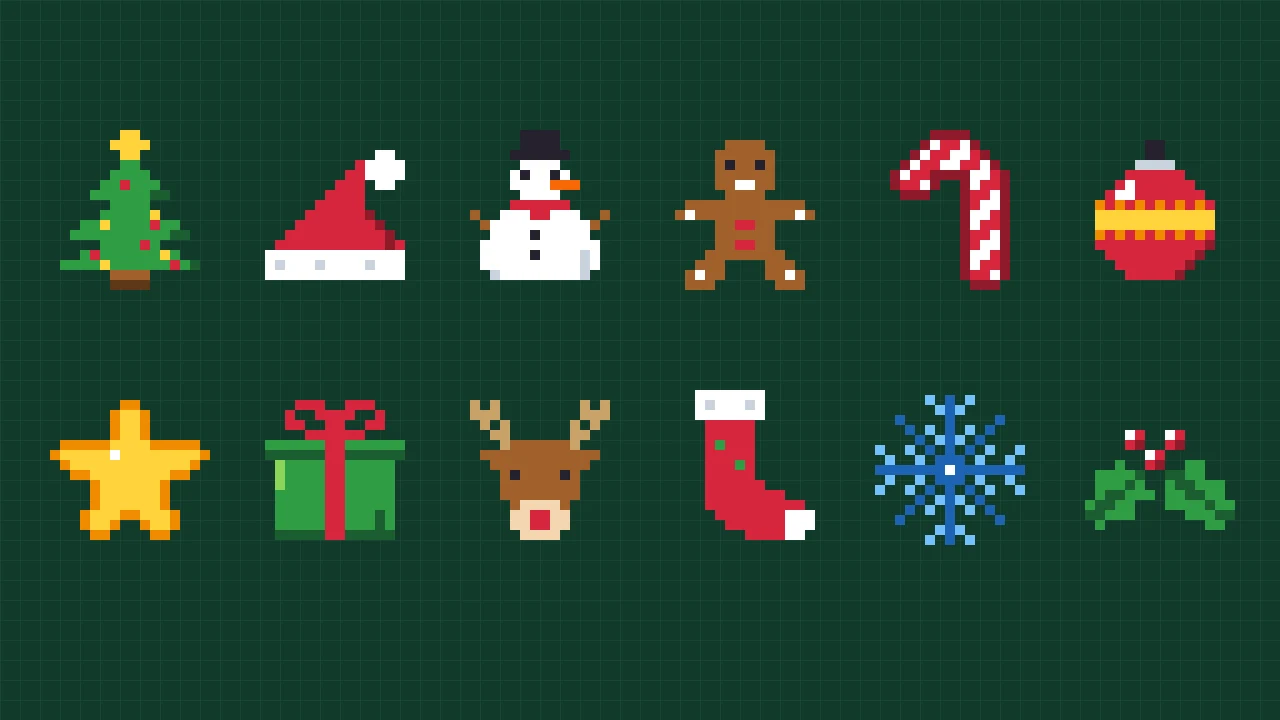
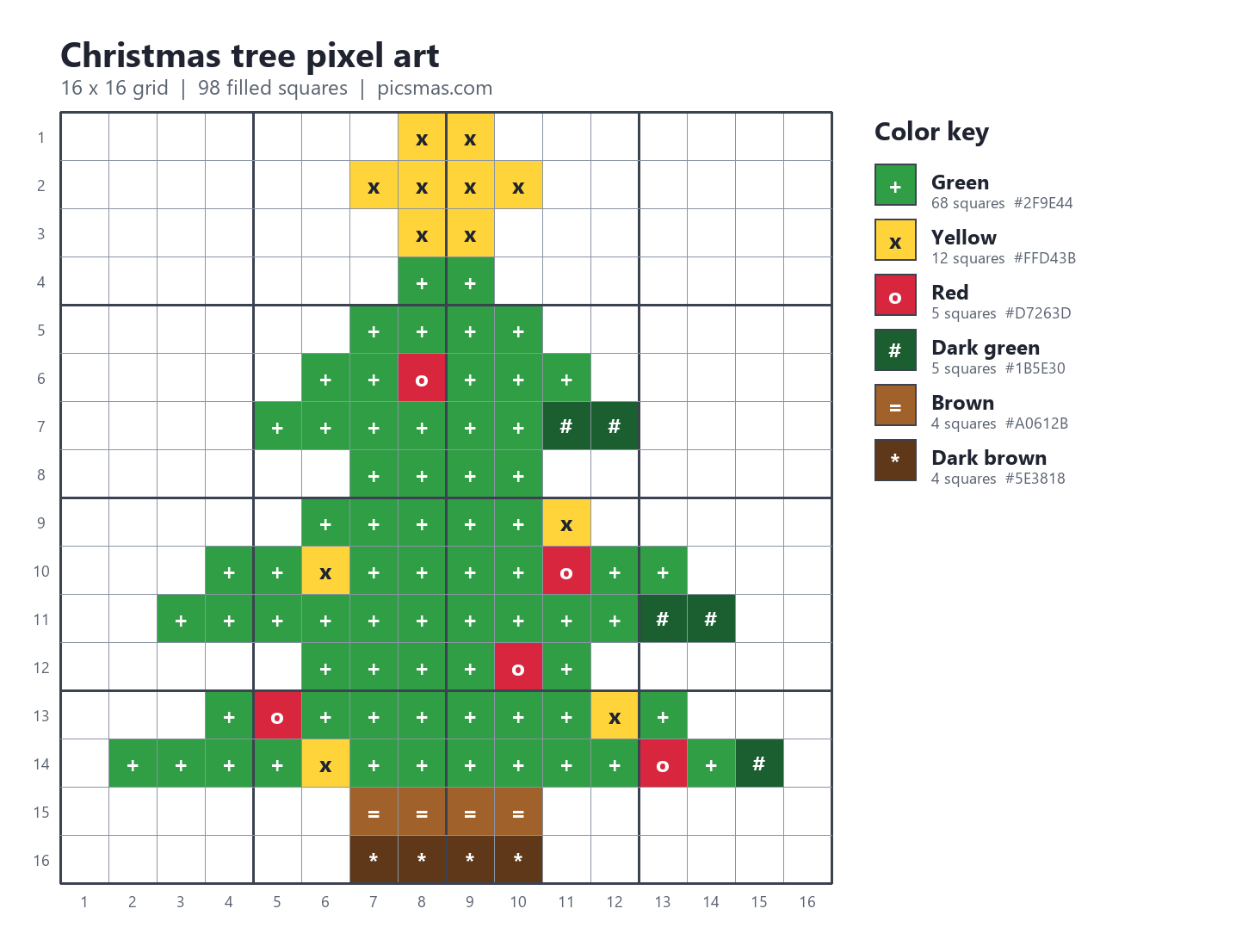
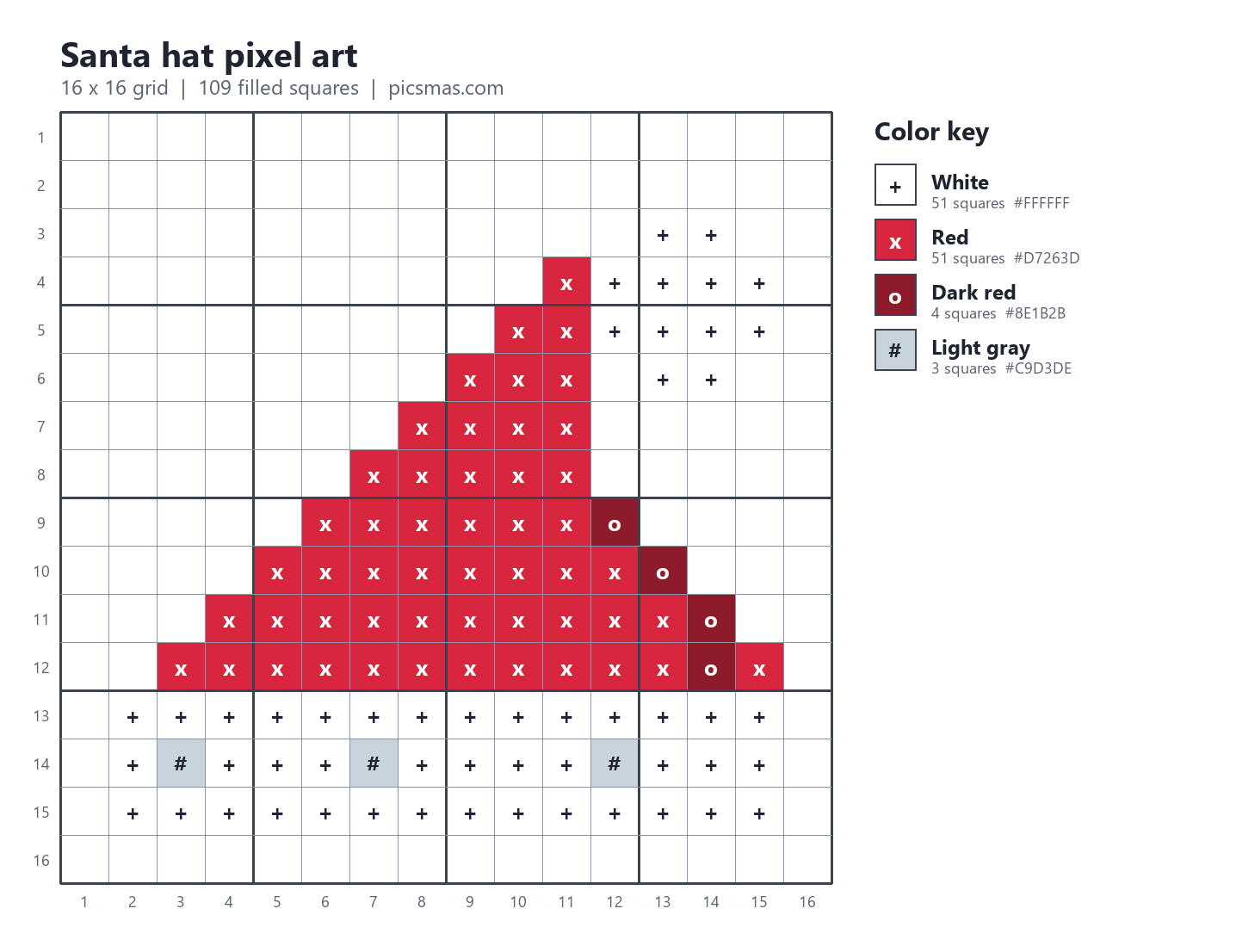
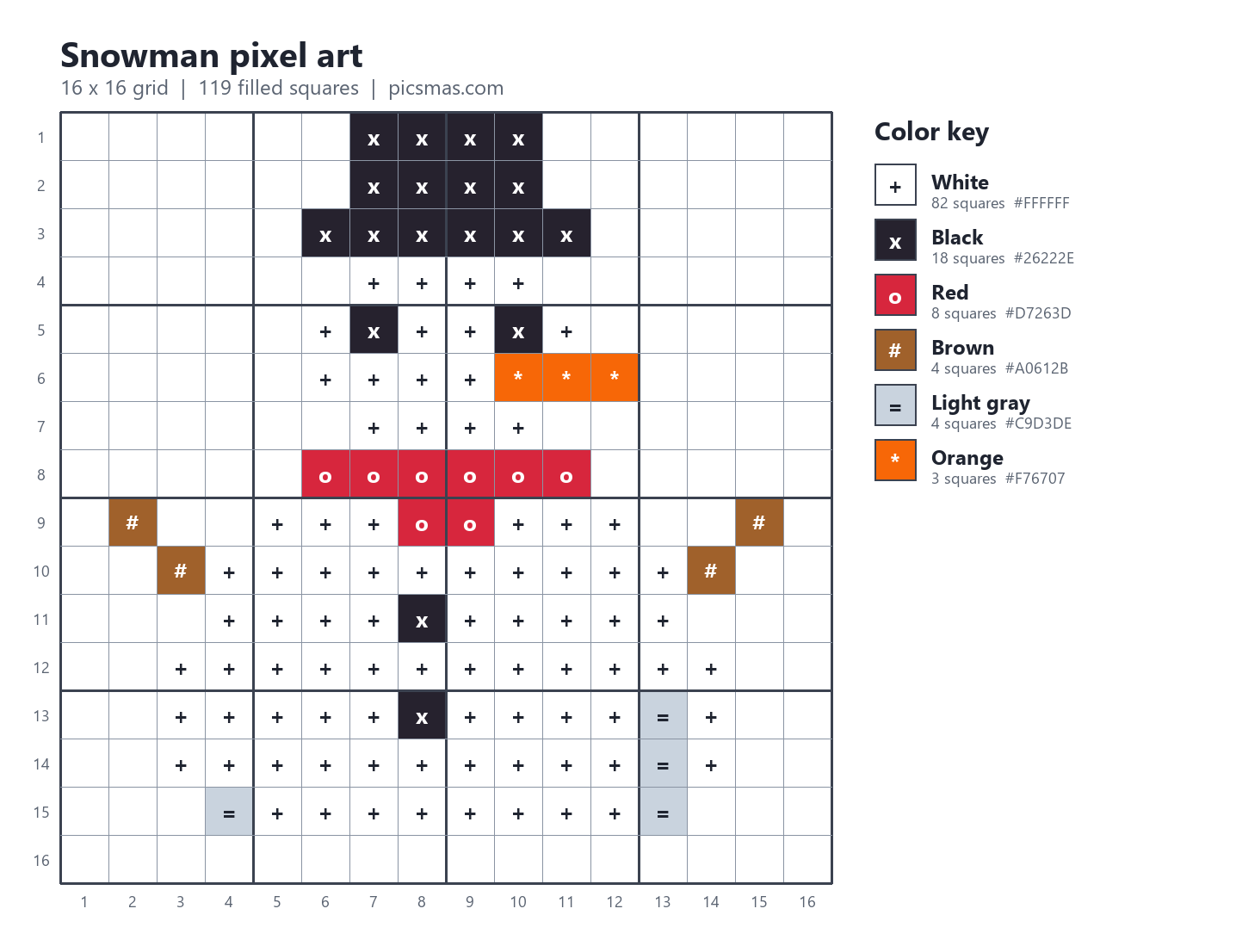
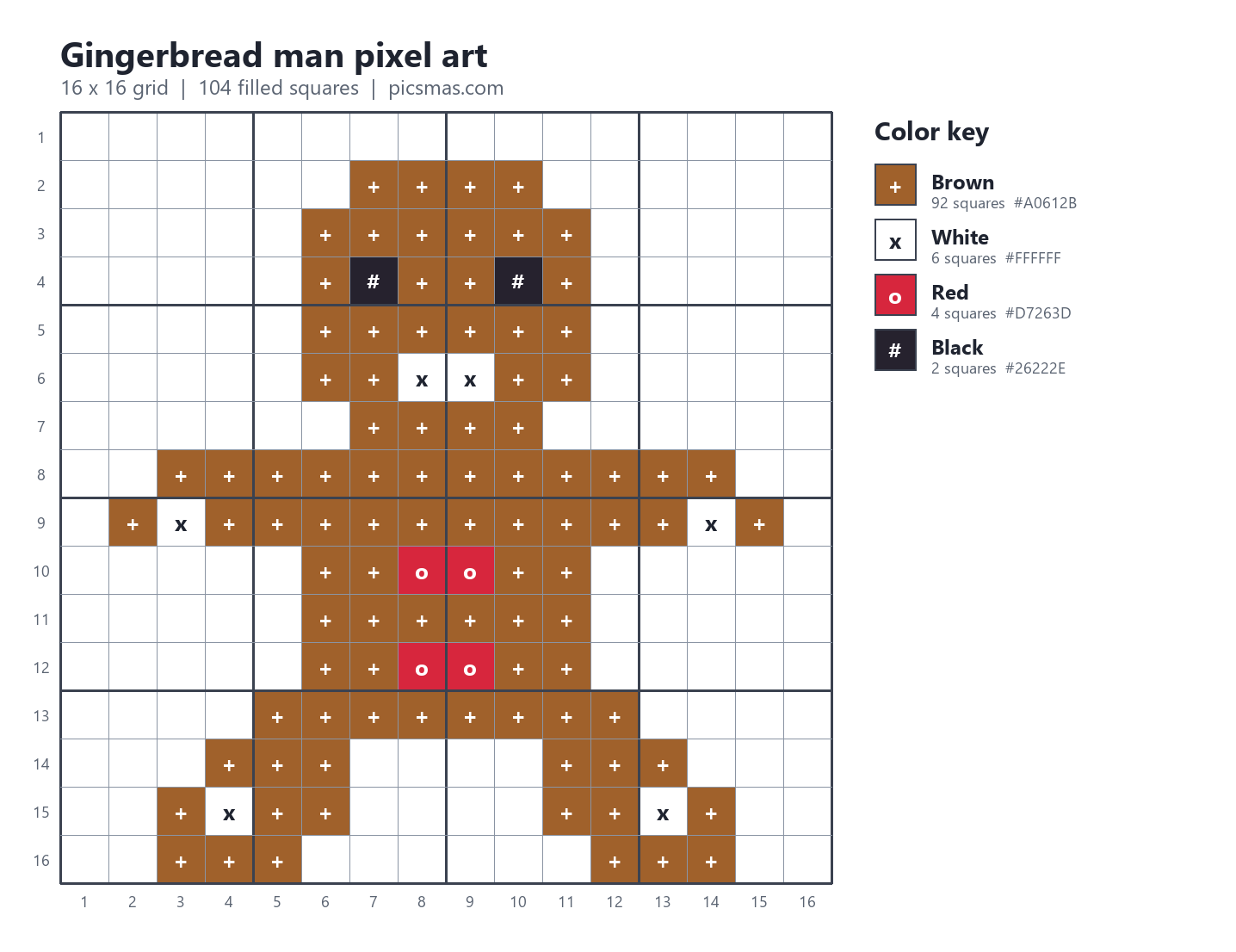
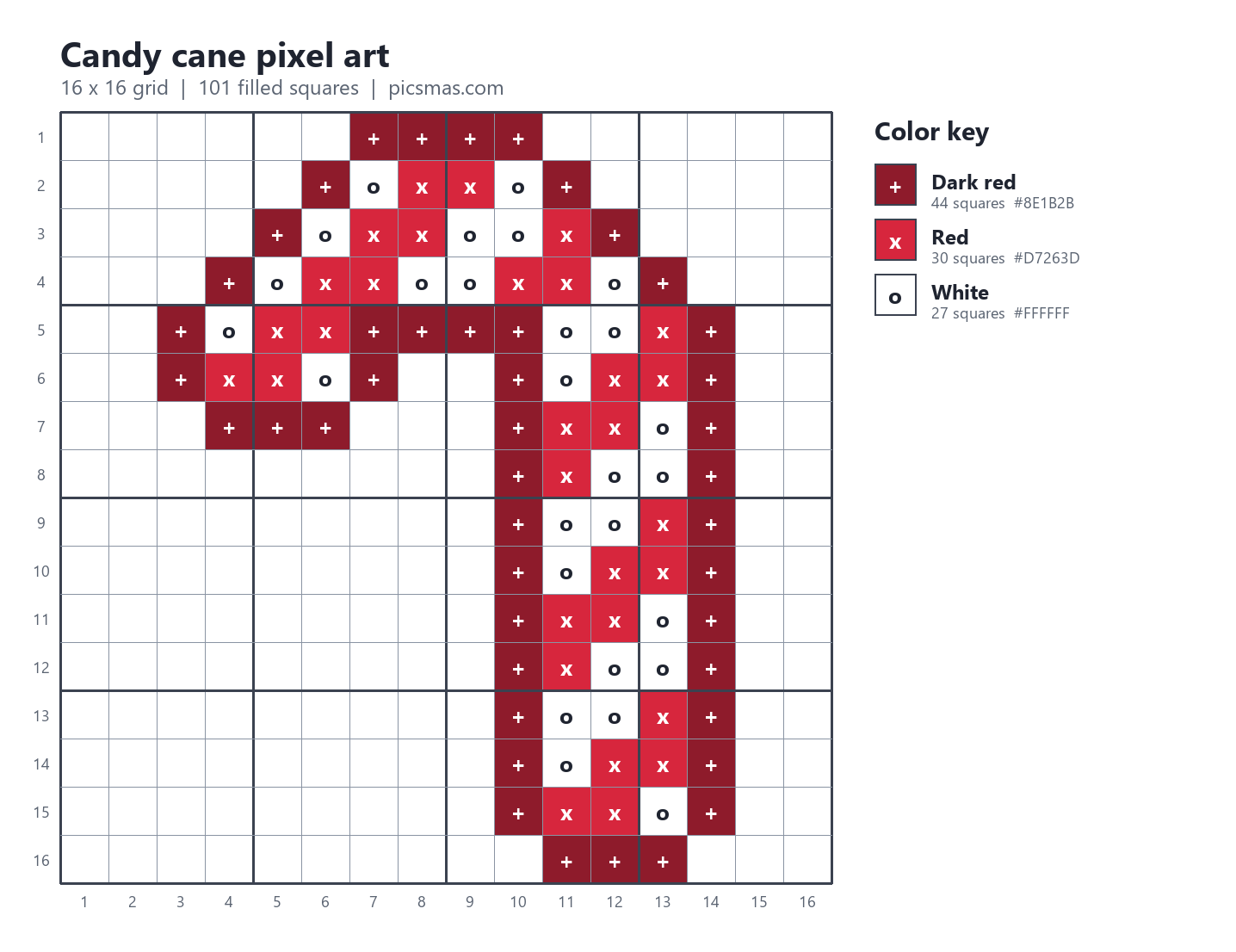
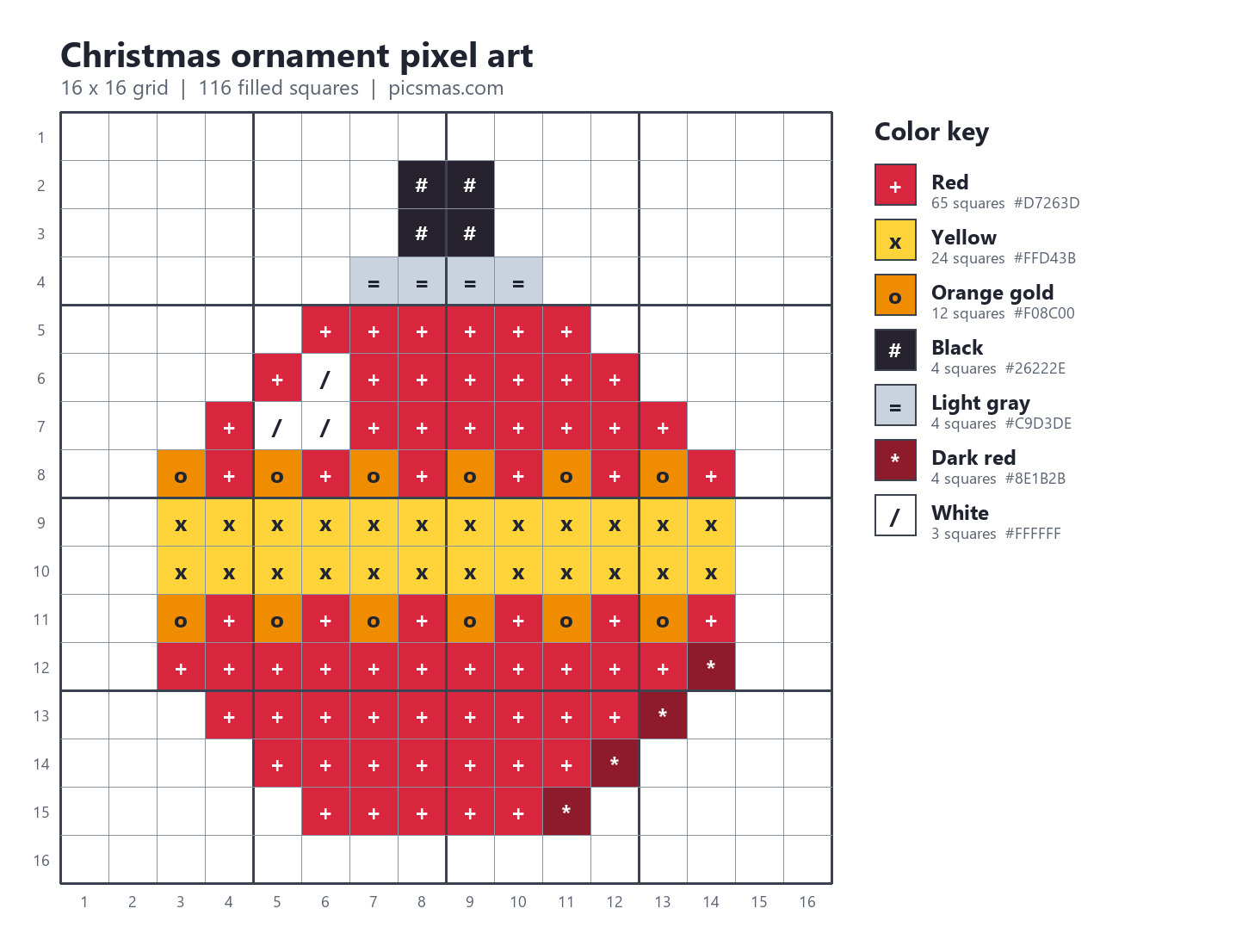
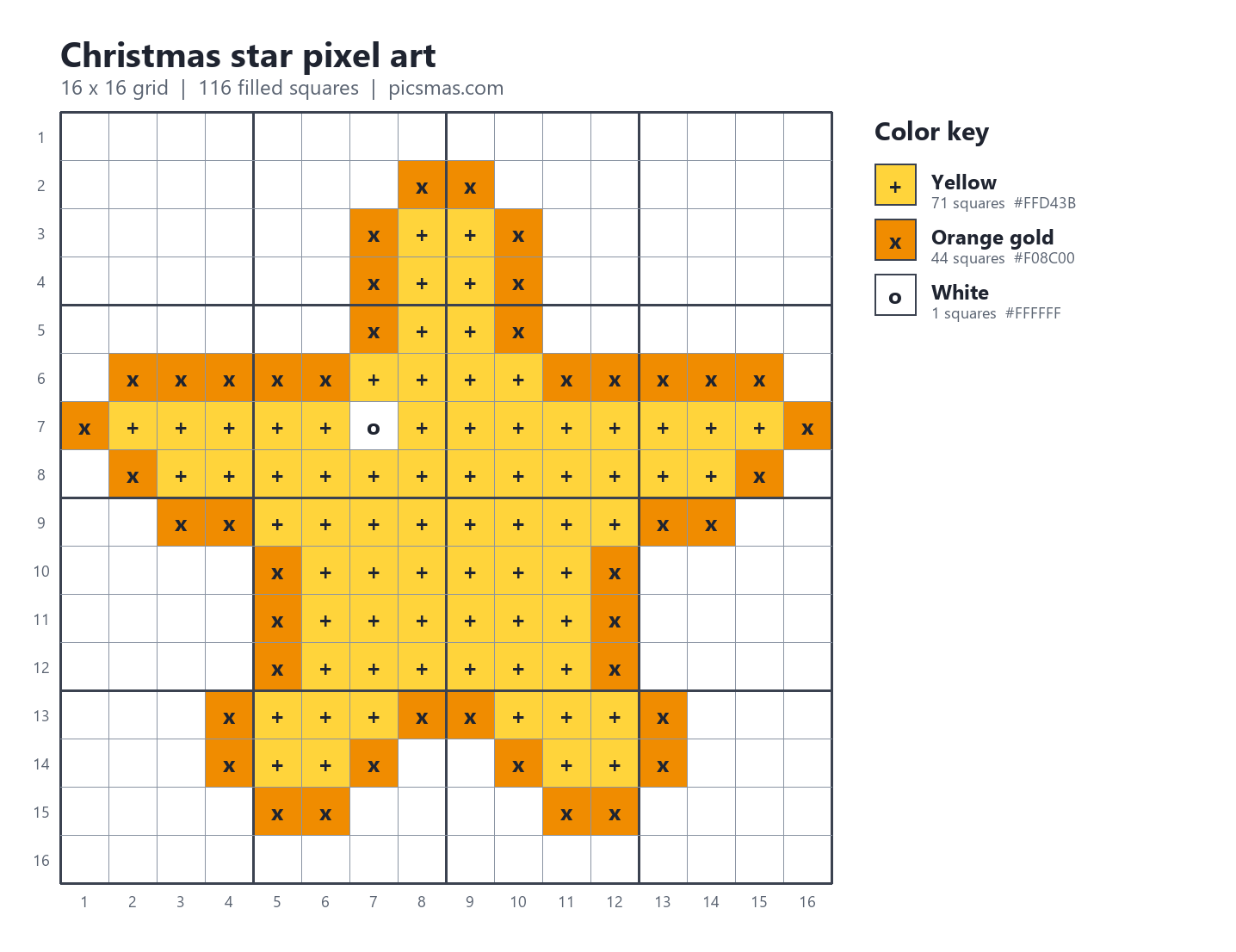
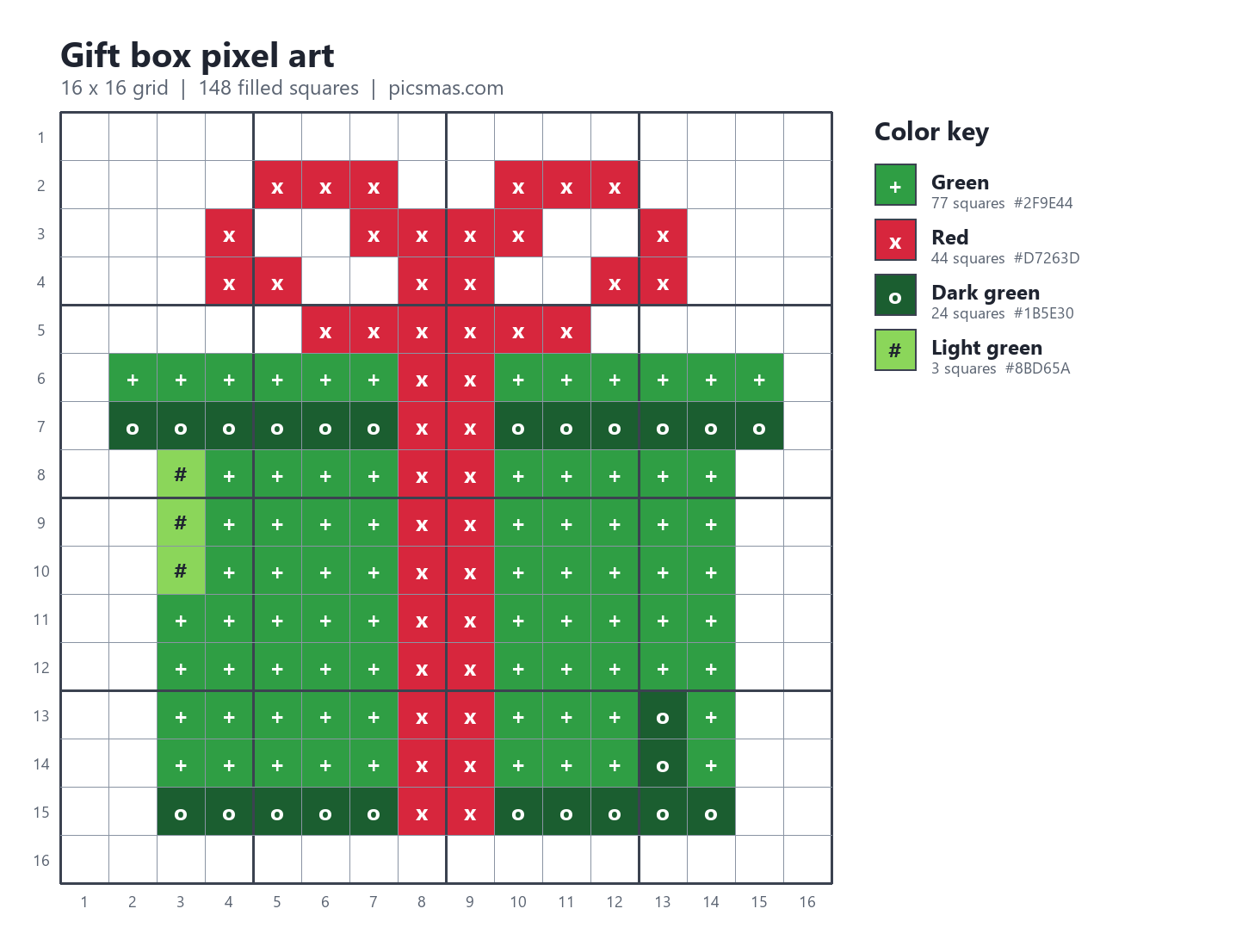
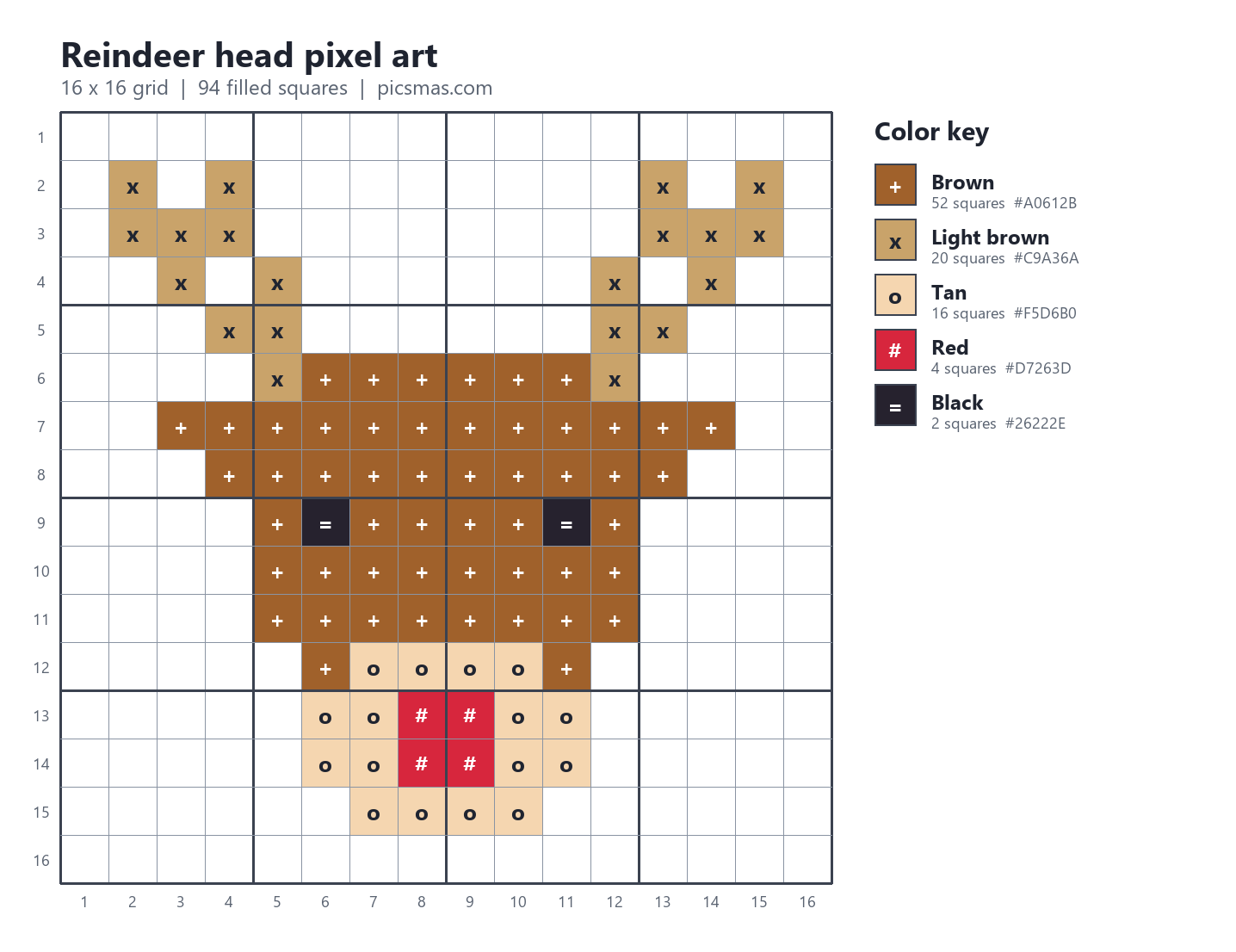
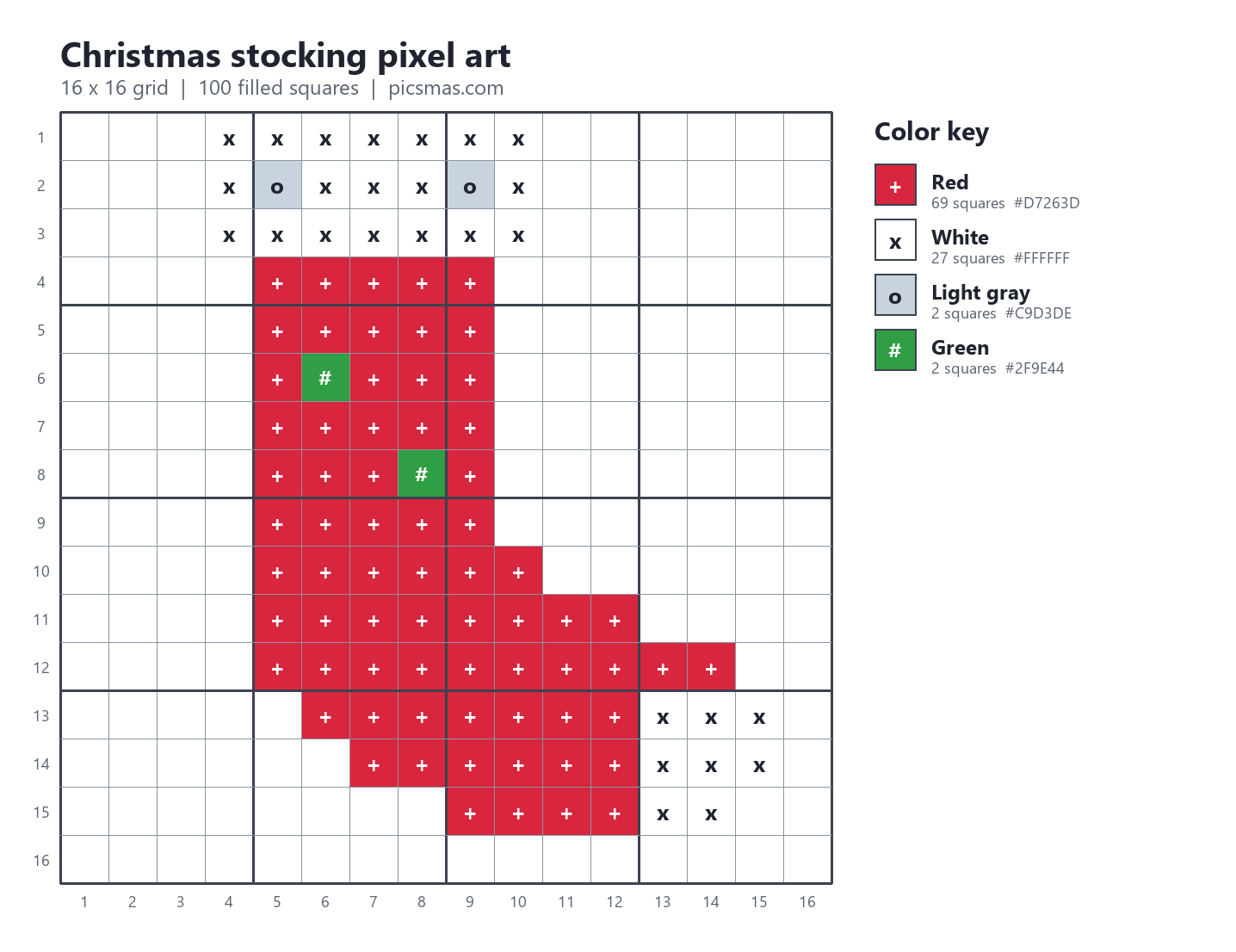
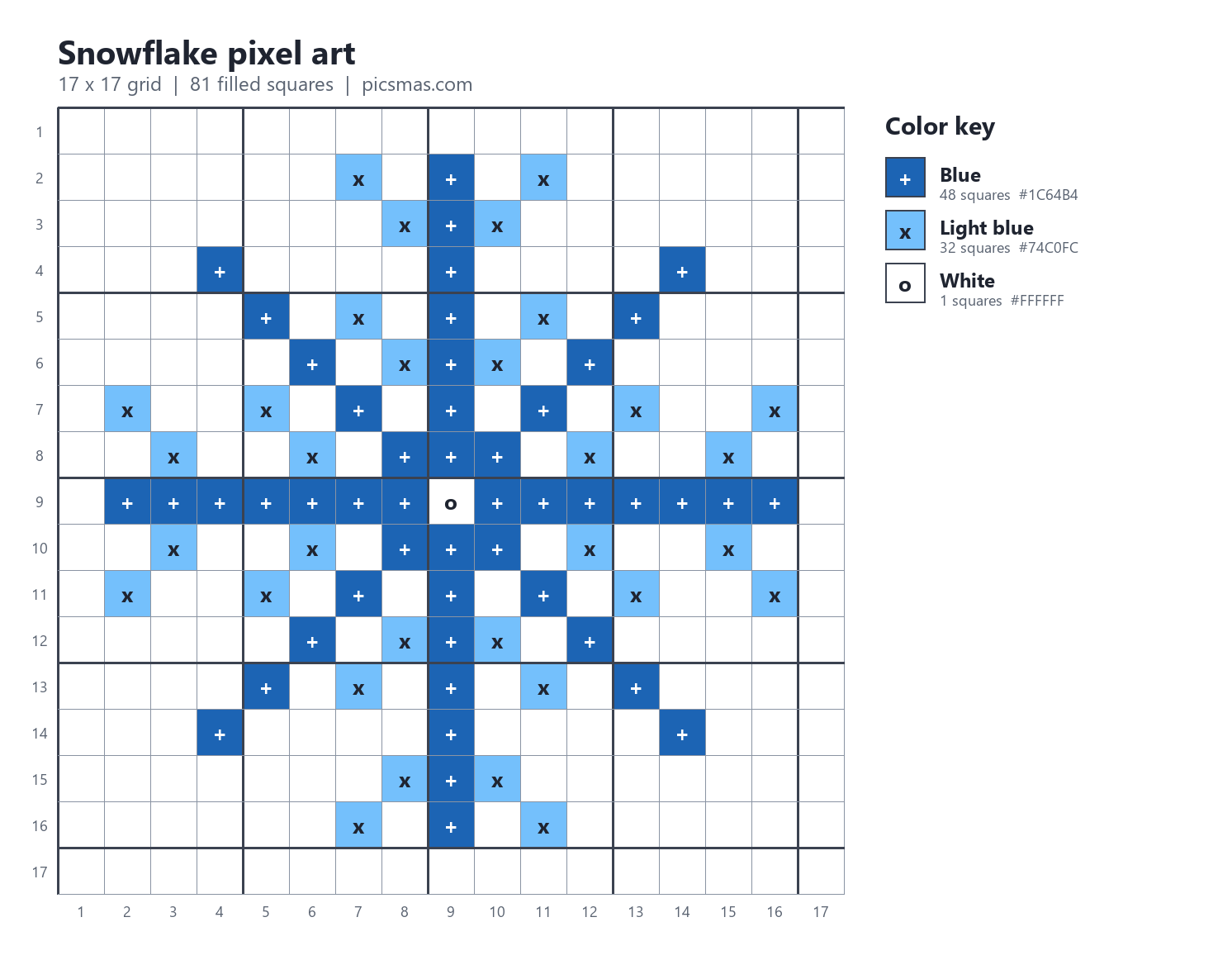
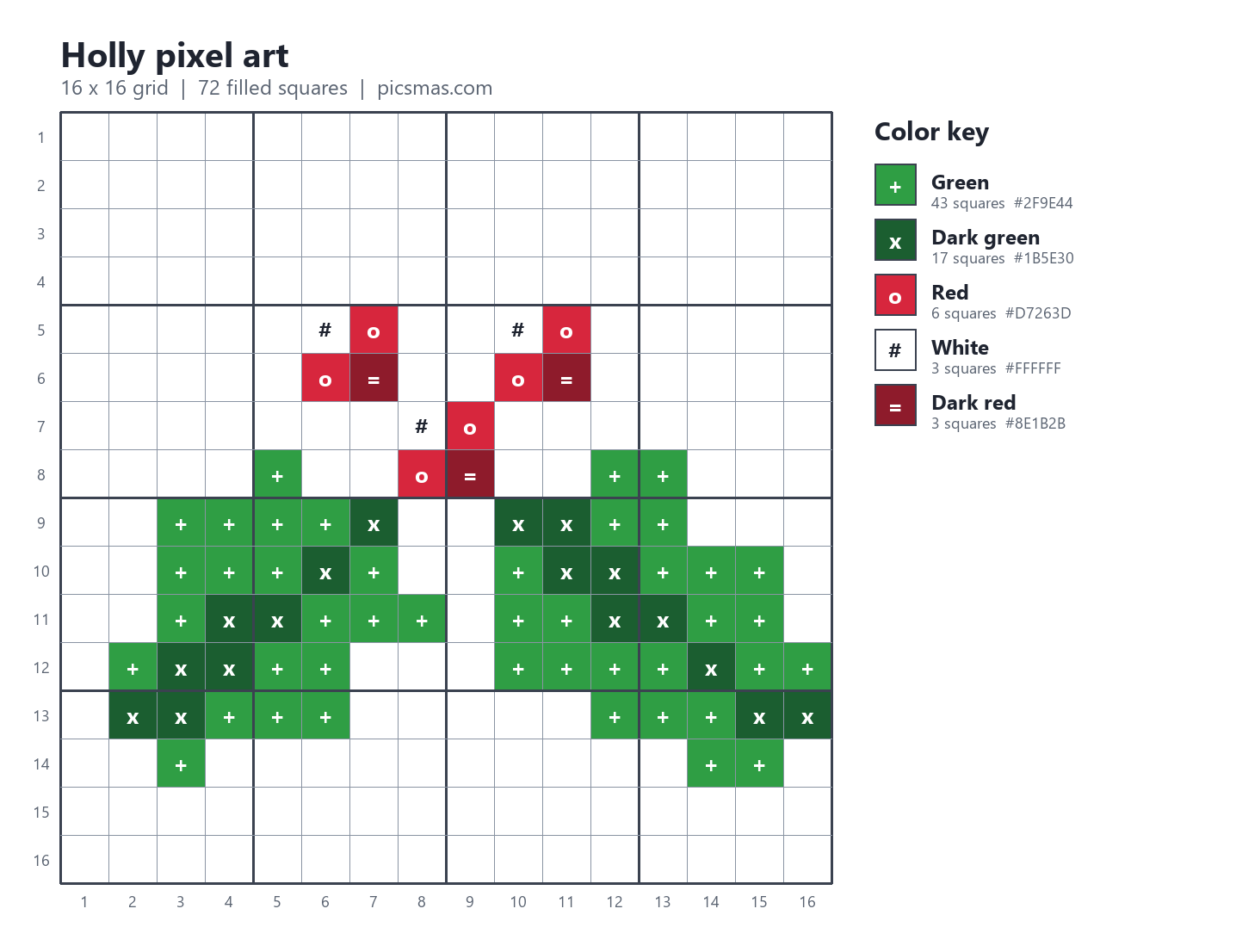
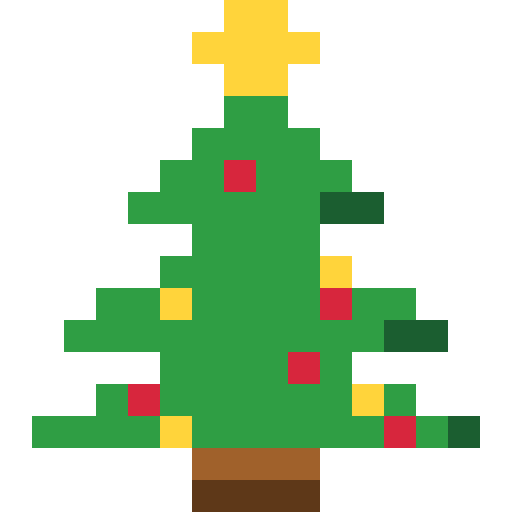

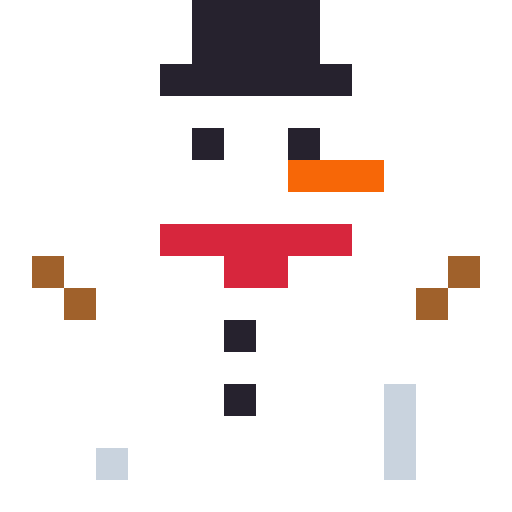
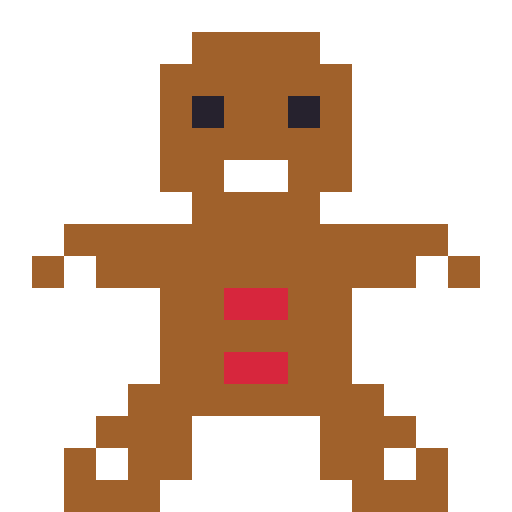
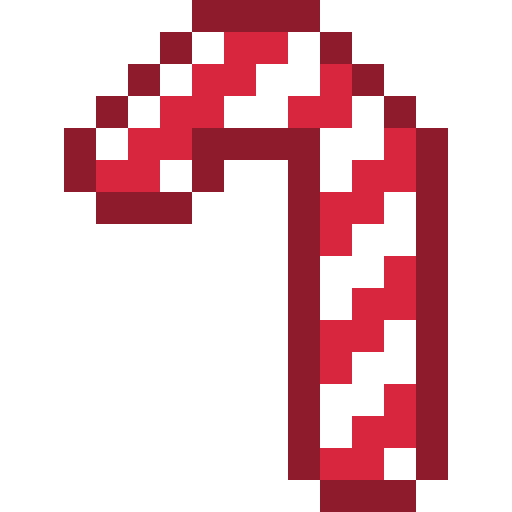

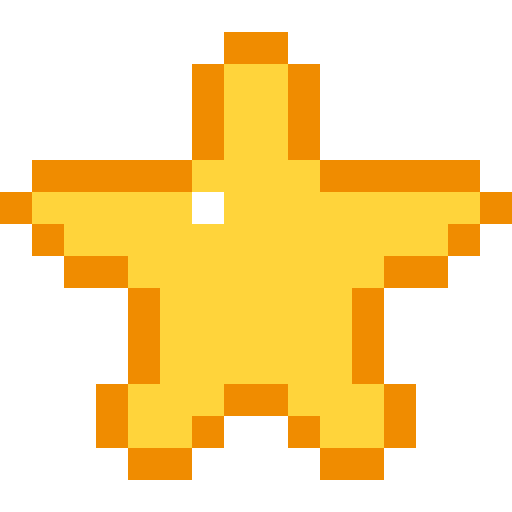
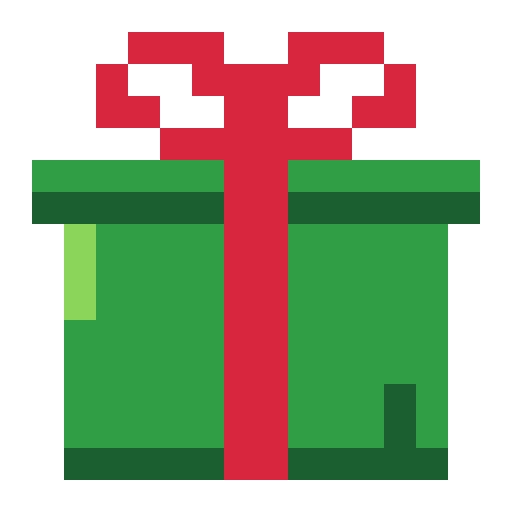
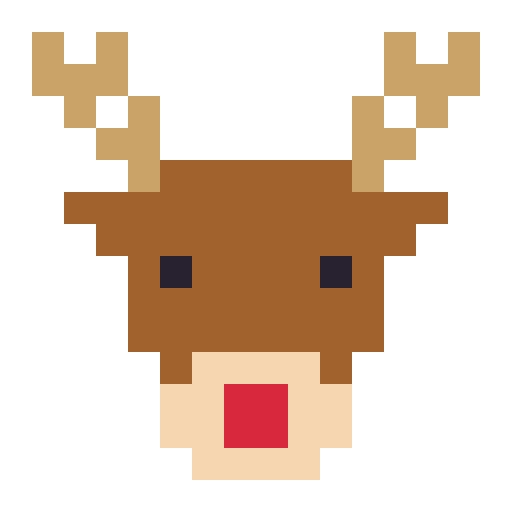
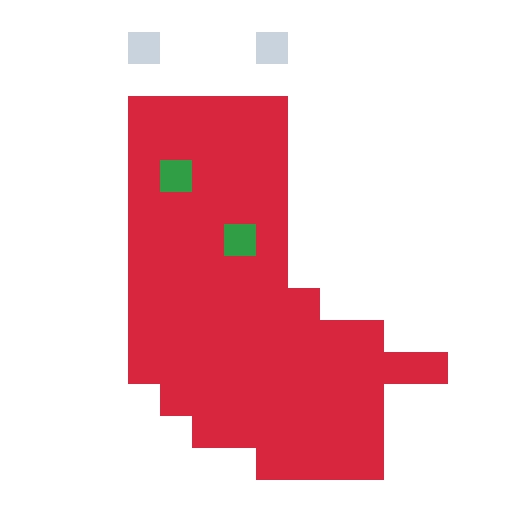
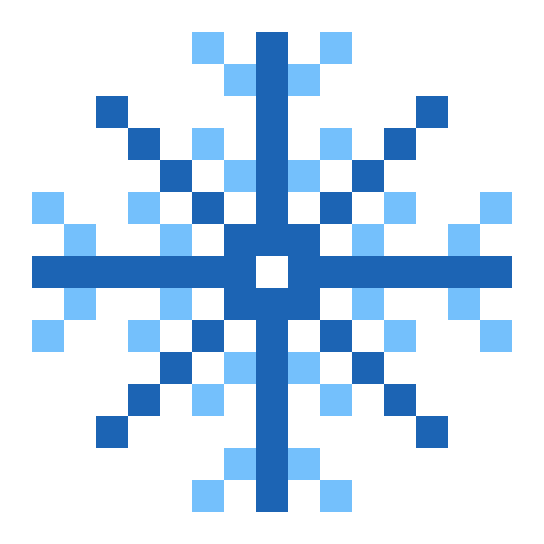
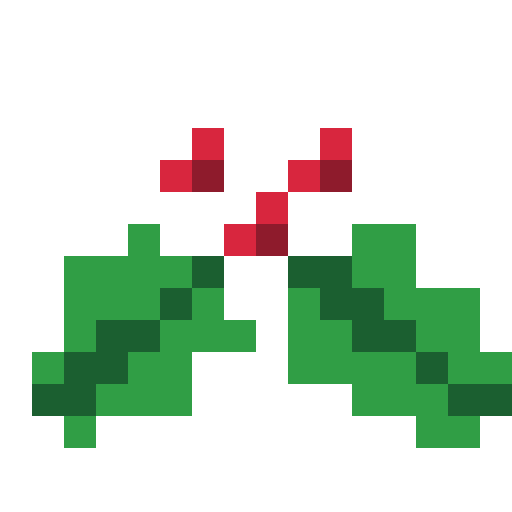
Free for personal, classroom and craft use. Chart PNGs are about 1440 x 1100 pixels; clean PNGs are 512 x 512 (544 for the snowflake) with a transparent background, so each square is a 32-pixel block.
How to read the charts
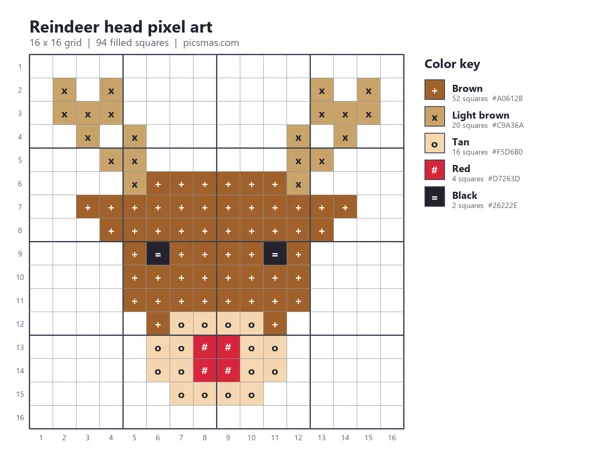
Each chart has the rows numbered down the left and the columns along the bottom. Thick lines fall every 4 squares, so you can count in blocks instead of one by one, which is where most mistakes happen. Every filled square also carries a symbol (+, x, o and so on) that matches the color key on the right. This helps if you print in black and white, or if two colors look alike on your screen.
The key also gives the number of squares per color. For the reindeer that is 52 brown, 20 light brown, 16 tan, 4 red and 2 black, which doubles as your bead or yarn shopping list. Start in the top-left corner and work row by row; for beads, start in the middle of the design so it ends up centered on the pegboard.
Five things to make with Christmas pixel art
| Use | How a 16 x 16 template comes out | Tip |
|---|---|---|
| Perler (fuse) beads | About 8 cm (3.1 in) across with standard 5 mm beads; about 4 cm with 2.6 mm mini beads | Fits on one large square pegboard (29 x 29 pegs). Add a bead loop at the top and it becomes an ornament. |
| Cross-stitch | About 1.14 in across on 14-count Aida | Use the symbols, not the colors, when you stitch from a printout. |
| Minecraft | 16 blocks wide and 16 tall | Wool or concrete gives flat colors. Build it on a wall facing your spawn point. |
| Graph paper drawing | About 4 in across on standard quarter-inch graph paper | Fill squares with markers, not crayons; the edges stay crisp. |
| Phone wallpaper or icon | Clean 512 x 512 PNG with a transparent background | Scale it in whole steps (2x, 3x) so the squares stay sharp. |
Perler beads: from chart to ornament
Fuse beads and pixel art were made for each other, and 16 x 16 is the sweet spot for a first project. Small kids can finish a candy cane (101 beads) in one sitting; the gift box (148 beads) is the biggest in this set.
- Print the chart, or keep it open on a tablet next to the pegboard.
- Sort the beads by color into a muffin tin before you start. It halves the time.
- Place the outline color first, then fill in. With the candy cane, that means the dark red border, then the stripes.
- Lay ironing paper over the beads and iron on medium for 10 to 20 seconds, moving in small circles, until the beads fuse but still have holes. An adult should do this step.
- Let it cool under a heavy book so it stays flat, then peel off the paper and iron the back lightly.
Bead brands have slightly different shades of red and green. The color key uses plain names (red, dark green, tan) and hex codes, so pick the closest bead you own; nobody will notice a slightly different green on the tree.
Building the templates in Minecraft
Every square is one block. A 16 x 16 tree is a 16 x 16 wall, which you can finish in survival mode in an evening and in creative mode in a few minutes. Java Edition (1.18 and later) lets you build from Y -64 up to Y 320, so height is never the problem; finding enough of one color in survival usually is.
Wool, concrete and terracotta come in 16 dyed colors each. Good matches for these charts: red concrete for the Santa hat, lime and green concrete for the tree, white wool for snow, brown terracotta for gingerbread. For a pixel art "stained glass" window, build the star in yellow and orange stained glass and put a light source behind it.
How to turn a photo into Christmas pixel art
A family photo or a pet in a Santa hat makes a great pixel portrait, but a converter alone gives you mush. The trick is to let the tool shrink the photo and then fix it by hand. These free tools all work in a browser or on a desktop (checked November 2026):
- Piskel: free, runs in the browser, good for drawing and small animations like a blinking star.
- Lospec Pixel Editor: free, in the browser, with ready-made color palettes.
- LibreSprite: a free desktop editor, forked from an older version of Aseprite.
- Aseprite: the tool most pixel artists use. It is paid, $19.99 one time on Steam or itch.io (checked November 2026).
The steps:
- Crop the photo square and tight around the subject. Faces need to fill most of the frame.
- Resize to 32 or 48 pixels wide using "nearest neighbor". Smaller than 32 and faces stop being faces.
- Reduce the palette to 6 to 8 colors. Lospec's palettes make this quick, and fewer colors means fewer beads to buy.
- Clean up by hand: one-pixel specks go, eyes get exactly two dark pixels, outlines get closed.
- Add a Christmas prop. Copy the Santa hat from this page onto the head; it is 14 squares wide at the brim.
Neither iPhone nor Android has a built-in pixel art mode. The PiXmas web tools for festive portraits and profile pictures are available at picsmas.com; until then the manual route above is the free one.
Pixel art as a wallpaper, profile picture or card
The clean PNGs have transparent backgrounds, which makes them easy to drop onto a solid color. In Canva, start a phone wallpaper design, set the background to dark green or navy, and place one or several sprites. Keep them big: pixel art scaled down to thumb size loses the charm. Our guide on making a Christmas wallpaper with your phone covers sizes and lock-screen crops.
For a festive avatar, put the ornament or Santa hat in a corner of your photo. The Christmas profile picture guide lists the exact sizes per app. Printing instead? The same sprites work as cut-and-color sheets alongside our free Christmas coloring pages, and the motifs reappear as knit patterns in the ugly Christmas sweater maker.
How we made these templates
Each design was drawn by hand as a text grid, one character per square, and rendered with a short Python script into the chart, the clean PNG and the PDF. No AI image model was involved, so every square is deliberate and the counts in the key are exact. All 12 are original designs with no licensed characters. Bead sizes, Aida counts and the Minecraft build range were checked against maker and game references in November 2026.