
Christmas tree coloring pages 2027: 10 free printables
These 10 Christmas tree coloring pages are free to print: a smiling tree and a potted tree for toddlers, a blank tree kids decorate themselves, a puppy, a pickup truck and a forest scene for school-age kids, and three detailed trees for teens and adults. Each is a 300 dpi US Letter PNG, and all 10 come in one PDF.
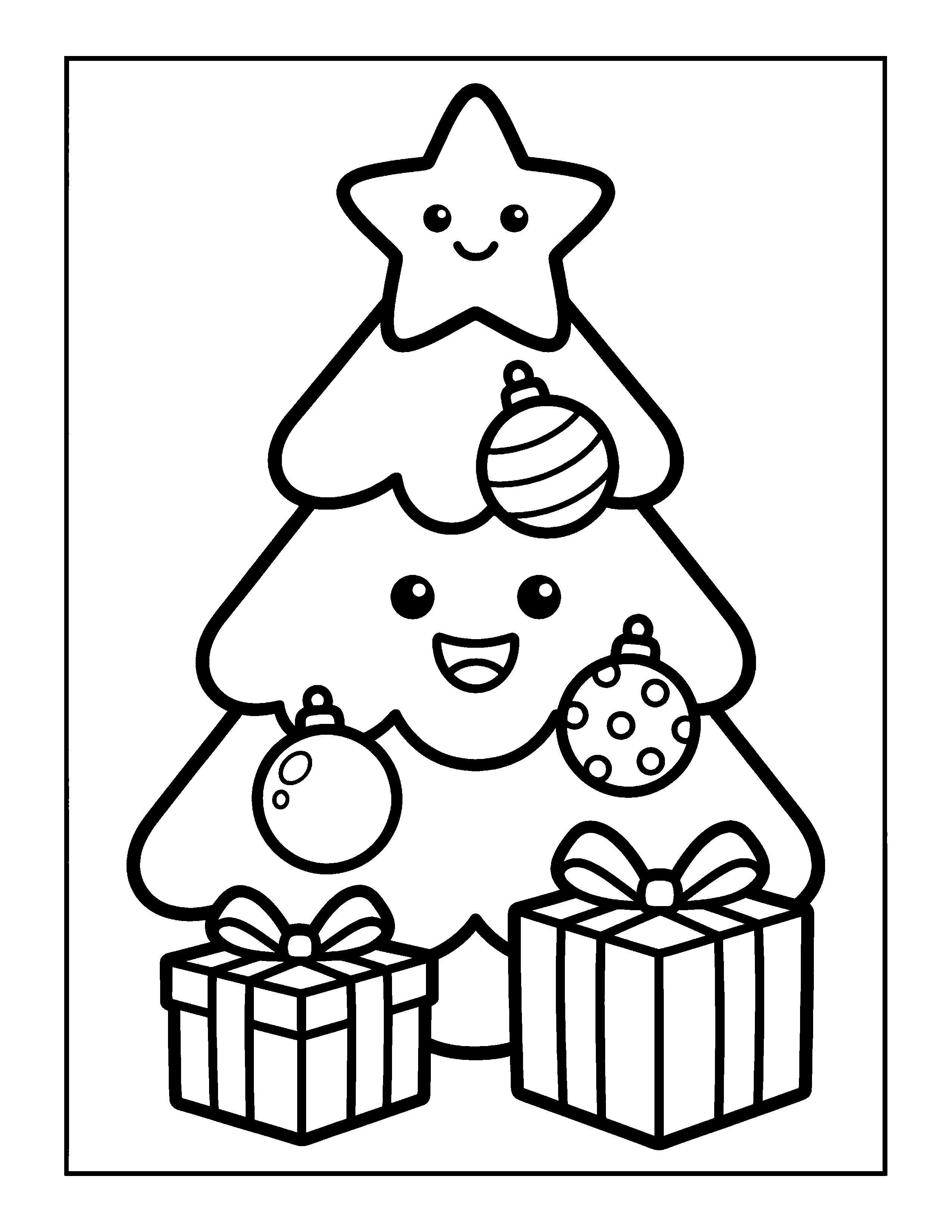
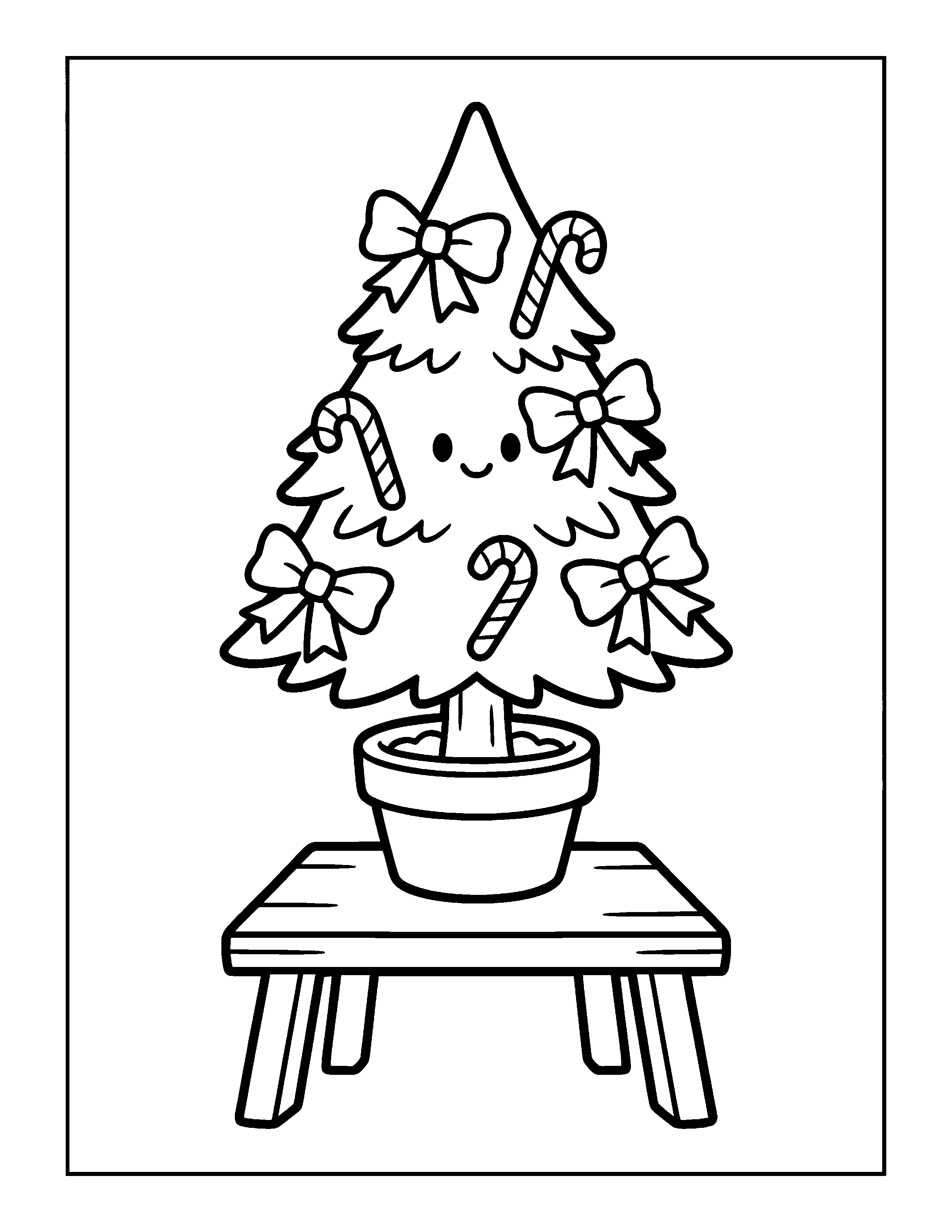
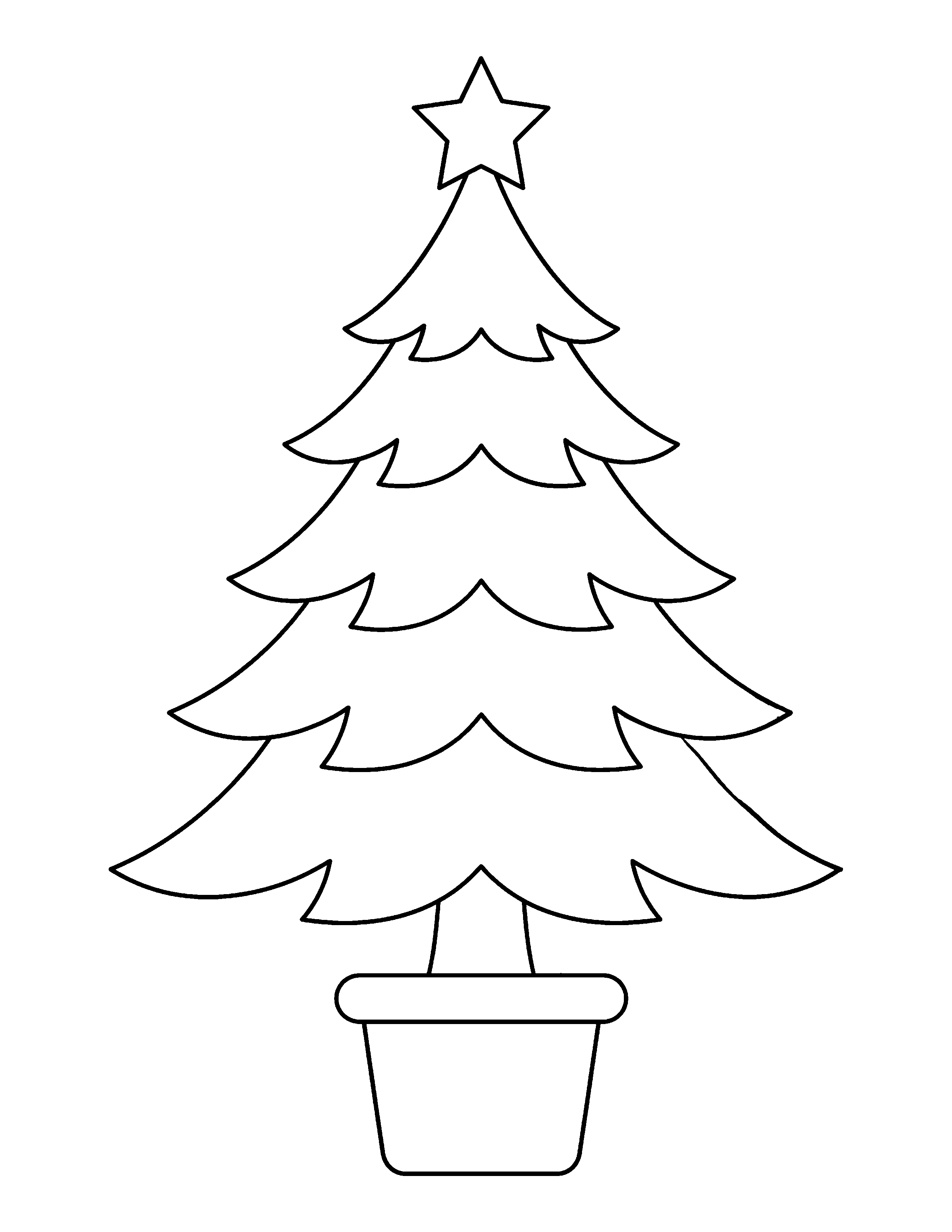
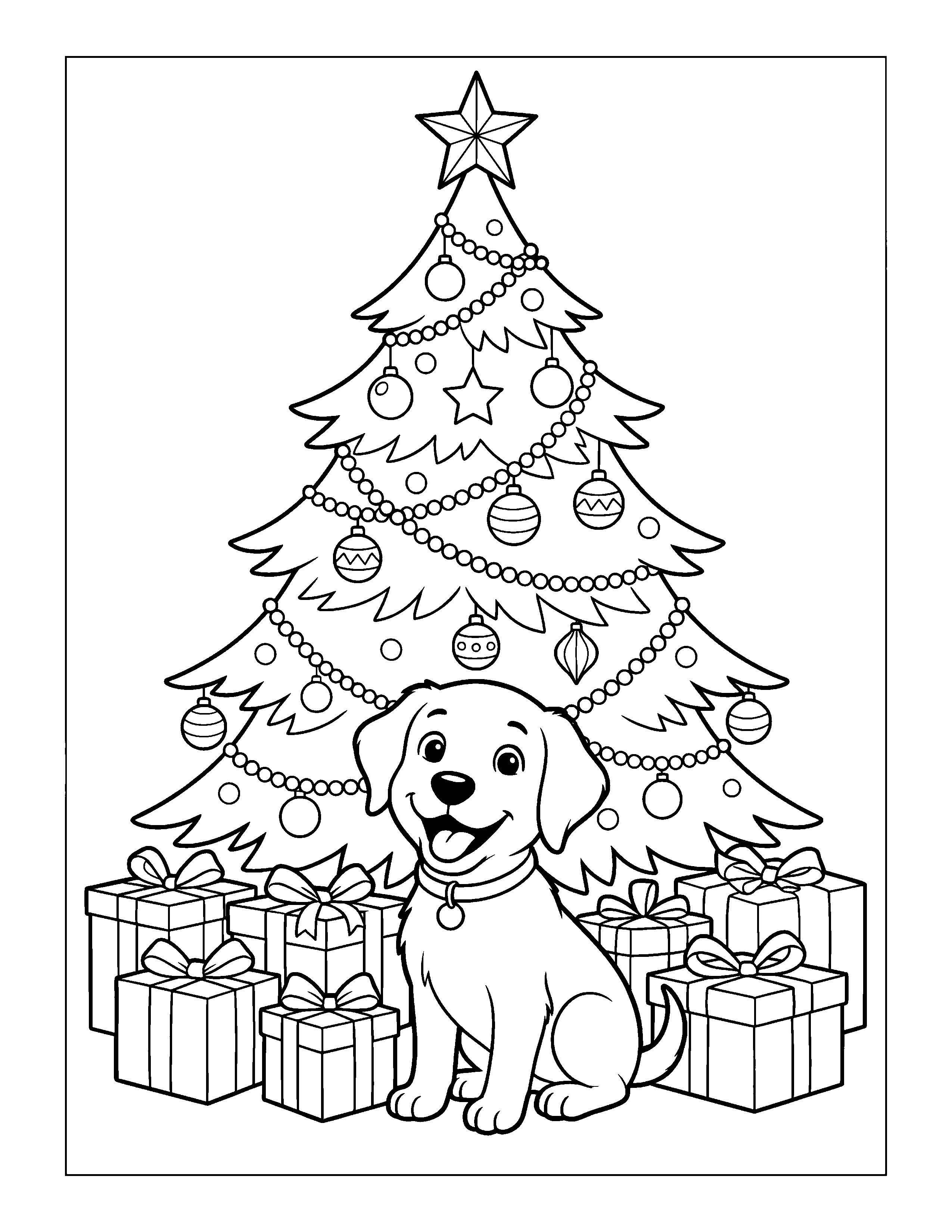
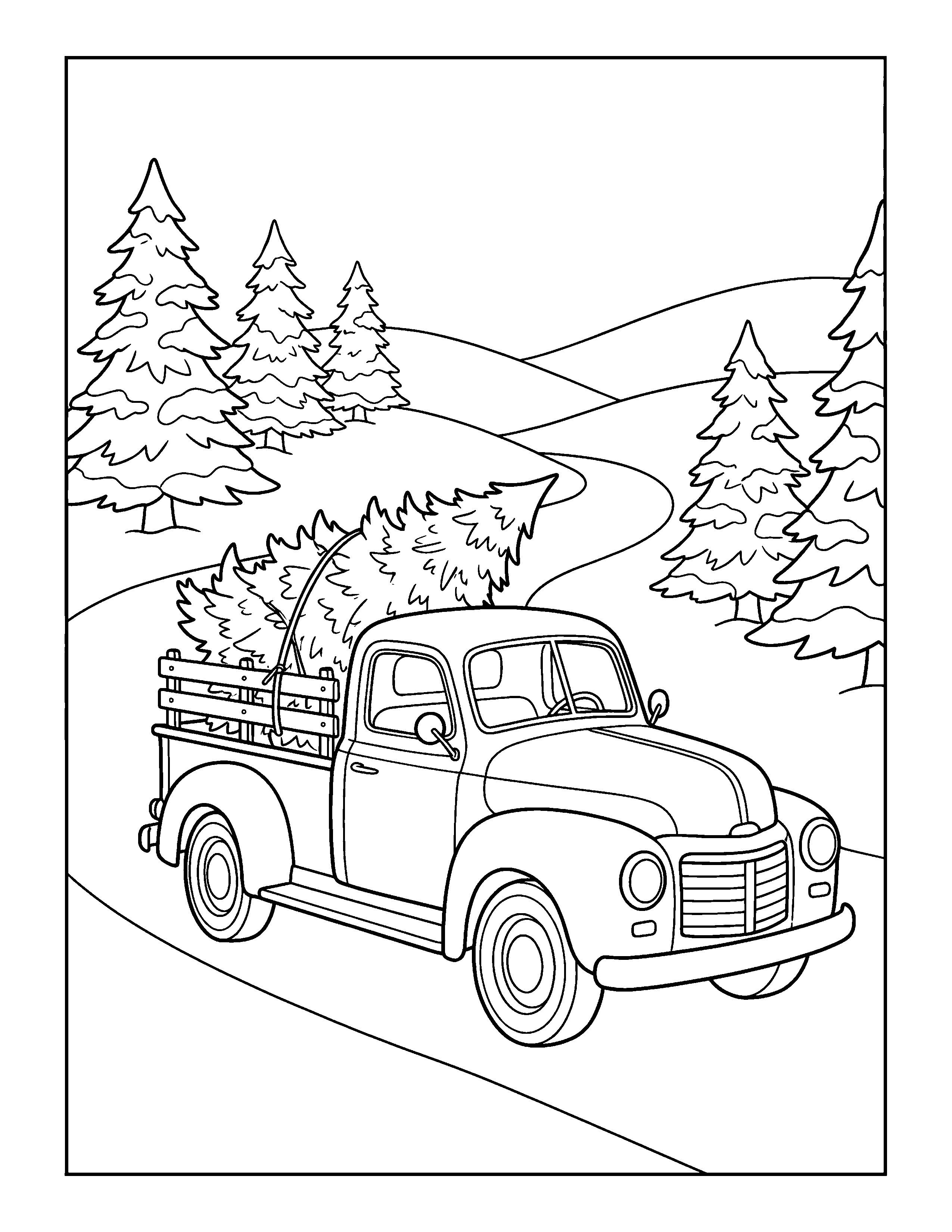
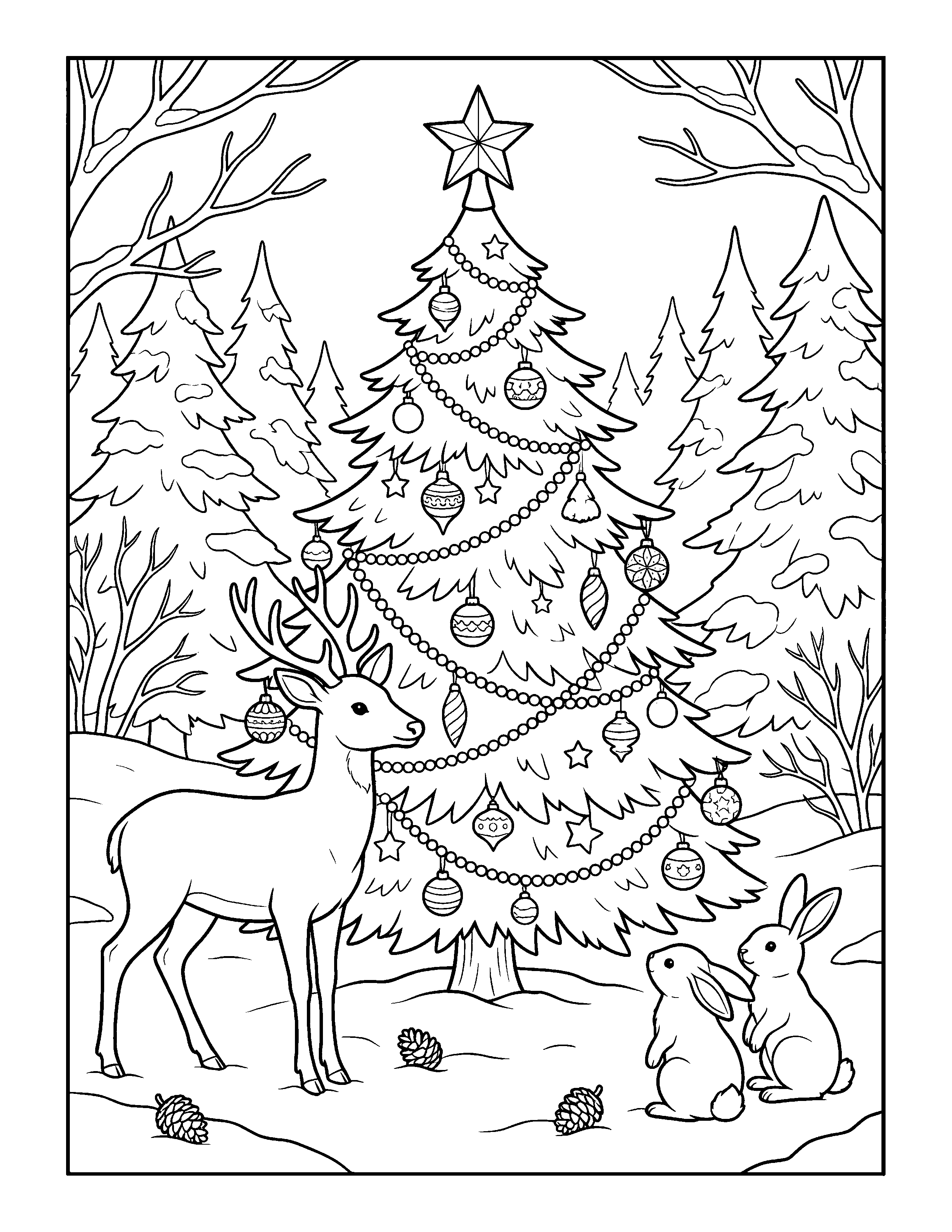
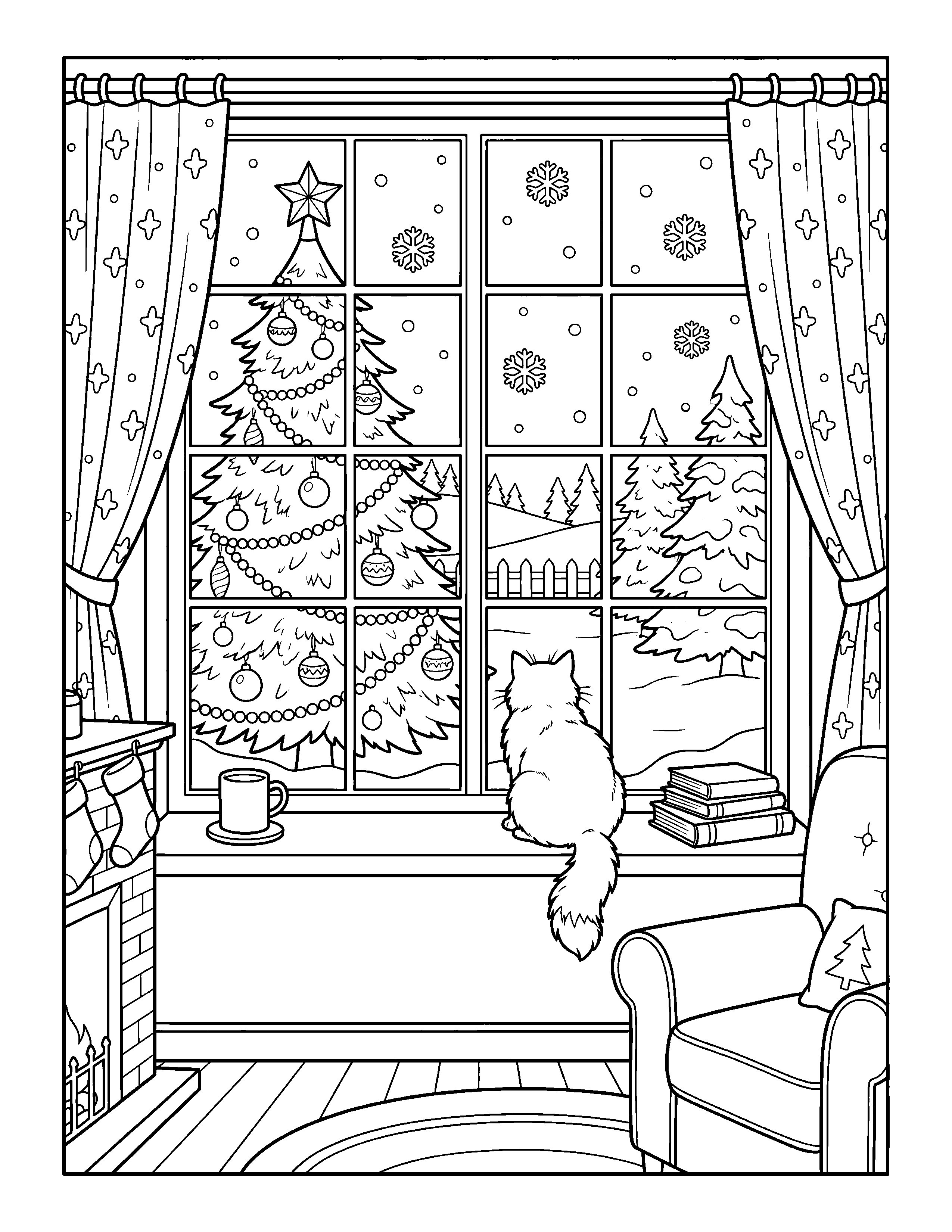
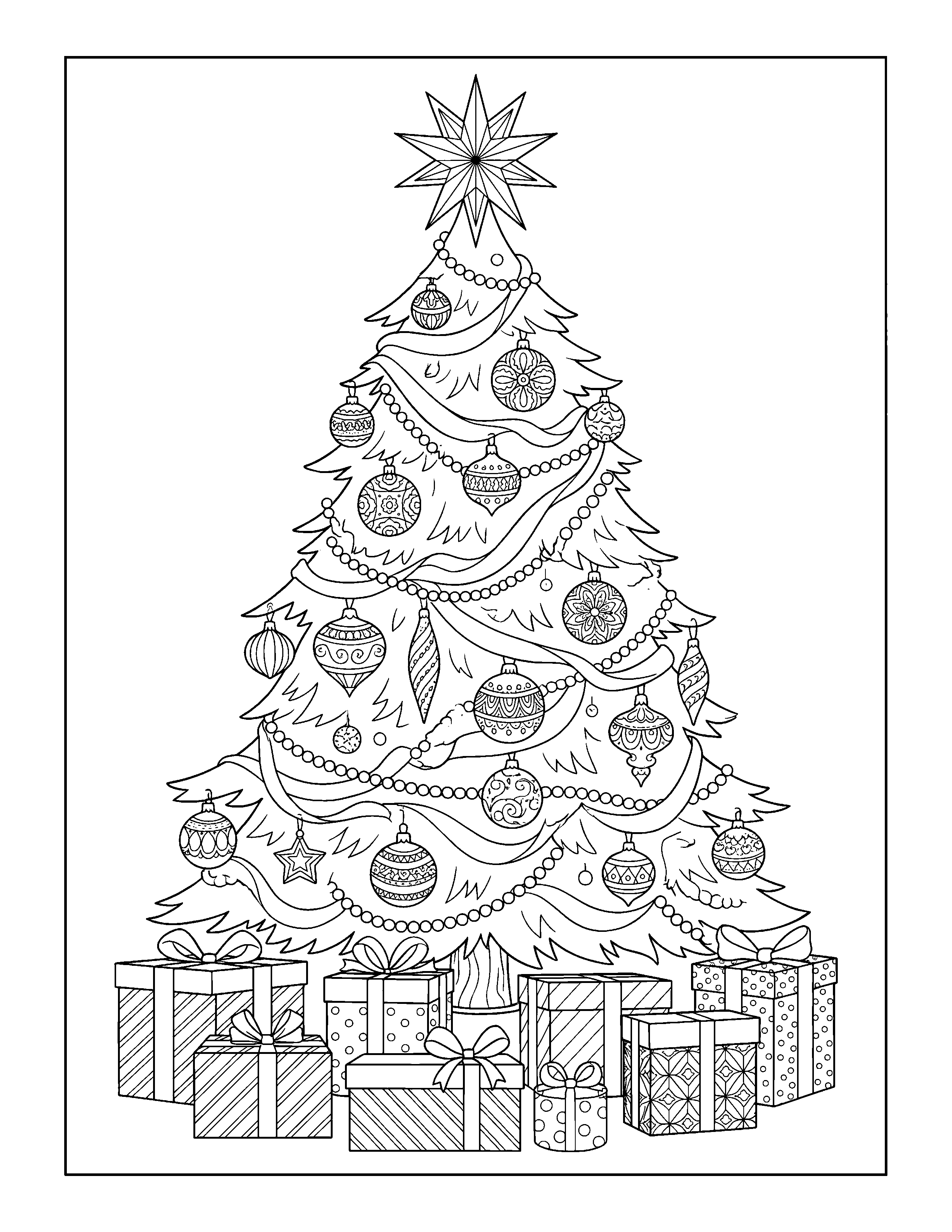
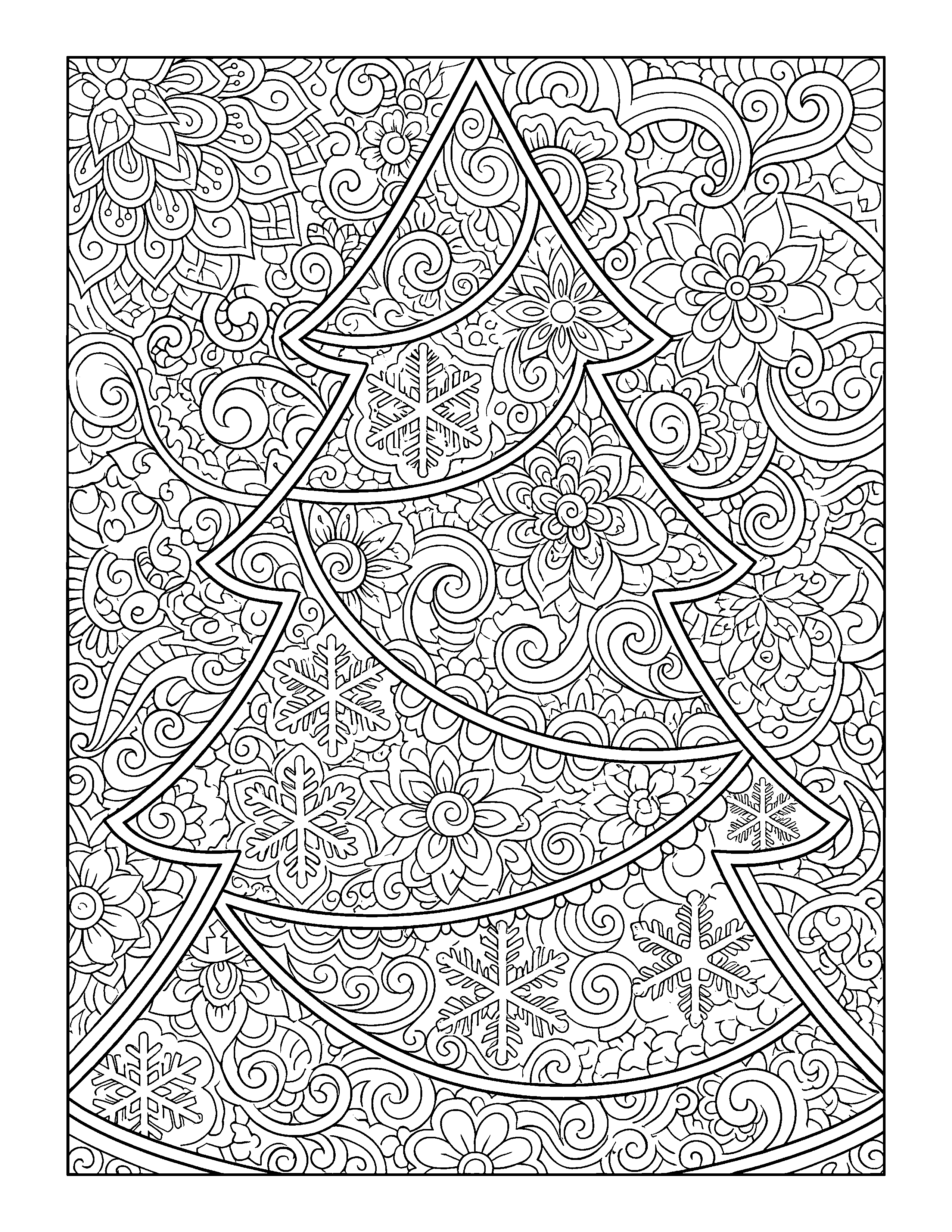
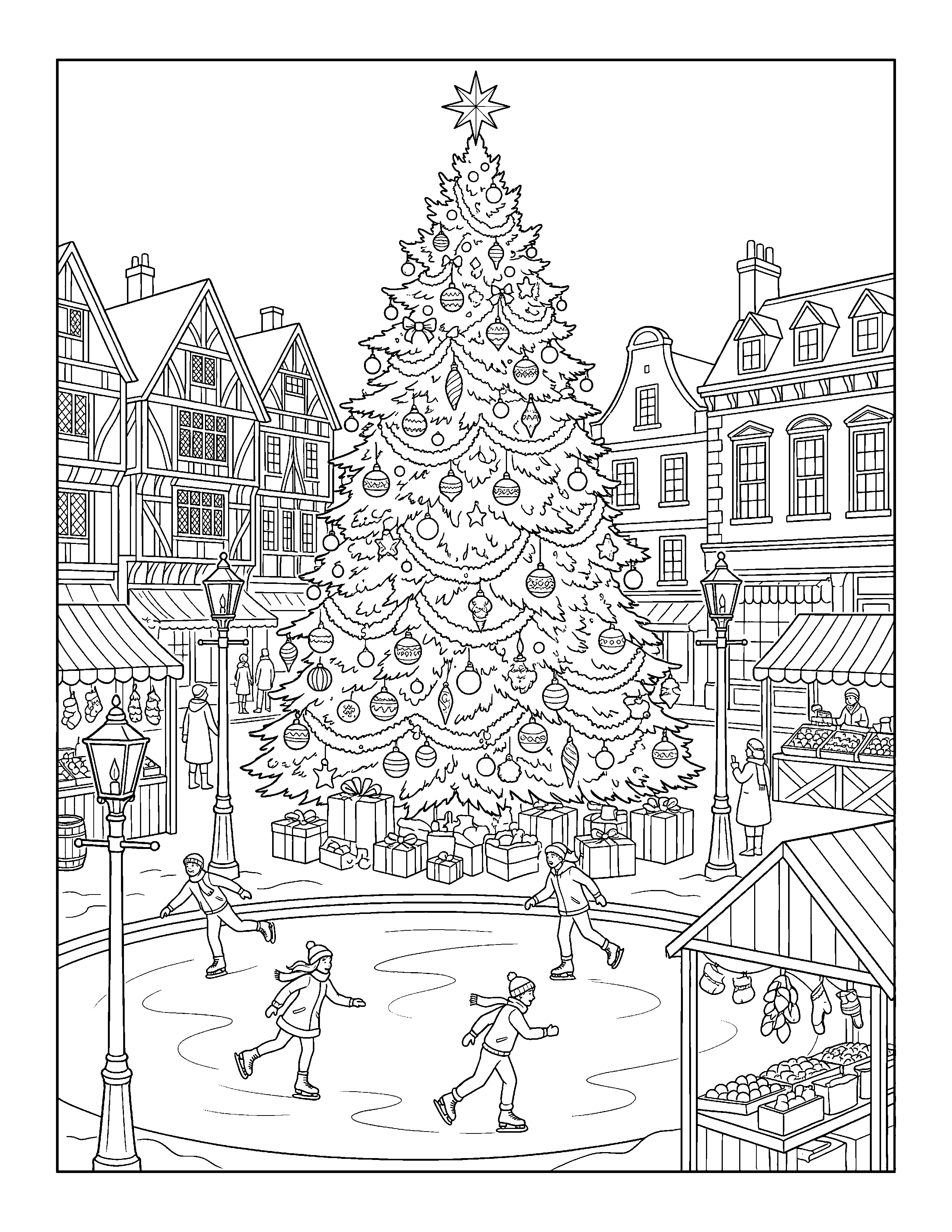
Free for home, classroom, library and church use. Every PNG is 2550 x 3300 pixels, pure black lines on white. Please share the link instead of the files.
Which tree for which colorer
The set is ordered from simplest to busiest. The two toddler trees have outlines thick enough that a fist-held crayon still lands mostly inside them. The pickup truck and the forest page add a background to fill, which is where 7-year-olds start making choices (is the sky blue, or night?). The window page is the bridge: a calm tree, a cat, and a lot of small window panes.
After kids color their favorite Christmas trees, celebrate kind choices with our free Nice List certificates. The page includes four printable designs and a simple checklist for more holiday fun.
The three adult pages are a different hobby. The zentangle tree is all pattern, with no scene to think about, so it is the one to pick up for twenty minutes after the kids are in bed. The town square has the most going on: skaters, stalls, rooftops and the tree in the middle.
The decorate-your-own tree deserves its own mention. It's an outline with nothing on it. Kids draw the ornaments, the lights, the presents underneath (often a lot of presents). It's the page that keeps a 6-year-old busy longest, and the finished ones say a lot more about the kid than a colored-in picture does.
Turn a photo of your own tree into a coloring page
Every family's tree is different: the ornament from the honeymoon, the lopsided star, the paper chain from first grade. A coloring page of your tree is a nice thing to hand a child on Christmas Eve, and a good keepsake to tuck into a card for a grandparent who couldn't visit.
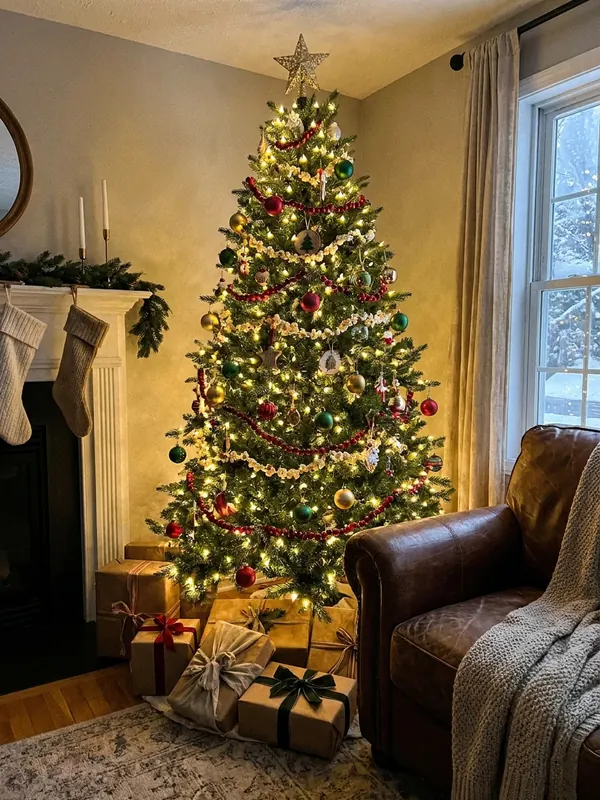
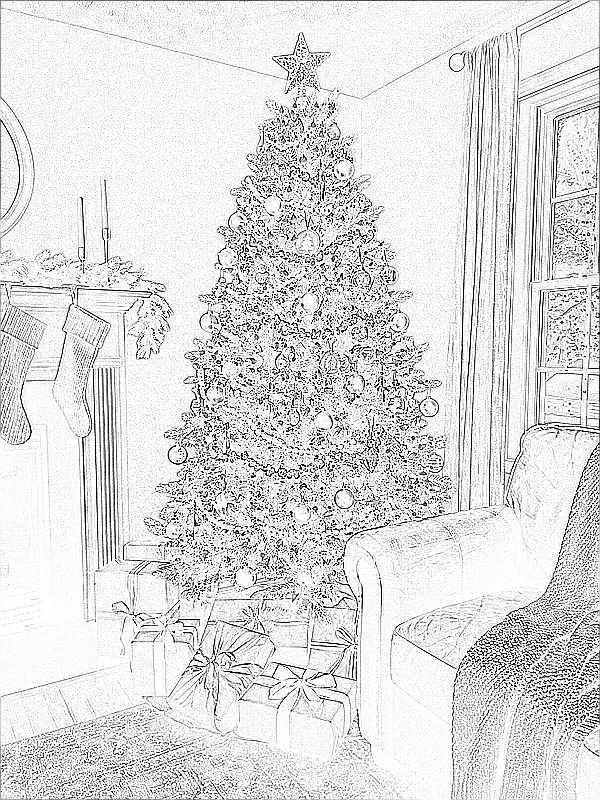
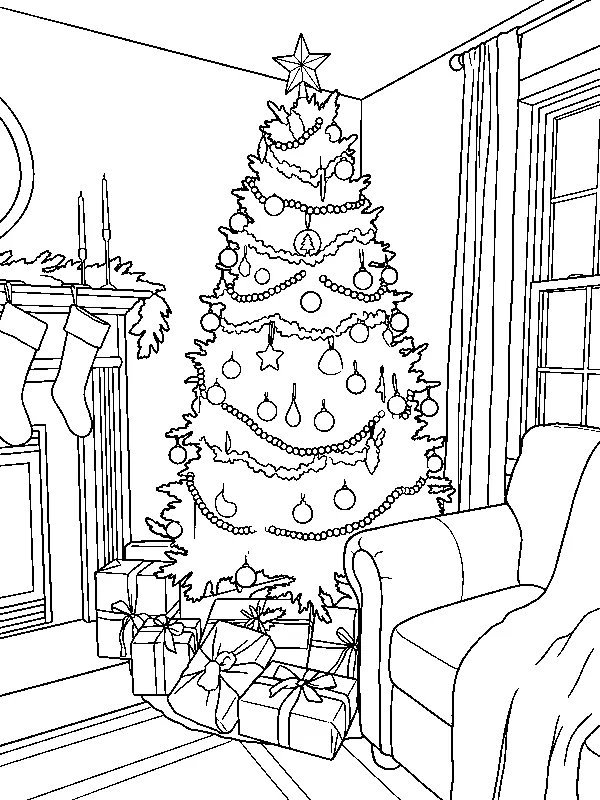
The middle picture is what most "sketch" or "pencil" effects in photo editors give you. They find every edge, including the shadows on the wall and each needle on each branch, and the printout turns into a gray scribble. The right-hand picture was redrawn instead: same tree, same armchair, same presents, but with clean, closed outlines and no shading.
How to do it today, for free
- Take the photo in daylight with the tree lights on, from a little farther back than feels natural, so the whole tree and the floor in front fit in the frame.
- Upload it to ChatGPT or Gemini (both make images on their free plans, within daily limits that neither publishes as a fixed number).
- Ask: "Make a black and white printable coloring page from this photo. Clean closed black outlines of even thickness, no shading, no gray, white background. Keep the tree, ornaments and presents in the same places."
- If ornaments come back as a mush of tiny circles, ask for "fewer, larger ornaments" for a younger child.
- Download the result and print with Fit to page. Gemini's free download is about 1K resolution, which prints fine at full page for line art like this.
Faces are the hard part. A tree with kids standing in front turns out less reliably than the tree alone, and you should think twice before uploading children's pictures anywhere; our page on AI Christmas photo privacy covers what to check. PiXmas has a photo-to-coloring-page tool for the web at picsmas.com, and PiXmas for iPhone is returning to the App Store shortly.
Printing tips for tree pages
- Print in black and white or grayscale mode. In color mode many printers build black from three color inks.
- Fit to page keeps the margins on US Letter and shrinks the page just enough for A4.
- Copy paper (20 lb) is fine for crayons and pencils. Use 65 lb cardstock for markers, glitter glue, or any tree that will become a card.
- On a phone: open the PDF, tap Share, then Print, and choose the pages you want, for example only pages 1 to 3 for a toddler.
- For a classroom of 25, the full PDF is 250 sheets. Most teachers print one level per child instead.
Ways to color a Christmas tree that aren't just green
Green with red ornaments is classic, and nobody needs permission to do it. But a tree page is a good place to try something else:
- White tree, silver and pale blue ornaments, on a navy background. Looks great in colored pencil.
- Pink tree with gold. Very popular with 6-year-olds, and with plenty of adults.
- Rainbow branches, one color per layer from bottom to top.
- Copy your real tree: same lights, same star, same tree skirt. Hang the page next to it.
- For the zentangle tree, pick two greens and one metallic gel pen, and nothing else. Limits make pattern pages look designed.
What to do with the finished trees
Cut the tree out along the outline, fold a piece of cardstock in half, and glue the tree on the front: that's a Christmas card, done. The smiling tree and the potted tree are the right size to cut down into gift tags (print at 4 pages per sheet). Ten different trees, punched and strung on yarn, make a garland for a kid's bedroom door. And a family photo of the kids holding up their finished pages next to the real tree is a lovely card photo in itself; for that, see print-ready Christmas photos.
Want Santas, reindeer and snowmen too? Our full set of Christmas coloring pages has 12 more printables with other subjects. For a day when the crayons run out, there are Santa games for kids.
How these pages were made
Each tree was described in a written brief (age level, scene, how much detail) and drawn by an AI image model. We converted every file to pure black and white with no gray left, set a margin of at least half an inch, and sized it to 2550 x 3300 pixels. A person checked every page at full size and rejected drafts with cut-off stars, broken outlines or stray scribbles. None of these use characters from films or TV. The photo example above is AI-made too, so no one's real living room is on this page.