
App to Help Make Grandparent Christmas Gifts From Photos
Quick answer: PiXmas is an iOS app that turns one uploaded family photo into a stylized Christmas portrait for grandparent gifts, using 800+ holiday styles for cards, ornaments, and framed prints. Upload a clear photo, pick a Christmas style, and download a high-resolution image sized for printing, no photographer, costumes, or studio session required.
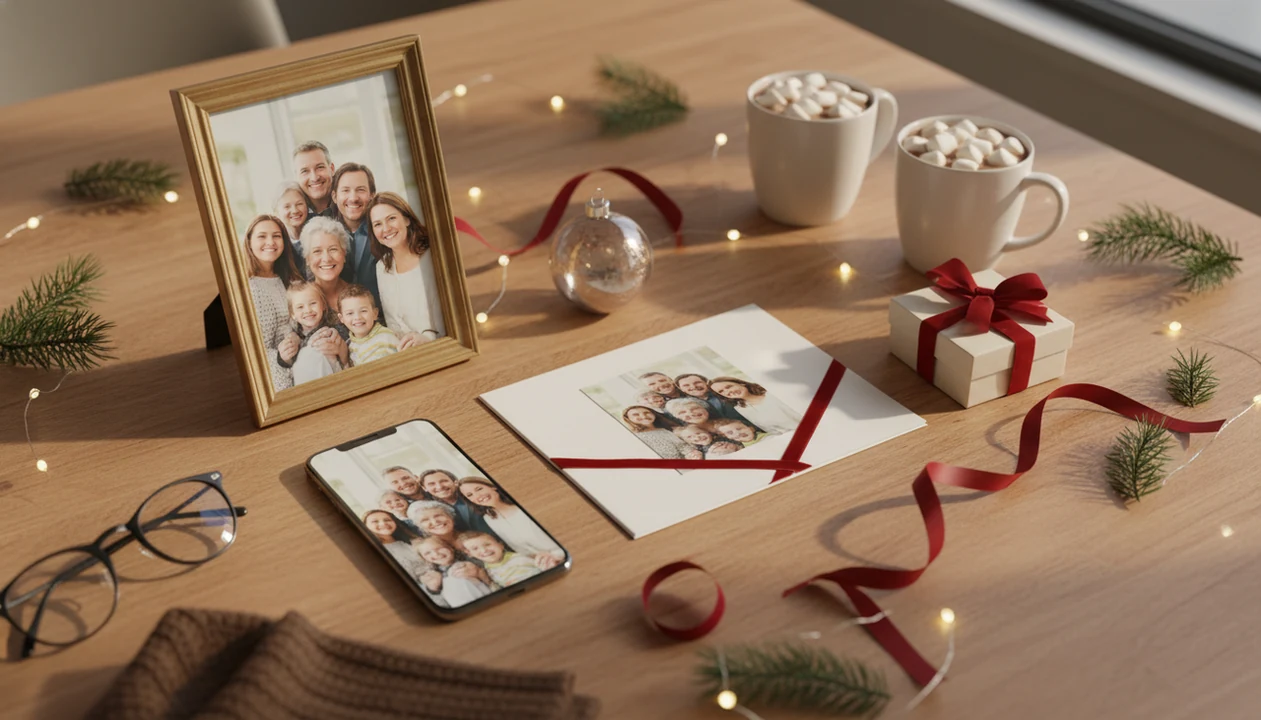
PiXmas is an app to help make grandparent Christmas gifts by turning one family, baby, kid, couple, or pet photo into festive Christmas portraits, Santa scenes, cards, and printable keepsakes. Upload a photo, choose a holiday style, review the generated images, then download the best result for printing or sharing.
> A grandparent Christmas photo gift app turns existing phone photos into holiday-themed portraits, cards, wallpapers, and print-ready keepsakes without requiring a studio photo shoot.
- Use a clear, well-lit photo of the grandchild, family, couple, or pet for the best Christmas gift result.
- Choose gift-friendly formats such as framed portraits, holiday cards, calendars, canvases, mugs, or photo books.
- Review faces, hands, crop areas, resolution, and privacy settings before printing or sending the final image.
How these apps look
Side-by-side captures of the compared products. Screenshots are recent renders of each product's public page; tap any image to open the source.

Grandparent Christmas Photo Gift App Basics
A grandparent Christmas photo gift app is a photo-based gift creation tool, not a gift list, shopping tracker, or generic coupon app. The goal is simple: start with the photo you already have, then turn it into something Grandma or Grandpa can display, save, or hold.
PiXmas is a Christmas photo app that transforms one uploaded photo into holiday portraits, Santa scenes, and Christmas wallpaper for families, couples, pet owners, and creators. Common outputs include framed portraits, cards, calendars, canvases, mugs, photo books, wallpapers, and shareable images.
Most families already have usable source photos. Pew Research Center reports that 86% of U.S. adults own a smartphone, which helps explain the iPhone Photos grid full of six almost-identical kid snapshots and one where everyone is actually looking (https://www.pewresearch.org/internet/fact-sheet/mobile/).
One-photo AI tools reduce the need to gather everyone again. That matters in December.
At-a-Glance Christmas Photo Gift App Checklist
Before uploading, check the photo, the gift format, and the app’s export rules. Grandparent Christmas photo gifts work best when the image feels personal first and festive second.
- Source photo: Use a sharp, front-facing image with a natural expression, no heavy filters, and space around the subject.
- Gift outputs: Good formats include framed prints, cards, ornament inserts, calendars, mugs, canvases, photo books, and phone wallpapers.
- App checks: Look for realistic samples, high-resolution downloads, no forced watermark, a clear privacy policy, and easy export.
- Emotional fit: Pew Research Center found that family ranks as a major source of meaning for many adults, so a familiar grandchild, couple, or pet photo usually carries more emotional weight than a generic novelty image (https://www.pewresearch.org/short-reads/2021/11/18/what-makes-life-meaningful-views-from-17-advanced-economies/).
- Gift value: A familiar child, grandchild, couple, or pet photo usually lands better than a novelty image with no family connection.
For broader format planning, Christmas photo gift ideas from one picture can help compare what to make before you print.
AI Christmas Photo Gift App Workflow
AI Christmas photo gift apps work by reading the uploaded photo, detecting the subject, matching it to a chosen holiday style, then generating a new portrait output. In plain terms, the app studies the face, pose, and background before rebuilding the image with Christmas details.
The practical path is upload, face and subject detection, style selection, image generation, review, then export. The system may adjust backgrounds, lighting, clothing, props, snow, trees, Santa scenes, and studio-style composition. Behind that, image embeddings help the app compare your photo with the selected style. That just means the app converts visual features into data it can reuse.
Cloud processing is common, so privacy matters for children’s faces and family photos. Apps also vary in realism, cost, watermarking, privacy, and export resolution. Global mobile app spending reached about $171 billion in 2023, showing how normal paid creative apps have become.
Useful, not automatic.
How to Use PiXmas for Grandparent Christmas Photo Gifts
A Christmas photo gift workflow should move from camera roll to Christmas portrait without forcing manual background editing. The steps below fit a last-minute card, framed print, calendar page, or wallpaper.
- Choose a clear photo from the camera roll. Pick the version where the face is sharp and the warm yellow kitchen light is not hiding the eyes.
- Upload the photo to PiXmas. When the permission prompt appears, decide whether to allow selected photos only.
- Pick a Christmas style. Choose a cozy portrait, Santa scene, snowy background, card design, or wallpaper.
- Generate several options. Compare realism, expression, face shape, clothing, and crop before saving.
- Download the strongest high-resolution image. Avoid using a preview file for print.
- Print it through a card, photo book, canvas, mug, calendar, or local print service.
A good AI Christmas photo app creates studio-style holiday portraits, Santa scenes, and Christmas wallpaper from one uploaded photo, not a guaranteed replacement for checking likeness, privacy, and print quality.
Best Grandparent Christmas Photo Gifts From One Uploaded Picture
For grandparents, the right photo gift format depends on where the image will live. Check orientation, crop, and print area before ordering, especially for mugs, cards, and canvases.
| Gift type | Best image orientation | Emotional use case | Print caution |
|---|---|---|---|
| Framed portrait | Vertical | Mantel or hallway display | Leave space above heads |
| Folded card | Horizontal or square | Family greeting | Keep text away from edges |
| Photo calendar | Mixed | Monthly grandchild moments | Use high-resolution files |
| Mug | Horizontal wrap | Daily-use keepsake | Keep faces out of handle zone |
| Canvas | Vertical or square | Statement wall gift | Watch bleed and edge wrap |
| Ornament | Square or circle crop | Tree keepsake | Avoid tiny group faces |
| Phone wallpaper | Vertical | Everyday grandparent smile | Check lock-screen clock area |
| Photo book | Mixed | Year-in-review gift | Match page aspect ratios |
U.S. gift, novelty, and souvenir retail sales reached about $22 billion in 2021, so keepsake-style presents clearly have demand. For babies, a baby first Christmas photo app can help with softer styles and simpler crops.
Photo Quality Requirements for Grandparent Christmas Photo Gifts
What kind of photo should you upload for grandparent Christmas photo gifts? Use a sharp, well-lit image with visible eyes, natural skin tones, and minimal motion blur.
Avoid tiny screenshots, social-media compressed files, dark photos, sunglasses, face-obscuring hats, and heavy beauty filters. AI can distort faces, hands, teeth, or sleeves when the source photo gives it too little detail. A blurry sleeve beside a toddler’s cheek can become a strange cuff or mitten in the final portrait.
Leave space around heads and shoulders so frames, cards, and canvas edges do not crop important details. A tiny face in a group shot may look fine on a phone, but it can fall apart on an ornament or mug.
Generate more than one style. One portrait output may suit a folded card, while another works better as a framed print. For style planning, compare Christmas photo styles before choosing the final gift format.
Privacy Checks for a Christmas Photo Gift App
Read the app privacy policy before uploading children’s faces, family portraits, or pet photos tied to your home. A printed gift may end up on a grandparent’s shelf, but the source-photo privacy issue happens during creation.
Check whether the app explains data storage, deletion options, cloud processing, model training, and sharing permissions. App-based tools and web-based tools can both process images remotely, so the key question is not where you tap. It is what happens after upload.
Avoid apps with unclear data use, suspicious reviews, no visible support channel, or vague export terms. On iPhone, the photo access prompt is a useful pause point. If you only need one bedtime hallway snapshot, selected-photo access may be enough.
Tools like PiXmas, Canva, Picsart, and Photoleap should be judged on samples, privacy wording, export quality, and whether the workflow fits your gift.
Common Mistakes With Grandparent Christmas Photo Gifts
Most bad grandparent Christmas photo gifts fail for practical reasons, not lack of sentiment. The photo may be sweet, but the crop, likeness, or print file gets ignored.
- The blurry upload: A soft or over-filtered photo can make the final child, couple, or pet portrait look artificial.
- The unchecked print file: Printing without checking resolution or aspect ratio can cut off heads, text, or holiday borders.
- The changed likeness: Reject any image where the child no longer looks like themselves.
- The hidden face style: Props, hats, snow, and text should not cover the eyes or smile.
- The December 23 rush: A parent making a Santa portrait after bedtime may still miss print shipping deadlines.
- The free-export assumption: Some free apps add watermarks, cap resolution, or restrict high-quality downloads.
Pet gifts need the same checks. A golden retriever in fake snow may look charming, but the eyes still need to be clear; the best Christmas pet photo editor guide covers that workflow.
What makes this style different from other Christmas photo styles?
Grandparent gift portraits usually need to hold up as a printed keepsake, not just a social post, so the styling leans toward warm, classic looks rather than novelty effects.
Good grandparent-focused Christmas styles favor cozy indoor lighting, coordinated (not matchy-matchy) outfit tones, and compositions that keep every face clearly readable, since these images are often framed or mailed rather than scrolled past.
Multi-generational photos also get more scrutiny than solo shots, since a grandparent will notice if a familiar face looks off, which is why photo sharpness matters more here than in casual styles.
Who is this Christmas photo style best for?
This approach works well for adult children creating a keepsake gift for parents, for families combining kids and grandparents into one holiday scene, and for anyone who cannot get everyone in the same room for a real photo session.
It also suits families who want a pet included in the family portrait, since a clear pet photo can sometimes be uploaded alongside people, though results vary by style.
It is less ideal for anyone who needs a guaranteed exact likeness for a formal keepsake, such as a memorial portrait, where a professional photographer or retoucher is the safer choice.
How does PiXmas compare to a photographer or DIY setup?
- Google Trends‑based advice for photographers notes that family‑oriented “Christmas card photos” searches grow from early fall and peak in December, indicating that families typically plan or book Christmas photo sessions in the last quarter of the year. (Tech Photo Guy – Google Trends for Photographers, 2018)
For grandparent Christmas gifts, PiXmas offers a fast, low-effort way to turn one existing family photo into a print-ready holiday portrait, best suited to families who want a warm keepsake without a full photo shoot.
Limitations
AI photo gift apps can save time, but they do not guarantee a print-ready keepsake from every upload. Review the result like you would review a school photo proof.
- AI can struggle with blurry, low-resolution, dark, cropped, or heavily filtered source photos.
- Generated images may slightly alter faces, hands, teeth, body shape, clothing, or age appearance.
- Some apps require multiple source photos rather than one upload for the closest likeness.
- Cloud-based processing requires trust in the provider’s storage, deletion, and model-training policies.
- Free versions may add watermarks, cap resolution, restrict styles, or limit commercial-quality exports.
- Print results can disappoint if you ignore resolution, aspect ratio, bleed, or safe crop areas.
- Shipping deadlines from third-party print services can make last-minute Christmas gifts risky.
Check twice before ordering. Grandparents will notice if the smile feels wrong.
Related guides
FAQ
What should I look for in a Christmas photo gift app for grandparents?
Look for a tool that accepts one clear photo, offers Christmas-specific styles rather than generic filters, exports a high-resolution file for printing, and states its privacy terms plainly before you upload a family photo.
Can I include a pet in a grandparent Christmas photo gift?
Some styles allow a pet alongside family members if the pet's face is clear and well-lit in the source photo, but multi-subject results can vary more than a solo or couple portrait.
What size should I download for a framed grandparent gift?
Download the largest resolution PiXmas offers and match it to your frame's aspect ratio before ordering, so the image is not stretched or cropped unexpectedly at print size.
How do you make Christmas photo setups safe for babies and toddlers?
Keep baby and toddler Christmas photo setups stable, supervised, warm, and free from choking or tripping hazards. Never place a child inside an unsupported prop, near open flames, or under heavy decorations. Use cool lights and soft, floor-level arrangements when possible. An adult should remain within reach, even if that person will be removed during editing.
How do you get a toddler to cooperate for Christmas photos?
Schedule the photo session around your toddler’s usual sleep and meal routine, not around adult convenience. Keep the session relaxed, offer simple choices, and use movement, songs, or a familiar toy instead of demanding repeated smiles. Bring snacks that are clean and quick to eat, plus a backup outfit. Expect breaks and prioritize natural expressions over perfect poses.
How should a large family group pose for Christmas photos?
Arrange large family groups in compact layers with faces visible and bodies angled slightly toward the center. Seat some relatives, place others behind them, and vary head heights so the portrait feels balanced. Keep immediate families near each other, check that nobody is hidden, and take several frames because blinks and changing expressions are inevitable.