
Benefits of AI Christmas Photo Apps for Families
Quick answer: AI Christmas photo apps like PiXmas turn a single uploaded photo into styled festive portraits in minutes, skipping costume changes, studio bookings, and holiday scheduling. Core benefits include lower cost than hiring a photographer, fast turnaround for last-minute cards, and access to hundreds of themed looks without leaving home. PiXmas is an iOS app built around a one-photo workflow with 800+ styles, making it a practical option for families who want holiday images without a physical photoshoot.
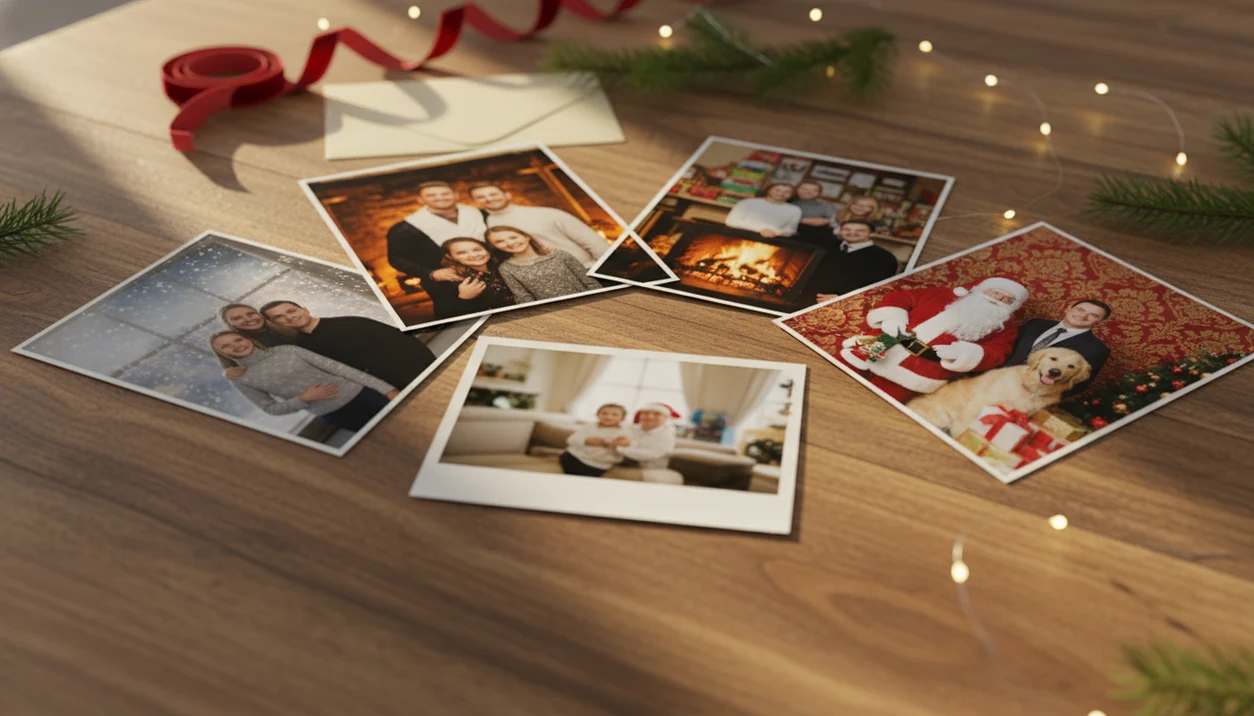
The benefits of AI Christmas photo apps include faster holiday portraits, lower photo costs, more festive style options, and easier card-ready images from one everyday upload. For families, couples, pet owners, creators, and last-minute card makers, the biggest advantage is getting polished Christmas visuals without booking a studio session.
Definition: AI Christmas photo apps are mobile or web tools that use artificial intelligence to transform a regular uploaded photo into festive holiday portraits, Santa scenes, Christmas wallpapers, and card-ready images.
TL;DR
- AI Christmas photo apps save time by turning one phone photo into multiple festive images in minutes.
- They can reduce the need for props, outfits, photographers, studio bookings, and stock holiday visuals.
- The best results still depend on a clear original photo, privacy-aware app choices, and realistic expectations about AI artifacts.
AI Christmas Photo Benefits in One Clear Definition
AI Christmas photo apps convert everyday pictures into holiday portraits, Santa scenes, Christmas wallpapers, and Christmas card images. The main value is simple: they move a regular camera-roll photo closer to a festive, share-ready result without a full shoot.
People look for these tools because December is crowded. The iPhone Photos grid might show six almost-identical kid snapshots, with one where everyone is actually looking at the camera. That one photo can become the starting point.
PiXmas is a Christmas photo app that transforms one uploaded photo into holiday portraits, Santa scenes, and Christmas wallpaper for families, couples, pet owners, and creators. In plain terms, the benefits of AI Christmas photo apps are speed, convenience, style variety, and easier holiday sharing.
How AI Christmas Photo Apps Work Behind the Scenes
AI Christmas photo apps work by analyzing an uploaded photo, preserving the main subject, and generating a holiday-styled version around it. A typical flow checks the face, pose, subject edges, lighting, and background before creating the final portrait output.
Behind the screen, modern tools may use image embeddings, subject segmentation, face preservation, background replacement, outfit styling, lighting matching, and enhancement steps. In normal language, the app tries to understand who is in the photo, separate them from the old setting, then rebuild the scene with Christmas details.
It still needs a good starting point. Warm yellow kitchen light, a tiny face in a group shot, or a blurry sleeve can all affect the result. Tools like PiXmas sit in this category, but no app magically fixes every photo. For a deeper mechanism walkthrough, the dedicated guide to how AI Christmas photo apps work covers the process in more detail.
How to Use AI Christmas Photo Apps for Better Holiday Portraits
Use AI Christmas photo apps by starting with the cleanest source image, choosing a style that fits the person or pet, then reviewing the output before you share or print it. The best results come from treating the first preview as a draft, not the final card.
- Choose one sharp, well-lit photo where faces are visible and not hidden by blur, sunglasses, hair, or heavy shadows. A simple camera-roll portrait usually beats a busy group snapshot.
- Pick a Christmas style that matches the subject and destination, such as a cozy family card, Santa pet portrait, phone wallpaper, or square social post.
- Generate several variations before deciding. Small changes in pose, lighting, snow, clothing, or background can make one version feel much more natural.
- Inspect the details closely before exporting. Look at hands, eyes, teeth, glasses, pet paws, collars, shadows, ornaments, and background edges.
- Export the right size for the job, then delete unused uploads or extra outputs where the app gives you that option.
Five Practical Benefits of AI Christmas Photo Apps
- Studio-style portraits from one photo: AI Christmas photo apps can turn an ordinary phone picture into a festive portrait with snow, Santa details, fireplace scenes, or formal holiday styling.
- Less planning time: They reduce the need to coordinate outfits, props, weather, travel, nap windows, and studio appointments. December 23 after bedtime is a real use case.
- Lower visual costs: Many users avoid separate spending on professional shoots, temporary props, rented sets, or licensed holiday stock images.
- More output formats: One upload can create options for holiday cards, phone wallpapers, social posts, profile images, and family group-chat sharing.
- Personalized holiday scenes: Families, couples, pets, creators, and small brands can choose scenes that fit the subject instead of forcing one generic template.
For last-minute card makers, generating several festive variations from one clear source photo is often faster than arranging a new photoshoot because the workflow starts with an image they already have.
Holiday Photo App Advantages for Families and Last-Minute Cards
Holiday photo app advantages matter most when a family cannot coordinate a full photoshoot. Children get tired, relatives travel, weather shifts, and December calendars fill quickly.
A parent can upload one clear photo after bedtime, try matching sibling portraits, cozy family scenes, Santa backgrounds, and printable card images, then choose the least chaotic result. The practical question is usually, “Can I use this for a card and a wallpaper?” The answer depends on export size and aspect ratio.
Mobile-first tools fit that behavior. Deloitte’s 2022 holiday retail survey reported that 64% of consumers used smartphones to shop online during the holiday period, which lines up with families doing more seasonal tasks from the phone source. Last-minute card work often happens in small pockets of time, not at a desk.
The full one-upload workflow is covered in this AI Christmas photo app from one photo guide.
AI Christmas Photo Benefits for Couples, Pets, and Creators
- Couples: AI Christmas photo apps can create romantic winter scenes, matching holiday portraits, announcement images, and social posts. Think less logistics, more choosing between a snowy street look and a kiss framed by frosted windowpanes.
- Pet owners: Festive pet portraits can add Santa scenes, stockings, snow, and wallpaper-style compositions. A tabby stare under twinkle lights may work well; a leaping dog usually needs a sharper frame.
- Creators: Thumbnails, Reels covers, profile images, and seasonal campaign visuals benefit from consistent festive themes. The same face and color mood can carry across several posts.
- Small brands: Photo-based Christmas visuals can support quick seasonal marketing without becoming full graphic design. NRF expected U.S. holiday retail spending to reach $957.3 billion to $966.6 billion in 2023, which shows why seasonal visuals matter for sellers source.
Good AI Christmas photo apps deliver studio-quality holiday portraits, Santa scenes, and Christmas wallpaper across many festive styles, not a replacement for every real family photograph.
AI Christmas Photo Apps vs Traditional Studio Sessions
AI Christmas photo apps are usually faster and more flexible than studio sessions, while professional photography still wins for fully authentic portraits and large printed keepsakes. The right choice depends on the job.
| Factor | AI Christmas photo app | Traditional studio session |
|---|---|---|
| Setup time | Minutes from upload to preview | Days or weeks to schedule |
| Cost | Often lower per image set | Usually higher session and print costs |
| Retakes | Easy to generate variations | Limited by session time |
| Outfit and props | Added digitally | Must be planned or brought |
| Turnaround | Often same evening | Depends on photographer workflow |
| Realism | Can be strong, but may show artifacts | Fully camera-authentic |
| Best use case | Cards, wallpapers, social images, quick portraits | Heirloom prints, formal groups, documentary moments |
AI apps win on speed, variety, convenience, and last-minute output. Studios can still be the better choice for large groups, difficult lighting, framed wall prints, and photos where the real moment matters more than the style.
For context, adjacent photo and design tools include Canva, Fotor, PhotoRoom, and Lensa; compare export size, privacy terms, style controls, and artifact handling rather than treating every AI Christmas photo app as interchangeable.
When AI Christmas Photo Benefits Matter Most
AI Christmas photo benefits matter most when you have one clear source photo and need fast holiday cards, wallpapers, social images, or fun festive portraits. Simple subjects work better than crowded, complicated scenes.
The fit is especially strong for families separated by distance, pet owners without studio access, creators needing several seasonal looks, and people who dislike posing in public. A family photo preview shared in the group chat can become the deciding image before anyone has time to book a session.
Not every photo is a good candidate. Very low-light shots, crowded group photos, blurry faces, fast-moving kids, and complex accessories can confuse the model. A missing front tooth in a holiday grin is charming; a smeared face from motion blur is harder.
Use AI to complement real memories, not erase them. The candid laugh on the sofa still belongs in the family album.
Privacy and Trust in AI Christmas Photo Apps
Privacy matters because AI Christmas photo apps ask users to upload personal images, often including children, homes, pets, and family members. Before uploading, check how the app handles storage, deletion, model training, sharing, and licensing.
Pew reported in 2023 that 54% of U.S. adults were more concerned than excited about AI in daily life, while 23% had used an AI chatbot or image generator source. That mix explains the mood around photo apps: curious, but cautious.
The permissions prompt matters. On iPhone, many users pause at “Allow selected photos only,” because it limits what the app can see. That small choice is worth taking seriously.
Practical safeguards help: use trusted apps, read privacy policies, avoid sensitive images, download only the outputs you need, and delete intentionally where the app allows it. Image ownership and commercial usage vary by app terms, so creators and small brands should check before using outputs in campaigns.
The FTC also warns consumers to check what AI apps collect, how they use personal data, and whether information can be deleted later source. For family images, that means treating a child’s face, a home interior, and a holiday card address as sensitive data, not just cute upload material.
What makes this style different from other Christmas photo styles?
Most AI Christmas photo apps generate a stylized portrait from an uploaded photo instead of requiring costumes, props, or studio lighting. The app handles wardrobe, background, and lighting digitally, which is the main difference from a traditional themed photoshoot.
Traditional holiday photo styles depend on physical setup: matching outfits, a decorated set, and a photographer adjusting light for each shot. PiXmas replaces that setup with a rendering step, so the same person can appear in several different holiday looks without changing clothes or location.
What photo should you upload for the best result?
A clear, front-facing photo with even lighting and an uncluttered background tends to produce the most consistent result. Faces should be unobstructed by sunglasses, wide-brim hats, or heavy shadows.
Photos where the subject is close to the camera and in focus generally render better than distant or cropped group shots. If you plan to use PiXmas for a couple or a solo portrait, a recent, well-lit photo gives the app the clearest starting point.
AI Christmas photo apps are worth using when speed, cost, and style variety matter more than a fully physical photoshoot, and PiXmas fits that use case well with a one-photo workflow suited to families, couples, and last-minute cards.
Limitations
AI Christmas photo apps are useful, but they are not a guaranteed fix for every holiday image. Check these limits before choosing a card proof or print file.
- AI can create artifacts such as odd hands, distorted pets, warped glasses, mismatched shadows, or unnatural facial details.
- Very blurry, dark, cropped, or low-resolution source photos may produce weak results.
- Large groups, fast-moving children, and complex scenes are harder for AI to handle consistently.
- Some outputs can look generic or overly stylized if the scene choice is too common or unrealistic.
- Privacy, storage, licensing, and training terms differ by app and should be reviewed before uploading personal photos.
- Cloud-based processing may require internet access and can slow down during heavy holiday usage.
- Traditional photography may still be better for archival prints, formal family portraits, and emotionally authentic candid moments.
Small flaws show up fast on paper. A holiday card proof on the kitchen table is less forgiving than a phone preview.
Related guides
FAQ
What exactly counts as an AI Christmas photo app?
It is software that takes an uploaded photo and generates a new stylized image using festive themes, outfits, and backgrounds, without a physical photoshoot. The output is a digitally created portrait rather than an edited version of the original photo.
How much time does this save compared to a real photoshoot?
A traditional themed shoot involves scheduling, wardrobe, and travel, often taking hours to days end to end. PiXmas generates a styled result in minutes from one uploaded photo, which is the main time advantage over booking a session.
Will a photo with several people work as well as a solo photo?
Solo and couple photos tend to render more predictably than group photos with many faces. Multi-face uploads can look slightly less consistent, since the app has to render more expressions and angles at once, so a smaller group often gives cleaner results.
Do I need any special equipment or lighting setup?
No physical equipment is required. You upload a single photo taken with a phone or camera, and PiXmas applies the styling digitally, which is why it works without studio lights, props, or a set.
Can pets be included in an AI Christmas photo?
Many AI Christmas photo apps, including PiXmas, can process pet photos alongside people, though fine fur detail and pet expressions are areas where artifacts are more likely to appear compared to human faces.
How fast can I expect finished holiday images?
Because the process happens in-app from a single uploaded photo, results are typically ready in minutes rather than requiring a scheduled appointment or a multi-day editing turnaround.