
AI Christmas Photo Myths About Faces, Privacy, And Quality
Quick answer: AI Christmas photo myths usually involve three claims: that apps automatically steal your face, that any photo produces a perfect result, and that free apps are inherently unsafe. In reality, outcomes depend on source photo quality, the app's privacy policy and retention terms, and print resolution. Checking these details before uploading, rather than assuming the worst or the best, gives a more accurate picture of what AI Christmas photo tools like PiXmas can actually deliver.
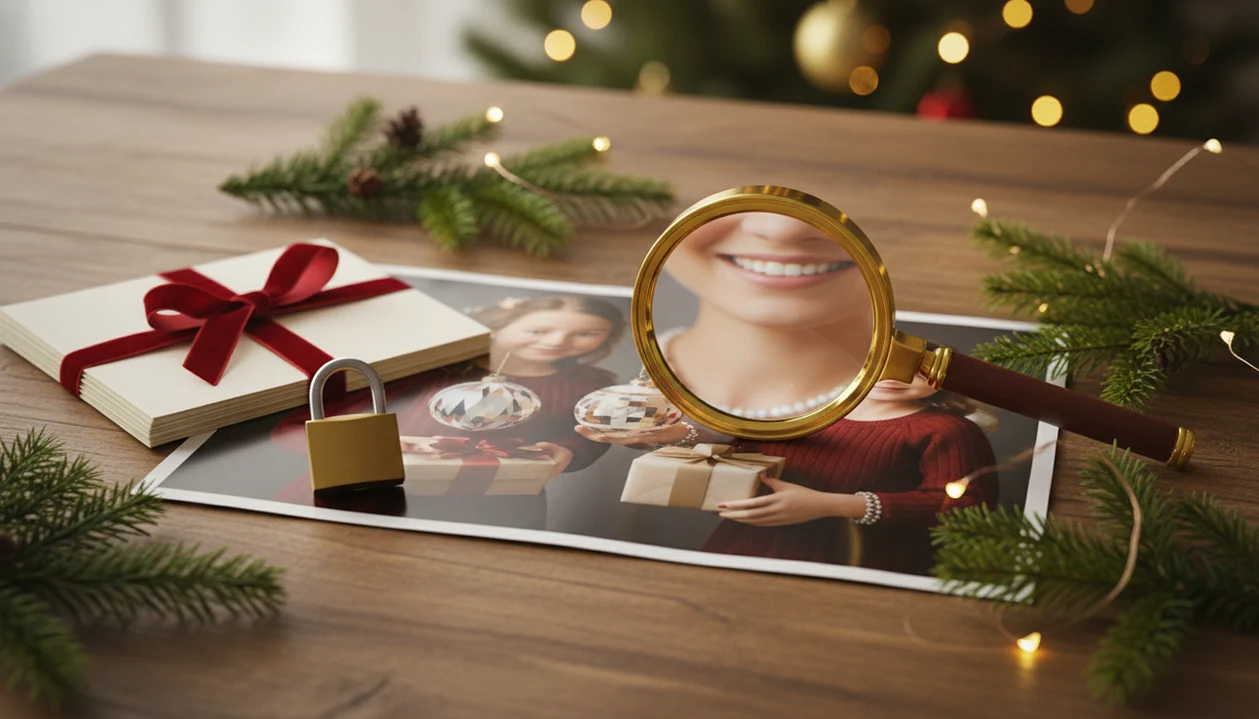
AI Christmas photo myths are often exaggerated: these tools can make realistic holiday portraits, but they are not magic, risk-free, or guaranteed to preserve every face perfectly. The truth depends on the source photo quality, the app’s privacy policy, the output resolution, and how carefully you review the final image.
Definition: AI Christmas photo myths are misconceptions about how AI apps create festive portraits, Santa scenes, cards, and wallpapers from uploaded photos, especially around realism, likeness, privacy, free apps, and print quality.
TL;DR
- AI Christmas photos can look studio-quality, but hands, text, ornaments, jewelry, and lighting can still reveal artifacts.
- Face accuracy depends heavily on the uploaded photo’s lighting, angle, sharpness, and resolution.
- Privacy risk varies by app, so users should check data retention, training use, and image deletion terms before uploading family or child photos.
AI Christmas Photo Myths Definition And Fast Facts
AI Christmas photo myths are mistaken beliefs about what festive AI photo apps can promise, especially around realism, likeness, privacy, free tools, and print quality. The common mistake is treating a generated portrait like a studio camera file instead of a synthetic image based on an upload.
The practical version is simpler. A clear face usually helps. Warm yellow kitchen light, a blurry sleeve, or a tiny face in a group shot can all push the result away from the person you recognize.
Tools like PiXmas can turn one uploaded phone photo into festive portraits, but the user still needs to choose, preview, and inspect the output. Public concern is not fringe either: a 2023 Pew Research Center survey found that 52% of Americans were more concerned than excited about AI in daily life (https://www.pewresearch.org/science/2023/08/28/growing-public-concern-about-the-role-of-artificial-intelligence-in-daily-life/).
Check the face first.
Five Christmas AI Photo Facts Users Should Know
- Realistic scenes are possible, not guaranteed. A Santa chair, snowy porch, or candlelit card image can look convincing, but small details may still give it away.
- Likeness depends on the upload. A sharp, recent, front-facing photo usually beats six dim snapshots where nobody is looking at the camera.
- Free apps have trade-offs. Some use ads, analytics, limited credits, subscriptions, watermark removal, or vague data reuse terms.
- Print quality depends on pixels. A photo that looks crisp on a phone may soften on a 5x7 card or 8x10 wall print.
- Face uploads deserve care. AI tools do not automatically steal identity, but family and child photos should be treated as sensitive personal media.
For most holiday users, one clear source photo is often more useful than many weak uploads because the model has cleaner identity cues to follow.
How AI Christmas Photo Generators Work Behind The Scenes
AI Christmas photo generators usually work by reading a reference image, extracting face structure, pose, lighting, and identity cues, then synthesizing a new festive scene. In plain terms, the app is not photographing a real Christmas moment. It is building a new image that tries to keep the person recognizable.
Many systems use diffusion-style generation, where visual noise is gradually shaped into a portrait output. Face restoration, enhancement, and upscaling may happen afterward. Those are separate steps, and each one can help or hurt the final result.
One sharp, front-facing, well-lit photo can beat a whole camera roll of blurry options. We see this with the iPhone Photos grid all the time: six almost-identical kid snapshots, and only one where the face is actually usable.
Hands, text, ornaments, jewelry, and mismatched lighting remain common failure points. The candy cane can look right while the fingers look wrong.
Common AI Photo Misconceptions About Face Accuracy
Can AI Christmas apps always preserve my face perfectly? No. Face preservation has improved, but it still depends on how much useful detail exists in the uploaded photo.
Blurry selfies, side angles, heavy filters, shadowed faces, and low-resolution screenshots all reduce likeness accuracy. The app may soften age lines, change eye shape, alter a smile, narrow a jawline, or make skin look too polished. Sometimes the person is “close,” but a sibling would notice the difference.
Re-running the same style cannot fully fix missing facial detail. If the upload does not show the eye shape or cheek structure clearly, the model has to guess. Guessing is where the oddness starts.
Use a clear, recent, unfiltered photo with the face visible and the lighting not fighting the app. For family uploads, the bigger privacy question is covered in is it safe to upload family photos.
AI Christmas Photo Privacy Myths About Faces And Child Photos
Not every AI Christmas app automatically steals identity or creates deepfakes. The real privacy question is more specific: who runs the app, what the policy allows, how long uploads are retained, whether deletion is available, and whether images may be used for training or advertising.
Consumer privacy concern is measurable, not hypothetical. Cisco’s 2023 Consumer Privacy Survey reported that 81% of respondents said the way an organization treats personal data indicates how it views and respects customers (https://www.cisco.com/c/dam/enus/about/doingbusiness/trust-center/docs/cisco-consumer-privacy-survey-2023.pdf).
That tracks with real behavior. At the photo permissions prompt, many people pause before choosing full library access. Selected photos only feels safer when the image is a child in pajamas beside the tree.
Avoid uploading sensitive, compromising, or private-location images. A deeper breakdown of retention and face handling belongs in do AI photo apps store your face.
Free AI Christmas Photo App Myths And Data Trade-Offs
App-store availability does not guarantee strong privacy standards. Free AI Christmas photo tools can be useful, but users should inspect how the service earns money and what it says about uploaded images.
| Claim to check | Lower-trust signal | Stronger signal |
|---|---|---|
| Developer identity | Unknown publisher or no support route | Named company with support contact |
| Privacy policy | Generic wording about “improving services” | Clear retention, deletion, and training terms |
| Monetization | Heavy ads or unclear data use | Paid credits, subscriptions, or stated limits |
| Image reuse | No answer on training | Training exclusions or opt-out language |
| Deletion | No visible method | Account or support-based deletion path |
A 2023 MIT-led paper found that some diffusion models can reproduce parts of their training data under certain conditions (https://arxiv.org/abs/2301.13188). Adobe Firefly is often cited separately because Adobe says Firefly is trained on licensed content, Adobe Stock, and public-domain content where copyright has expired (https://www.adobe.com/products/firefly.html).
Before upload, ask: developer, policy, training terms, retention period, deletion method. Also check can AI apps train on my photos if the wording feels vague.
AI Christmas Photo Print Quality Myths For Cards And Wall Art
Phone-screen sharpness does not guarantee print sharpness. A holiday card image, Christmas wallpaper, and wall print each need different output quality because they are viewed at different sizes and distances.
| Output use | Practical pixel target | What to inspect |
|---|---|---|
| 5x7 card at 300 DPI | About 1500x2100 pixels | Face, hands, card edges |
| 8x10 print at 300 DPI | About 2400x3000 pixels | Eyes, hairline, ornaments |
| Phone wallpaper | Device aspect ratio matters more | Cropping around face and text |
| Large wall print | May need upscaling | View from normal wall distance |
AI upscaling can improve apparent sharpness, but it cannot always restore true detail. If the original portrait has plastic skin or melted jewelry, bigger pixels may only make the problem easier to see.
For cards, inspect faces, hands, text, and edges before ordering. For wallpapers, check the crop before the commute. Tiny flaws feel larger on a lock screen.
AI Christmas Photo Myths Versus Real Holiday Photo Use Cases
AI Christmas photos work well when the goal is a festive transformation, not a factual record. They fit holiday portraits, Santa scenes, Christmas wallpapers, digital cards, social posts, creator content, and playful family images.
PiXmas, a Christmas Pictures App, turns one uploaded photo into holiday portraits, Santa scenes, and Christmas wallpapers. Treat those outputs as fast seasonal variations for families, couples, pet owners, and creators—not guaranteed documentary truth.
| Myth | More accurate fact |
|---|---|
| AI replaces a real family session | It can make share-ready creative images |
| Every group face will be perfect | Small or turned faces may change |
| Exact outfits are guaranteed | Clothing may be restyled |
| Santa scenes prove an event happened | They are synthetic keepsakes |
| All outputs are print-ready | Resolution still matters |
For December 23 after bedtime, when no studio appointment is left, AI can be the practical path: upload, select a festive style, review the result, then save or share.
How To Use AI Christmas Photo Facts Before Uploading
Use the facts as a short pre-upload checklist, not as background reading. The goal is to reduce avoidable face, privacy, and print problems before the app ever starts generating.
- Choose one strong source photo. Pick a recent, front-facing image where the face is sharp, well lit, and not hidden by filters, sunglasses, motion blur, or a tiny group crop.
- Read the privacy terms. Before uploading a face, check what the app says about retention, deletion, training use, advertising use, and whether child or family images get any special handling.
- Generate one style first. Do a small test before making a whole batch, then zoom in on the face, hands, text, ornaments, jewelry, and lighting. If the smile or fingers feel off, change the upload or style.
- Check the output size. Look at pixel dimensions before ordering cards, prints, calendars, or wall art. A phone preview can hide softness that appears on paper.
- Delete what you can. If the app offers upload removal, account deletion, or support-based data deletion, use those controls when the holiday project is finished.
What Photo Should You Upload For The Best AI Christmas Result?
The clearest myth to dismiss is that any snapshot works equally well. A sharp, front-facing, well-lit photo with no sunglasses, heavy shadows, or motion blur gives an AI model the most accurate reference for likeness.
Group photos, side angles, or dim indoor shots can still be used, but they tend to produce softer or less consistent facial detail. If a card or wall print is the goal, starting from a clear, recent phone photo matters more than any setting inside the app itself.
How Does PiXmas Compare To A Photographer Or DIY Christmas Photo Setup?
- A 2026 review notes that Photoleap’s free tier is usable for testing the workflow but applies a watermark to exported images and limits AI credits, making paid tiers necessary to remove watermarks and expand usage. (Photoleap creative tools review (Sonary), 2026)
- A 2026 review of Remini AI reports Personal subscription pricing at $6.99 per week, $17.99 per month, or $179.99 per year, while Business tiers run at $9.99 per week, $24.99 per month and $249.99 per year. (Remini AI review and pricing test (Filmora review), 2026)
- The App Store page for Photoleap’s AI Photo Generator in 2026 lists subscription and unlimited access options, including various in-app purchases around $6.99 to $8.99 and annual offerings near $35.99 to $59.99 depending on the product. (Photoleap: AI Photo Generator on the Apple App Store, 2026)
This comparison is about time, cost, and setup effort, not image quality, since a photographer or careful DIY setup can still produce results a phone-based app cannot fully replicate.
Most AI Christmas photo myths collapse once you separate what depends on the source photo, the app's privacy terms, and print settings from what is simply marketing exaggeration or unfounded fear. Checking those specifics, rather than assuming the extreme case, gives a realistic view of tools like PiXmas for holiday cards and gifts.
Limitations
AI Christmas photo generation has real limits, even when the first preview looks strong.
- Strong models can still create extra fingers, warped ornaments, unreadable gift tags, or odd jewelry.
- A blurry, shadowed, or poorly lit upload limits identity preservation.
- Free apps may rely on ads, data collection, subscriptions, or unclear retention terms.
- AI Christmas photos cannot guarantee exact outfits, exact family composition, or real candid emotion.
- Privacy protections vary by app, country, developer policy, and deletion process.
- Print quality depends on final pixel dimensions, compression, upscaling, and the print provider.
- Legal clarity around AI training, retention, and face data remains uneven.
- Child photos deserve extra caution because they are personal, identifying, and often widely shared.
Not every flaw is obvious on the first preview. Zoom in before you save, export, or order prints. If deletion matters, read how to delete photos from AI Christmas app before uploading.
Related guides
FAQ
Can I upload a photo of my pet for an AI Christmas photo?
Yes, many AI Christmas apps accept pet photos, and results are usually most consistent when the pet's face is clearly visible and well lit. Fur detail and markings can vary slightly depending on the source photo's sharpness and angle.
What if my Christmas card needs multiple people in one photo?
Multi-person uploads are supported, but faces toward the back or at an angle tend to render less precisely than a solo or couple photo. Using a clear, evenly lit group photo helps improve consistency across faces.
Do AI Christmas photos work for wall art prints?
They can, but wall art needs a higher output resolution than a card or social post. PiXmas and similar apps typically offer export or upscale options meant for larger print sizes, which should be selected before ordering a print.
How is my uploaded photo used after I generate a Christmas image?
This depends on the app's privacy policy and retention terms, which vary by provider. PiXmas outlines its data handling in its policy, and users should review deletion and storage terms before uploading sensitive or child photos.
Can I regenerate an AI Christmas photo if I do not like the first result?
Most AI Christmas apps, including PiXmas, allow regenerating a result from the same uploaded photo if the first output has odd artifacts or an inaccurate likeness. Trying a sharper or better-lit source photo often improves the next attempt.